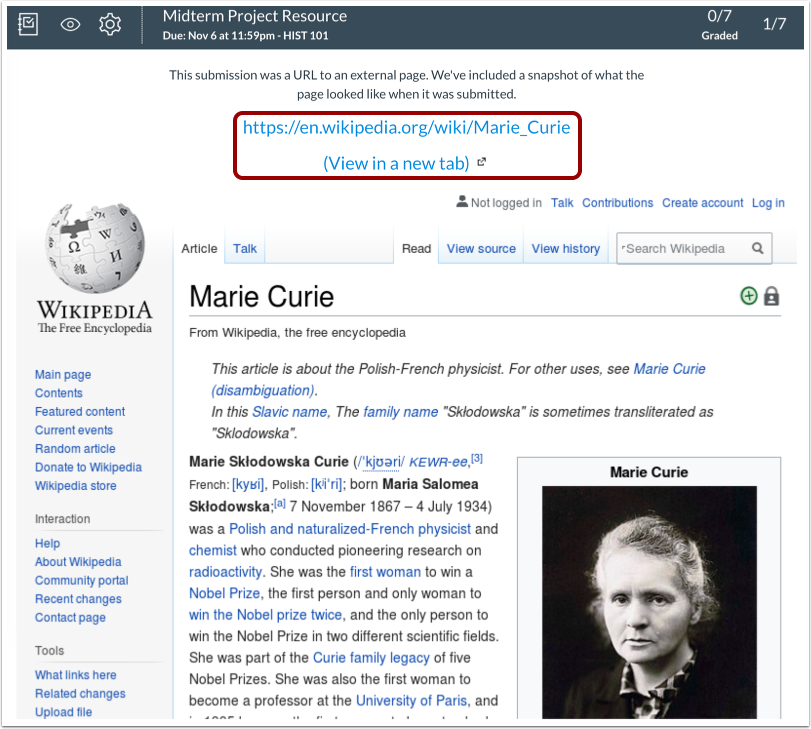
You can grade website URL submissions in SpeedGrader. SpeedGrader displays a screenshot of the website taken at the time the student submitted, as well as a link to view the full website.
Note: DocViewer annotations are not available for website URL submissions.
Open SpeedGrader
Open SpeedGrader from the assignment.
Select Submission
Select the student whose submission you would like to view.
View Submission
View the submission. SpeedGrader displays a screenshot of the website at the time of submission. To view the full website, click the URL link.
Grade Submission
To grade the submission, enter a grade in the Grade field [1].
If you added a rubric to the assignment, you can view the rubric by clicking the View Rubric button [2].