00:07: How do I like a reply in a course discussion as an instructor?
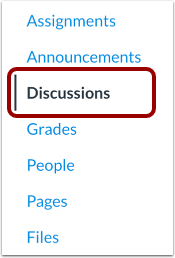
00:11: In Course Navigation, click the Discussions link.
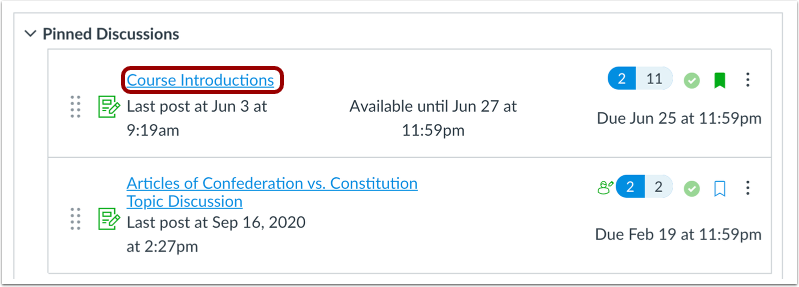
00:15: Click the title of the discussion.
00:18: Locate the reply and click the Like icon.
00:22: The Like icon fills in, indicating you have liked the reply.
00:27: The Like icon also displays the total number of times a reply has been liked.
00:32: This guide covered how to like a reply in a course discussion as an instructor.
Open Discussions
In Course Navigation, click the Discussions link.
Open Discussion
Click the name of the discussion.
Like Discussion Reply
Locate the reply and click the Like icon.
View Liked Reply
The Like icon fills in, indicating you have liked the reply [1].
The Like icon also displays the total number of times a reply has been liked [2].