00:07: How do I import a Canvas course export package?
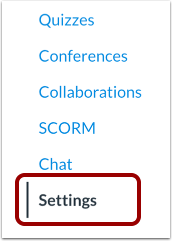
00:11: In Course Navigation, click the Settings link.
00:14: Click the Import Course Content link.
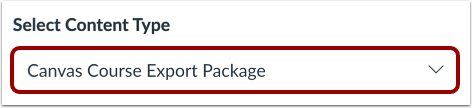
00:18: In the Content Type drop-down menu, choose the Canvas Course Export Package
00:22: option.
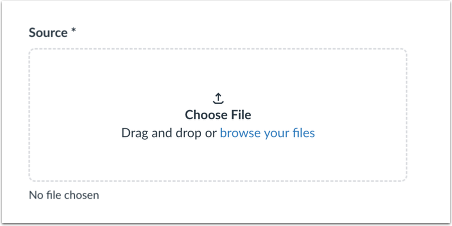
00:24: Click the Choose File button.
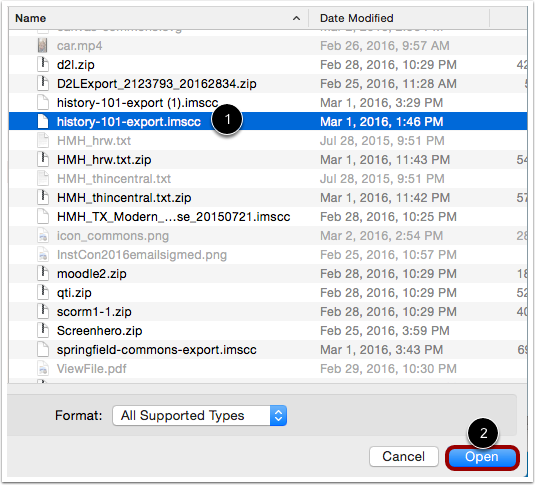
00:26: Choose the .imscc file you want to import and then click the Open button.
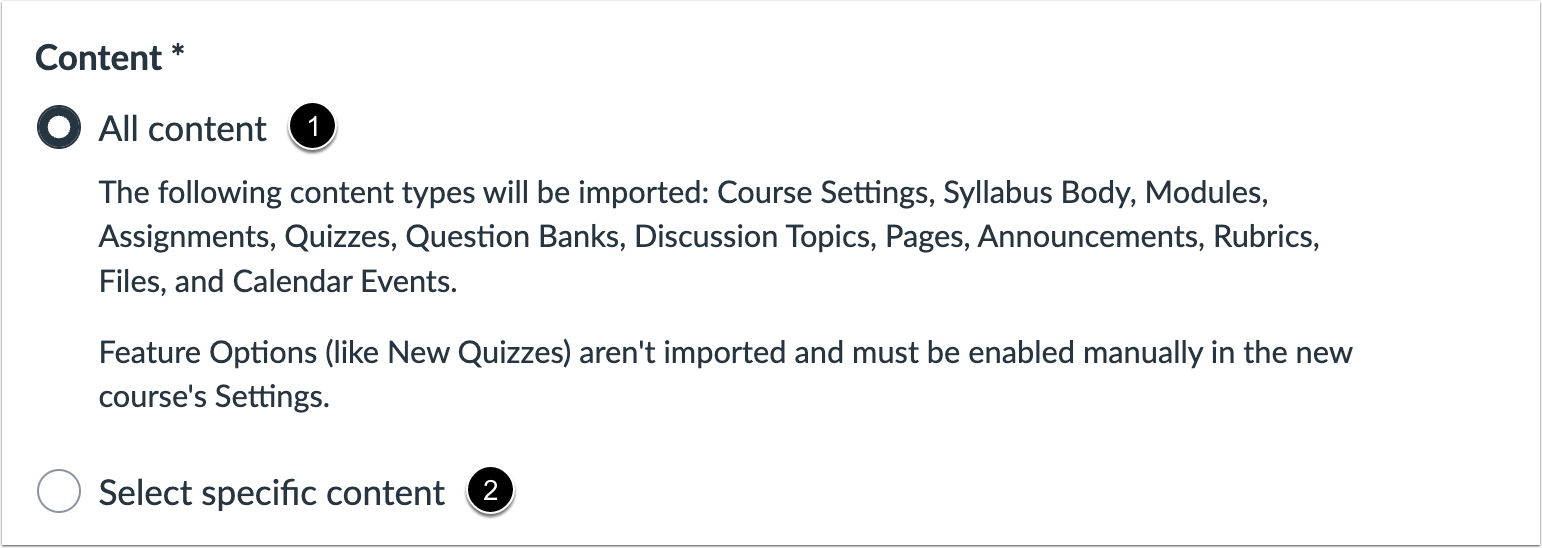
00:32: To import all content from the course, select the All content radio
00:36: button. If you want to select specific content, click
00:40: the Select specific content radio button.
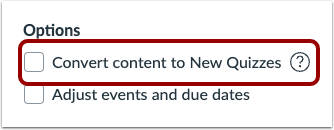
00:44: If allowed by your institution, you can bulk migrate existing quizzes
00:48: into New Quizzes by clicking the Convert content to New Quizzes checkbox.
00:54: If your institution enables the quiz migration feature, question
00:58: banks linked via a question group in Classic Quizzes will migrate to New
01:02: Quizzes. If the quiz migration feature is not enabled by your institution,
01:06: questions from question banks must be individually added before
01:10: migrating to New Quizzes.
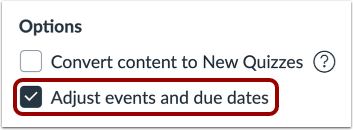
01:13: If you want to adjust the due dates associated with the course events and
01:17: assignments, click the Adjust events and due dates checkbox.
01:22: When importing content, a message displays explaining that importing the same
01:27: course content or export package more than once overwrites any existing
01:31: content in the course.
01:33: Click the Add to Import Queue button.
01:36: The Content imports section displays the status of your import. Running
01:41: reports display a progress bar.
01:44: If you chose to select specific content in your course, the current
01:48: job will show as Waiting for selection, which means you must select the content
01:52: you want to import. The import may also display other
01:56: status indicators as part of the import process.
01:59: Learn more about course import statuses. View
02:03: the content from any completed imports by accessing any link
02:07: in Course Navigation.
02:09: This guide covered how to import a Canvas course export package.
02:15: This guide covered how to import a Canvas course export package.