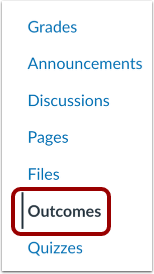
00:10: In Course Navigation, click the Outcomes link.
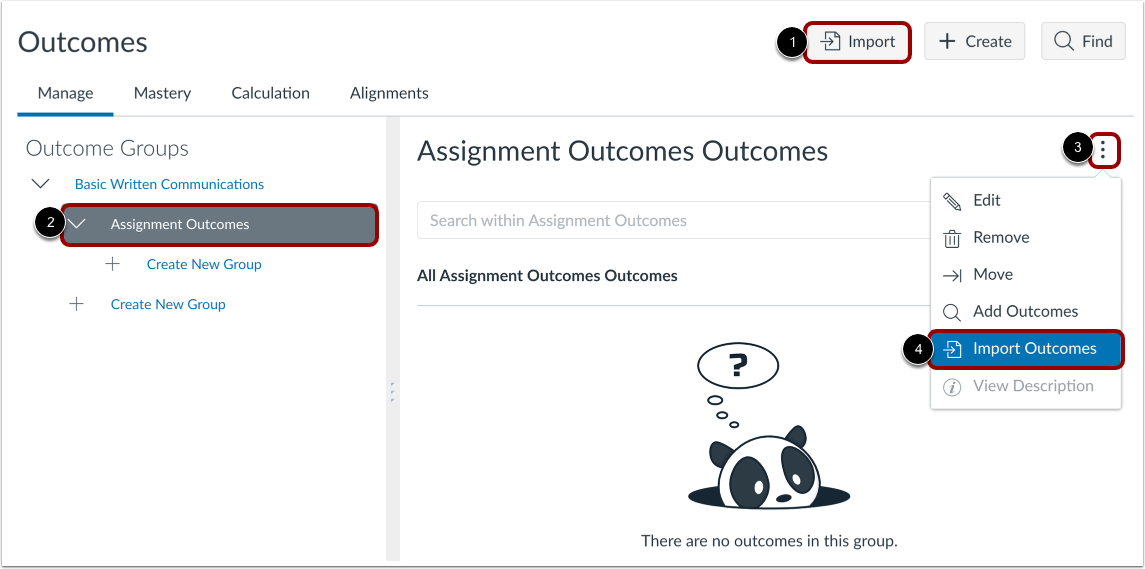
00:14: To import an Outcome at the root level course outcome group, click the Import button.
00:19: To import an Outcome in a specific outcomes group, select an outcome group. In
00:24: the outcome group, click the Options icon, then select the Import Outcomes
00:28: option.
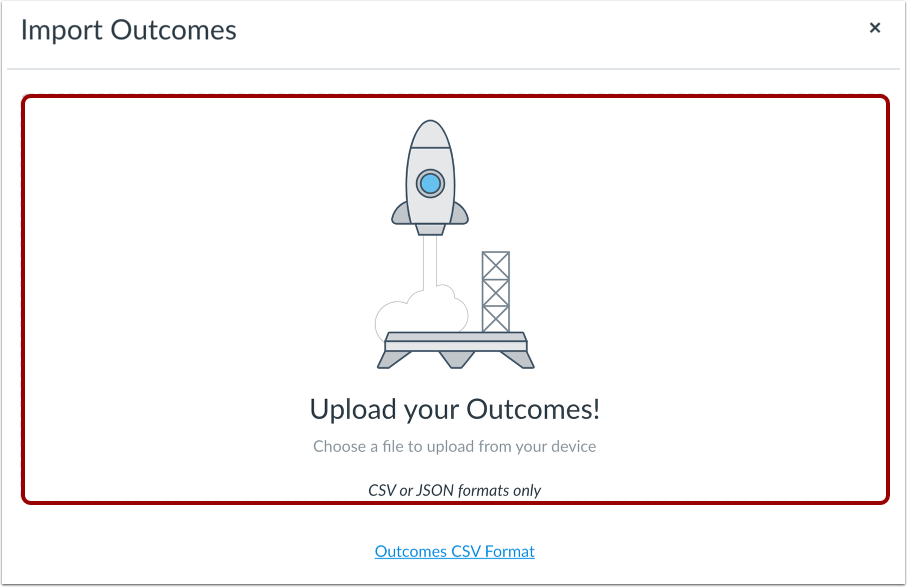
00:30: Drag and drop your CSV file to the upload area, or click
00:34: in the upload area to choose a file from your computer.
00:38: Take note that Outcomes import supports CSV or JSON files.
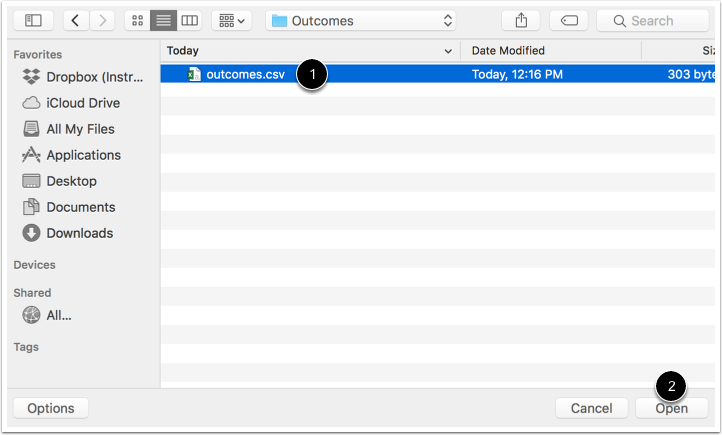
00:43: Locate the CSV file and then click the Open button.
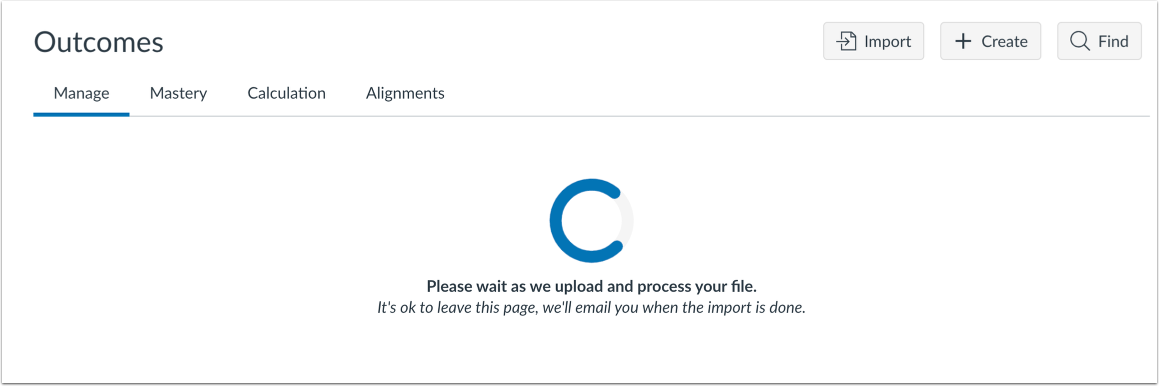
00:48: Canvas displays a loading page while the file uploads.
00:51: Large CSV files may take time to import.
00:55: You can leave the Outcomes page at any time without disrupting the import process.
01:01: When the file has been successfully imported, Canvas displays a
01:05: confirmation message. You will also receive an email that the import was successful.
01:10: If the import was not successful or if the import altered existing
01:14: outcomes, Canvas displays an error message. The
01:19: error message displays for outcome import errors and for outcome import
01:23: warnings. You will receive an email with details about the
01:27: first 100 errors and warnings. Each error or warning includes
01:32: the CSV row number and a description of the error or warning.
01:37: Import errors stop the import process entirely and need to be fixed
01:41: before outcomes can be imported successfully. The following types of errors
01:45: may occur in CSV files: Import file
01:49: contains no data Invalid headers are present
01:54: Invalid UTF-8 string Required fields
01:58: are missing Required headings are missing
02:03: Other headings are placed after the ratings header
02:06: When an import warning occurs, Canvas skips the affected row and the import
02:11: moves on. The following types of warnings may occur in CSV files:
02:16: Calculation validation method not specified
02:20: Group receives invalid fields Object type is
02:24: incorrect Outcome edits are not within the same context
02:30: Parent groups are invalid Parent group refers to missing
02:34: outcomes Rating tiers have invalid point values
02:40: Rating tiers have missing points Rating tiers
02:43: have points in wrong order Workflow state is invalid
02:48: Correct the errors in the CSV file according to the Outcomes Import Format
02:53: Documentation and re-import the file.
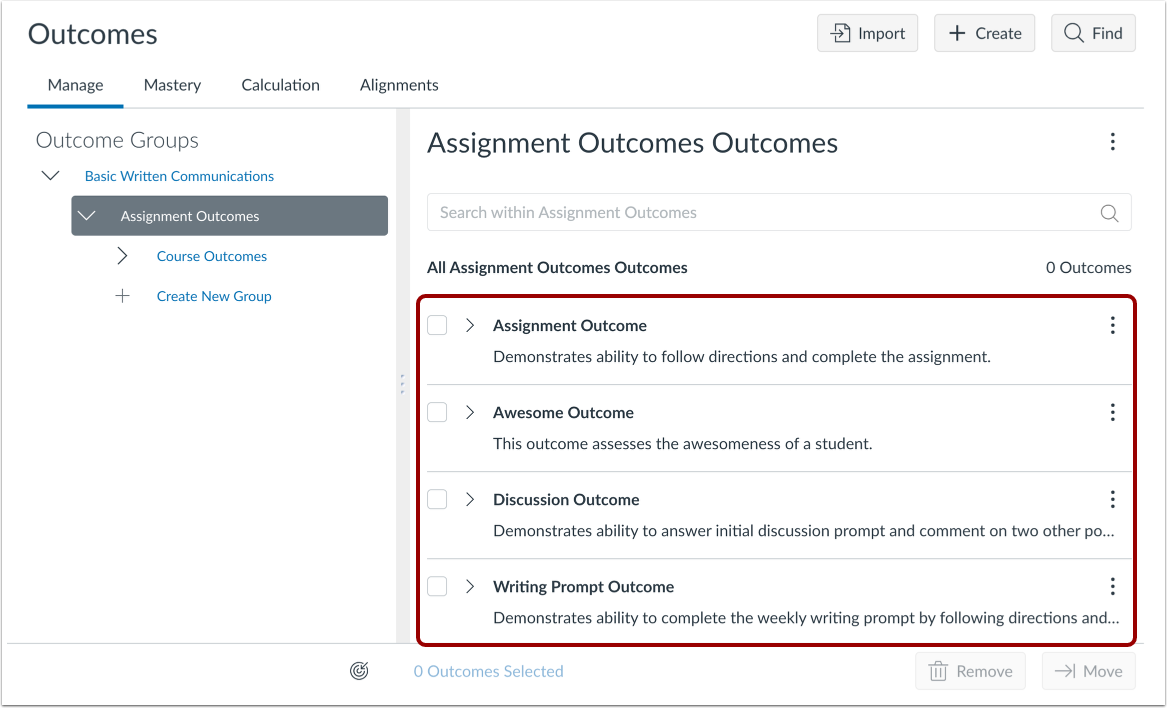
02:56: View the outcomes imported into your course.
03:00: This guide covered how to import outcomes into a course in Improved Outcomes
03:04: Management.