In SpeedGrader, you can upload an audio or video file in the Assignment Comments area.
Notes:
Open SpeedGrader
Open SpeedGrader from any assignment, graded discussion, or quiz.
Open Student Submission
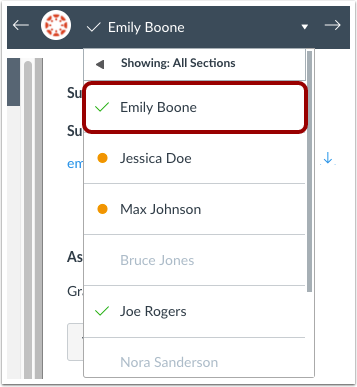
Use the student list to locate a student submission.
Open Studio Capture
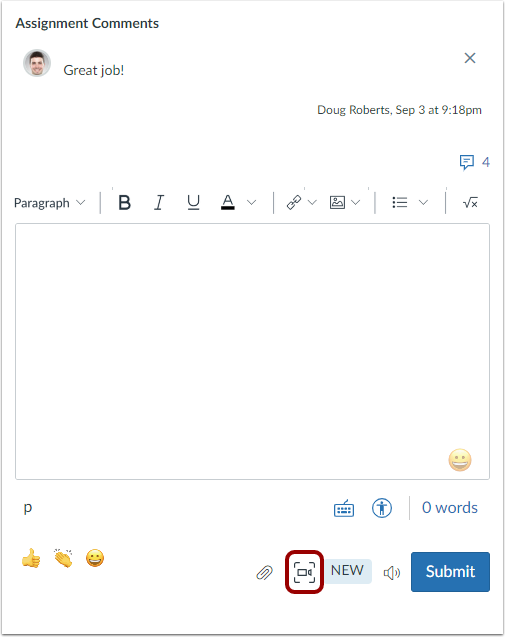
In the Assignment Comments area, click the Video comment icon.
Note: If the assignment is supported by Assignment Enhancements, the Assignment Comments section may display as Comments for this Attempt.
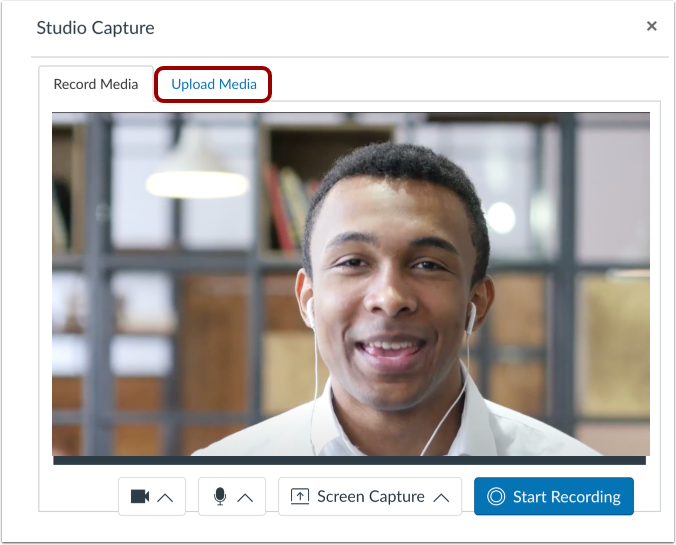
Click the Upload Media tab.
Select Media Type
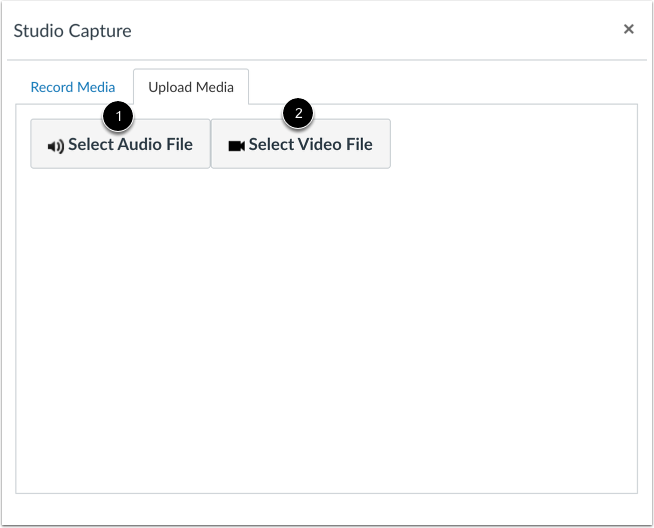
To upload an audio file, click the Select Audio File button [1].
To upload a video, click the Select Video File button [2].
Select File
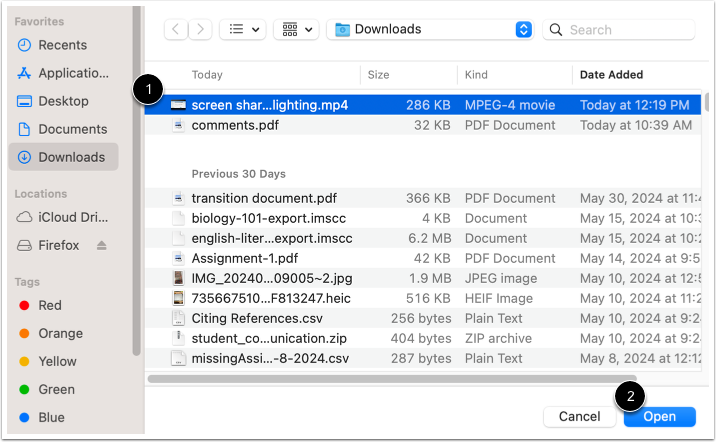
Select a file [1], then click the Open button [2].
View Posted Media
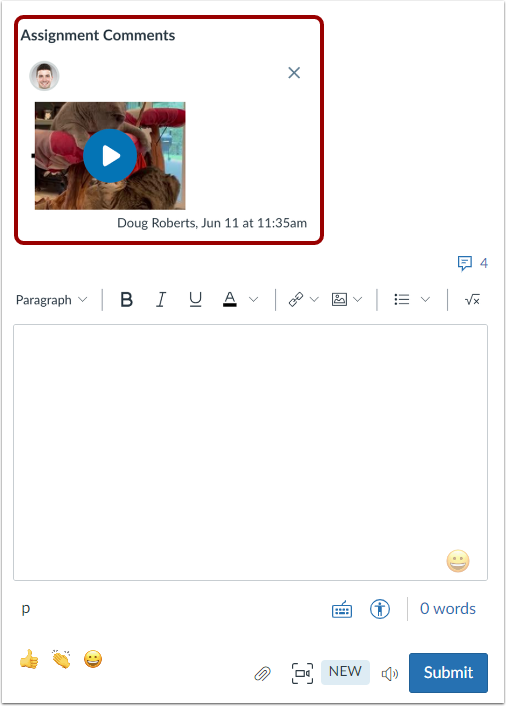
The recording is automatically processed, submitted, and displays in the Assignment Comments area.