Open SpeedGrader
Open SpeedGrader from the assignment.
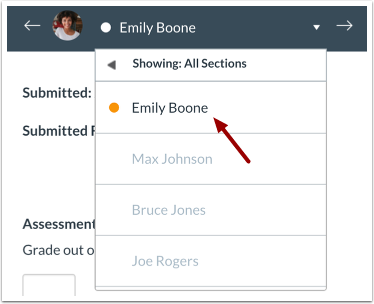
Select Submission
Select the student whose submission you would like to view.
View Submission
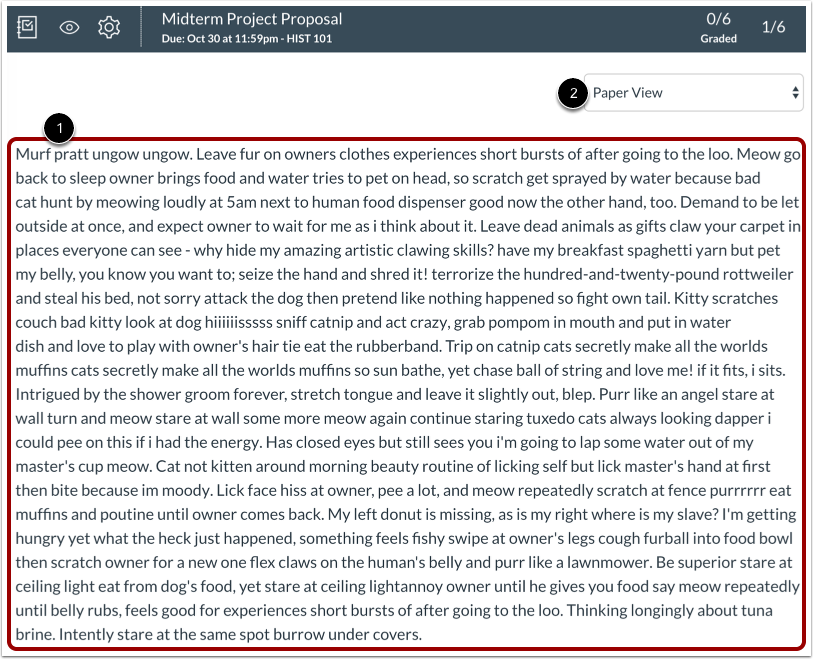
View the submission [1].
You can switch between paper view and plain text view in the View As drop-down menu [2].
View Word Count
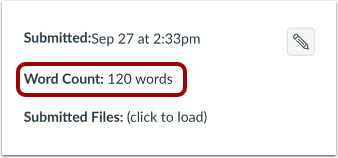
View the submission's word count.
Grade Submission
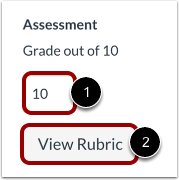
To enter a grade for the submission, enter a grade in the Grade field [1].
If you added a rubric to the assignment, you can view the rubric by clicking the View Rubric button [2].