00:07: How do I move or reorder a discussion in a course?
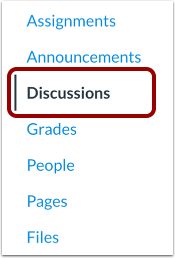
00:11: In Course Navigation, click the Discussions link.
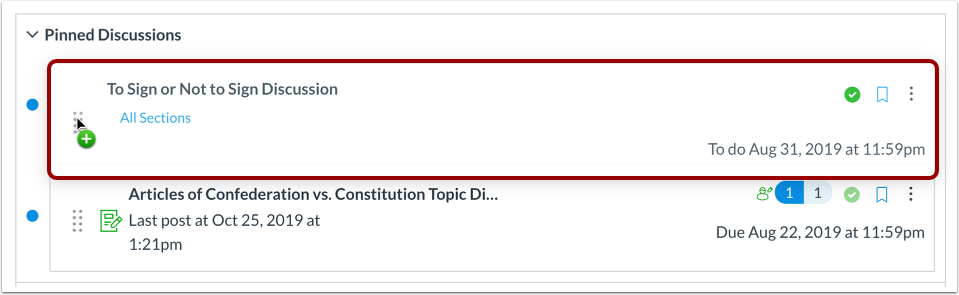
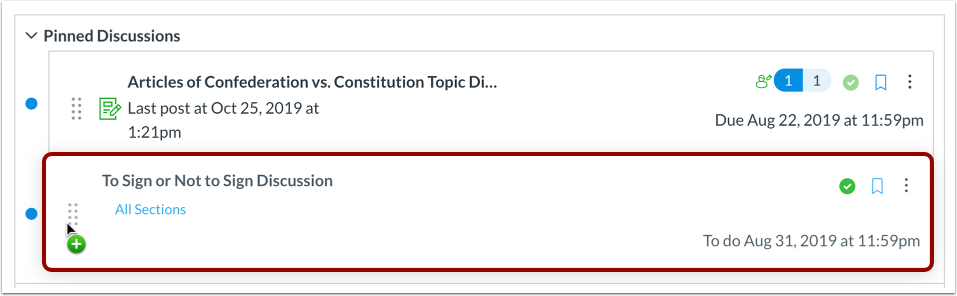
00:15: You can use the drag and drop option to reorder pinned discussions.
00:19: Click and drag the discussion to the desired location within
00:23: the section.
00:25: Drop the discussion by releasing the mouse.
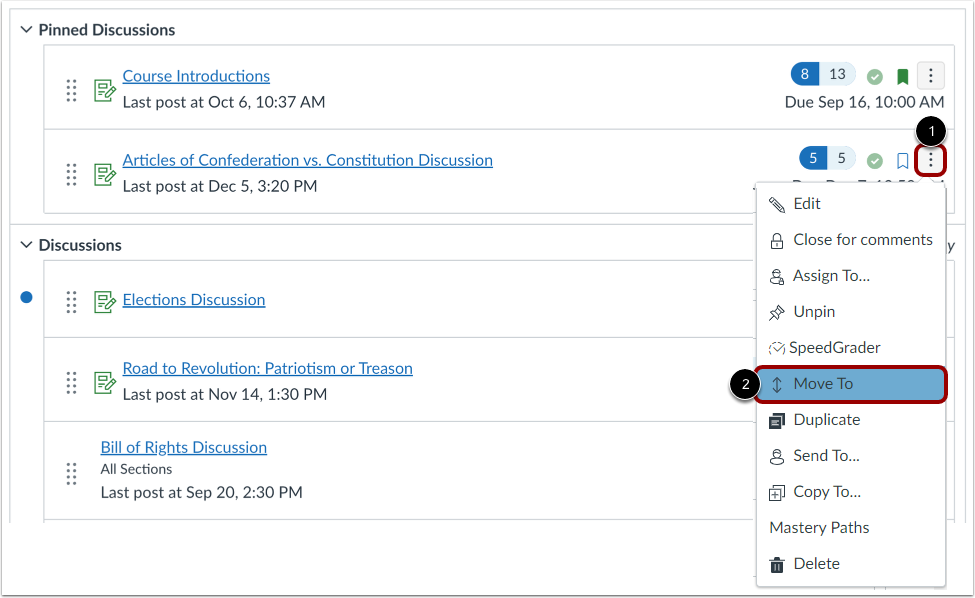
00:29: You can also use the Move To option to reorder a pinned discussion. Click
00:33: the Options icon and select the Move To link.
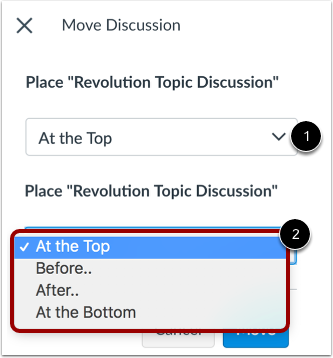
00:37: In the move discussion, sidebar click the place.
00:40: Drop down menu.
00:42: Select the placement of the discussion you are moving.
00:45: You can move the discussion so it is located at the top of the section,
00:49: before a specific discussion, after a specific discussion, or at the bottom
00:53: of the section.
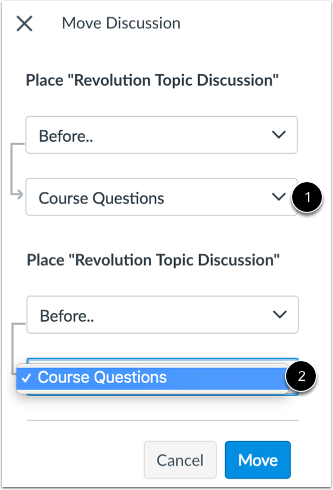
00:55: If you selected the before, or after option, click the second drop down
00:59: menu.
01:01: Select the discussion that should be before or after the discussion
01:05: you are moving, as indicated by the option selected in the previous menu.
01:10: If you want to move the discussion to another location, change the sidebar
01:14: placement options again.
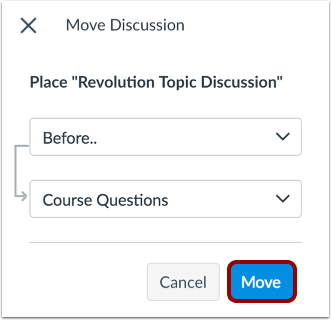
01:17: Click the Move button.
01:19: This guide covered how to move or reorder a discussion in a course.