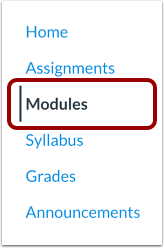
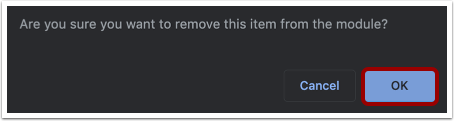
You can remove individual content items from your modules.Removing a item will only remove it from the selected module. If you have included the item in other modules, they will not be affected.View the video transcript00:07: How do I remove module items?00:10: In Course Navigation, click the Modules link.00:13: Click the Options icon and select the Remove link.00:17: Click the OK button.Open ModulesIn Course Navigation, click the Modules link.Remove Module ItemClick the Options icon [1] and select the Remove link [2].Confirm RemovalClick the OK button.