In Mastery Connect, you can permanently delete both single and multi-standard assessments from published trackers.
Note:
Open Tracker
In the Mastery Trackers Home page [1], locate the tracker you want to delete a formative assessment from and click the name link [2].
Delete Multi-Standard Assessment
In the Tracker View page, click the assessment Option icon [1]. Then click the Delete link [2].
Open Standard
To delete a single-standard assessment, find the standard that includes the assessment you want to delete and click the standard Option icon [1]. Then click the Assess link [2].
Delete Single-Standard Assessment
In the Standard View page, click the title header Option icon [1] of the assessment you want to delete . Then click the Delete Assessment link [2].
Confirm Delete
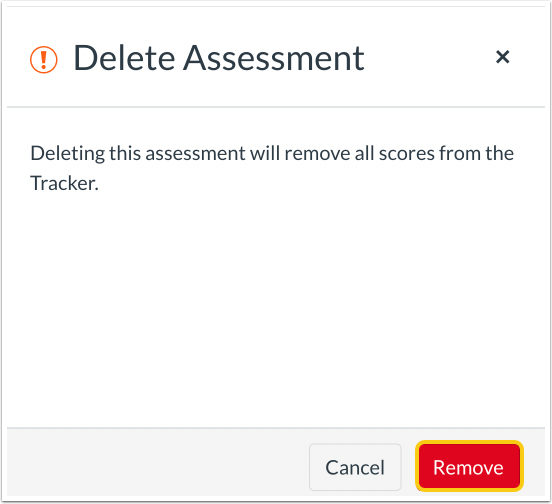
To permanently delete both single and multi-standard assessments, in the Delete Assessment window click the Remove button [1].