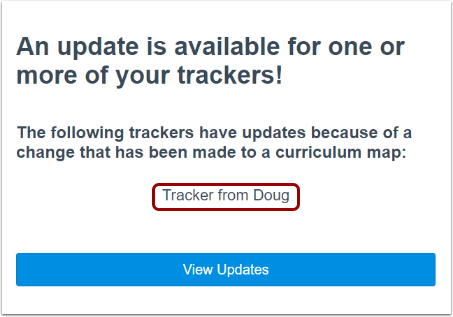
After you edit a shared curriculum map that you created, you can send an update email notification. Anyone with whom the map is shared receives the email. They can then apply the changes to their linked trackers.
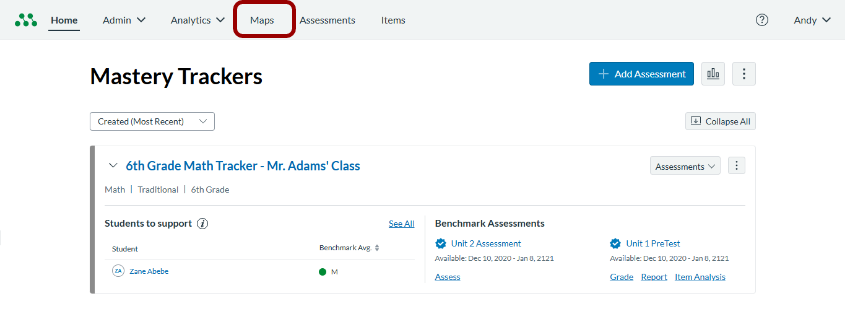
Open Maps
In the Global Navigation menu, click the Maps link.
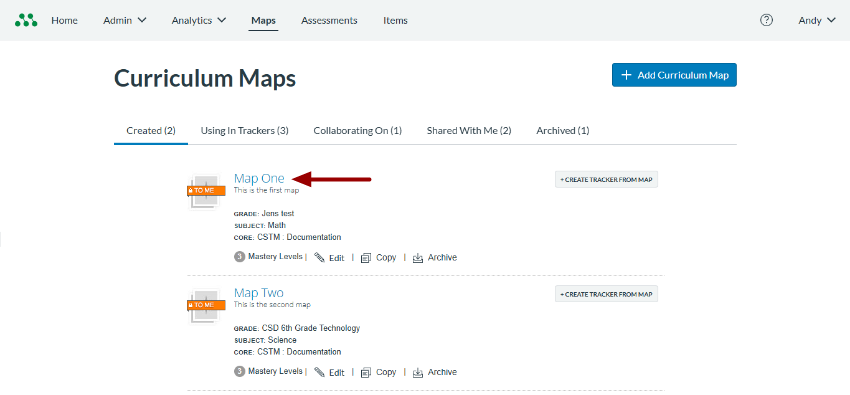
Open Curriculum Map
Click a curriculum map name link.
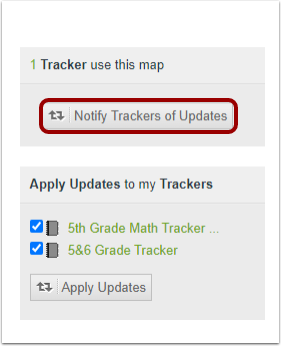
Notify Other Users
Click the Notify Trackers of Updates button.
Note: If you do not see this button, there are no updates needing notification.
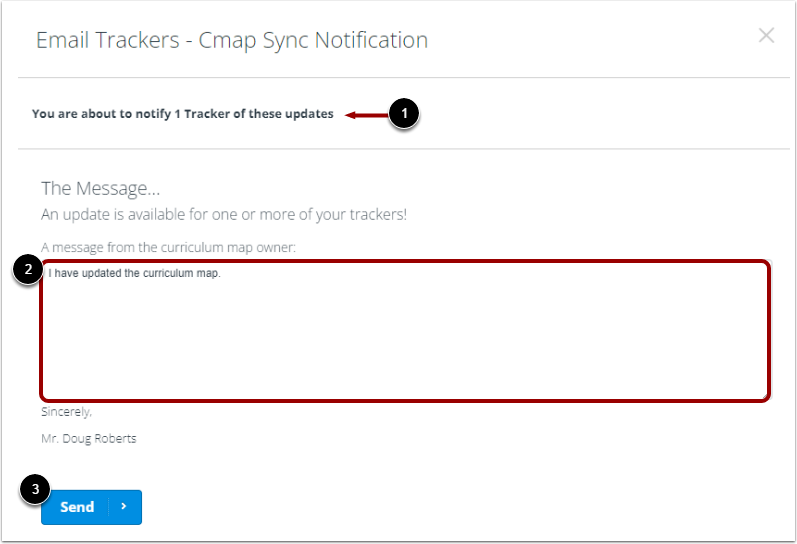
Send Message
In the Email Trackers - Cmap Sync Notification window, view the number of email recipients [1].
Enter a message to the users in the Message field [2].
To send the message, click the Send button [3].
View Email Notification
The email notification displays a list of the user's linked trackers.
Learn about applying curriculum map updates to linked trackers.