How do I deliver a benchmark assessment to students using bubble sheets?
How do I deliver a benchmark assessment to students using bubble sheets?
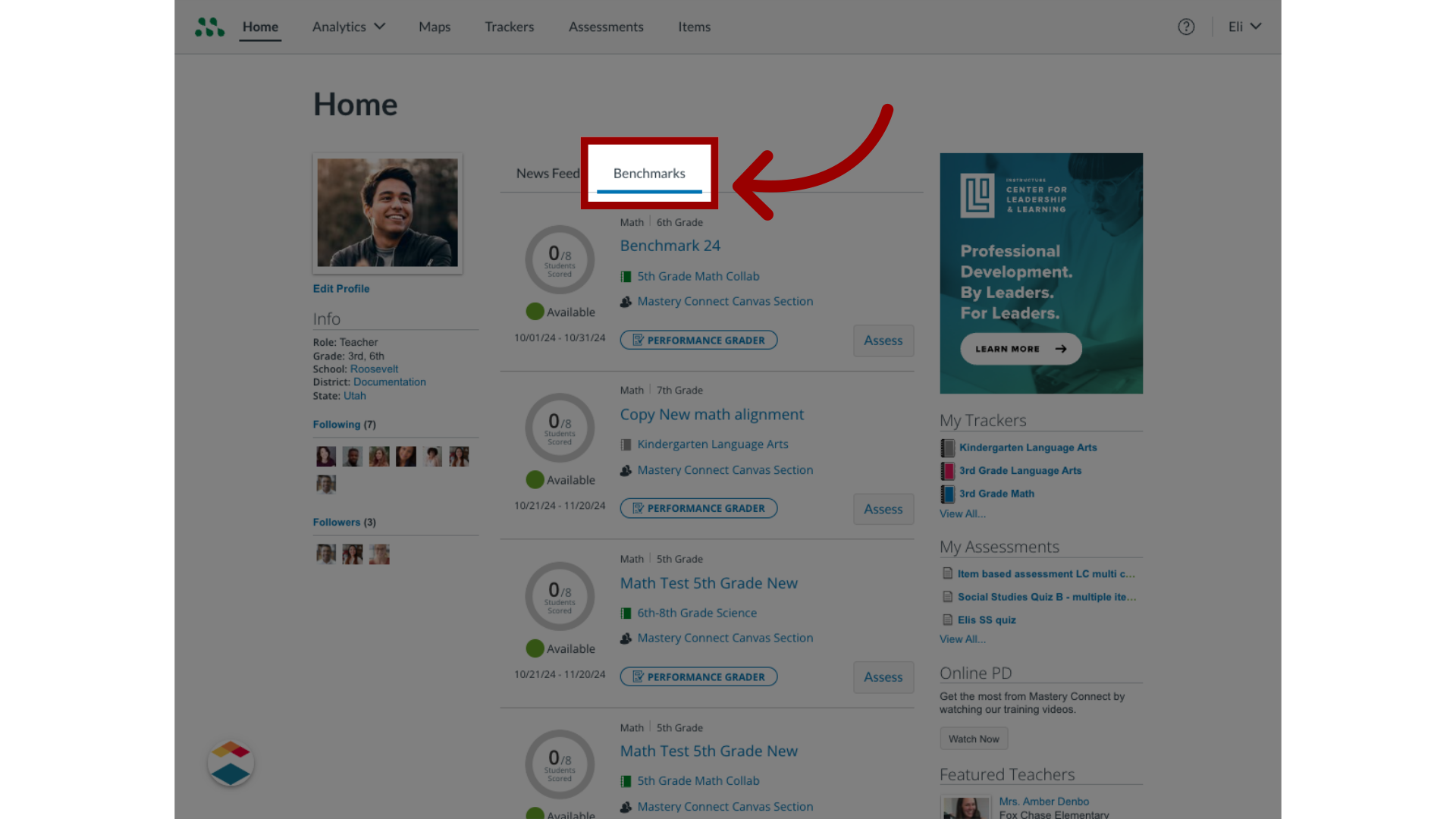
1. Open Benchmarks
In your Mastery Connect Home page, locate the tracker the benchmark is in.
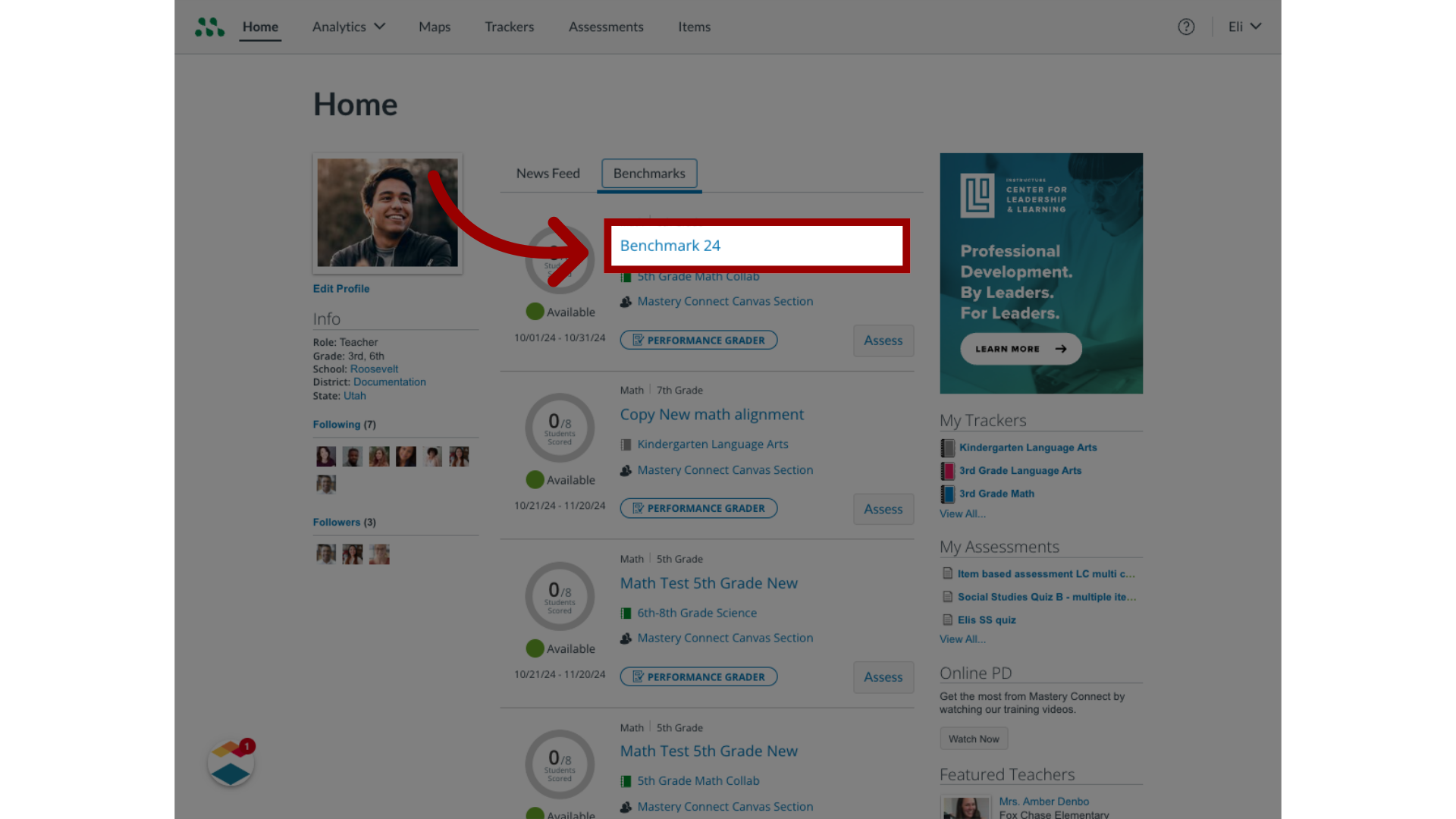
2. Open Benchmark
Then, locate the assessment you want to print and click the benchmark name link.
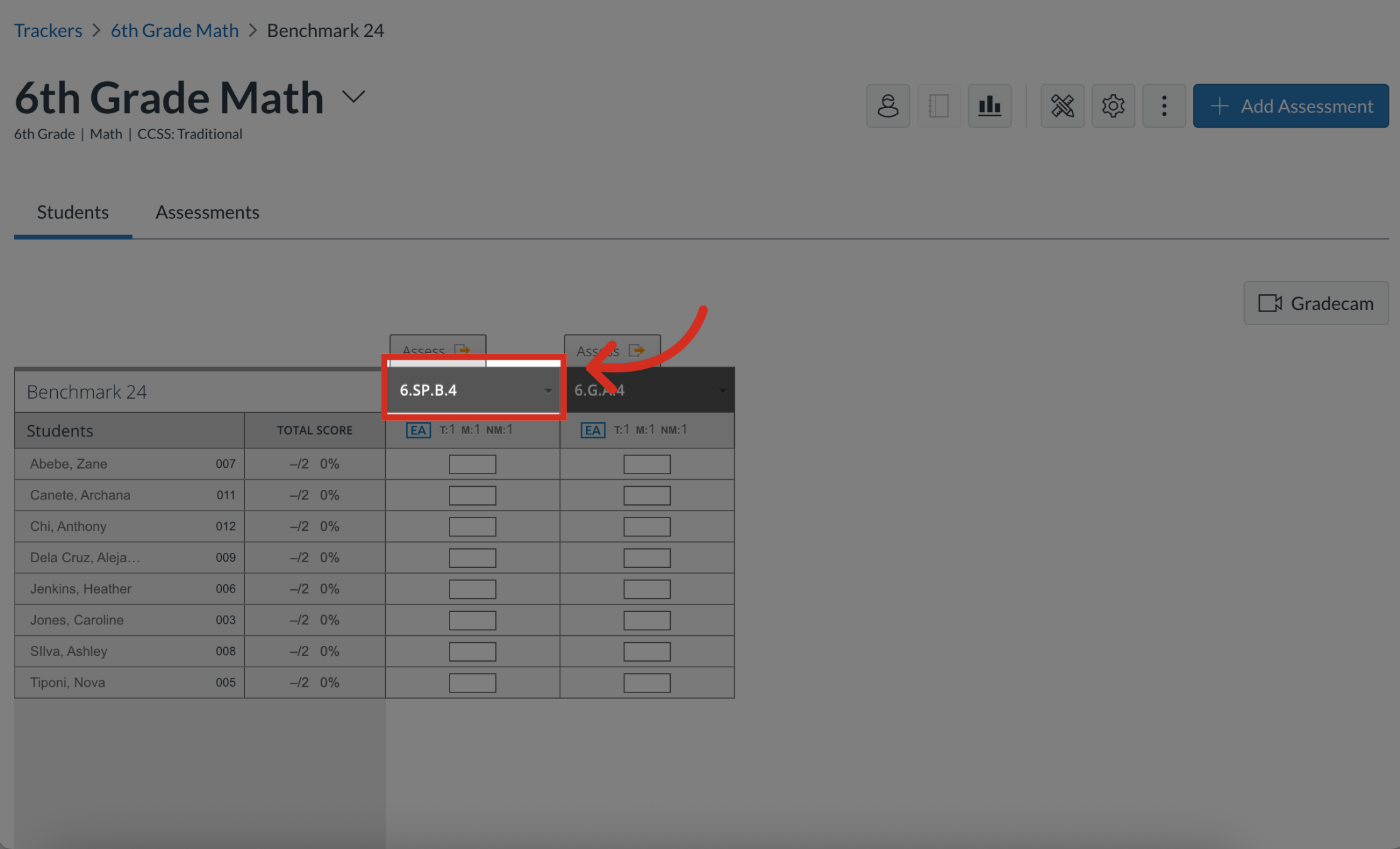
3. Open Assessment
Click the Assessment title.
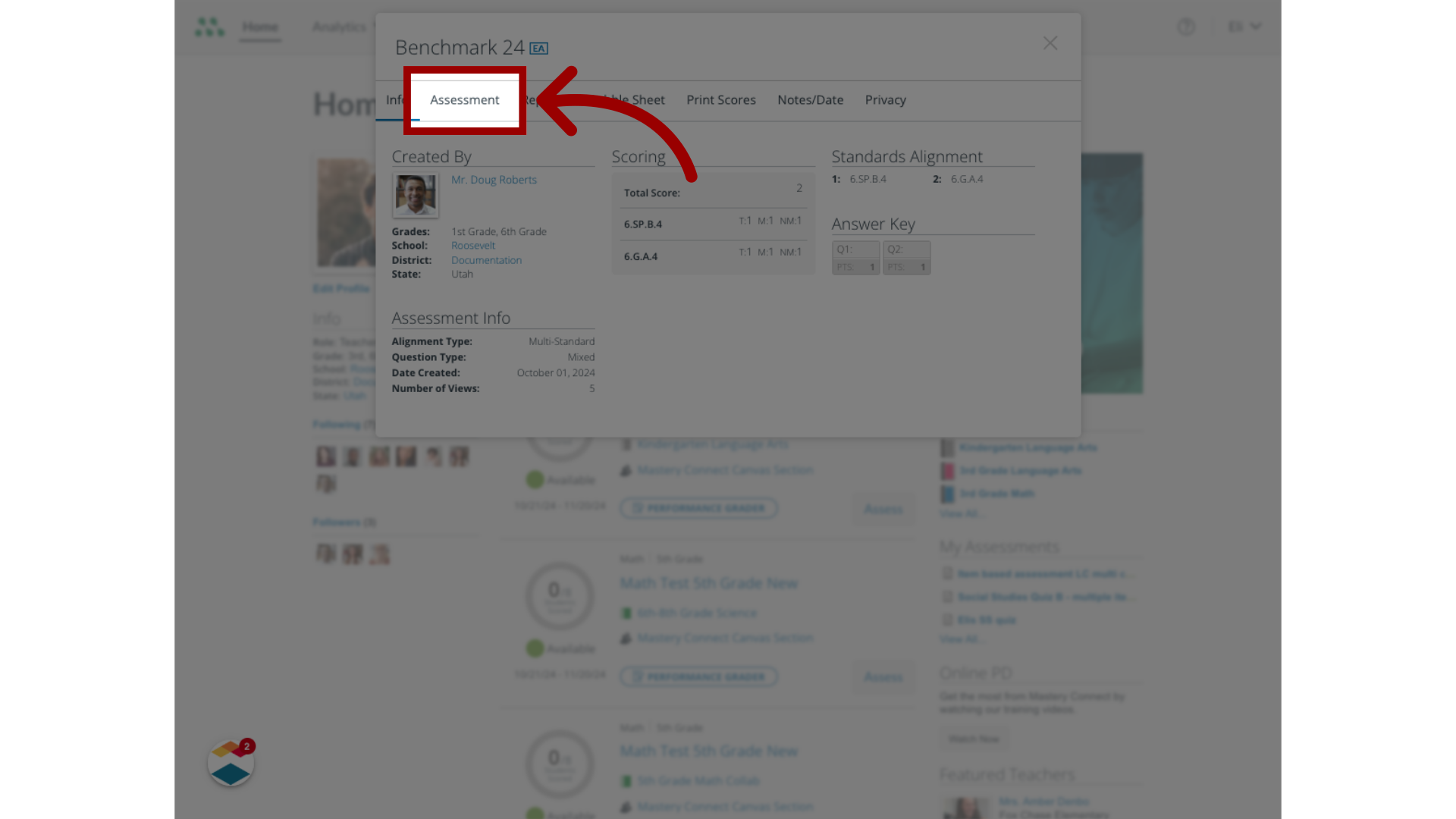
4. View Assessment
In the Assessment dialog box, click the Assessment tab.
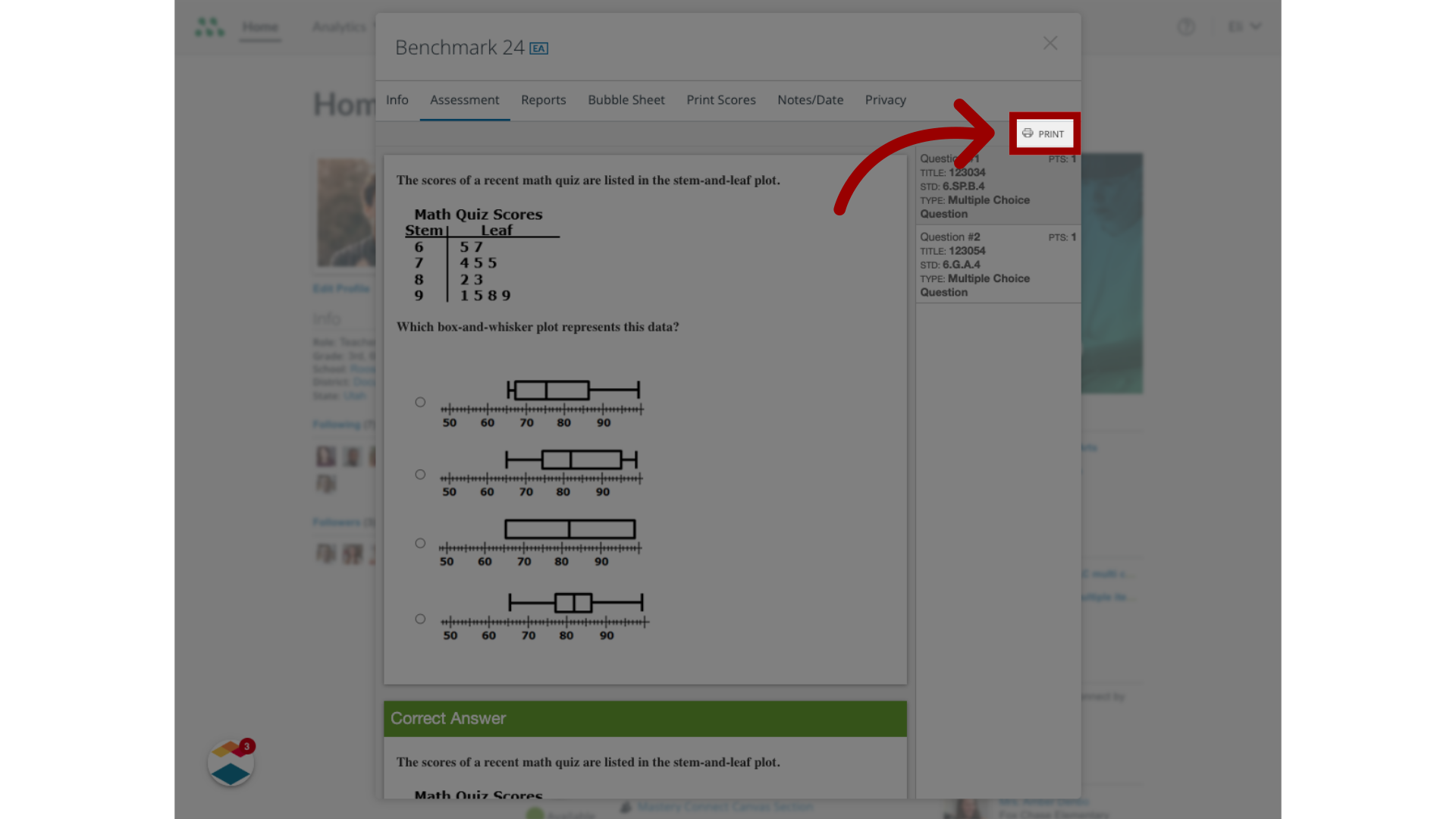
5. Print Assessment
In the Assessment display, click the Print button.
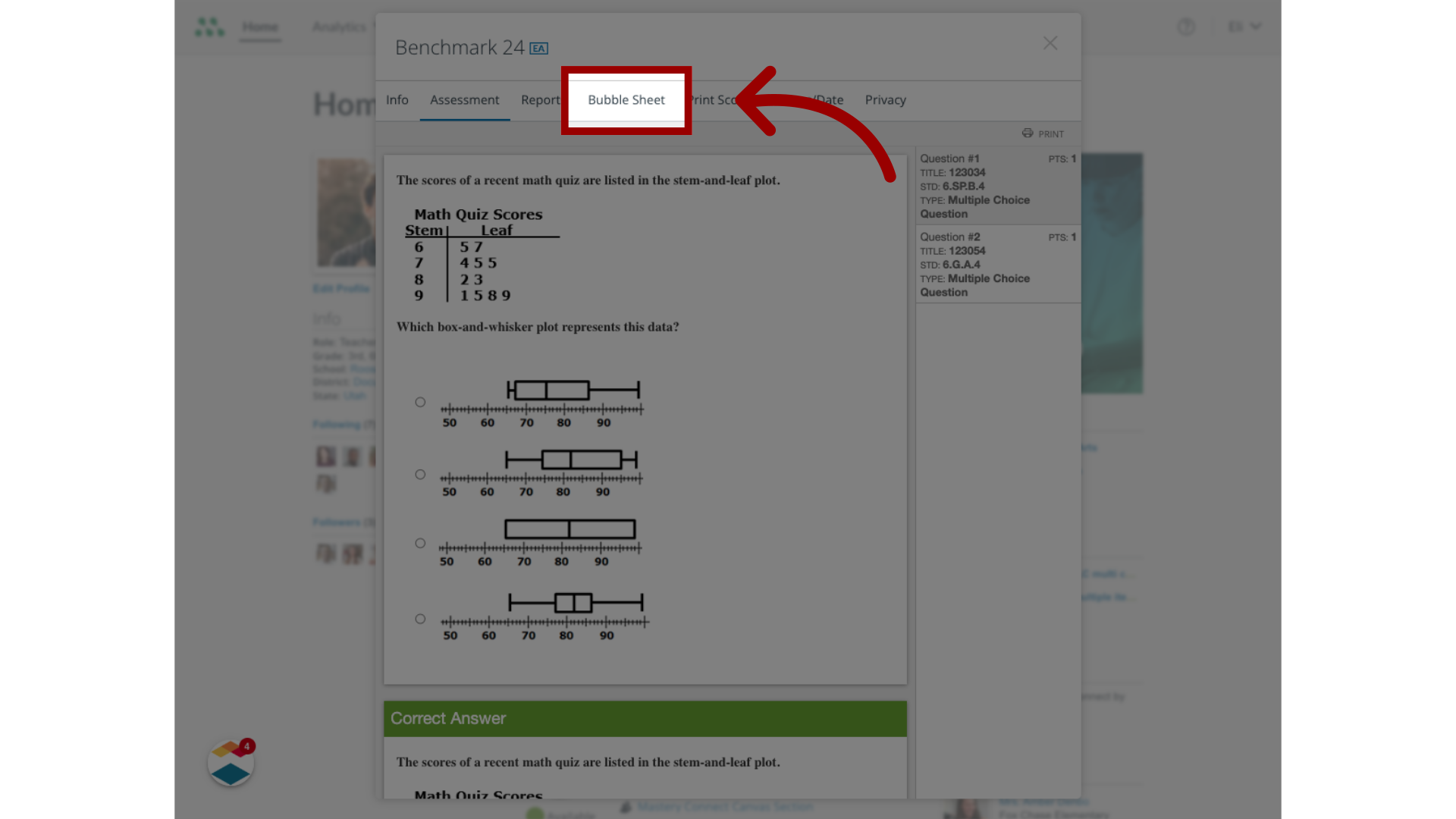
6. Open Bubble Sheets
To generate bubble sheets for the assessment, click the Bubble Sheet tab.
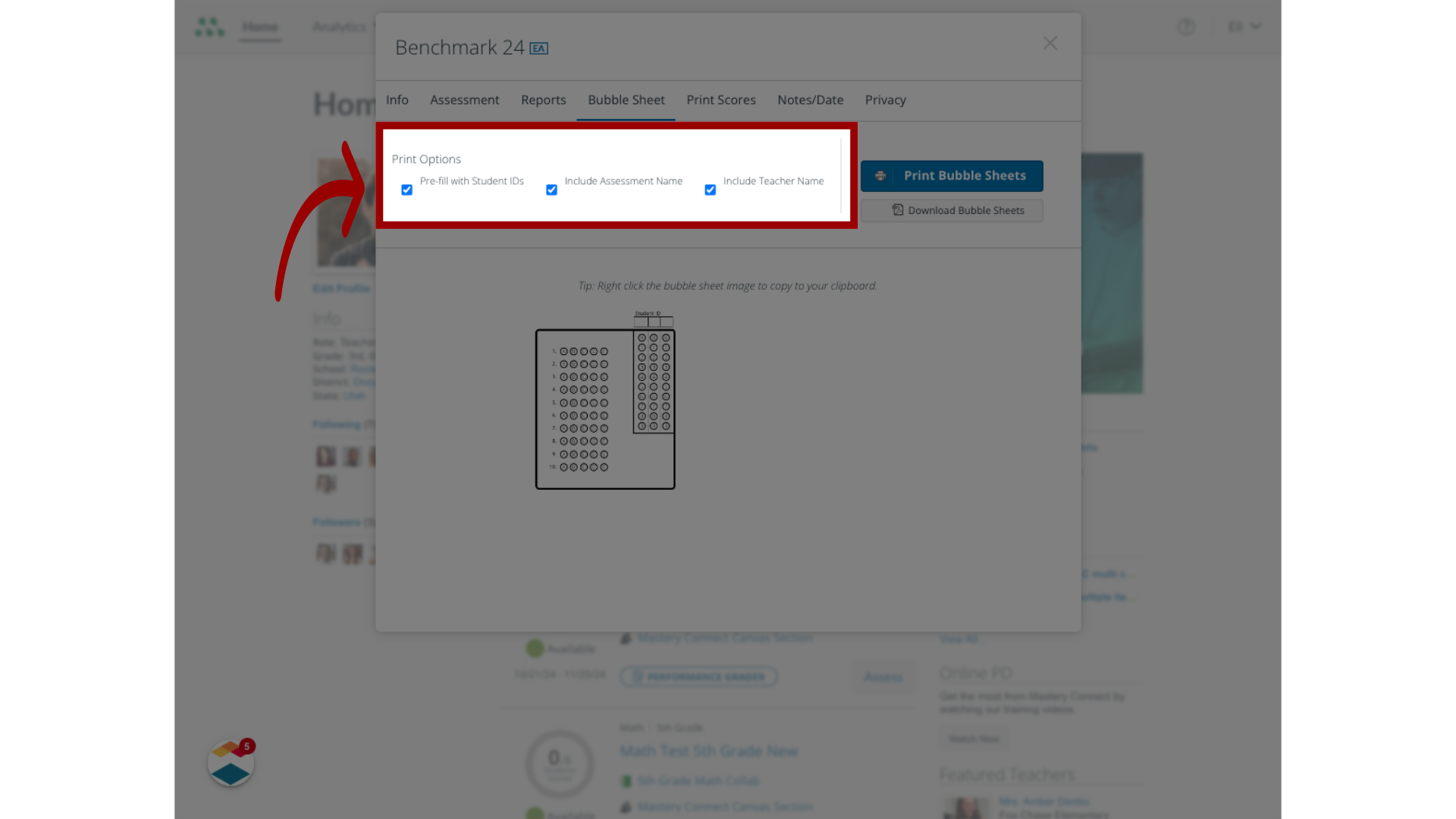
7. Customize Bubble Sheets
To customize the print options, including pre-filling with student IDs, click the checkboxes.
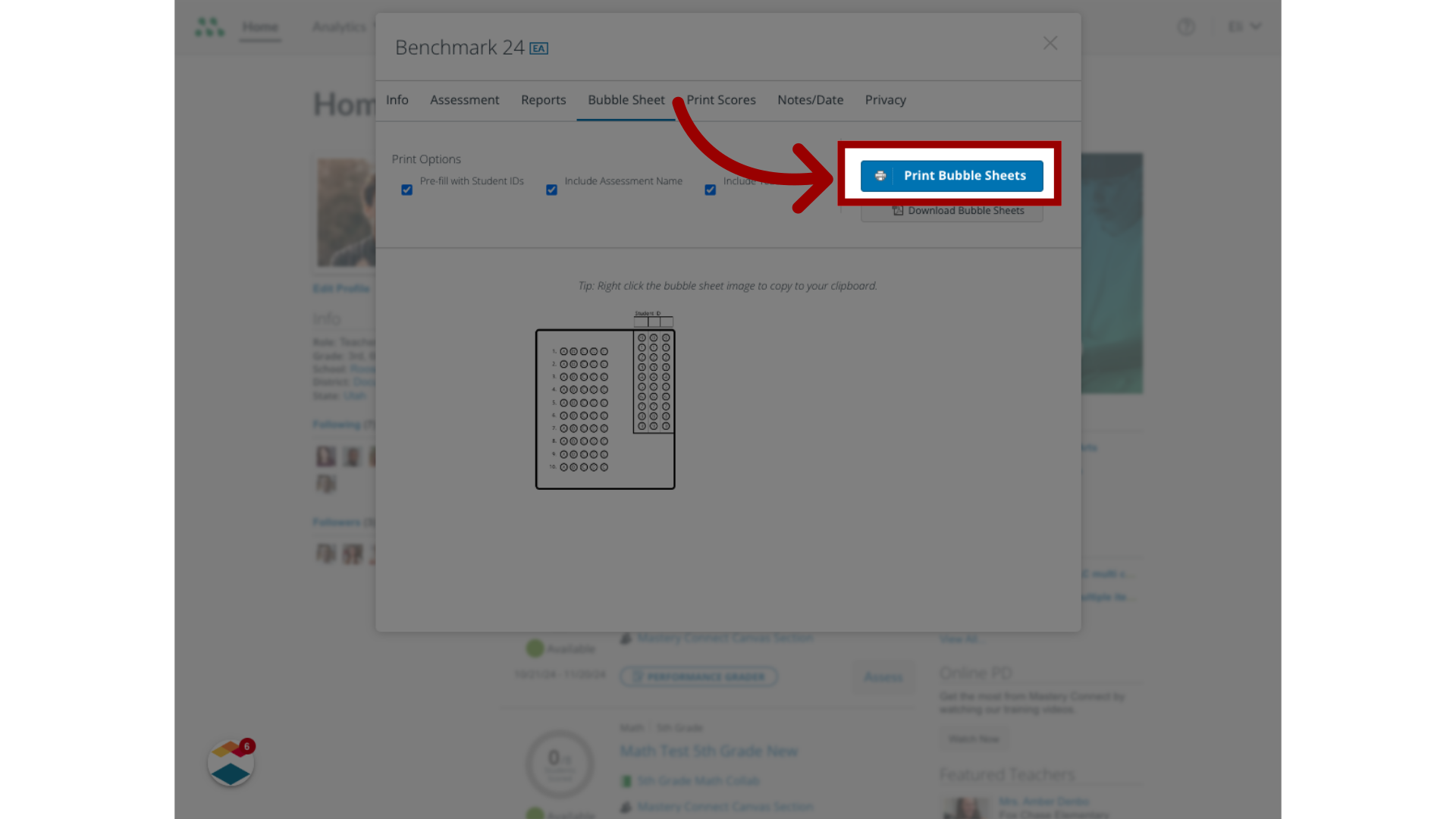
8. Print Bubble Sheets
To send the bubble sheets directly to your network printer, click the Print Bubble Sheets button.
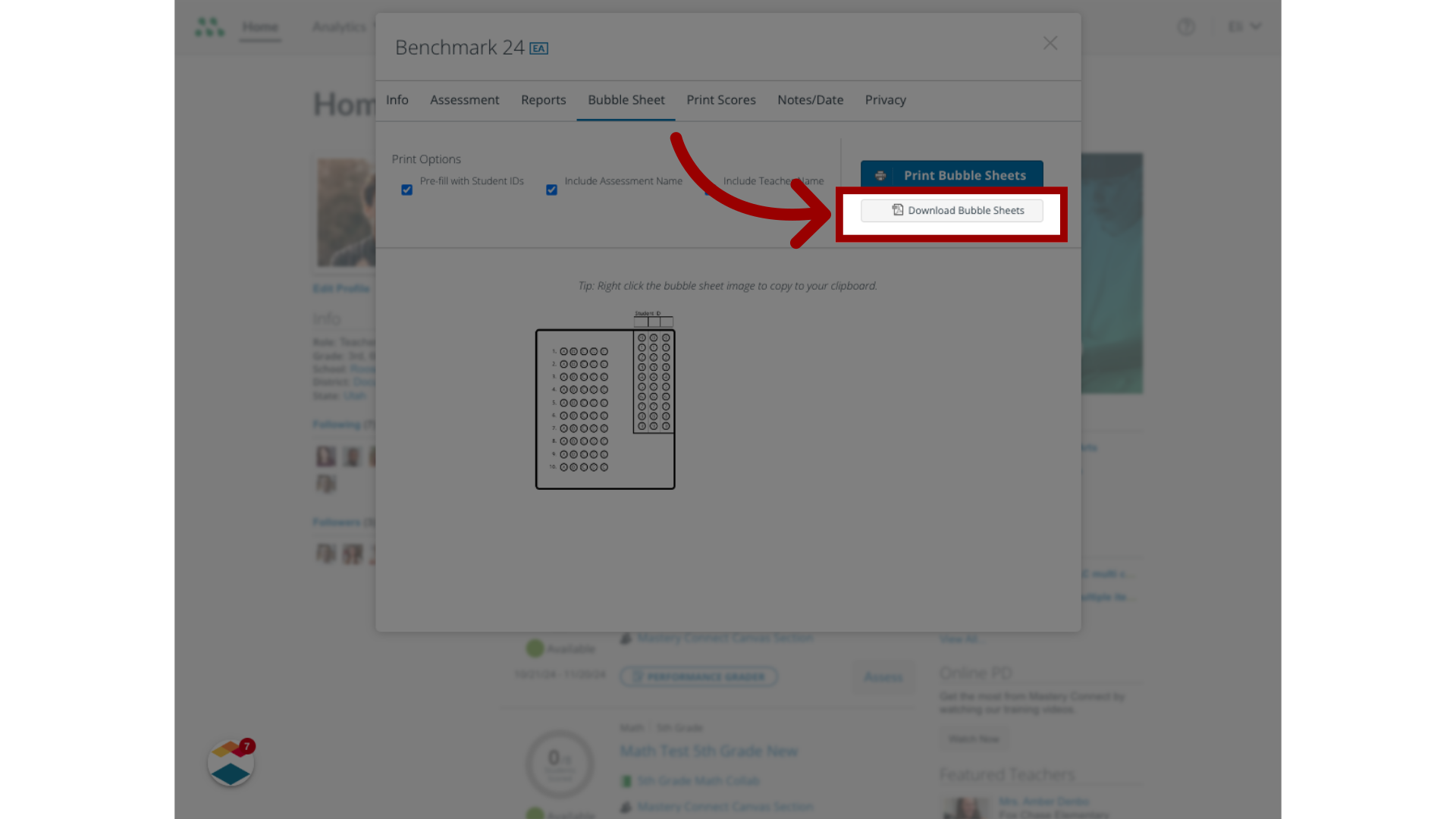
9. Download Bubble Sheets
To download the bubble sheets as a file on your computer, click the Download Bubble Sheets button.
This guide covered how to deliver a benchmark assessment to students using bubble sheets.