Open Tracker
In the Global Navigation menu, click the Trackers link [1]. Then click the name of a tracker [2].
Open Standard Details Page
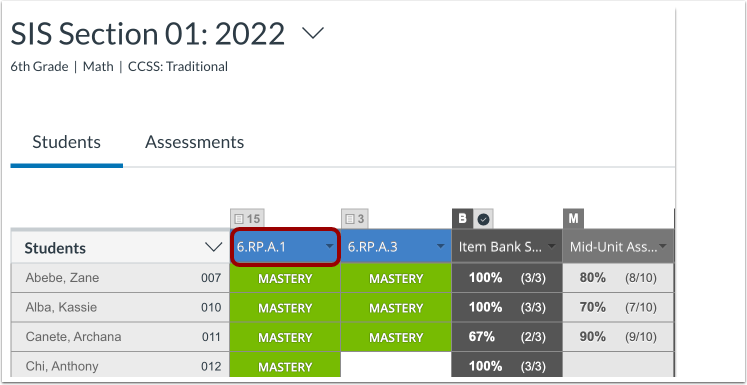
Click the name of the standard associated with the assessment.
View Tracker Notification
A notification informs you that assessments have an update [1].
To view the assessment, click the Click here link [2].
View Updates Page
Alternatively, to view a list of all current updates, click the Updates tab.
Apply or Ignore Updates
In the Updates page, click the Apply Update drop-down menu [1].
To apply the updates, select the In Trackers option [2].
To ignore the assessment updates, select the Dismiss (Ignore Update) option [3].
Apply to Trackers
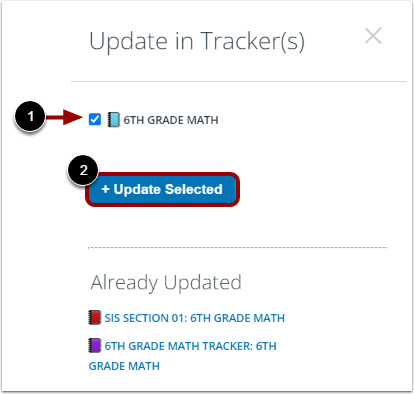
To apply the updates to specific trackers, click the tracker checkboxes [1]. Then click the Update Selected button [2].