If you own a curriculum map, you can edit the map's name and description. The name and description display wherever the curriculum map is listed.
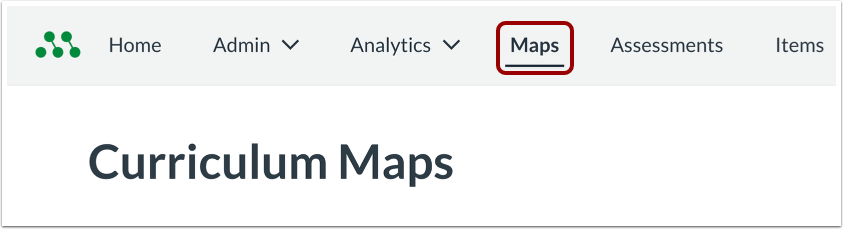
Open Maps
In the Global Navigation menu, click the Maps link.
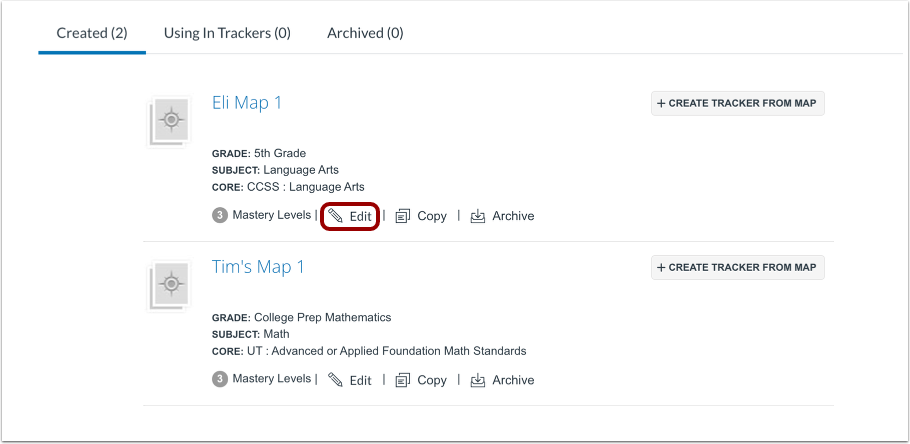
Open Edit Curriculum Map Window
Locate the curriculum map and then click the Edit link.
Note: Only the author of a district-approved curriculum map can edit it.
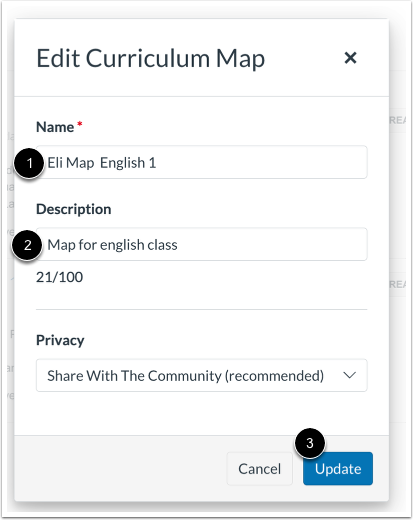
Update Name or Description
To edit the map name, enter a new name in the Map Name field [1].
To edit the map description, enter a new description in the Description field [2].
To save changes, click the Update button [3].
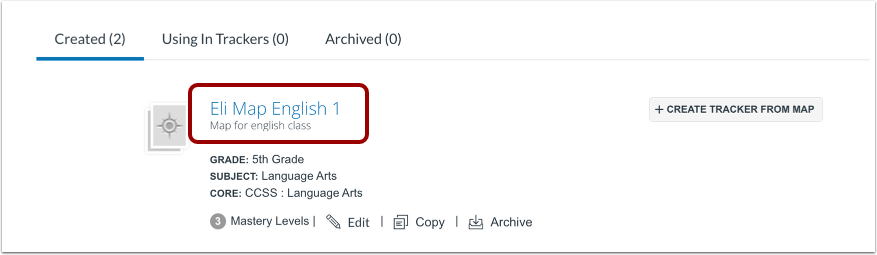
View Updated Name and Description
On the Curriculum Maps page, view the updated name and description.