Open Tracker
In the Mastery Trackers Home page [1], locate the tracker you want to remove duplicated standards from and click the name link [2].
Select Duplicate Standard
In the Tracker View page on the Students tab, click the standard Options icon[1], then click the Remove Standard link [2].
Remove Standard
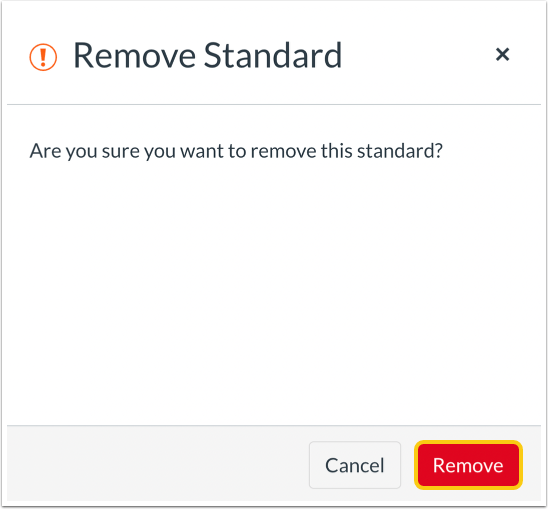
To save your changes, click the Remove button in the confirmation screen.
Note: Removing the standard will delete the duplicate standard and all of its attendant sub-standards and assessments.