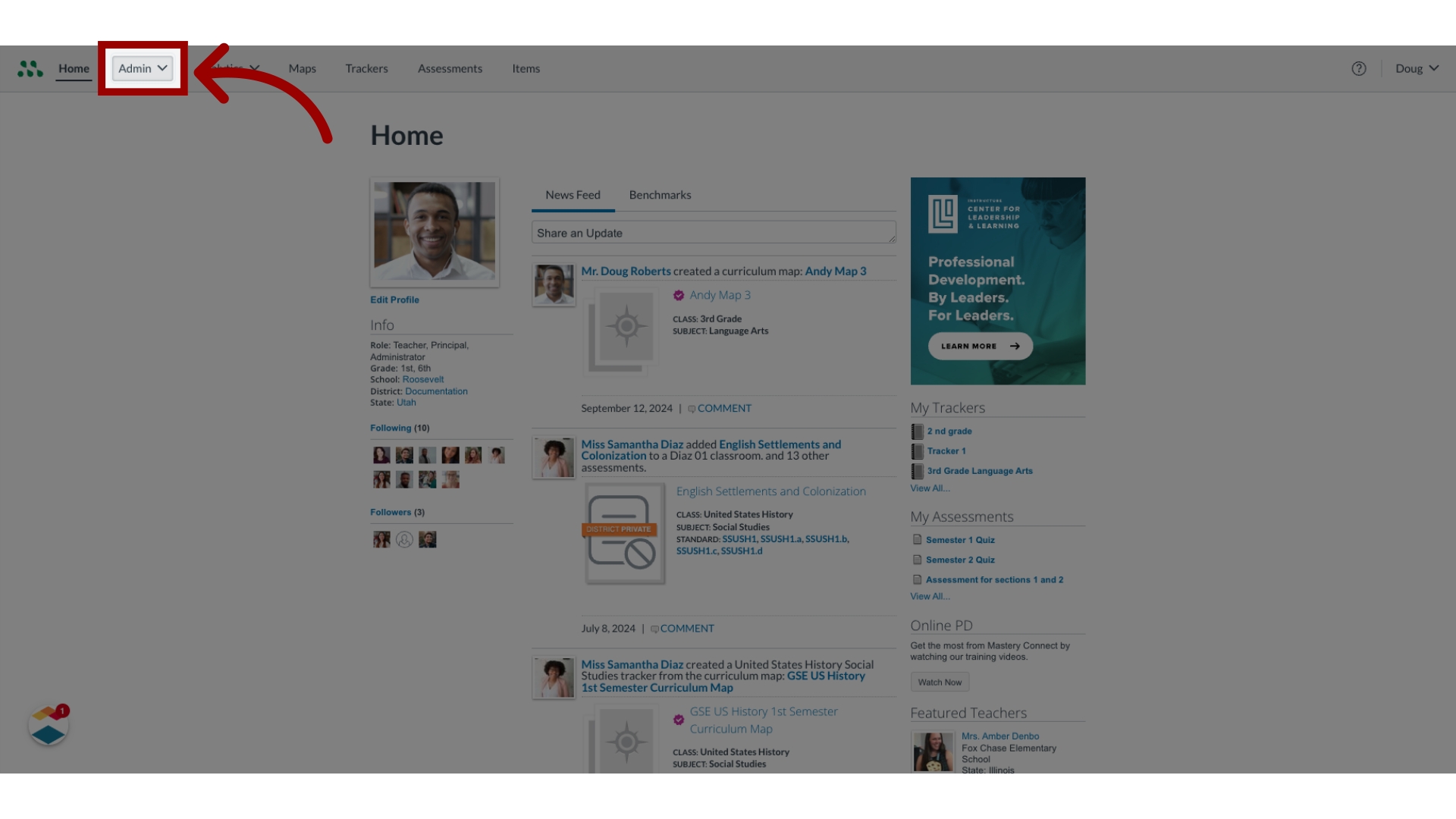
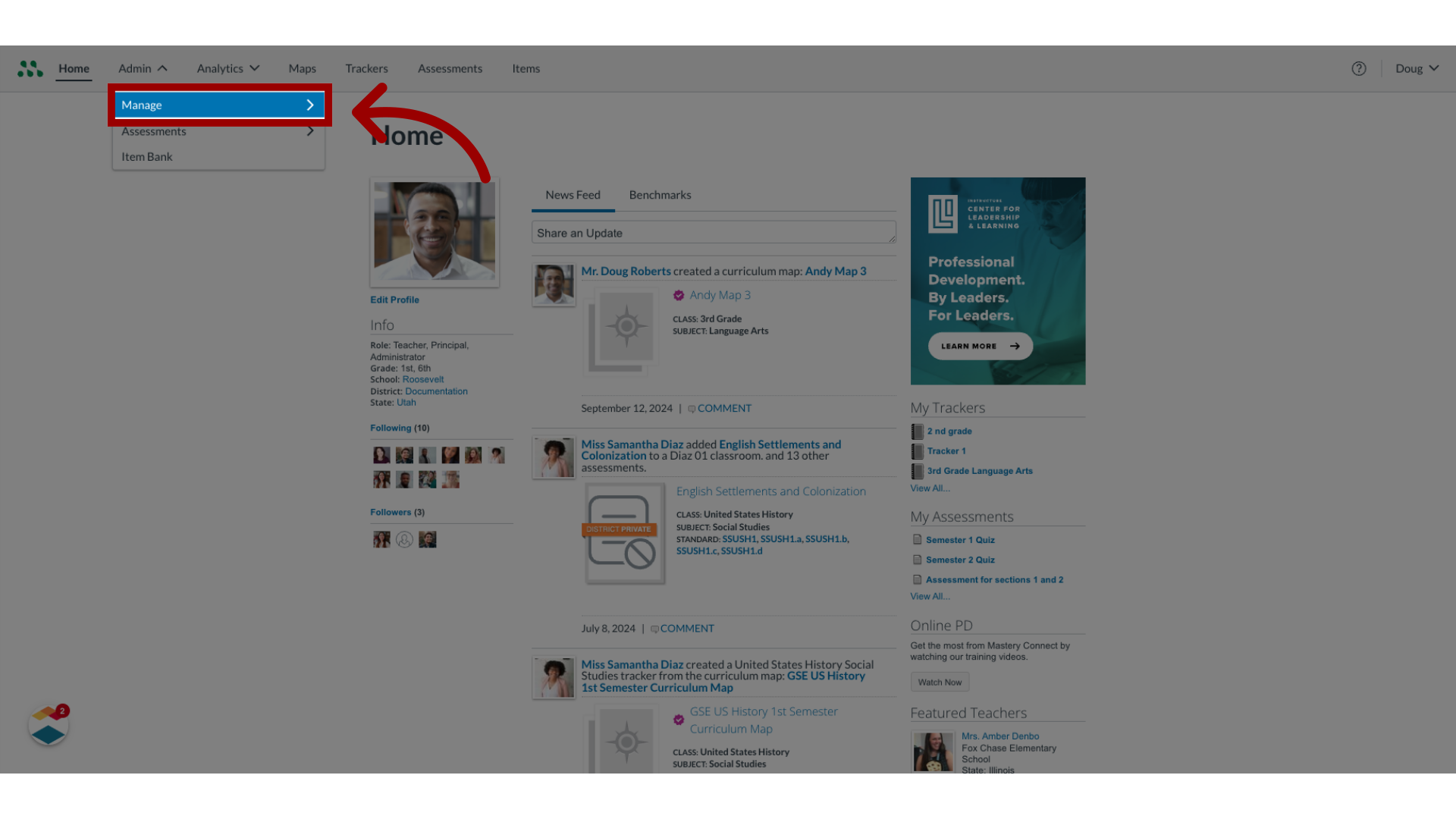
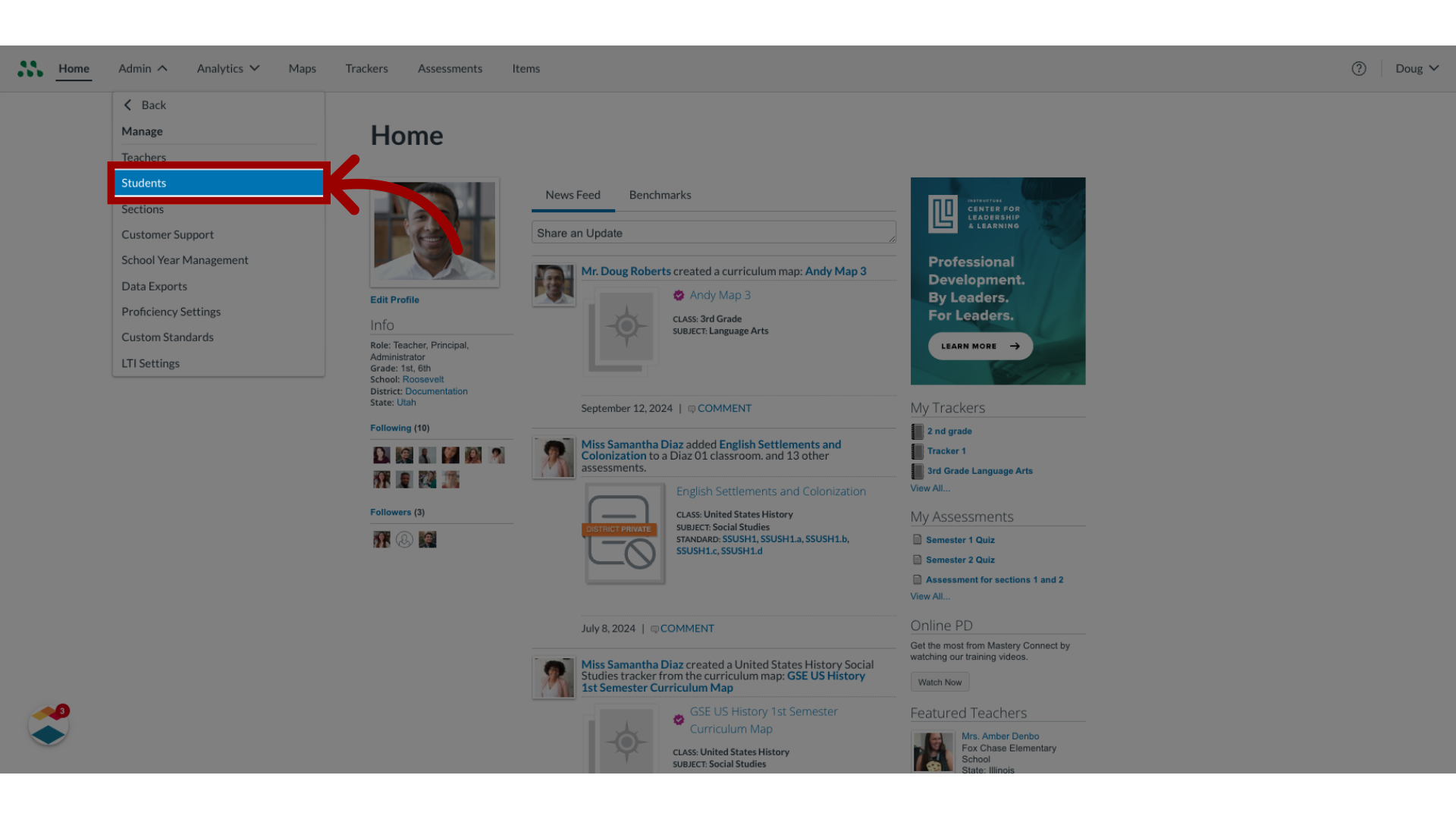
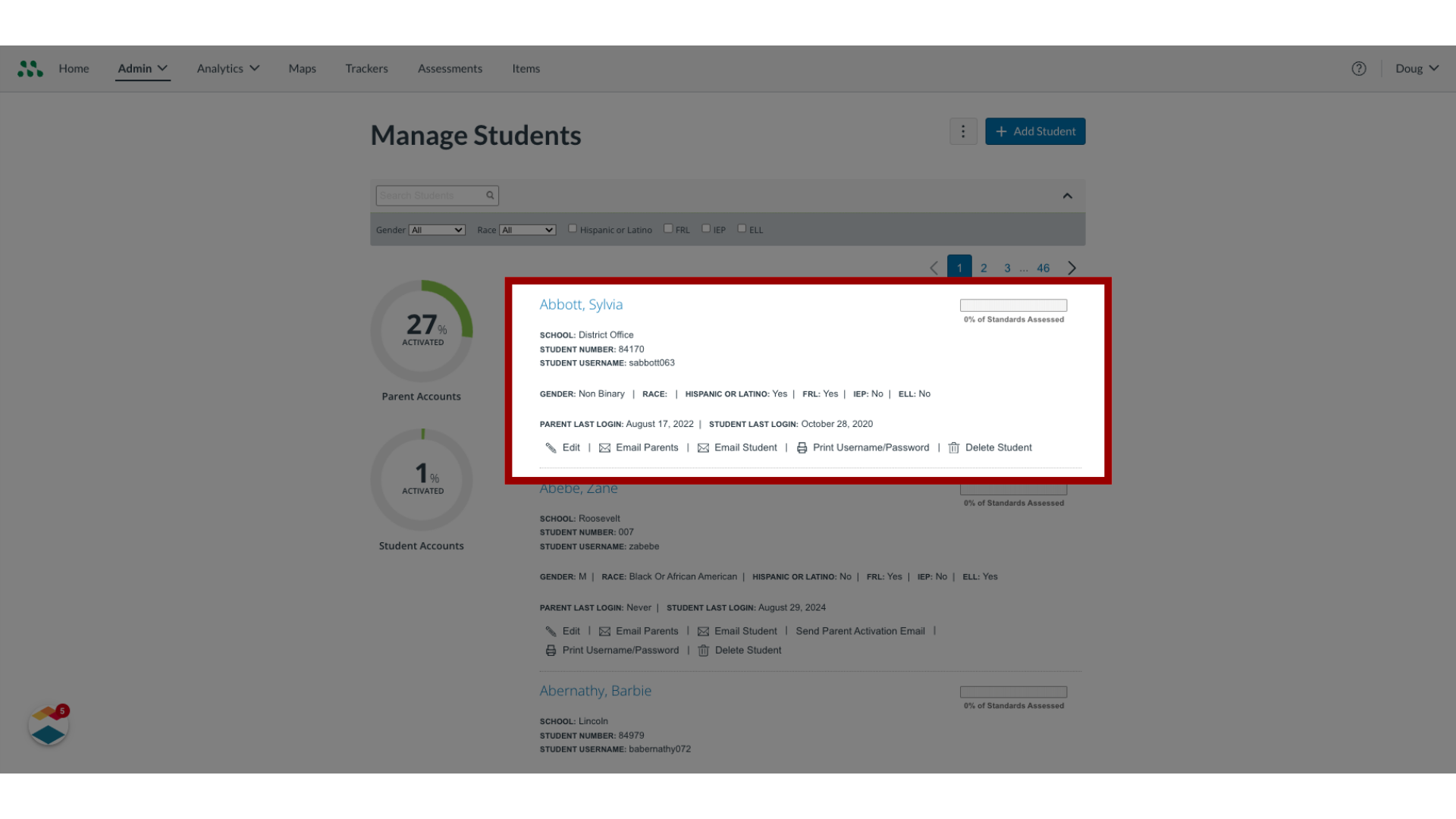
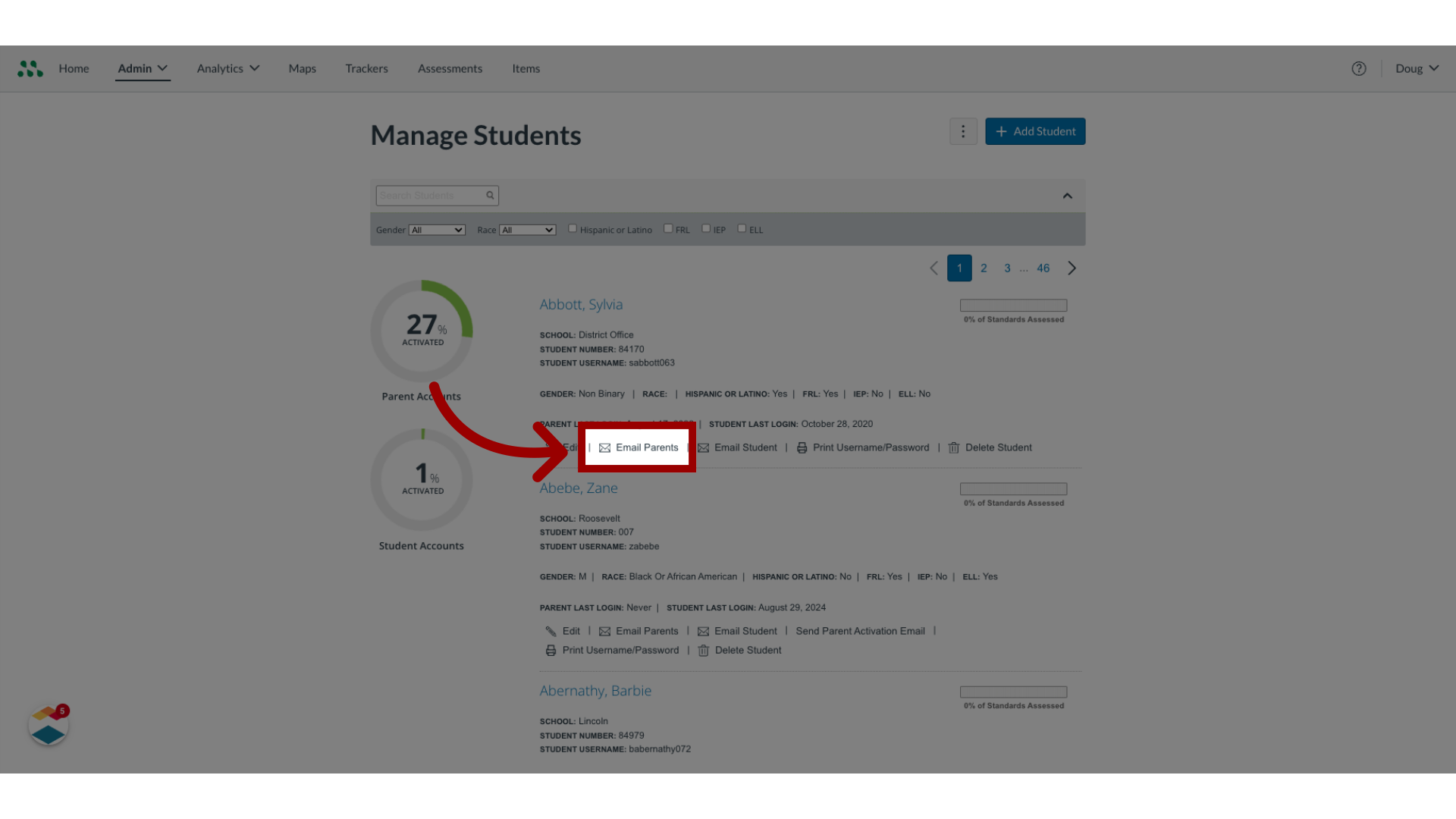
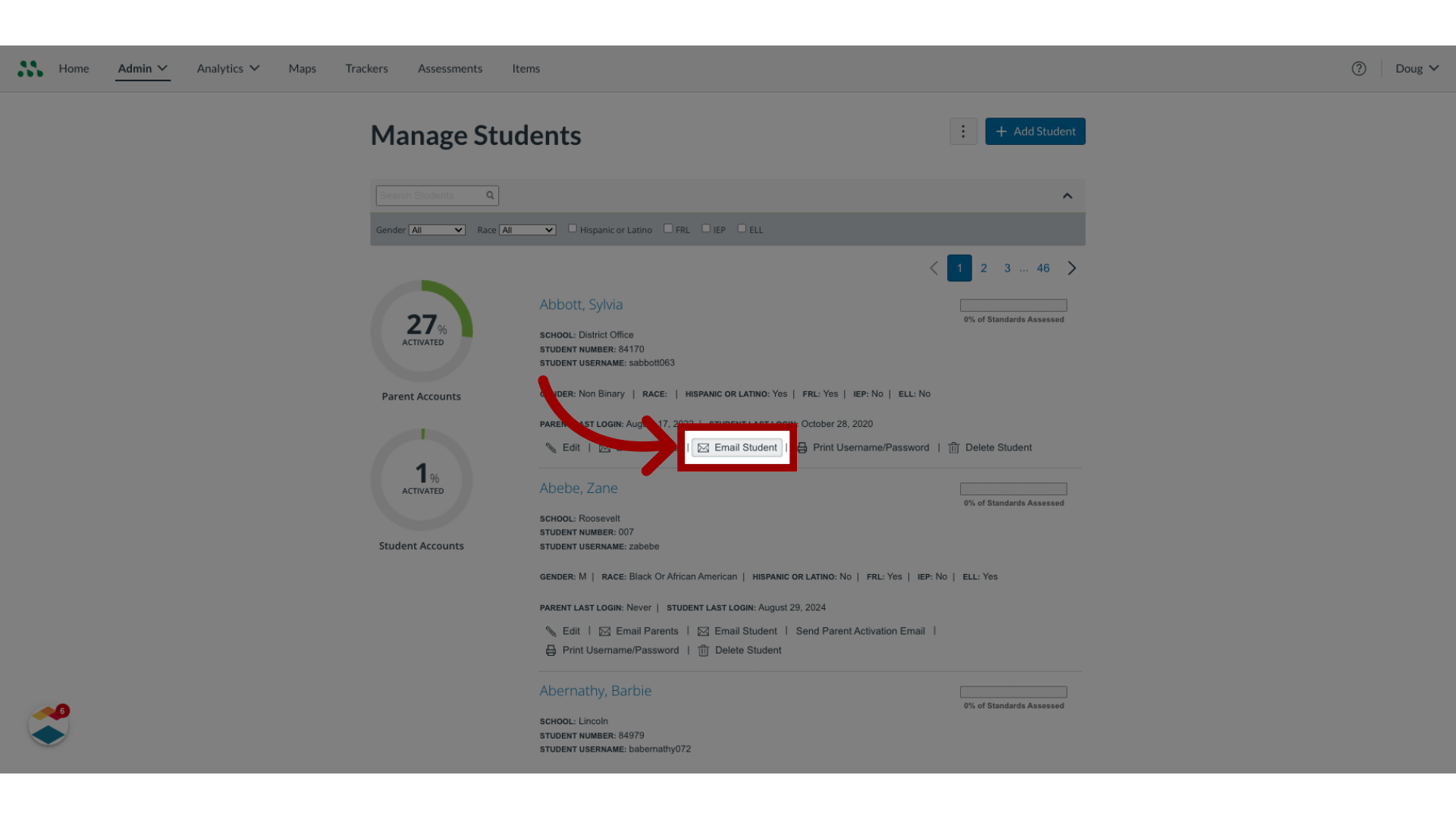
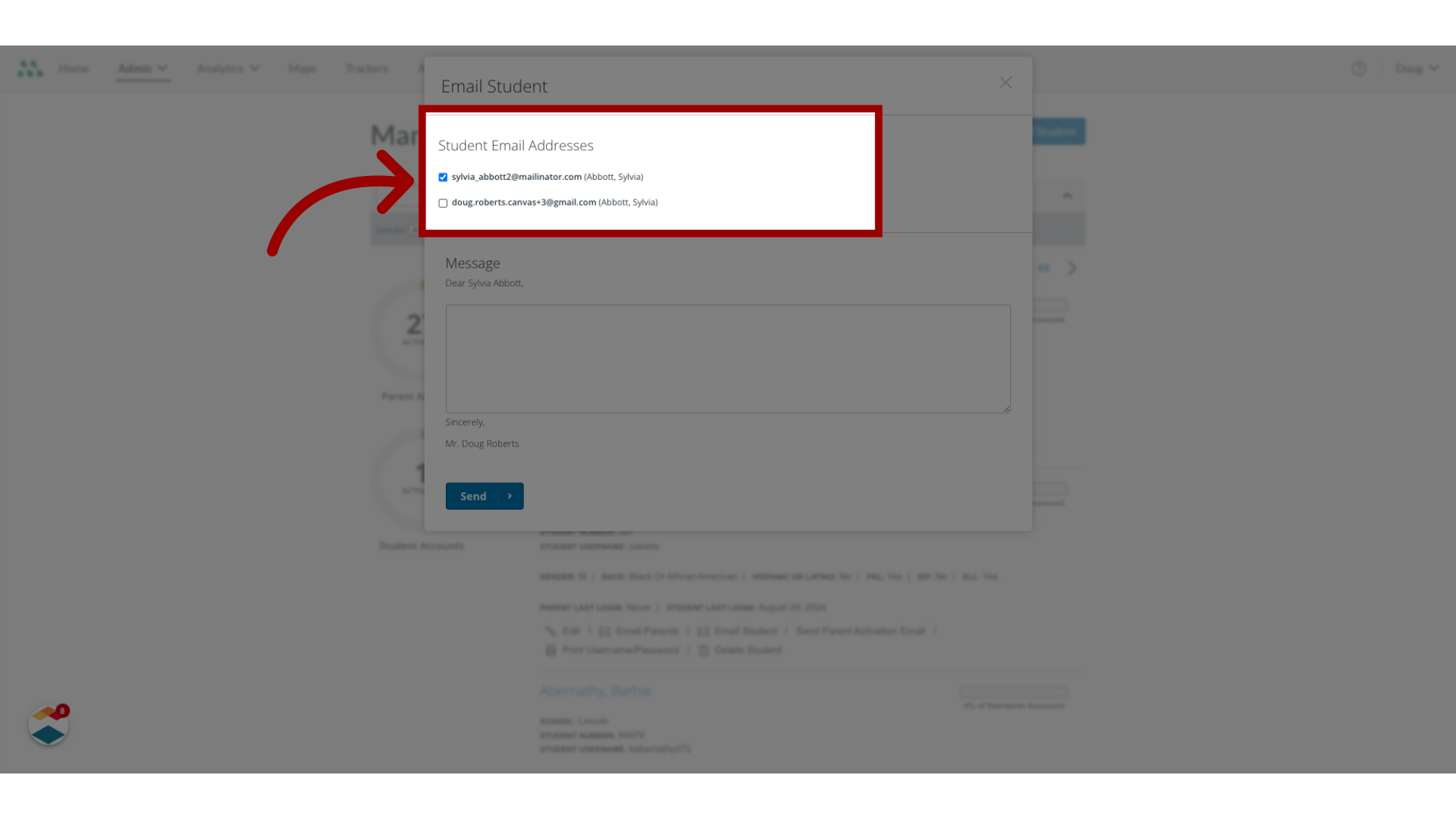
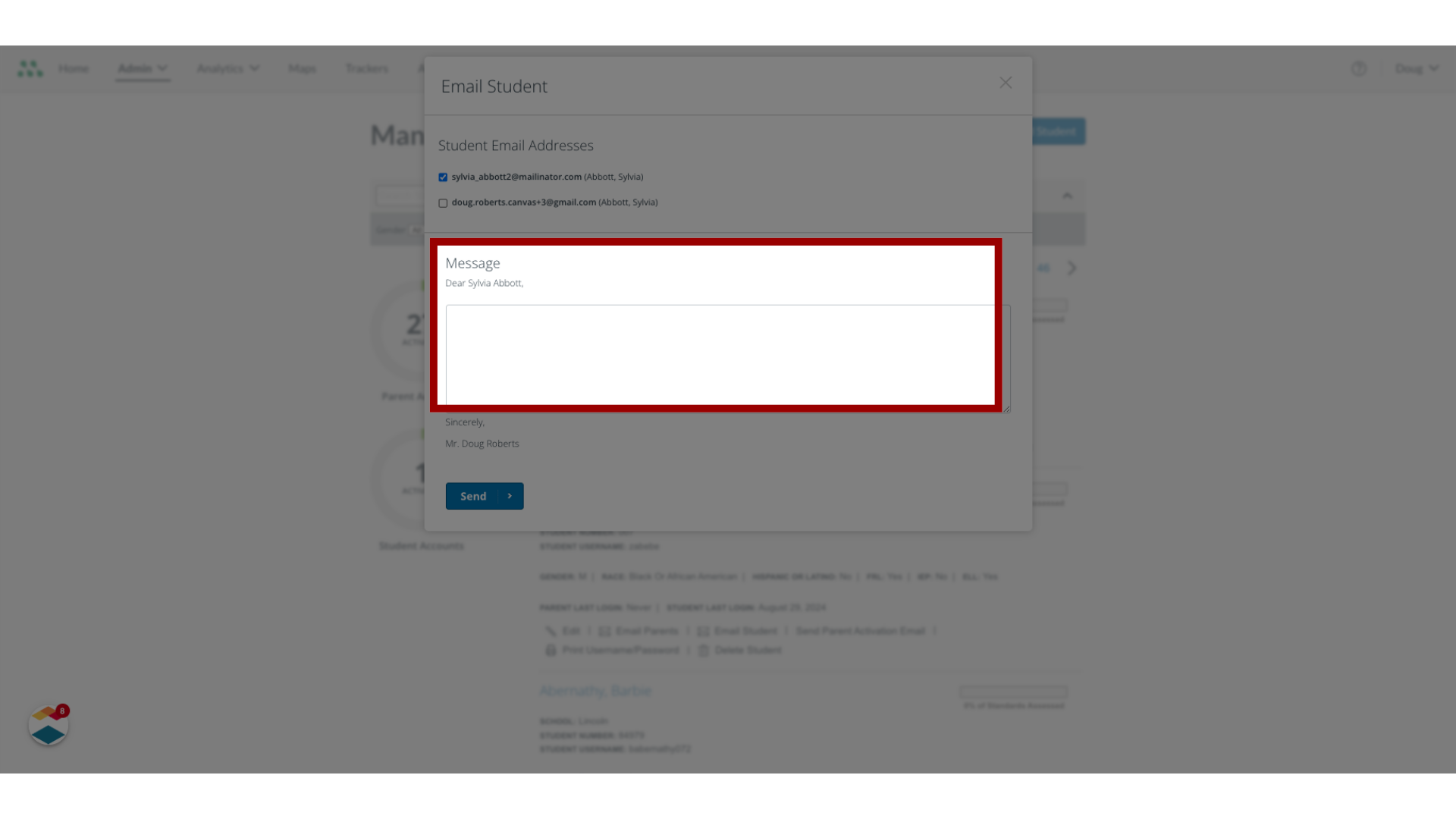
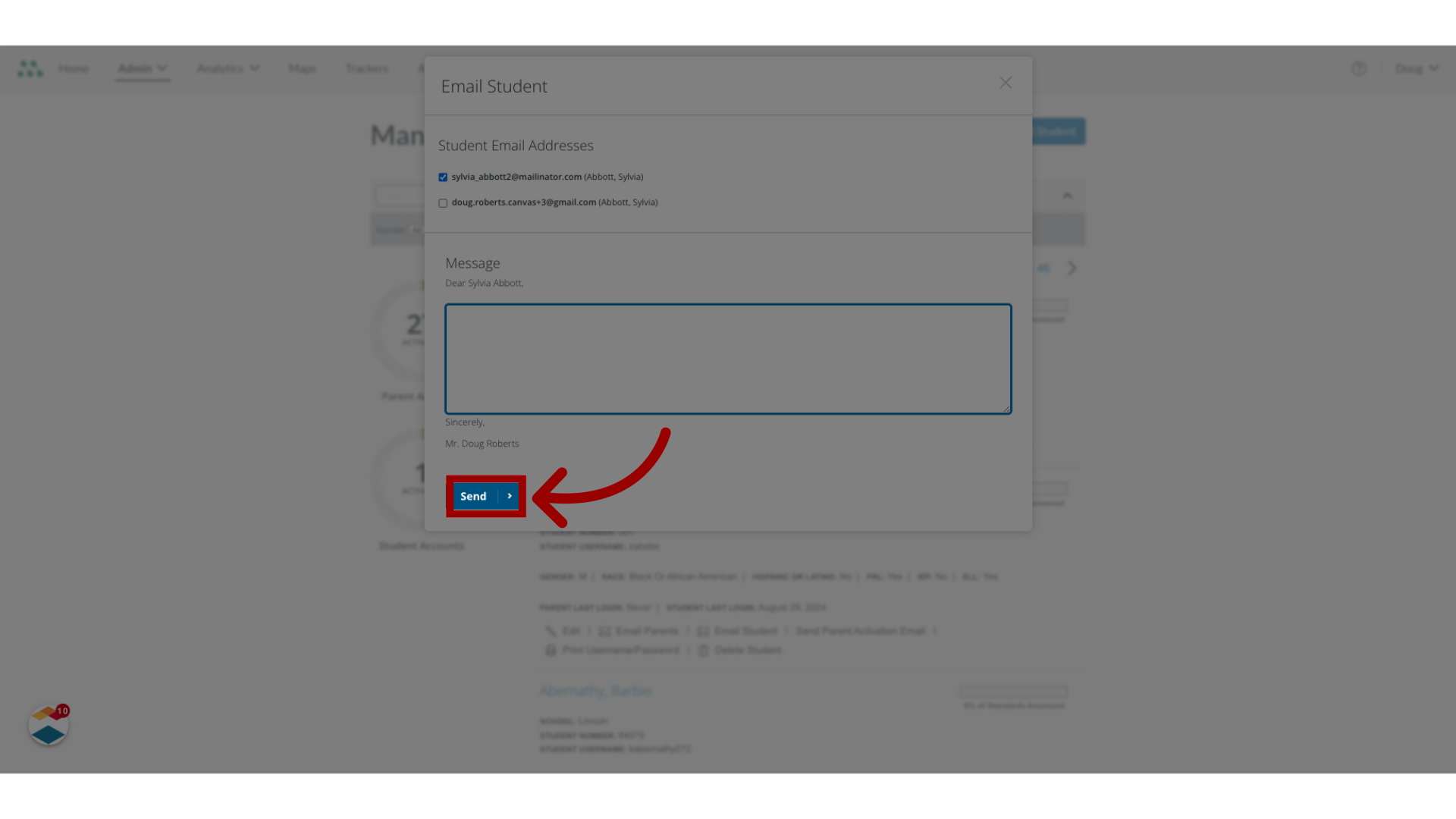
As a Mastery Connect admin, you can send email messages to students and parents who have provided an email address. How do I email a message to a student or parent as a Mastery Connect admin?1. Open Admin MenuIn global navigation, click the Admin drop-down menu.2. Open Manage MenuIn the drop-down menu, click the Manage link.3. Open Manage Students In the Manage list, click the Students link.4. Locate Student Profile In the Manage Students page, locate the student's profile.5. Email ParentsTo send and email to the parent email address or addresses attached to the student profile, click the EmailParents button.6. Email StudentTo email the student, click the EmailStudent button.7. Edit RecipientsIn the Email Parent and Email Student window, all addresses associated with the student are listed. To edit the list of recipients, click a checkbox to deselect the email address.8. Enter Message In the text field, enter the message.9. Send MessageOnce done, click the Send button. This guide covered how to send an email message to a student or parent as a Mastery Connect Admin.