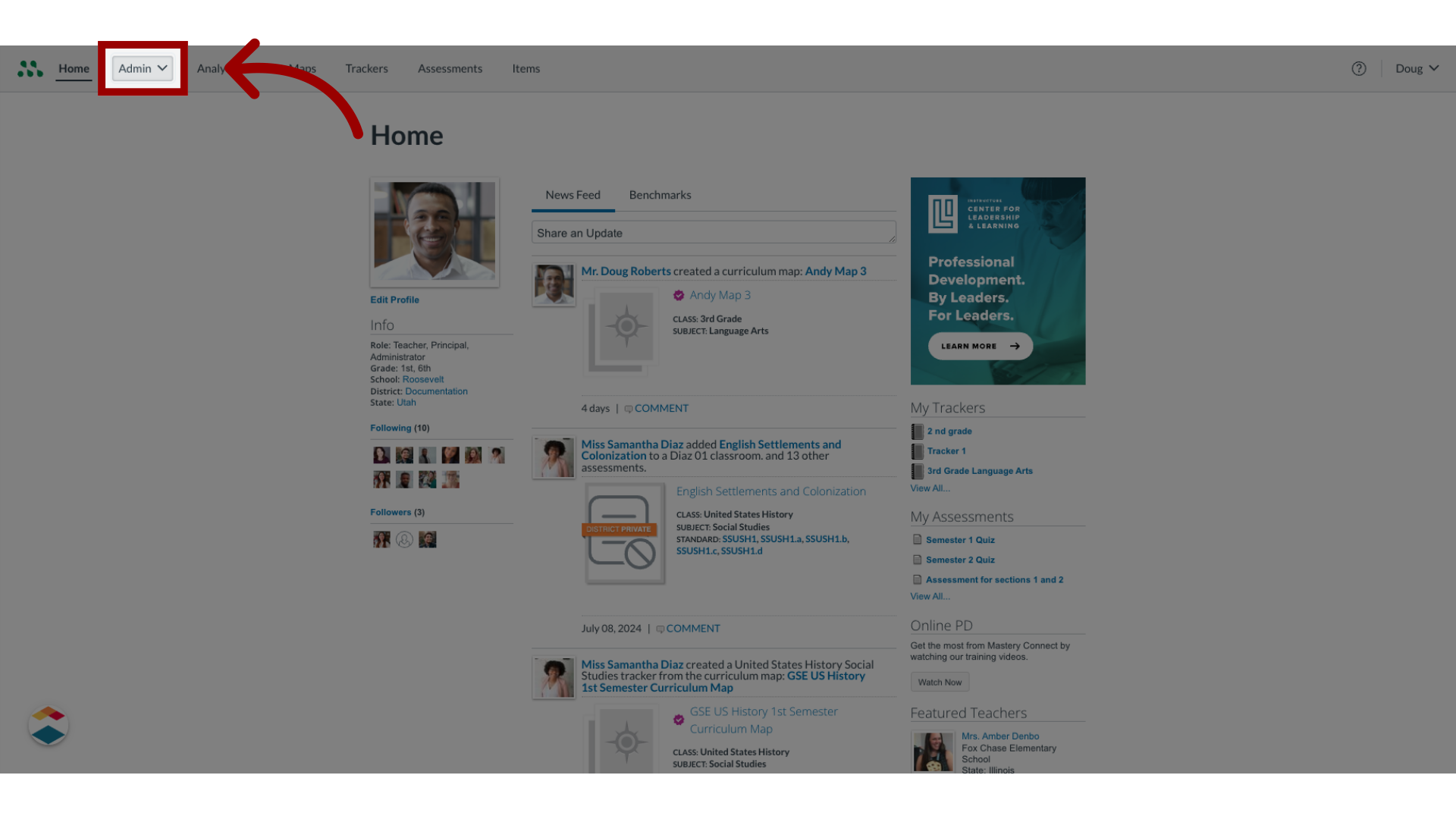
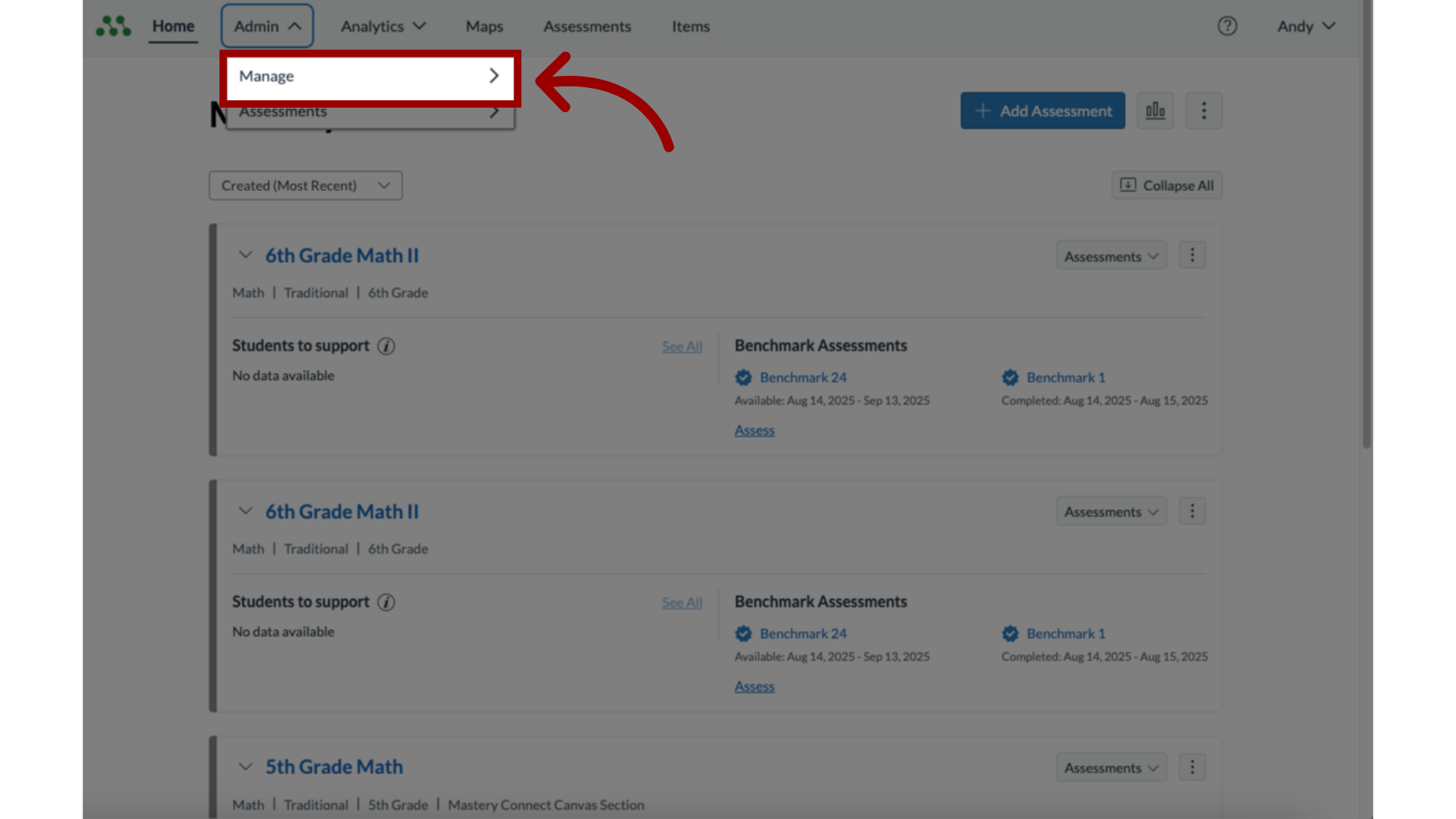
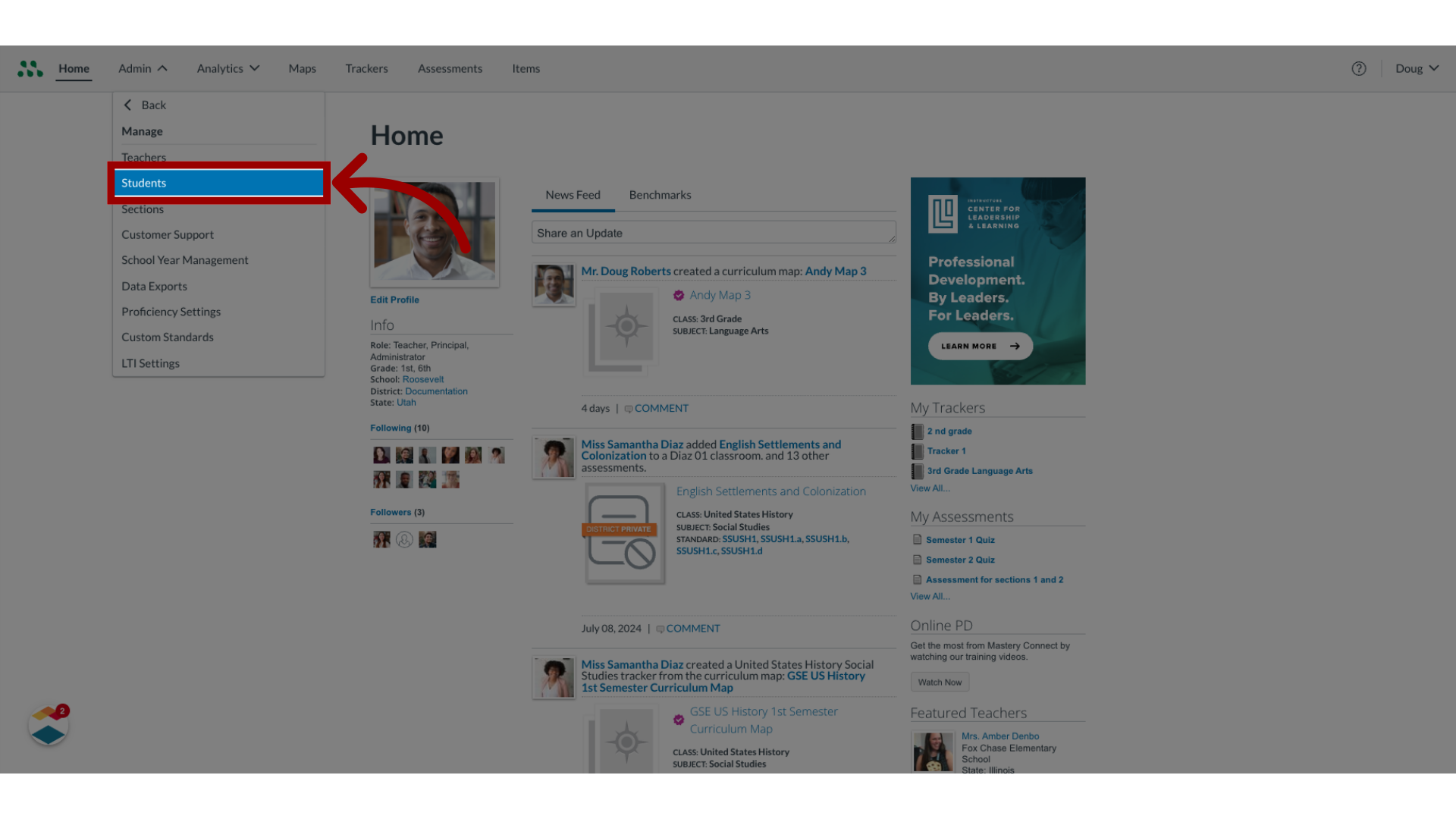
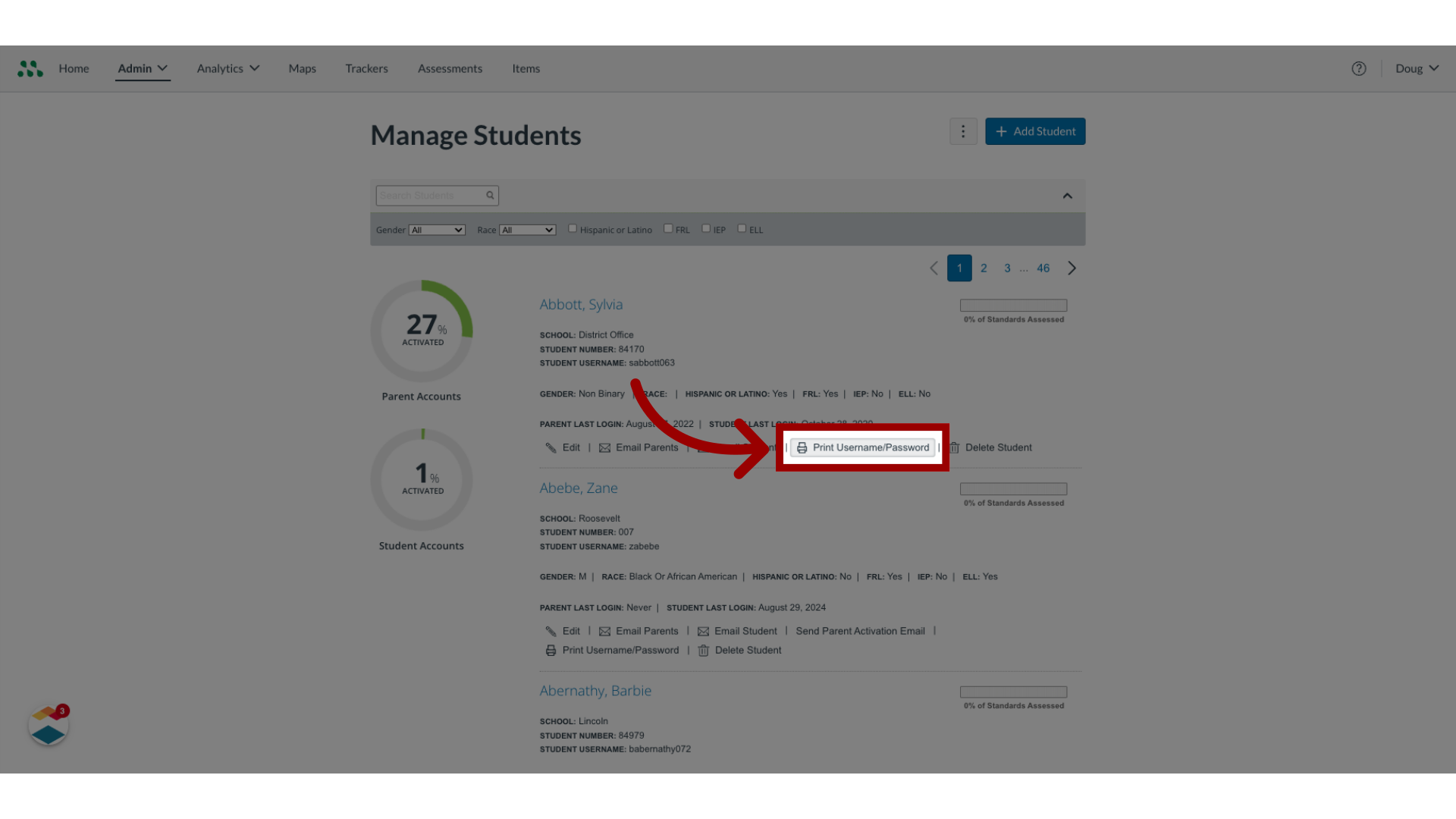
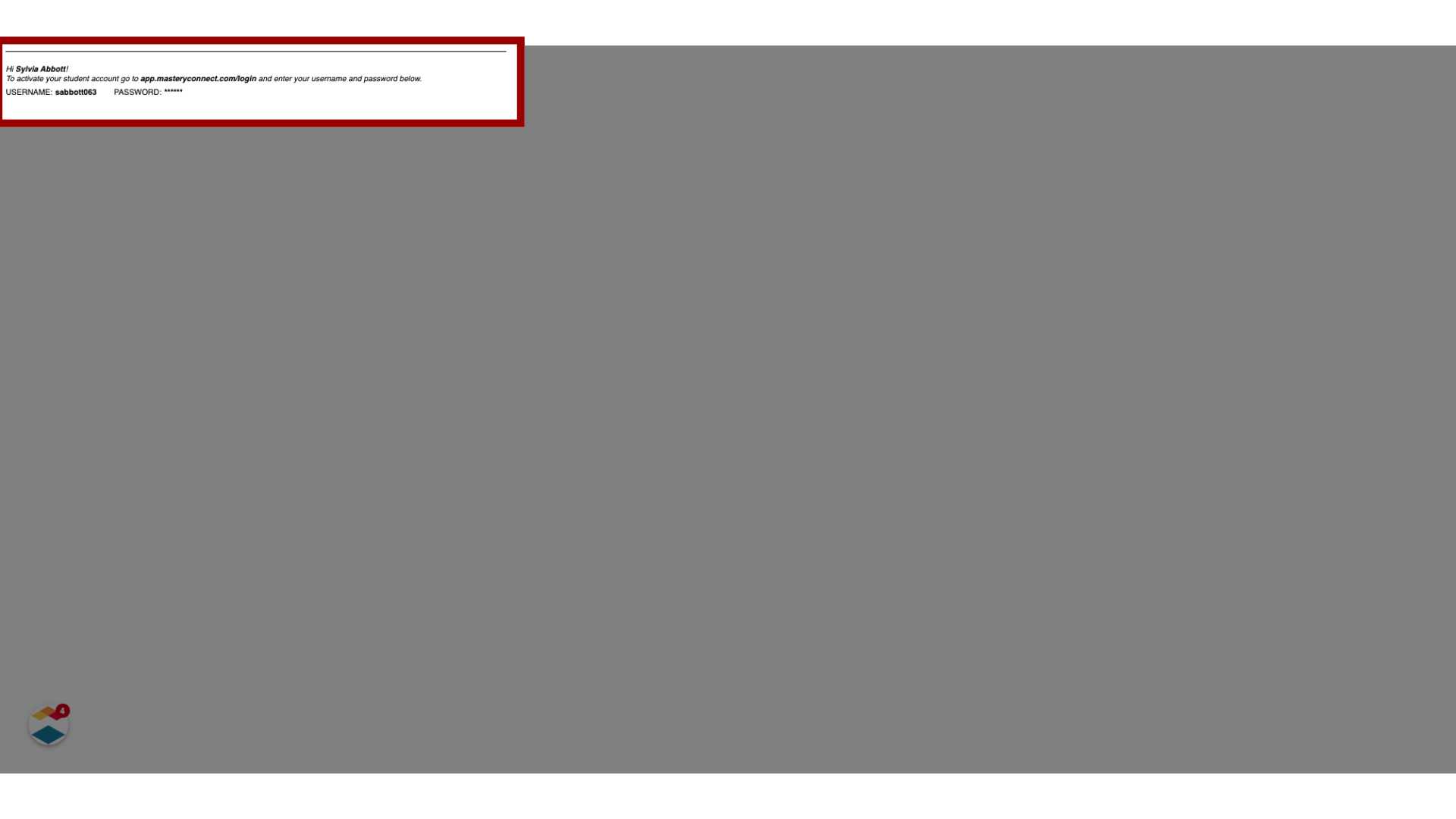
As a Mastery Connect admin, you can print student email addresses and passwords.How do I print a student's username and password as a Mastery Connect admin?1. Open Admin MenuIn global navigation, click the Admin drop-down menu.2. Open Manage MenuIn the drop-down menu, click the Manage link.3. Open Manage StudentsIn the Manage list, click the Students link.4. View Username and PasswordOn the Manage Students page, locate the student account. Click the PrintUsername/Password link.5. Print Student Username and PasswordStudent account activation directions and the student's username and temporary password open in a new browser tab. Use your browser's print options to print the page. This guide covered how to print a student's user name and password as a Mastery Connect admin.