How do I search for a formative assessment?
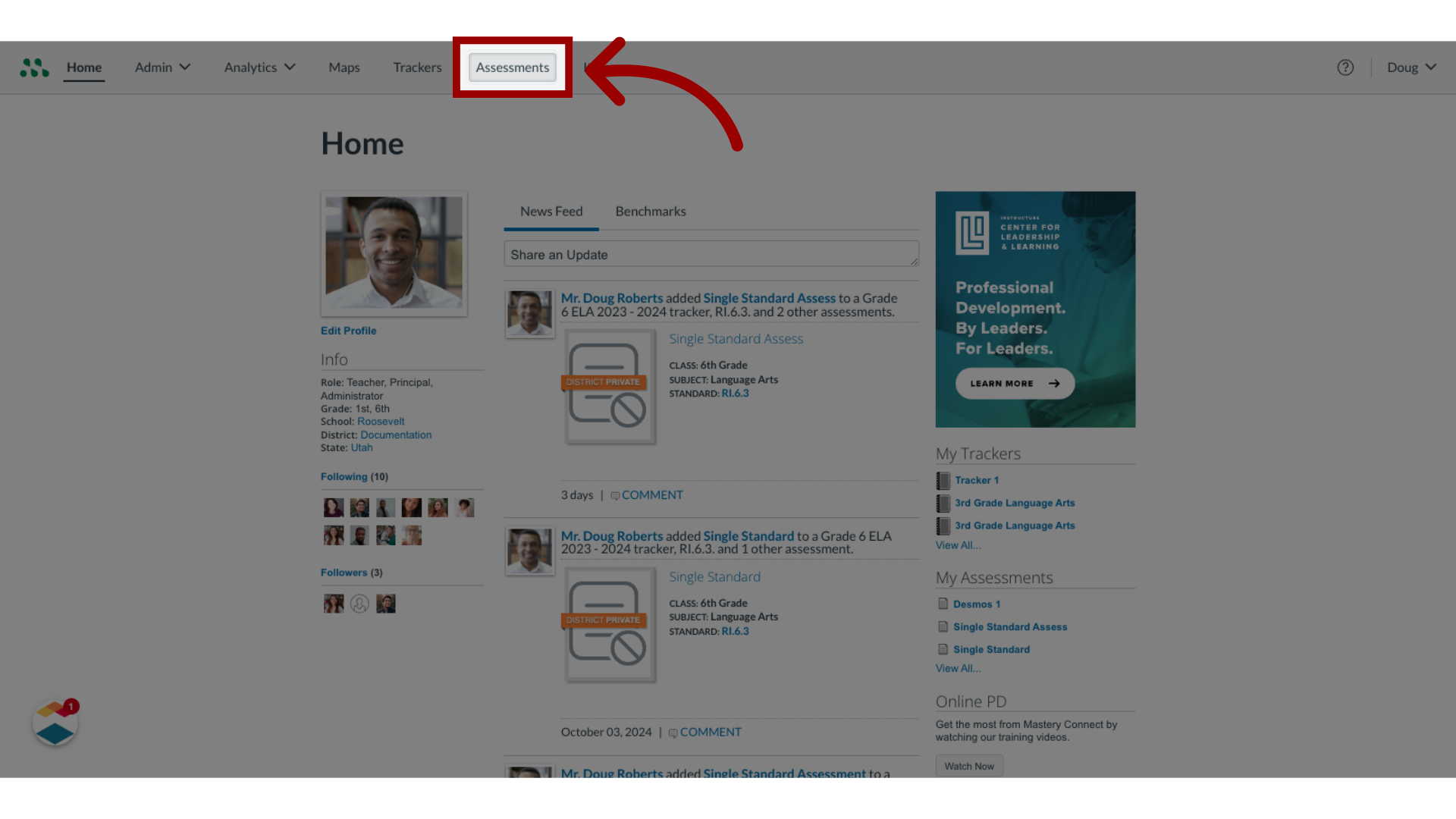
1. Open Assessments
In Global Navigation, open the Assessments tab.

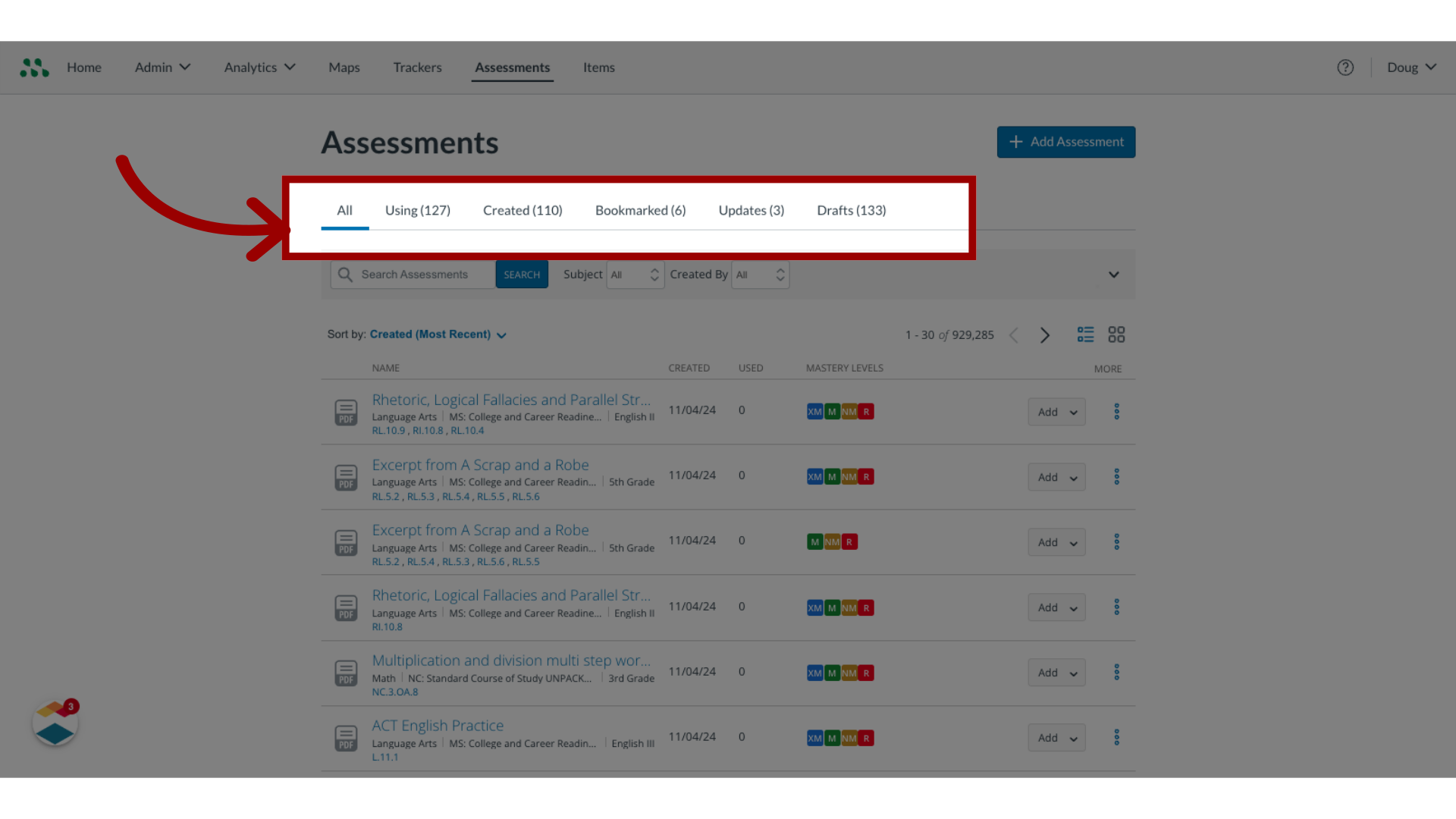
2. View Assessments
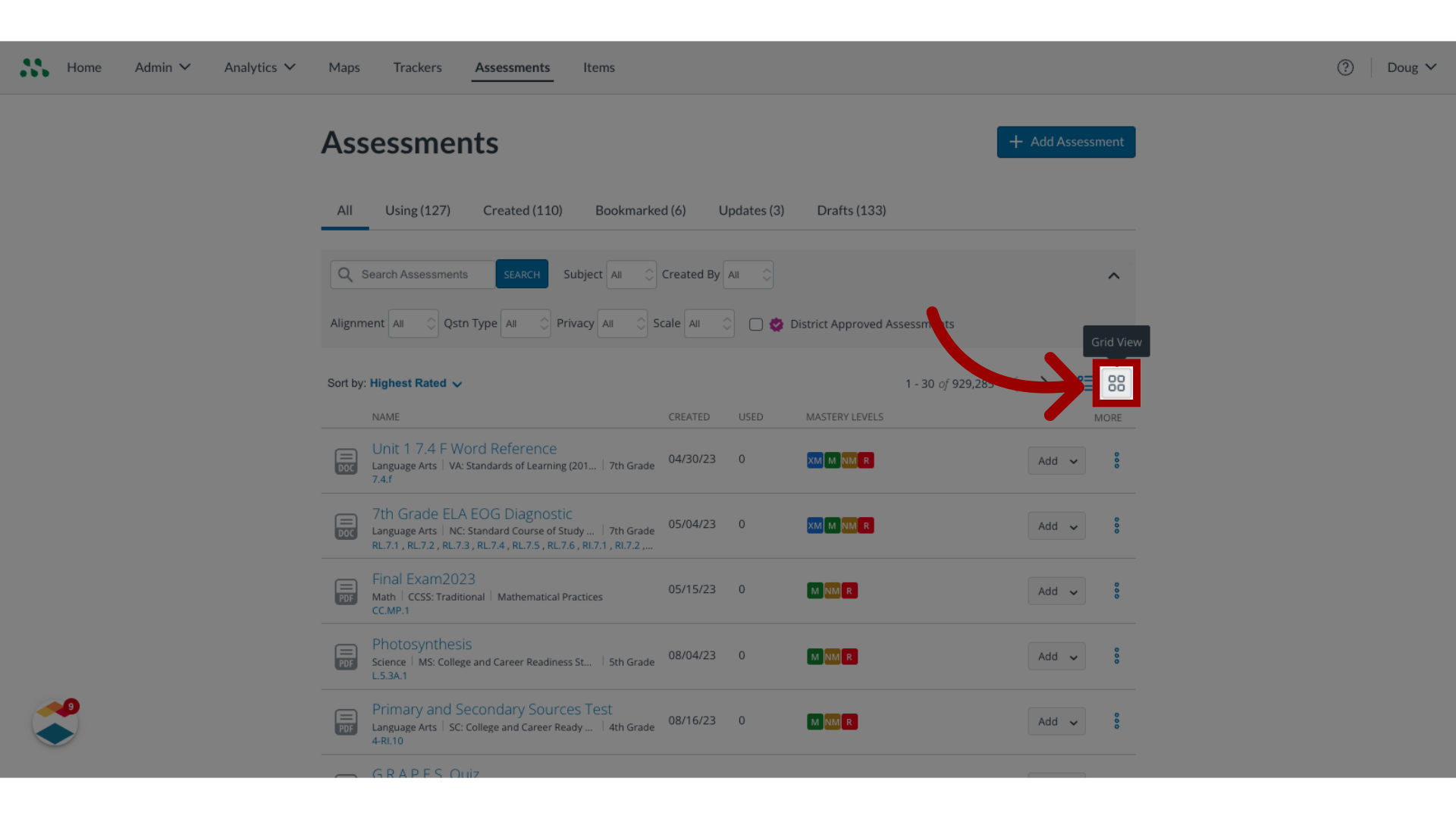
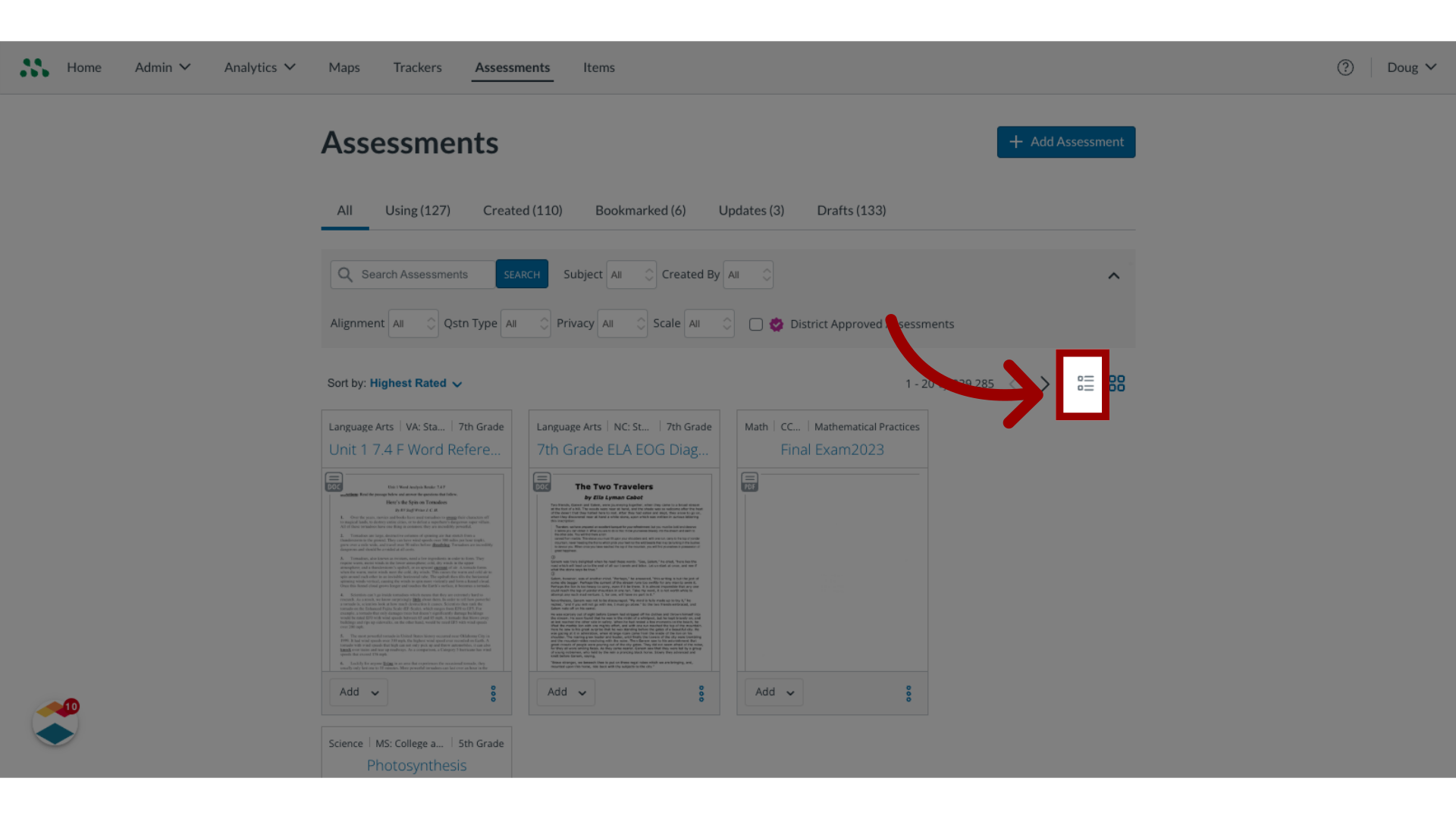
By default, the Assessments page displays all available assessments.

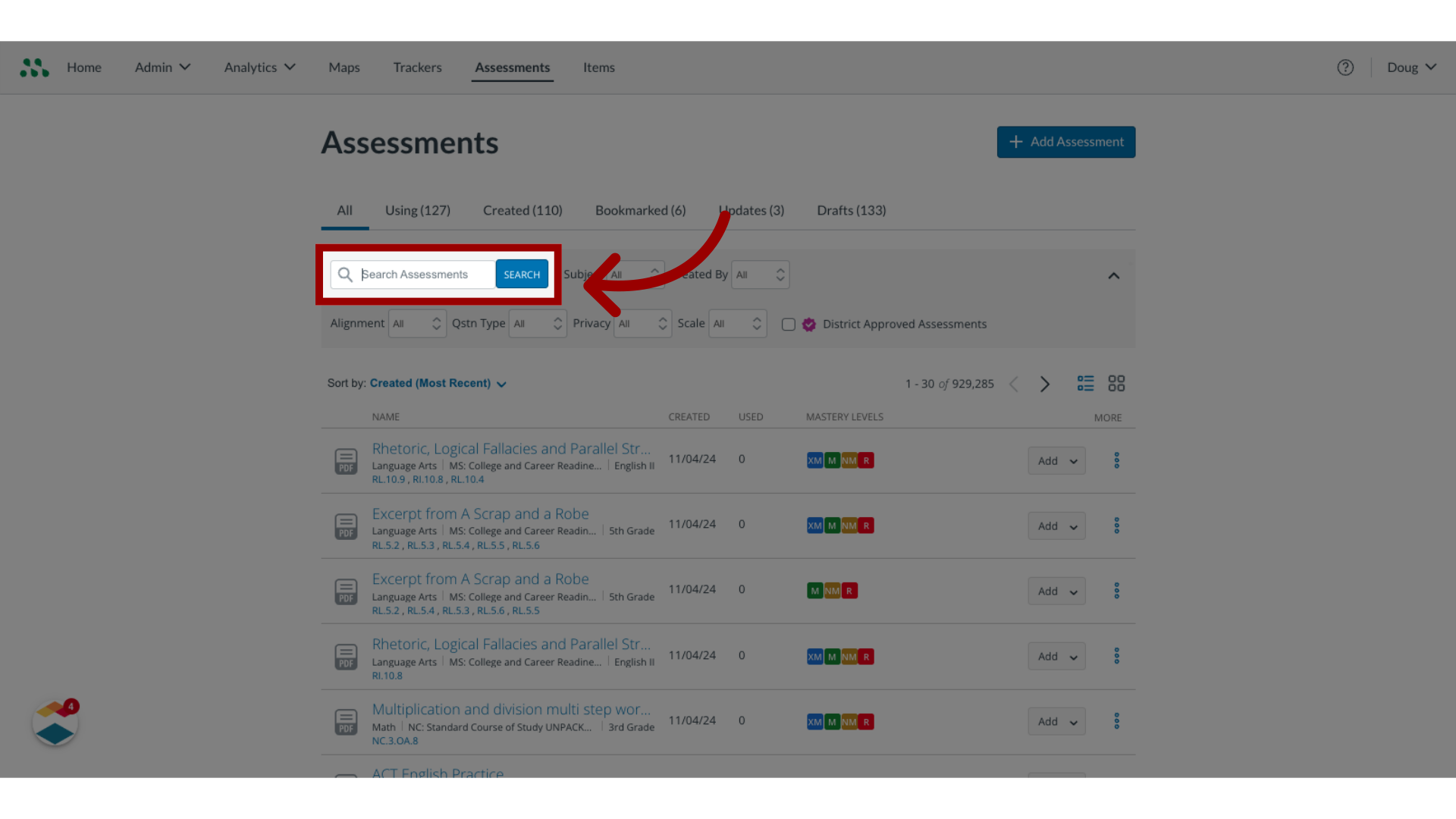
3. Search Assessments
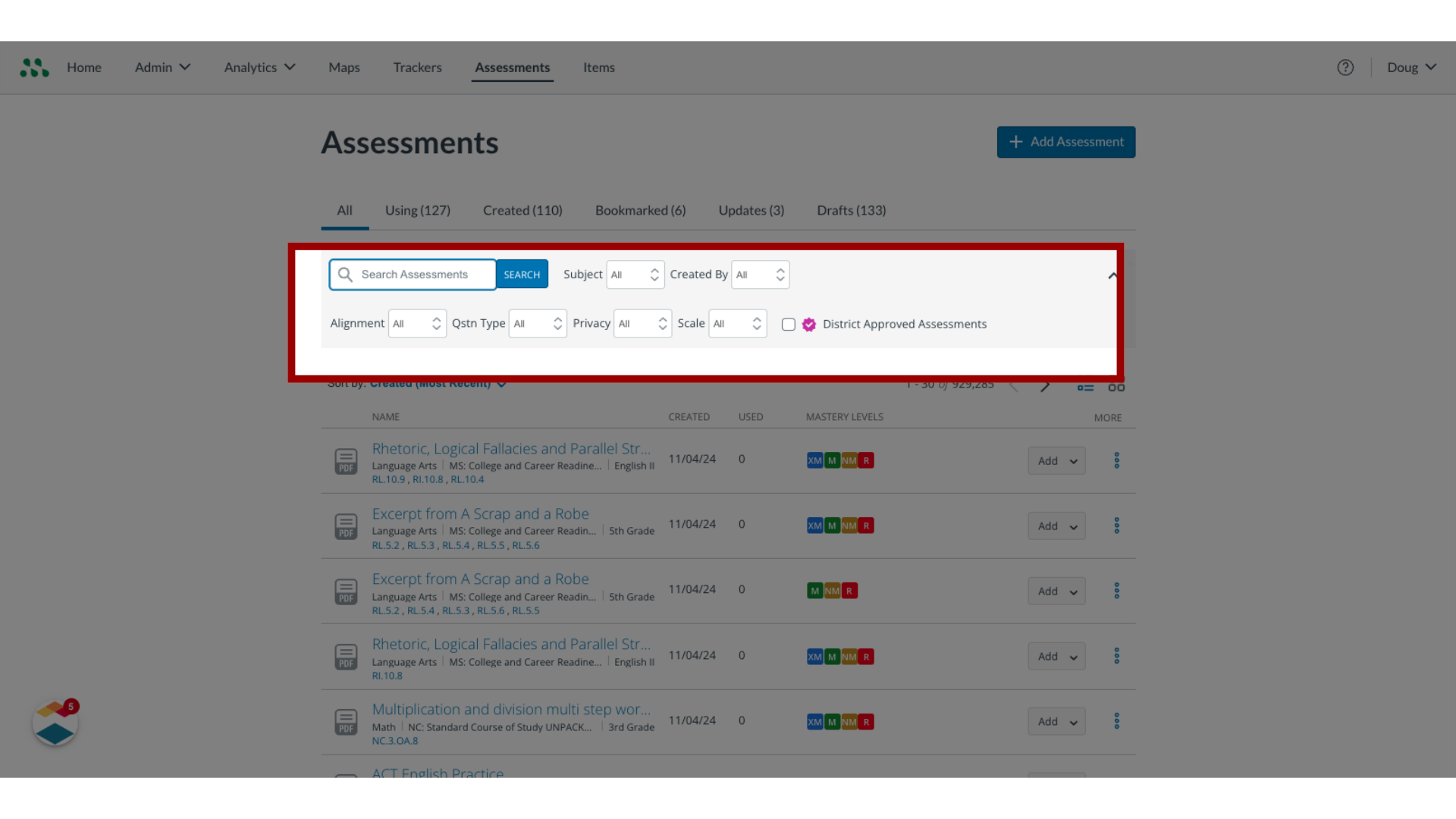
To search for an assessment by name, enter all or part of the name in the Search field and click the Search button.

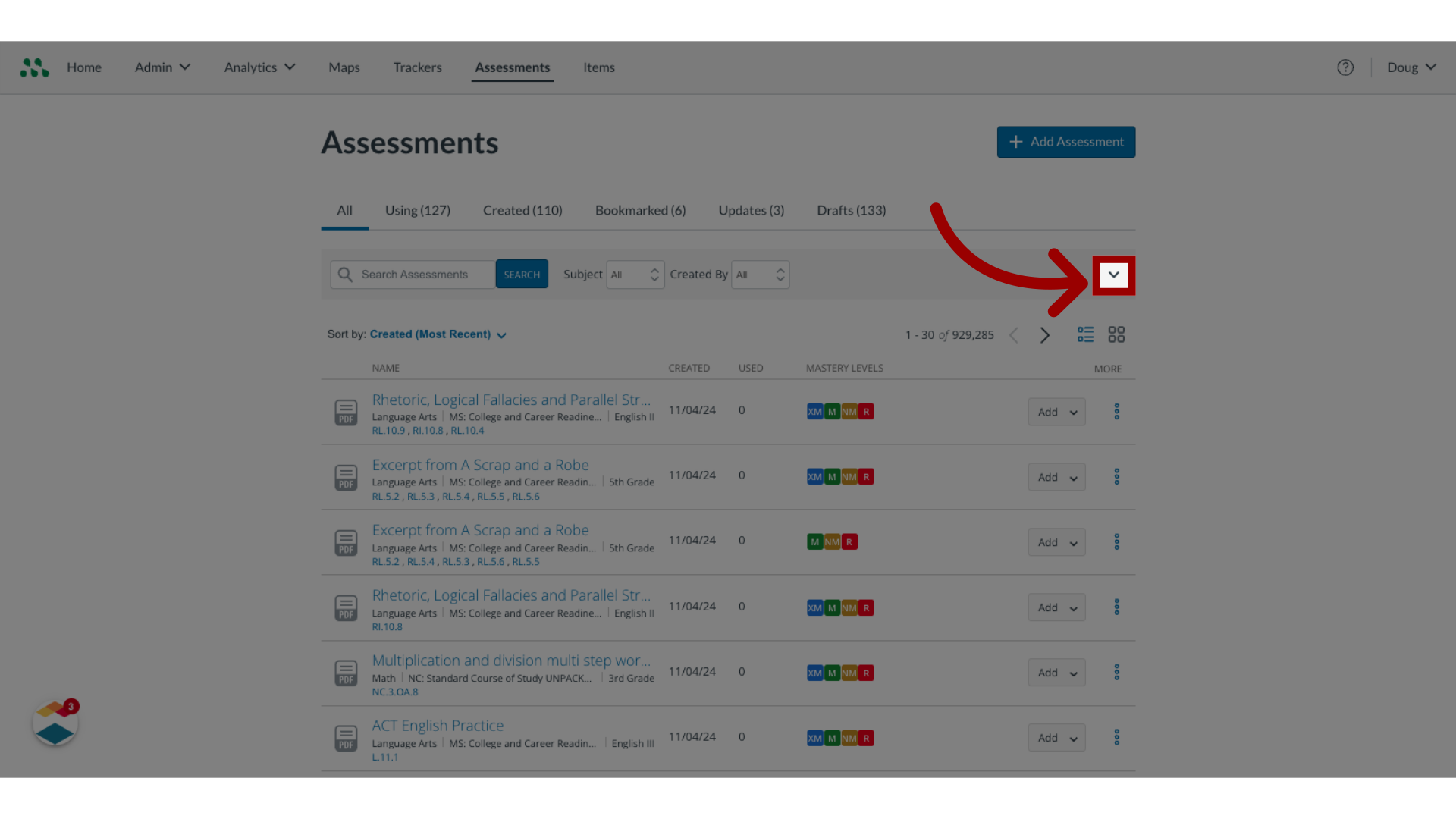
4. View Filters
To view an expanded list of filters, click the Filters button.

5. Filter Assessments
To filter by Assessment Type, click the Assessment Type drop-down menu. You can select between District Benchmark and Formative.

6. Change Rows Per Page
To change the number of rows per page, click the Rows Per Page drop-down menu. You can select between 10, 25, 50, and 100 rows.

7. Sort Assessments
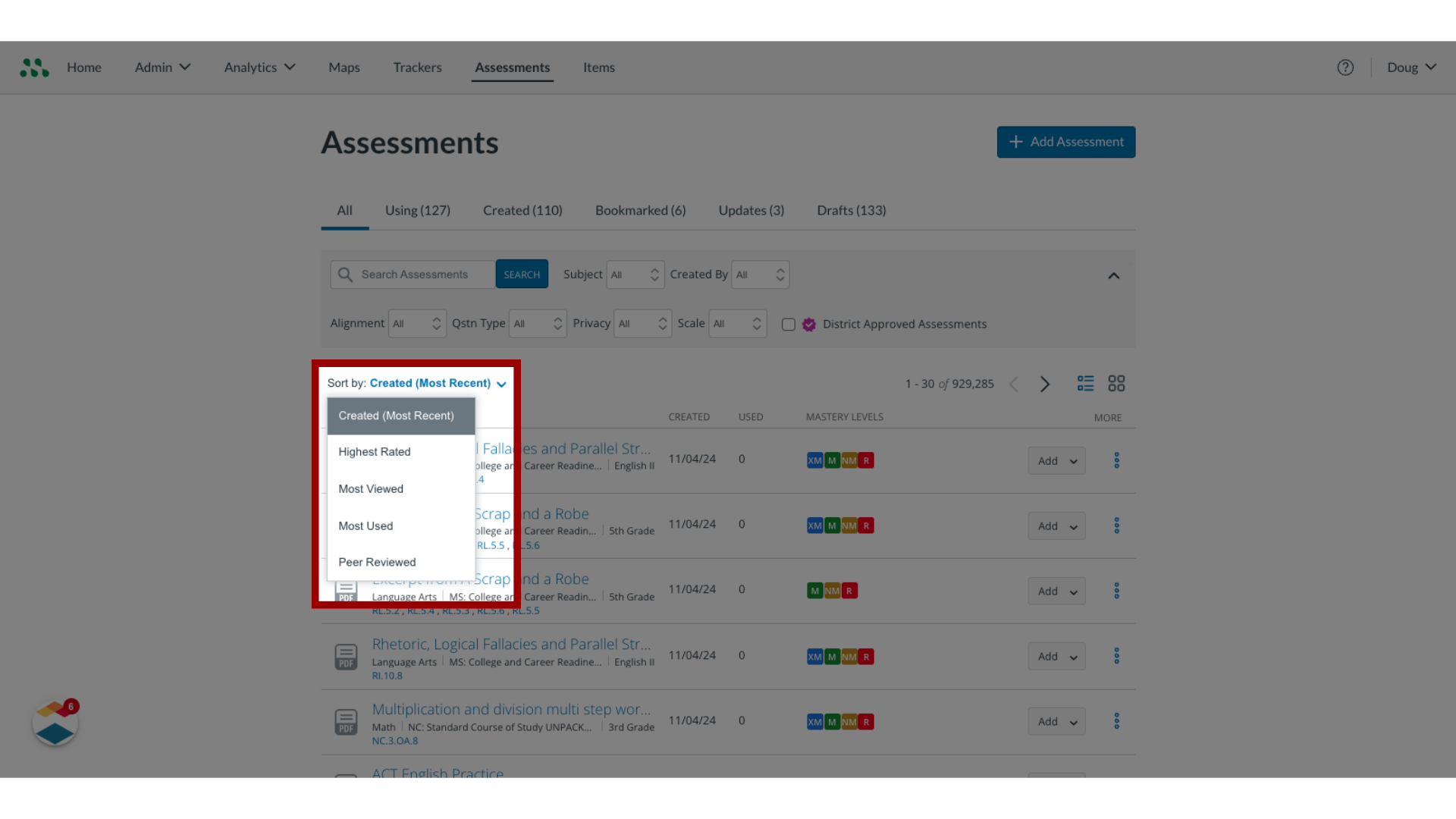
To sort your assessments, click the Sort by drop-down menu. You can select between Most Recent, Highest Rated, Most Viewed, Most Used, and Peer Reviewed.

8. Manage Columns
To manage columns, click the Columns button.

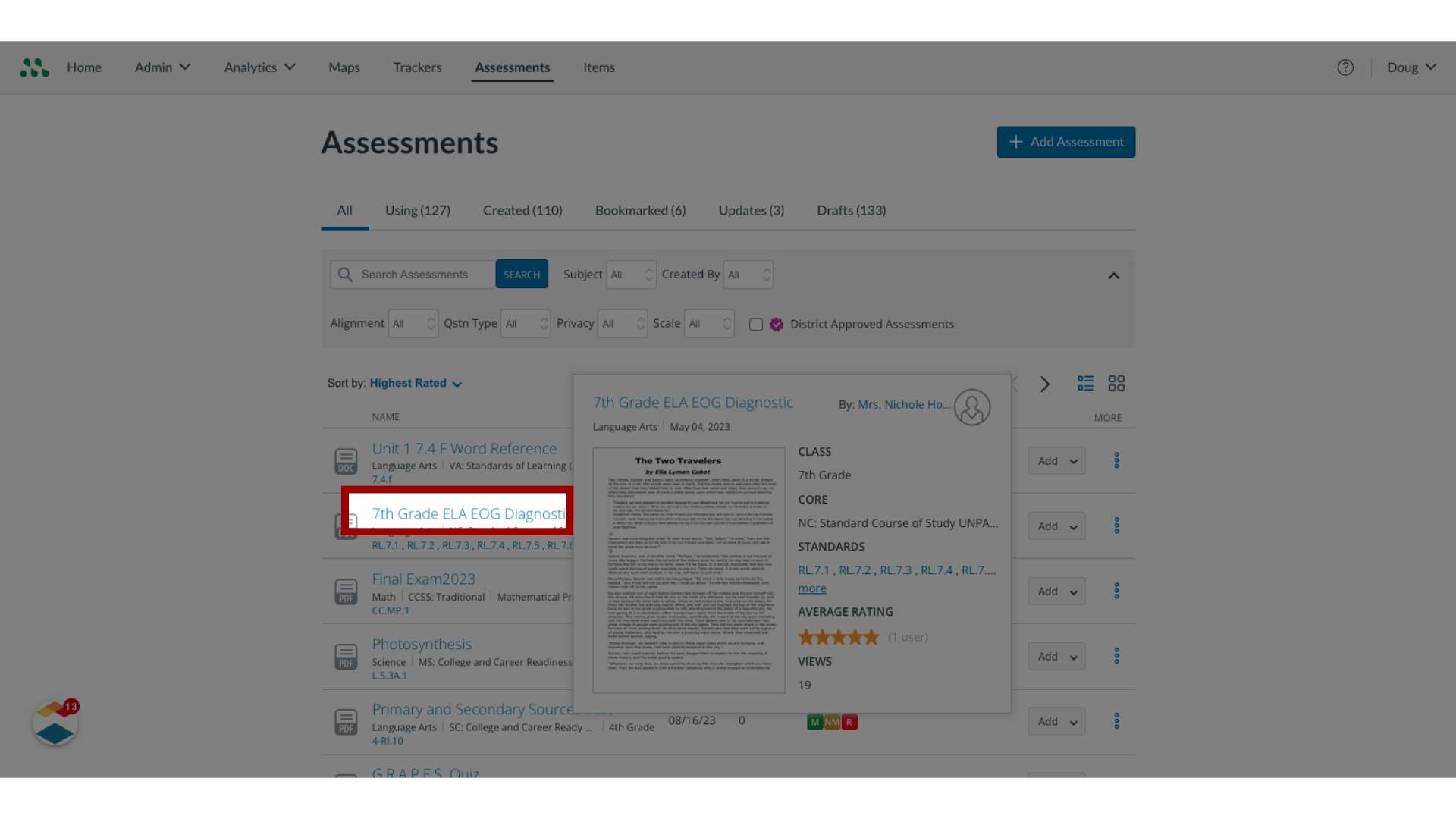
9. Open Assessment Details Page
To open the Assessment Details page, click on an assessment name link.

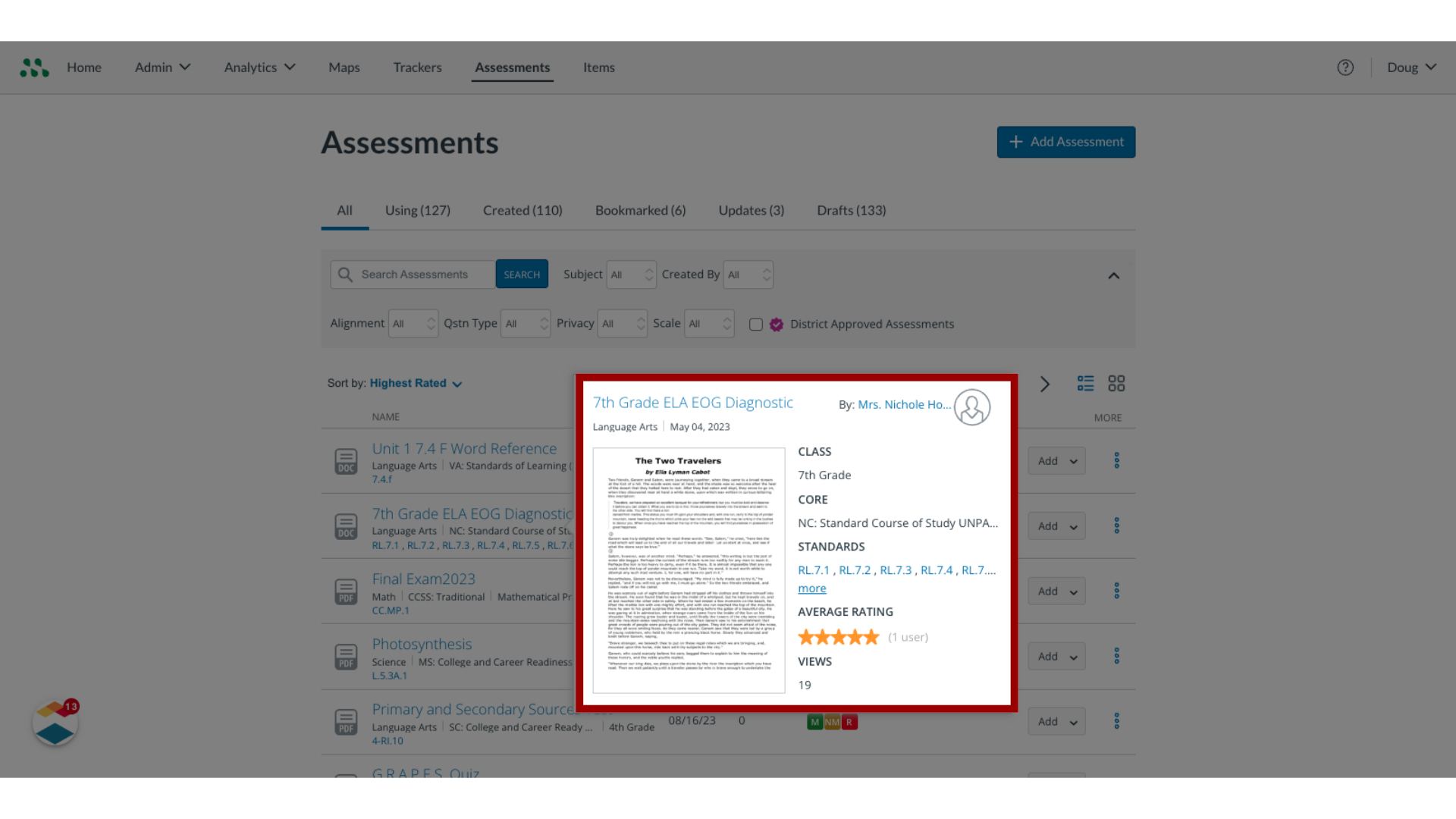
10. View Assessment Details Page
View the Assessment Details page.

This guide demonstrated how to search for a formative assessment in Mastery Connect.