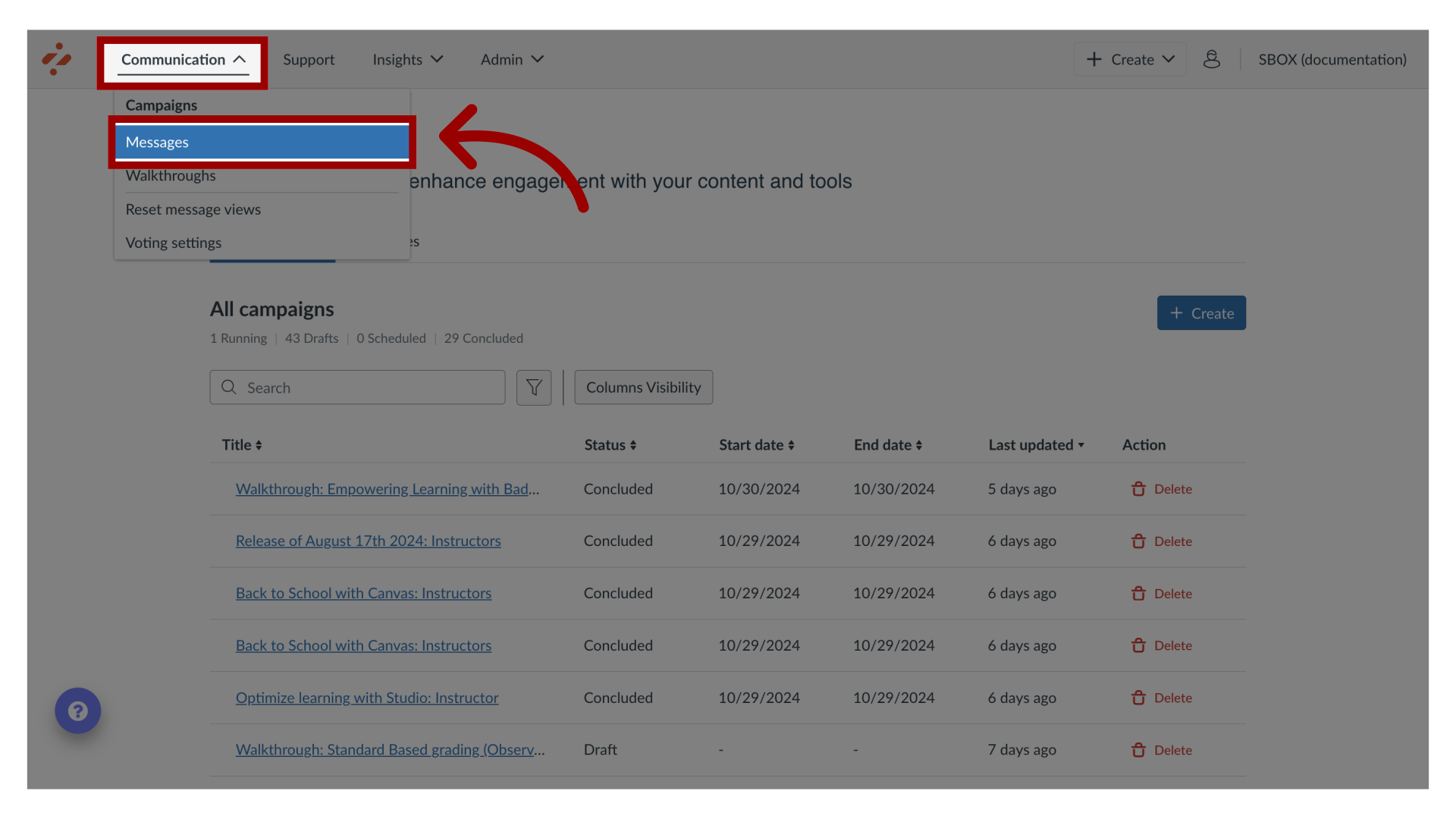
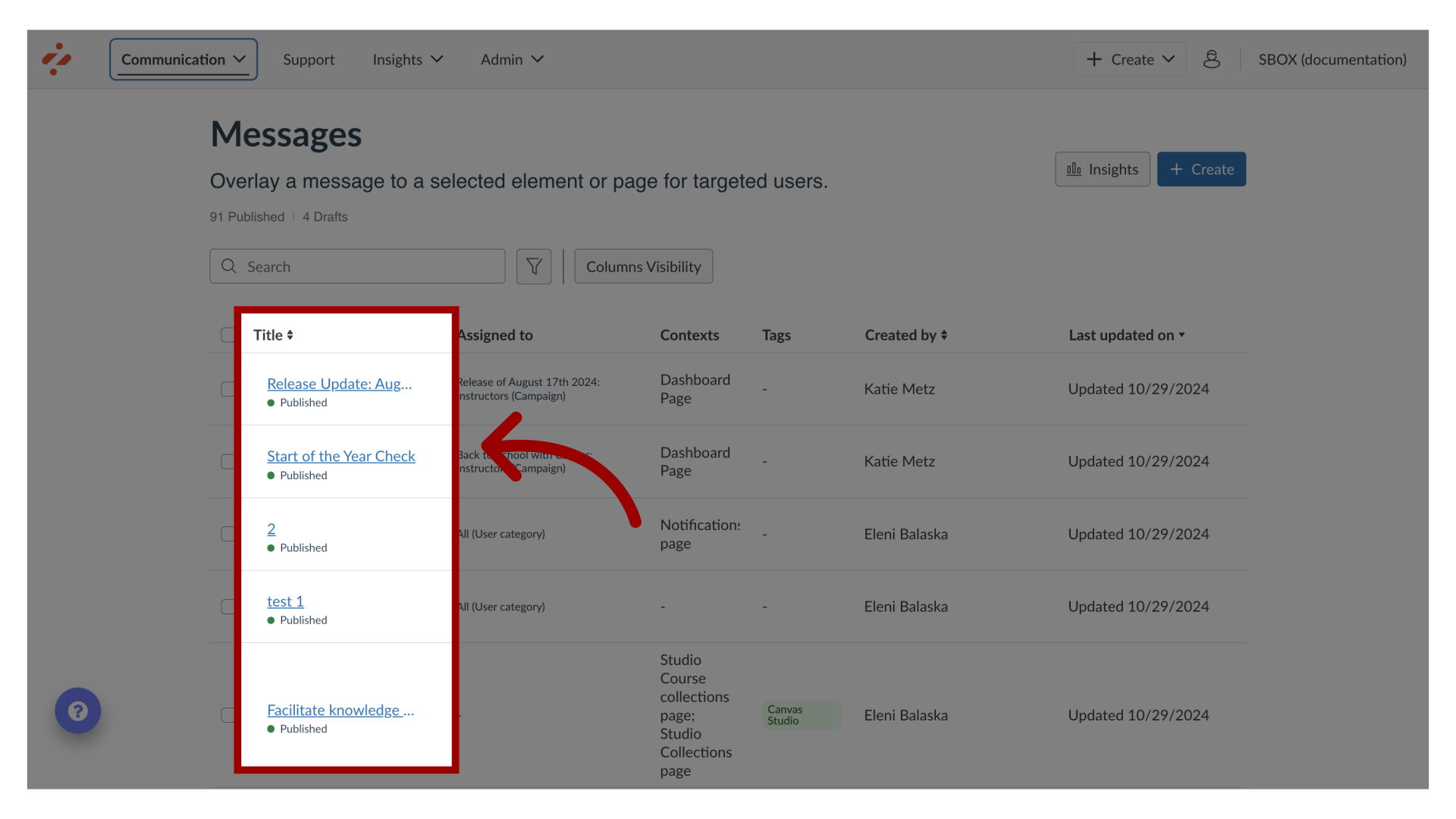
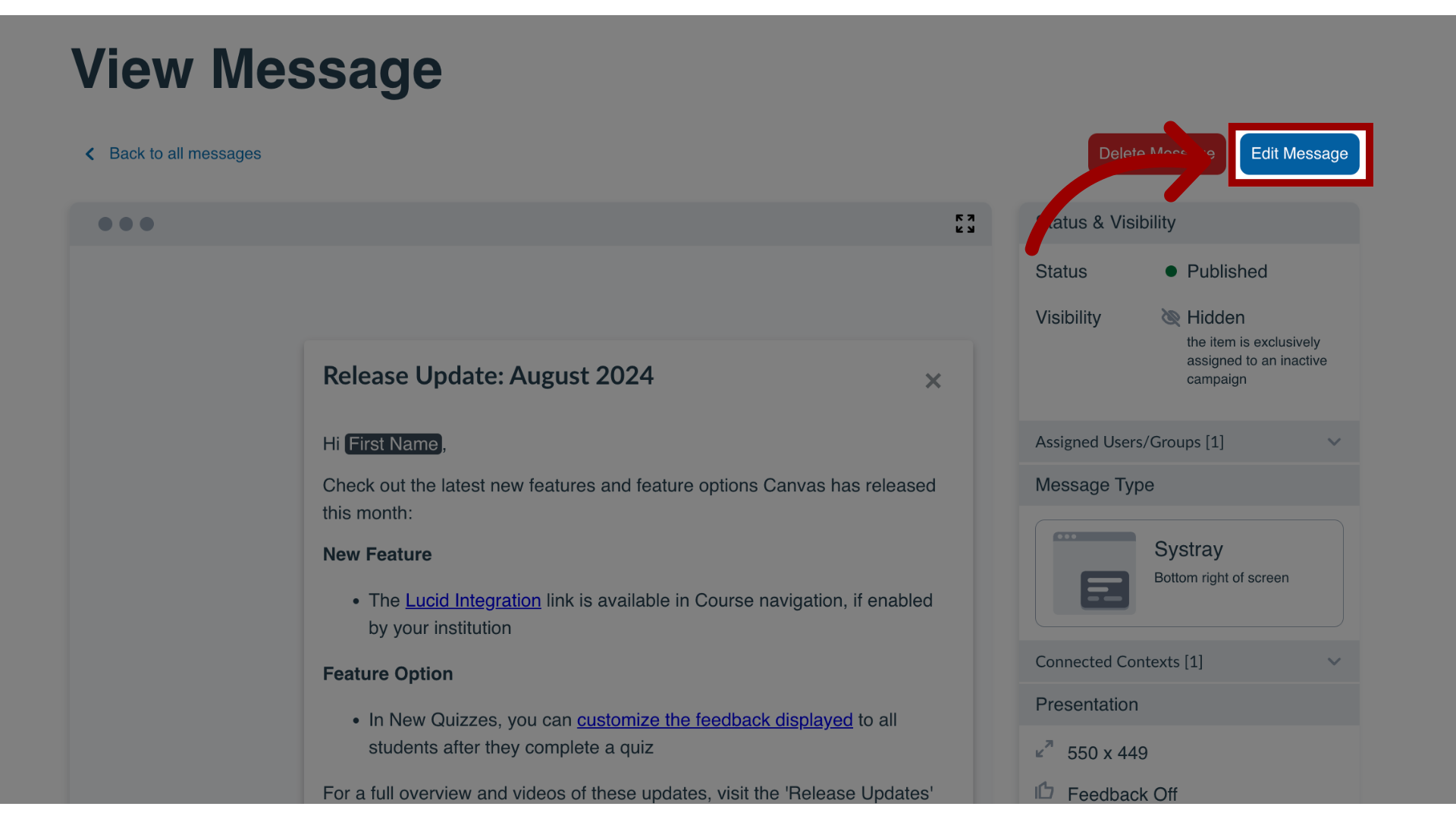
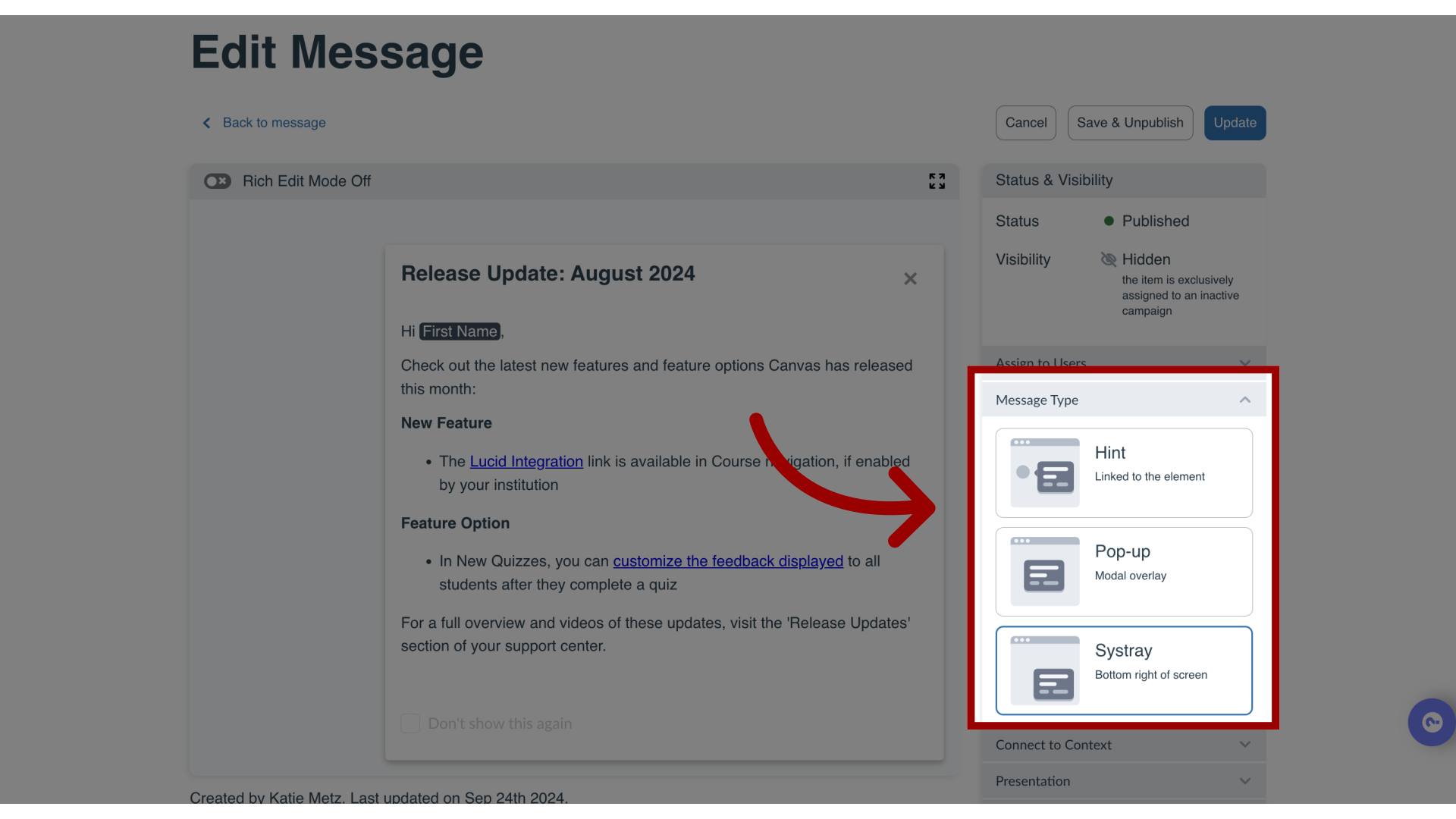
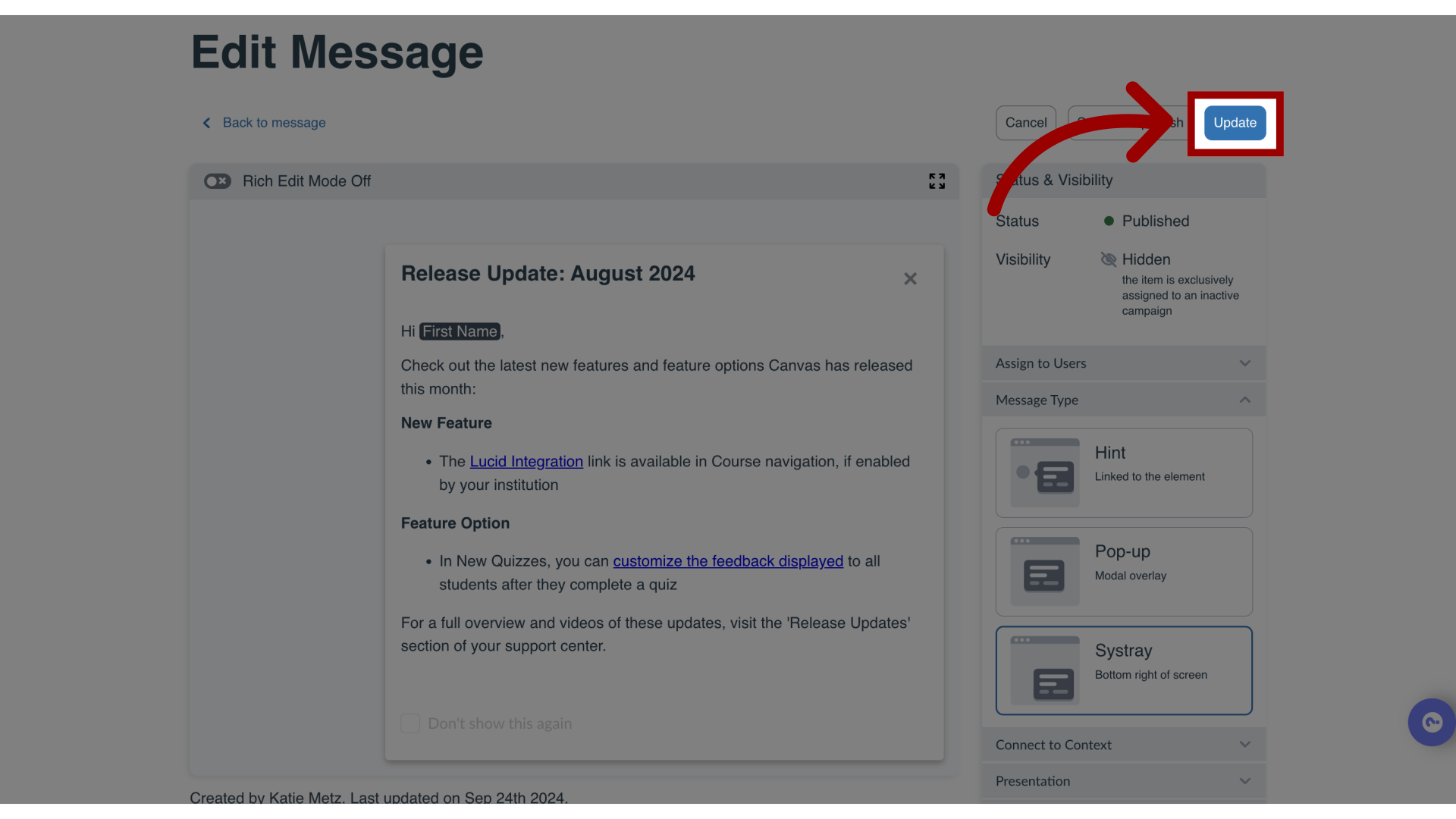
You can change the message type in the Impact Dashboard.How do I change message types in the Impact Dashboard?1. Open MessagesIn Global Navigation, click the Communication dropdown menu. Then click the Messages link.2. Manage MessagesIn Messages, click an existing message to edit.3. Edit MessageIn the View Message page, click the Edit Message button.4. Change Message TypeTo change message types, locate and click the Message Types section. Then click the message type.5. Update MessageTo save your changes, click the Update button.