You can view which monitors, articles, messages, categories, and walkthroughs are connected to a context.
Open Contexts
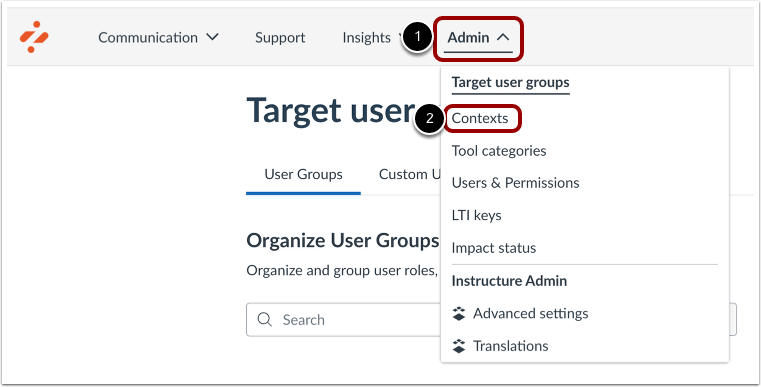
In Global Navigation, click the Settings link [1]. Then click the Contexts link [2].
Open Context
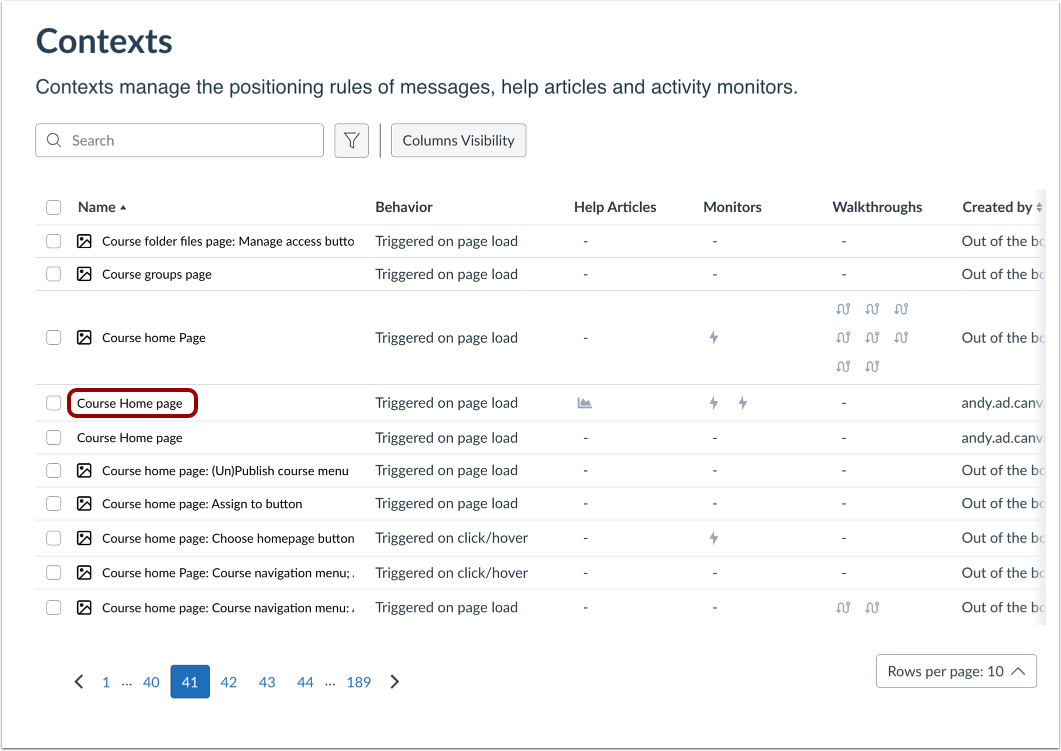
Click the name of a context.
View Context
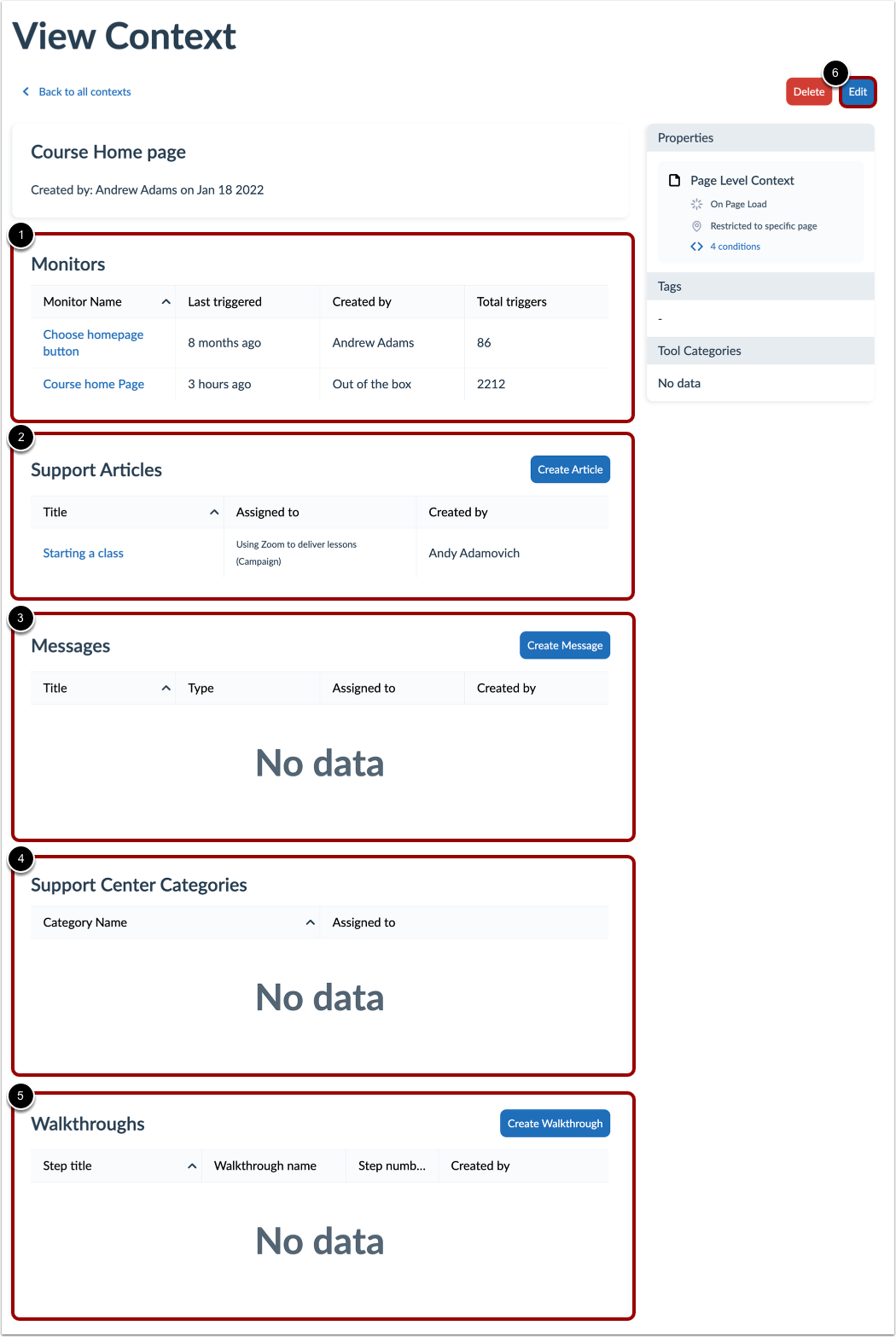
You can view the Monitors table [1], Support Articles table [2], Messages table [3], Support Center Categories table [4], and the Walkthroughs table [5] to see what is connected to the context.
To change the configurations of your selected context, you can click the Edit button [6].
Notes: