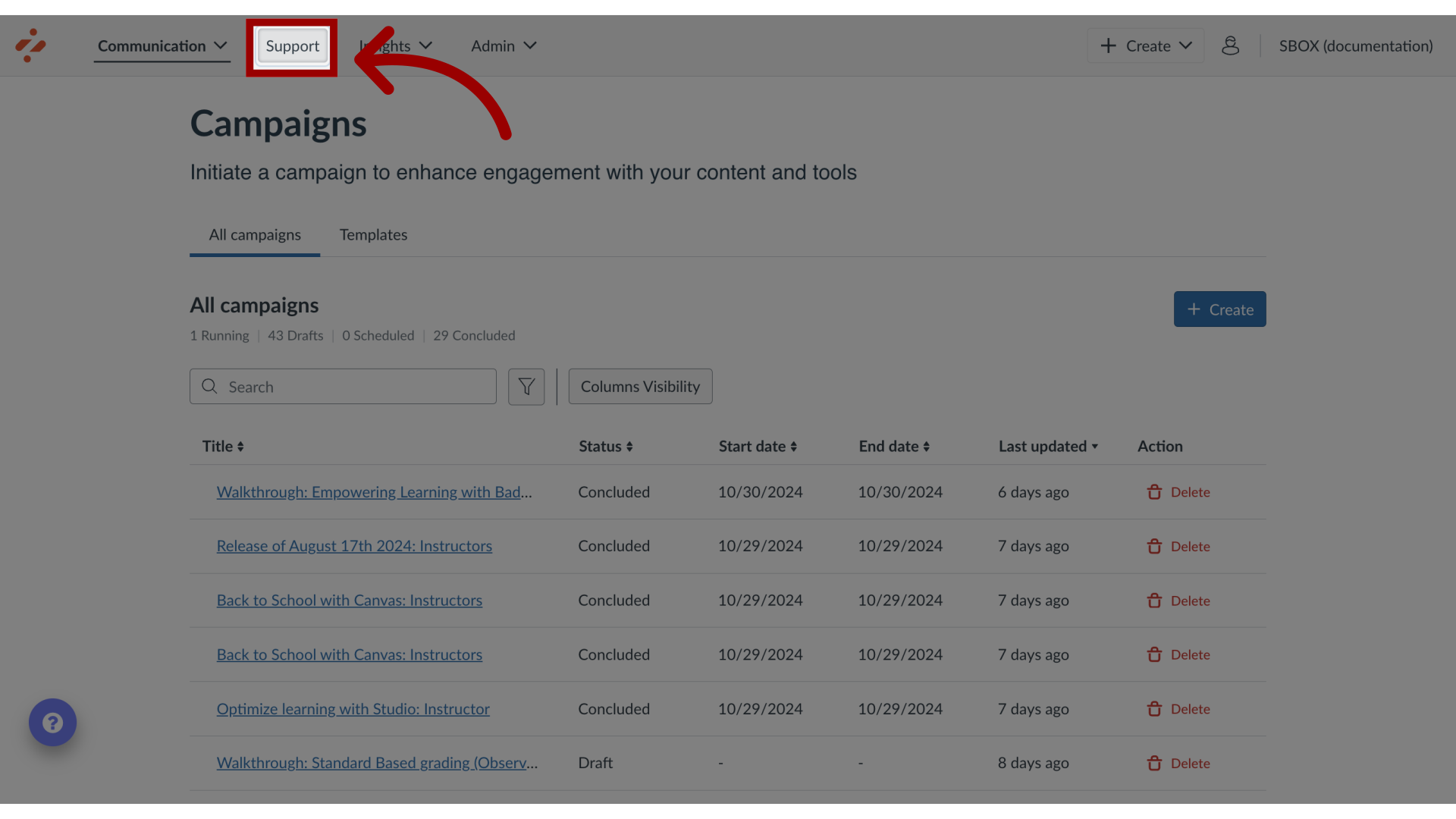
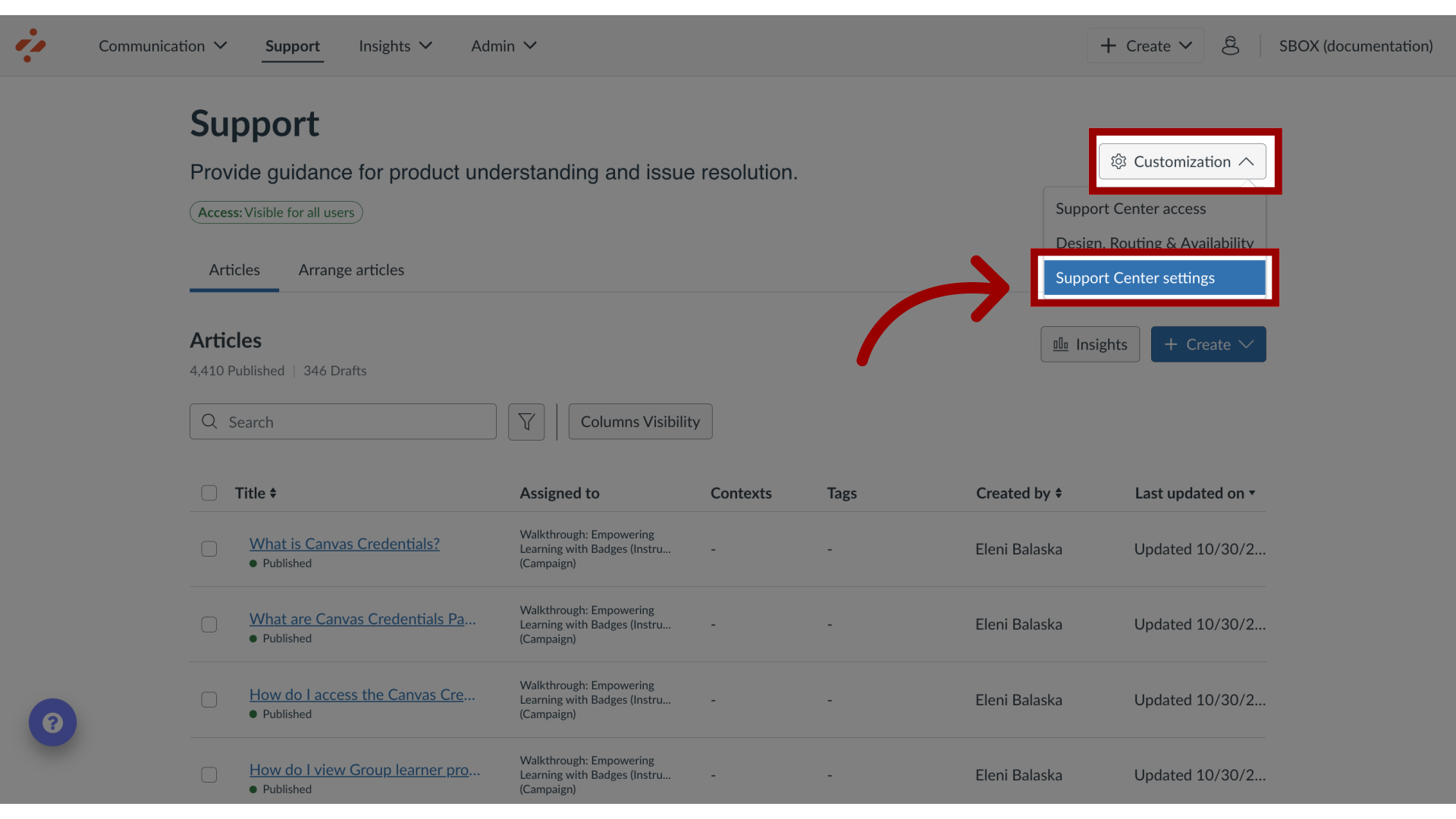
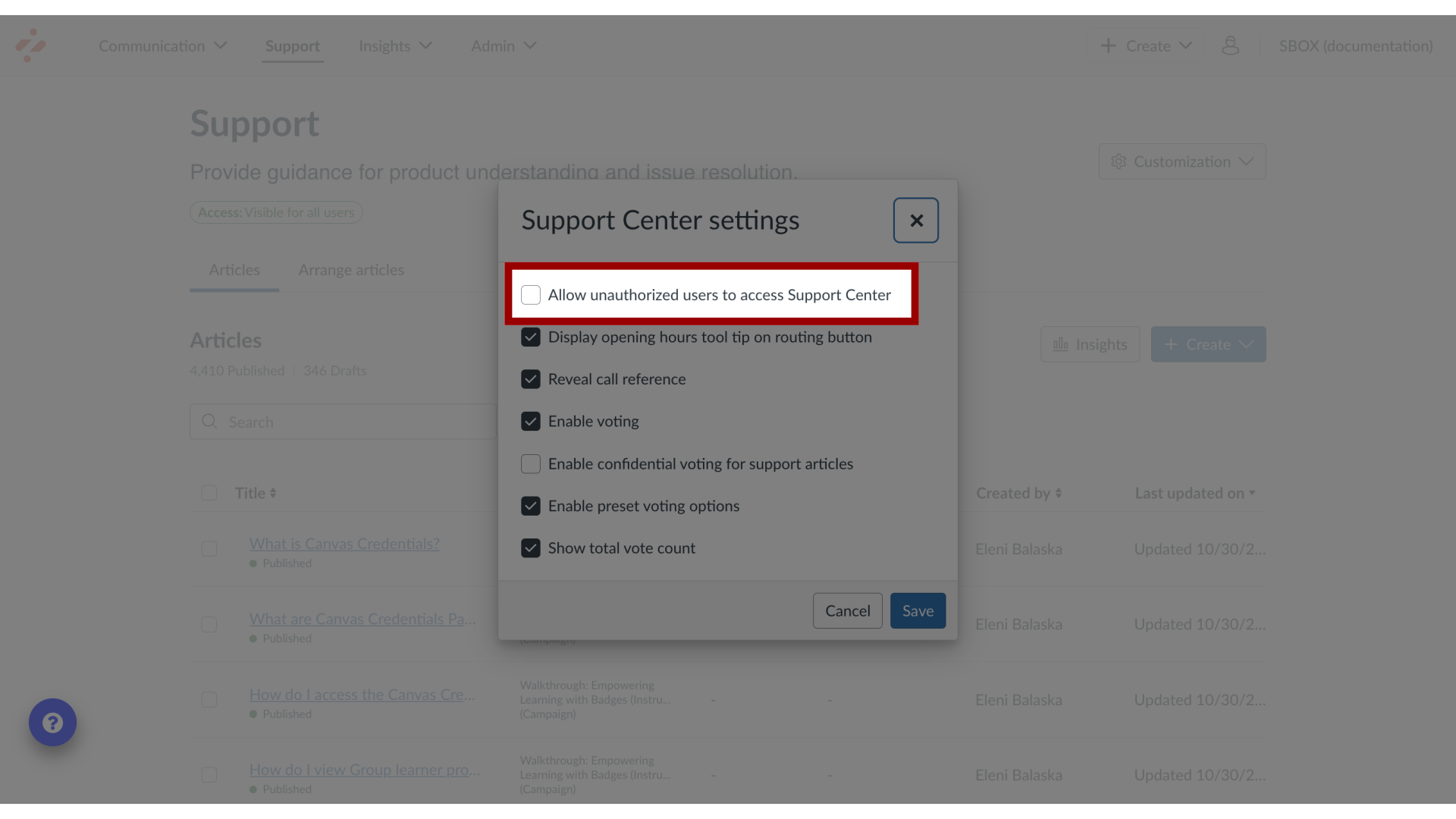
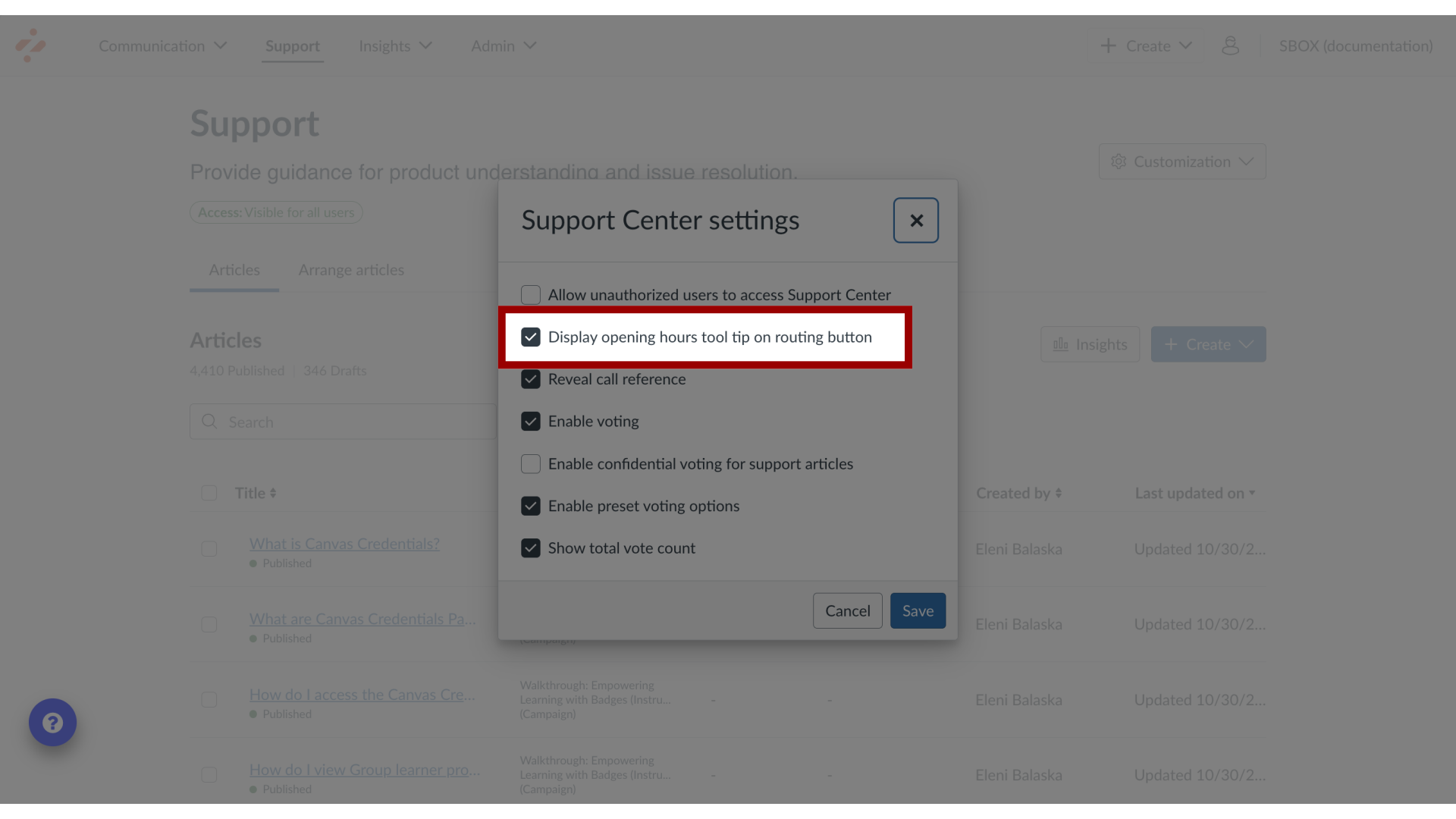
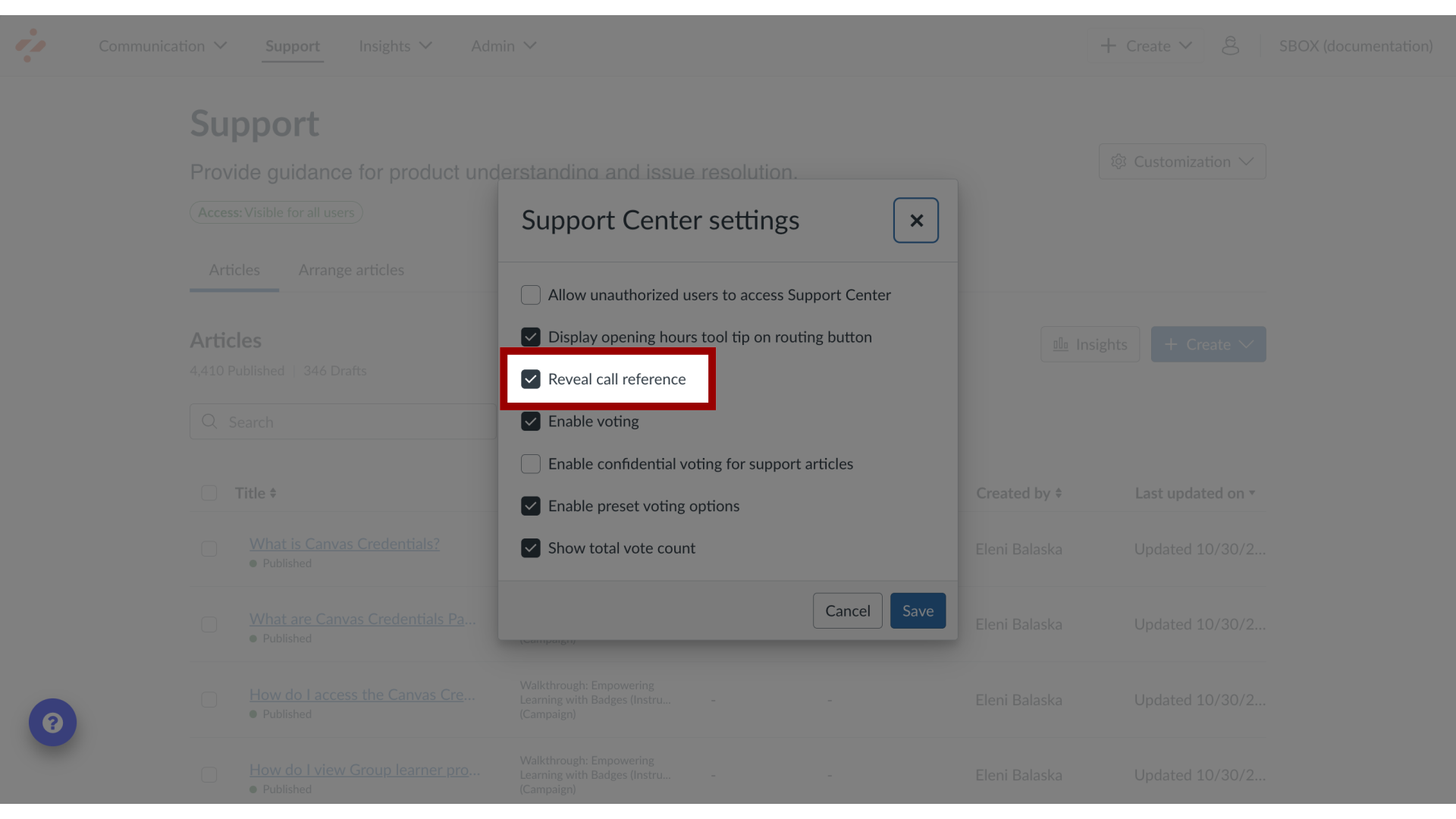
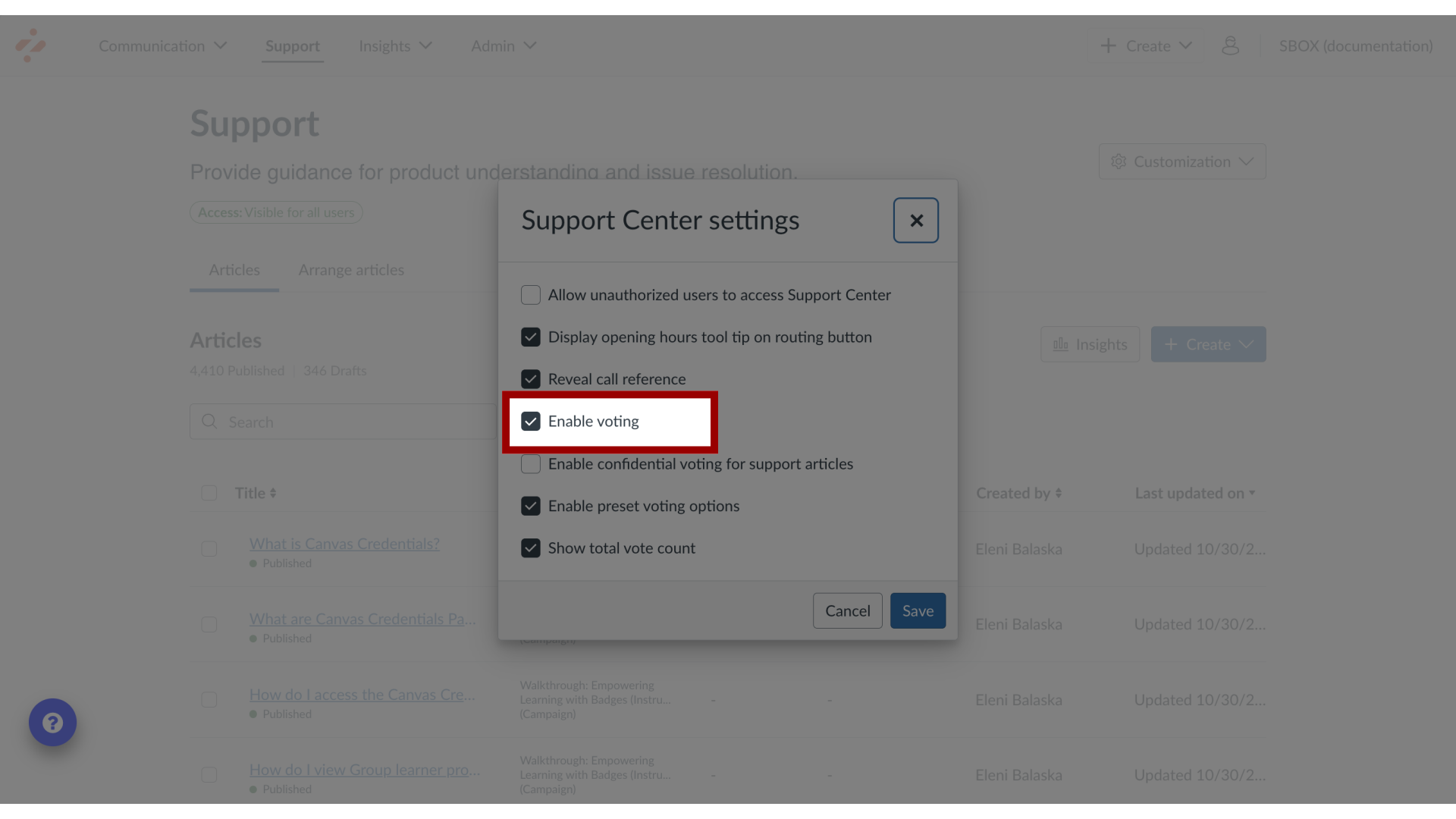
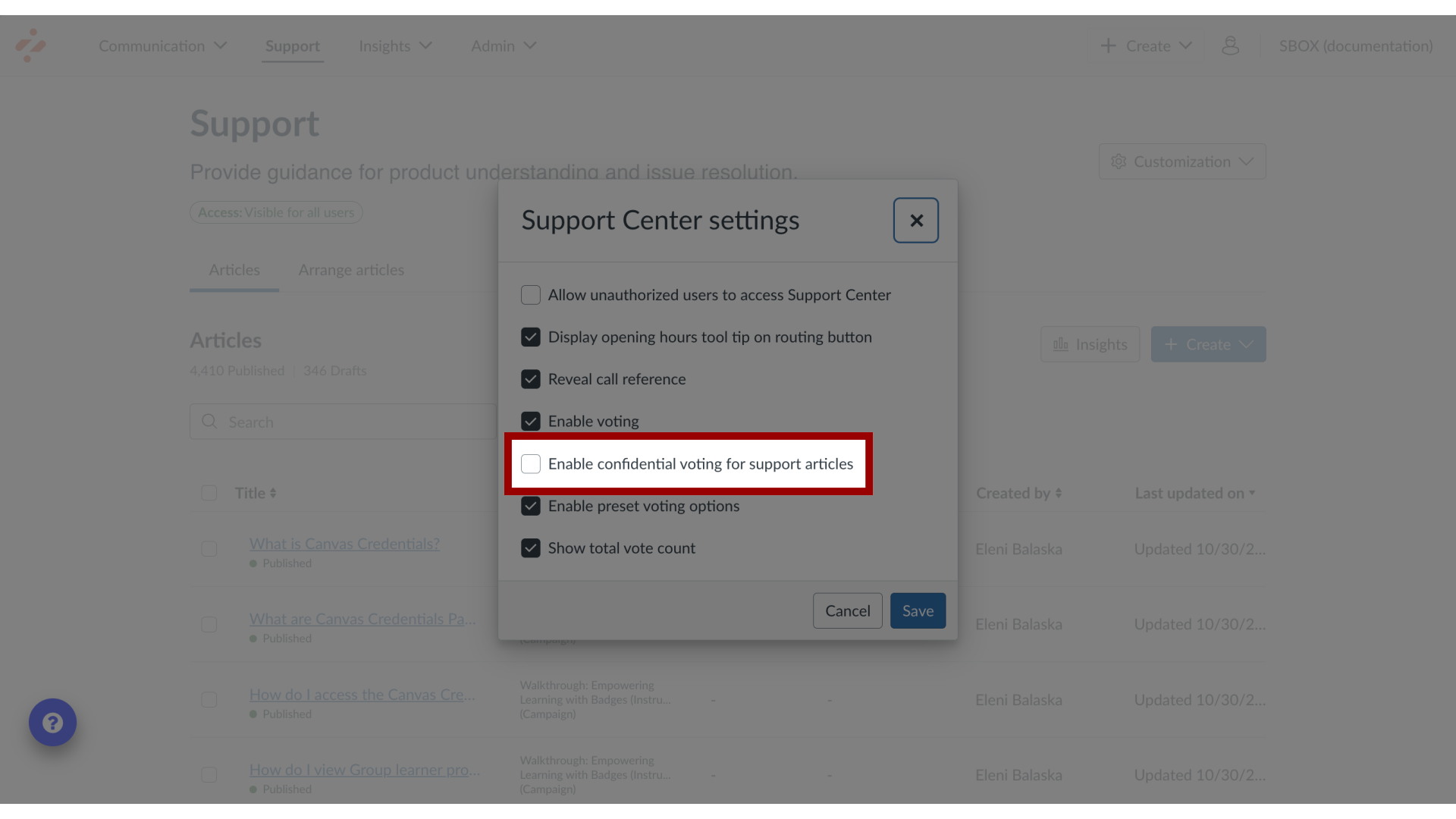
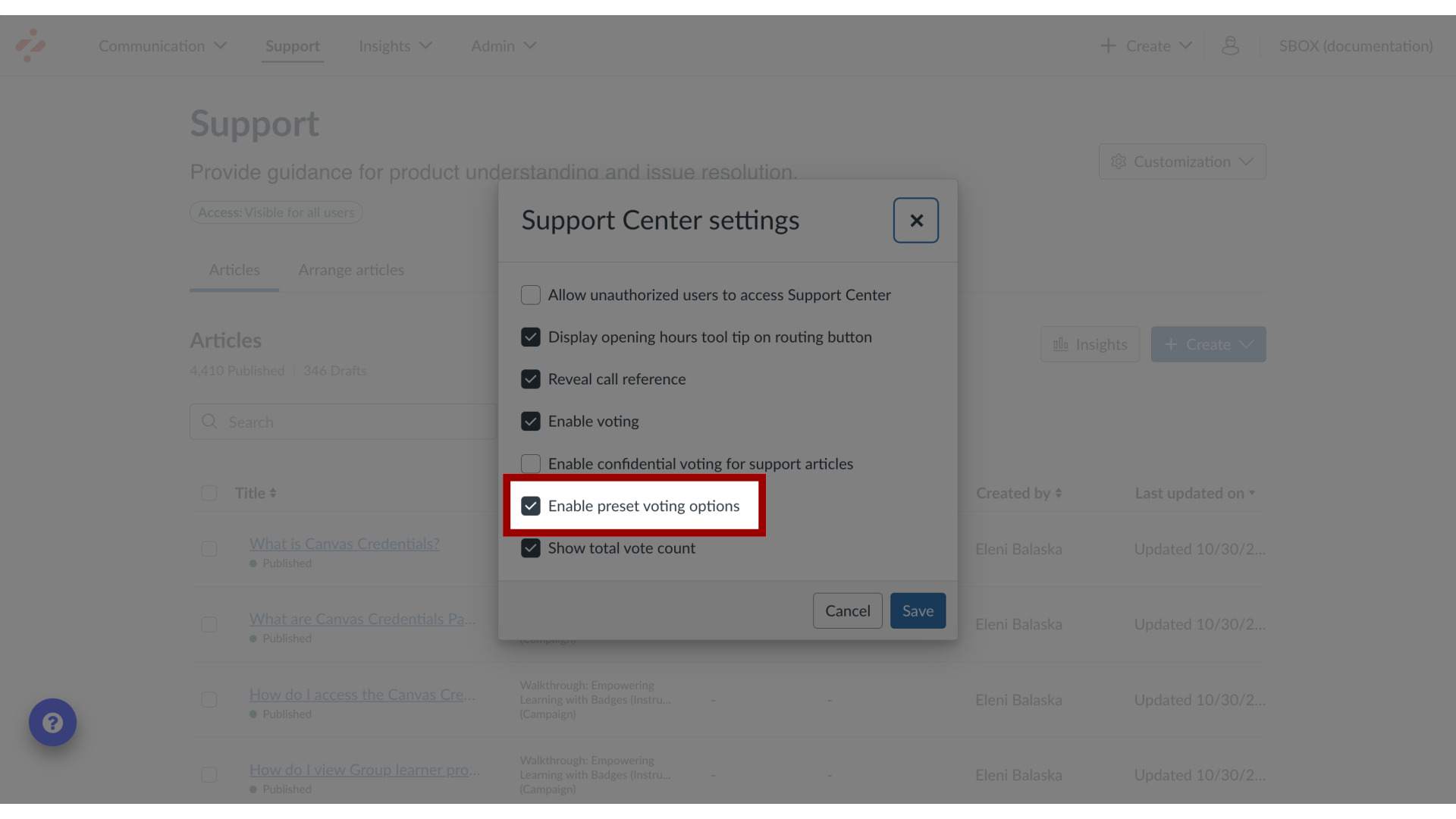
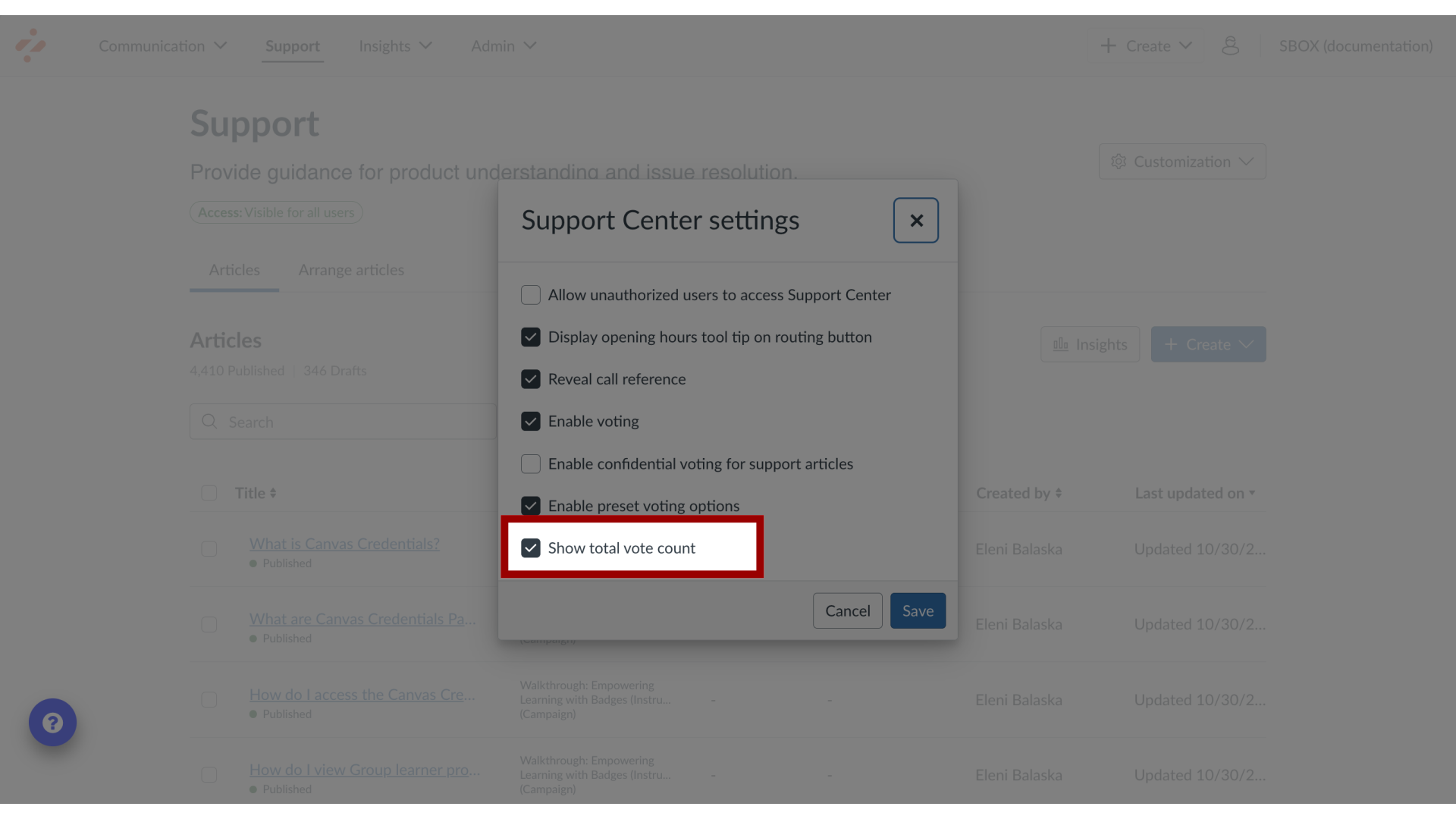
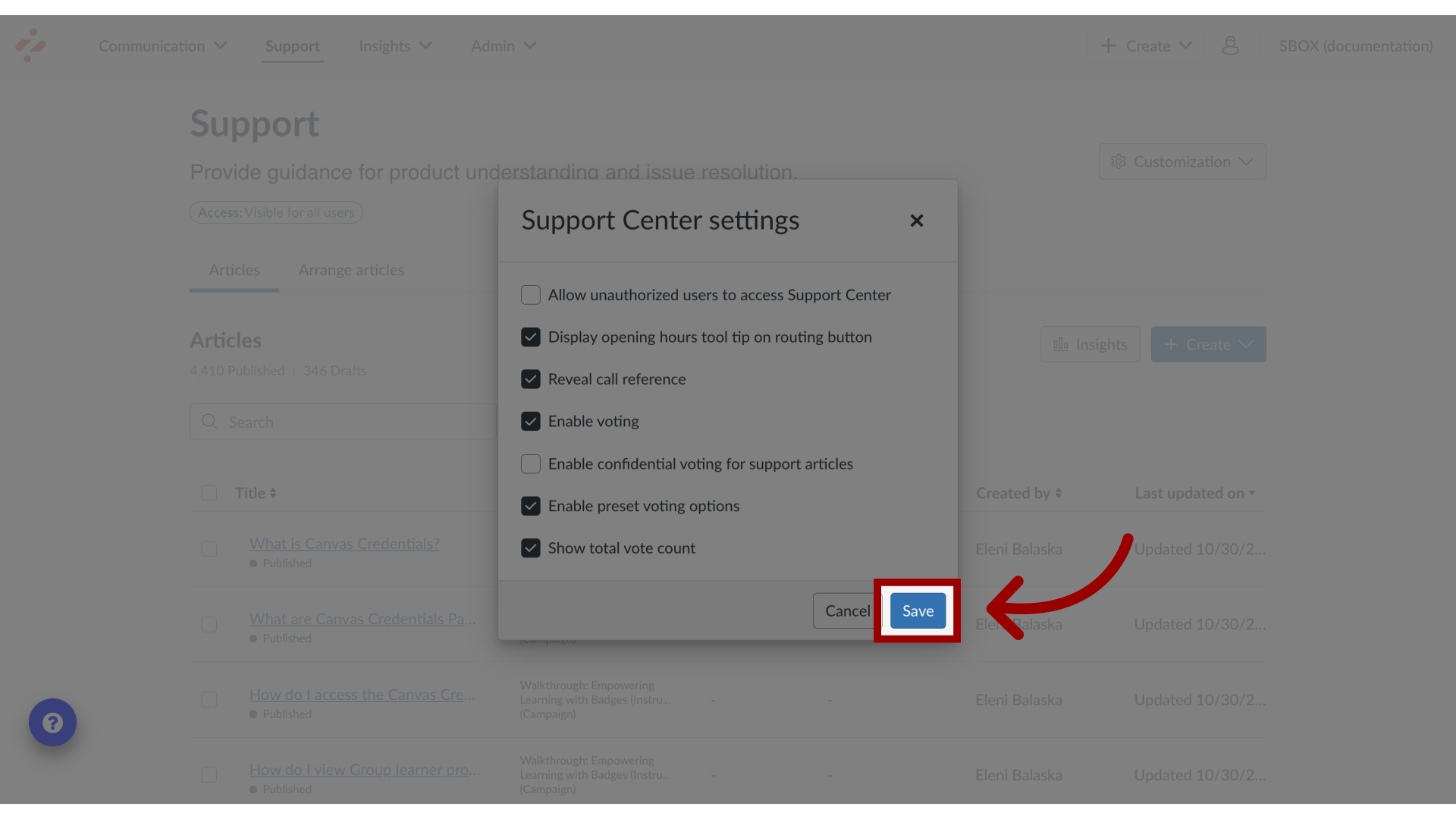
You can configure your settings for the Support Center using Support Center settings.What are the Support Center settings?1. Open SupportIn the Global Navigation, click the Support link.2. Open Support Center SettingsIn Support, click the Customization dropdown menu. Then click the Support Center Settings link.3. View Support Center SettingsFor Support Center settings, you can change the settings for the following:4. Allow Unauthorized Users AccessAllow unauthorized user to access Support Center allows the Support Center to be accessible before users log in on your LMS.5. Display Opening Hours TooltipDisplay opening hours tool tip on routing button in Support Center displays your institution's opening hours as a tool tip on your routing button.6. Reveal Call ReferenceReveal call reference in Support Center displays the Reference number in the Support Center.7. Enable VotingEnable Voting allows voting on your Support Center articles.8. Enable Confidential VotingEnable confidential voting for support articles allows anonymous voting for Support Center articles.9. Enable Preset VotingEnable preset voting options shows preset voting options for Support Center.10. Show Total Vote CountShow total vote count shows vote totals in Support Center after user votes.11. Save Support Center SettingsClick the Save button.