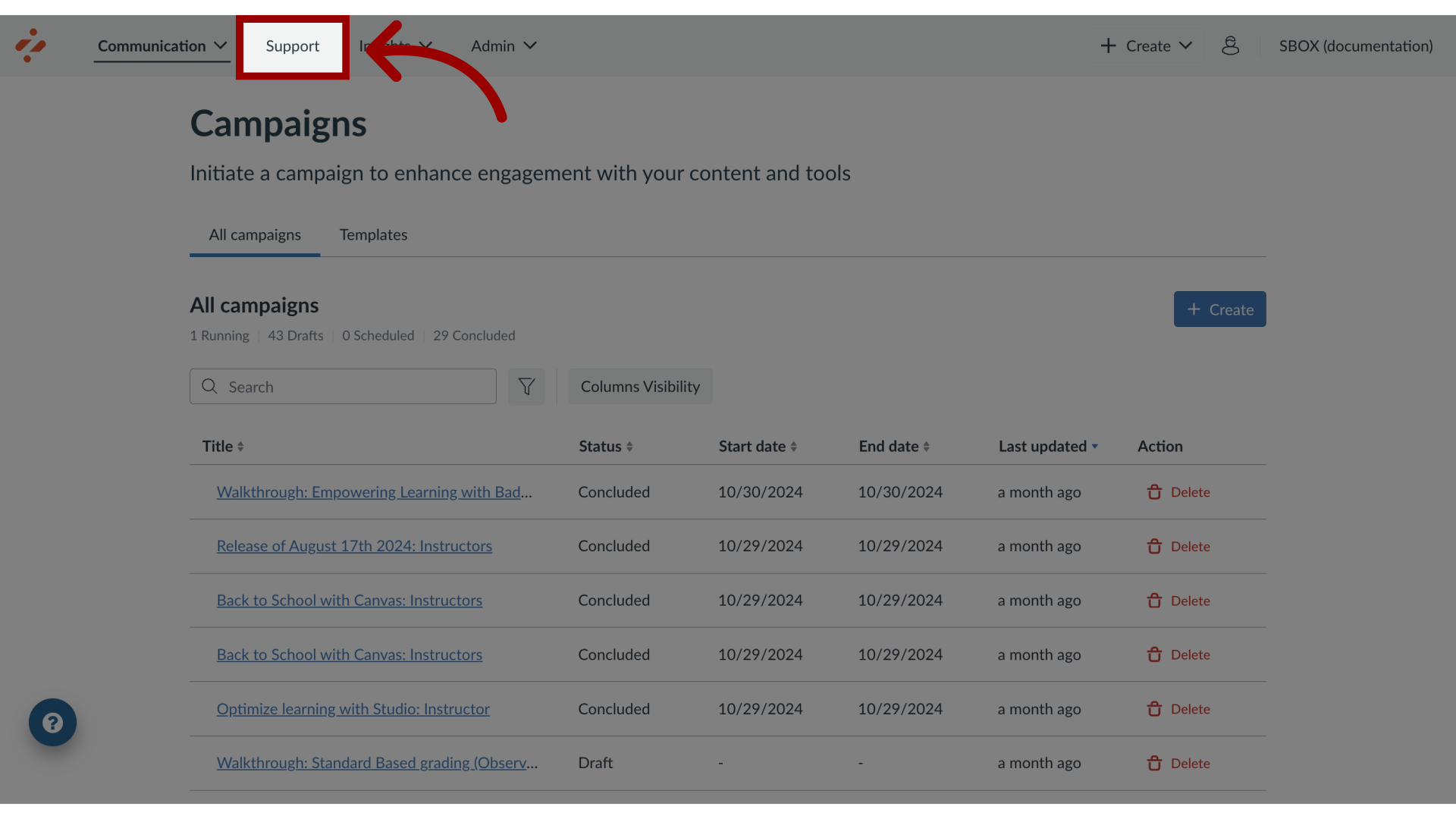
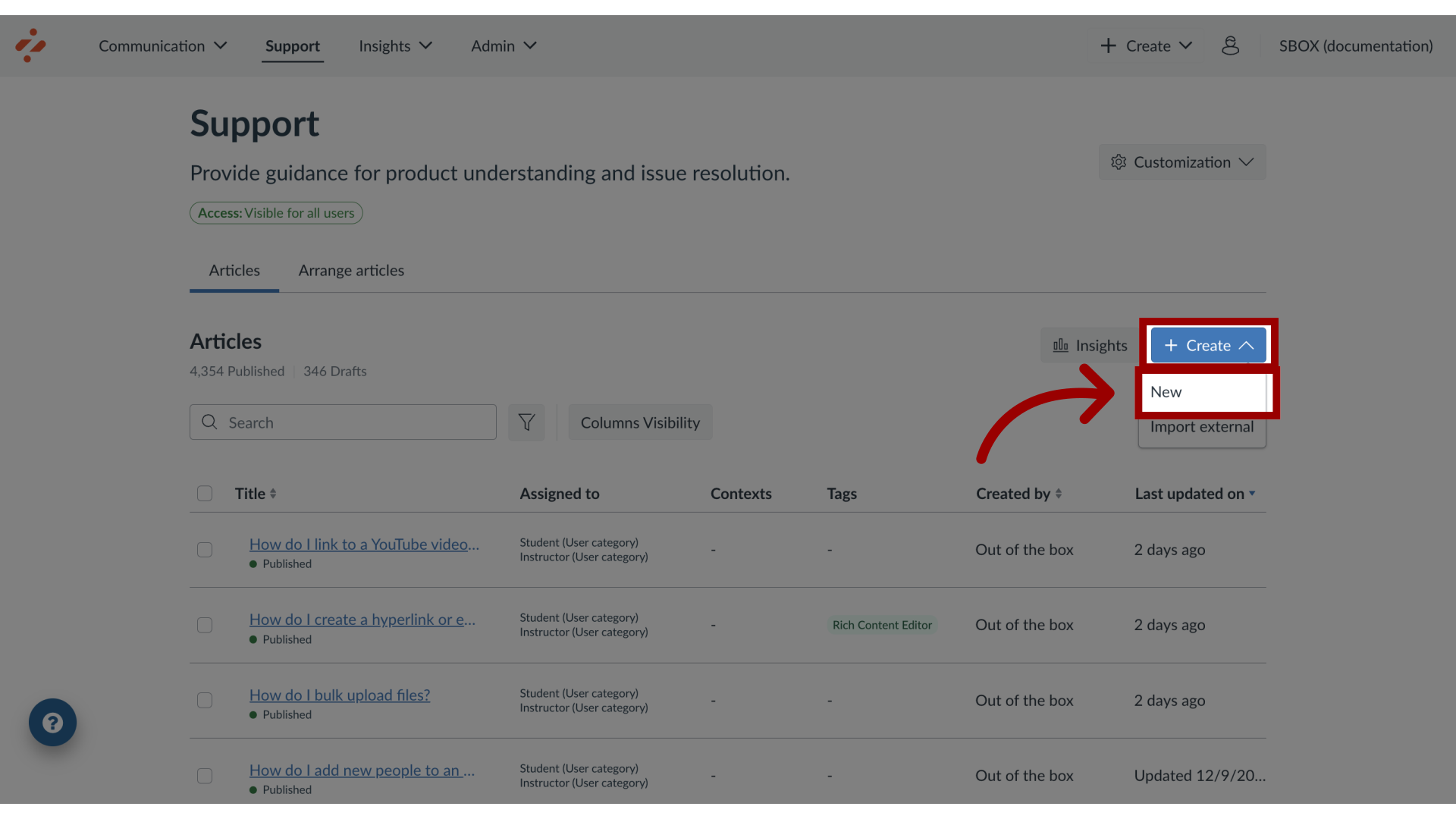
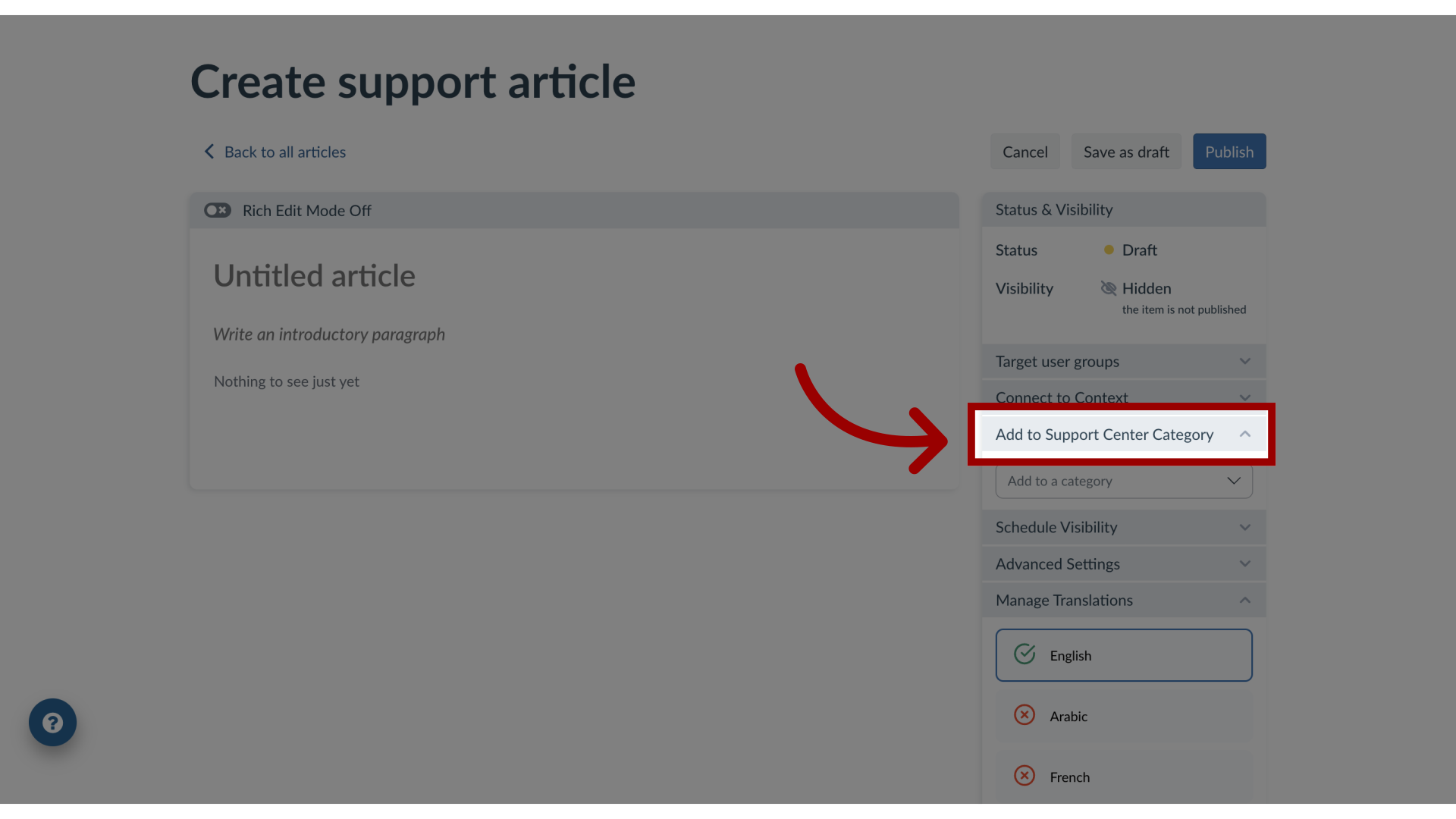
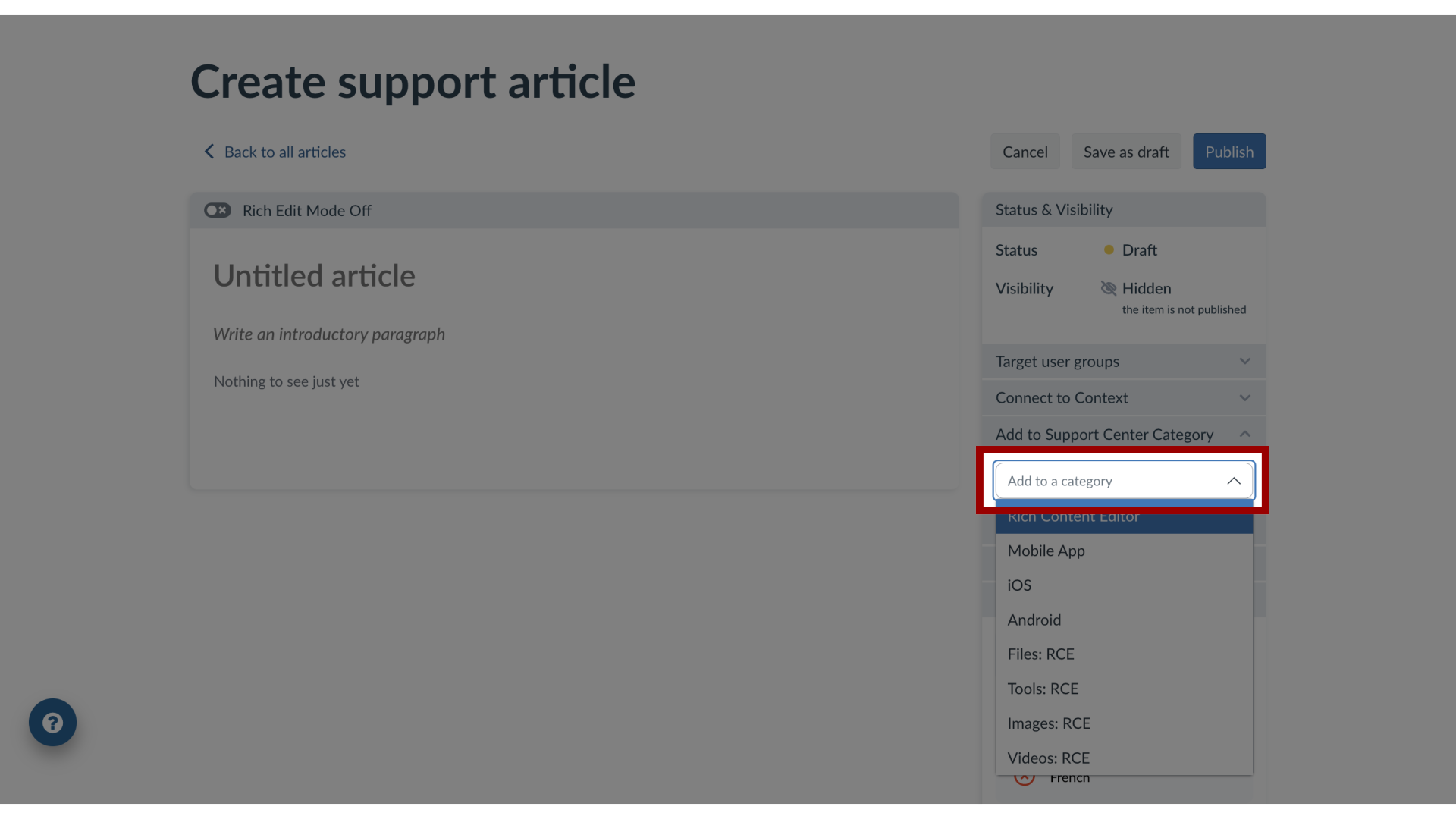
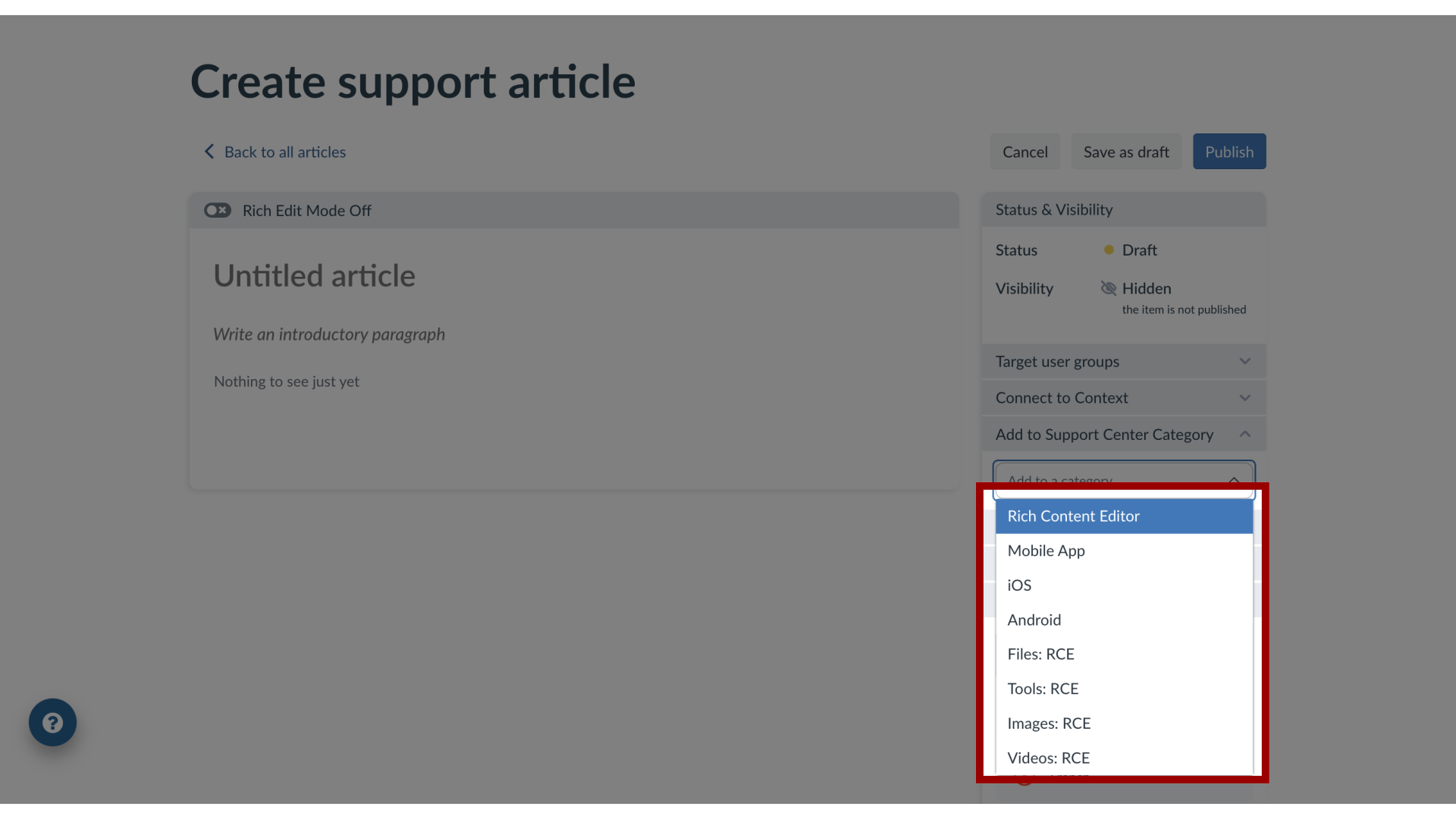
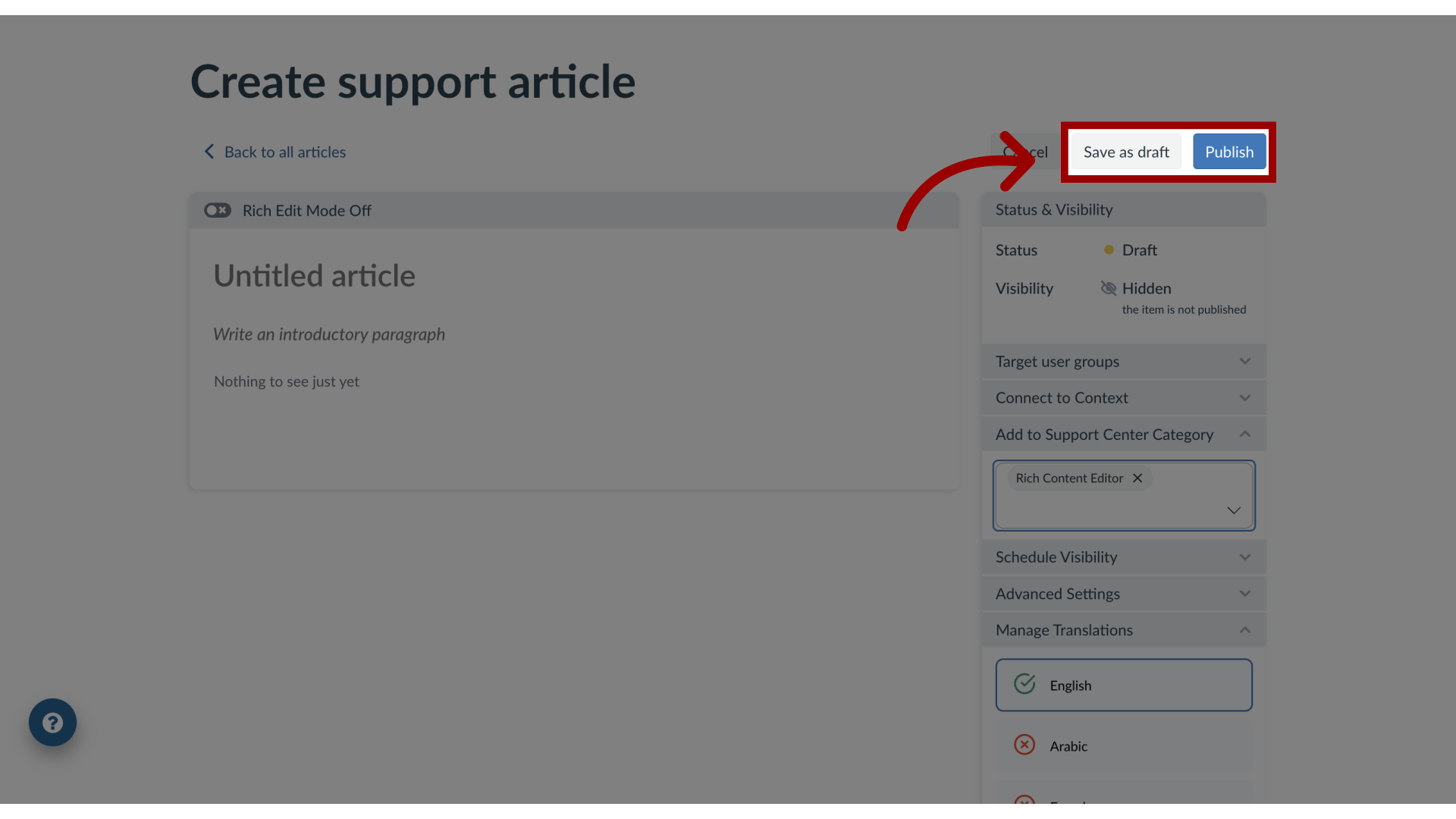
With Impact you can create support articles and assign them to categories to structure your support center.You can also associate and add a support article to a support center category.How do I add an article to a Support Center category in the Impact Dashboard?1. Open SupportIn Global Navigation, click the Support link.2. Create New ArticleTo create a new article, click the Create drop-down menu. Then click the New link.3. Open Add to Support Center CategoryIn the Create Support Article page, click the Add to Support Center Category drop-down menu.4. Search Support Center CategorySearch for the Support Center Category or5. Select Support Center Category select the name(s) of the category. You can select multiple categories.6. Publish Support ArticleTo save the article, click the Save as Draft button. To publish the article, click the Publish button.