The Impact Global Search allows admins to quickly locate and access pages, actions, messages, walkthroughs, articles, campaigns, campaign/walkthrough templates, contexts, and monitors across the application.
Open Global Search
In the Global Navigation, click the Search icon.
Search Using Keywords
In the Search field, type a keyword.
Open Filter Options
To open filter options, click the Filter icon.
Filter Search Options
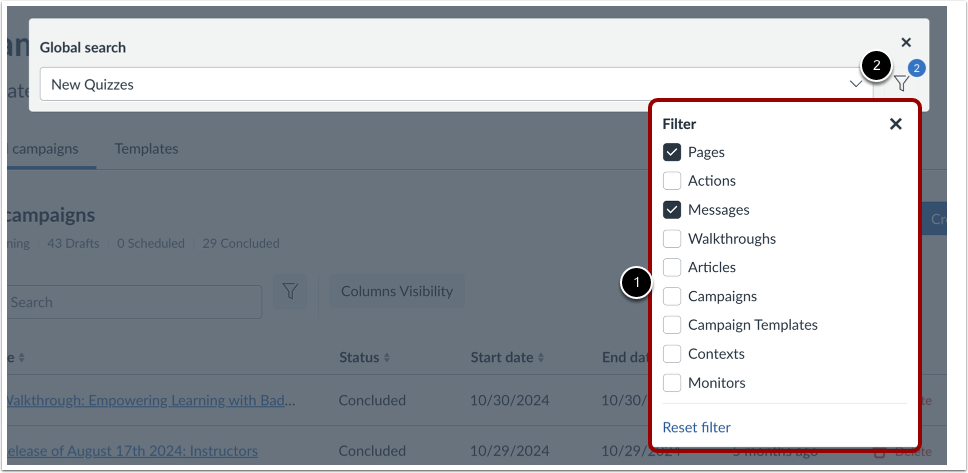
By default, the global search bar returns results for keywords in the entire Impact Dashboard. To limit your search to one or more specific areas of Impact, select the filter checkboxes [1].
The filters available are:
- Pages
- Actions
- Messages
- Walkthroughs
- Articles
- Campaigns
- Campaign Templates
- Contexts
- Monitors
The number of filters selected will display on the Filter icon [2].
Reset Filters
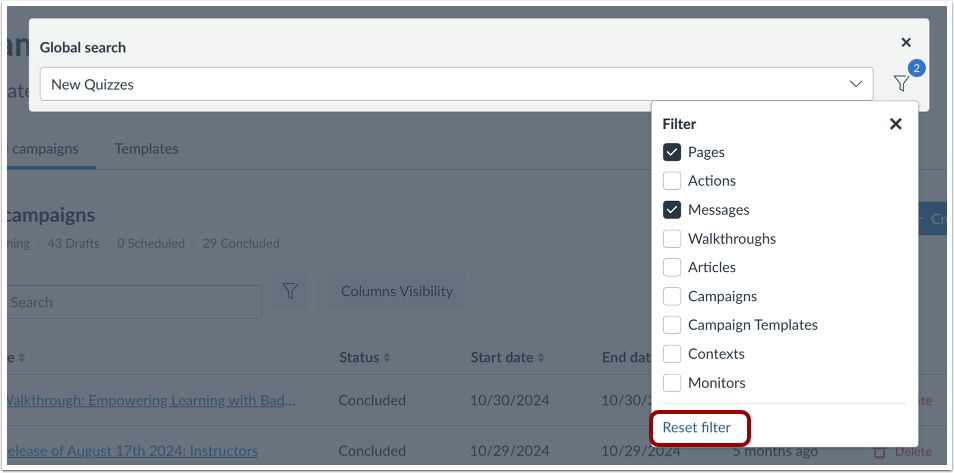
To reset the filters, click the Reset filter link.
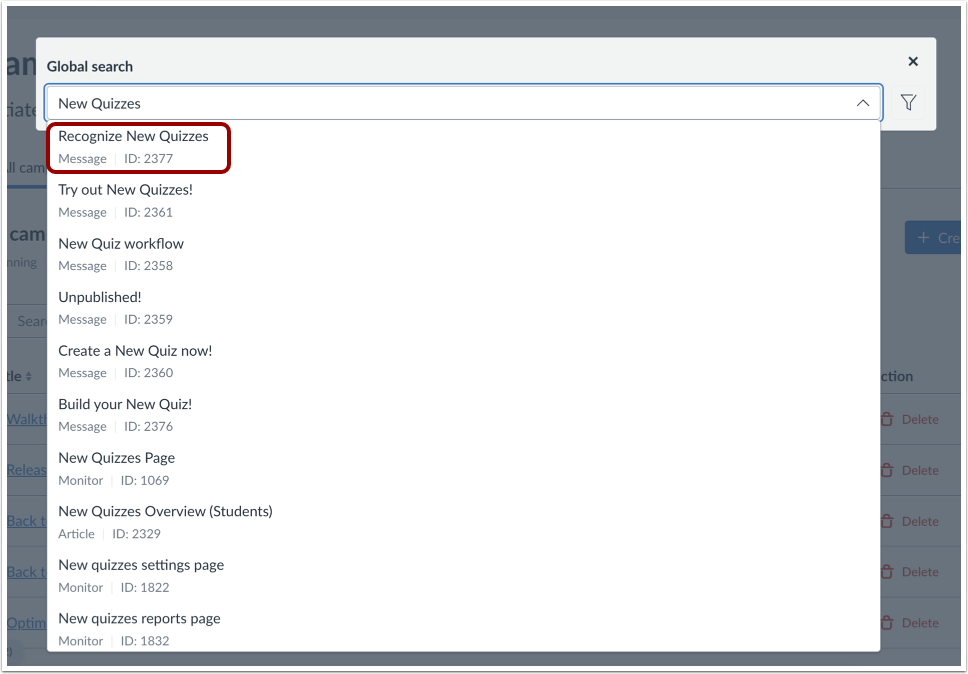
Each result displays the name, type, and ID. To open a search result, click the result name.
View Selection
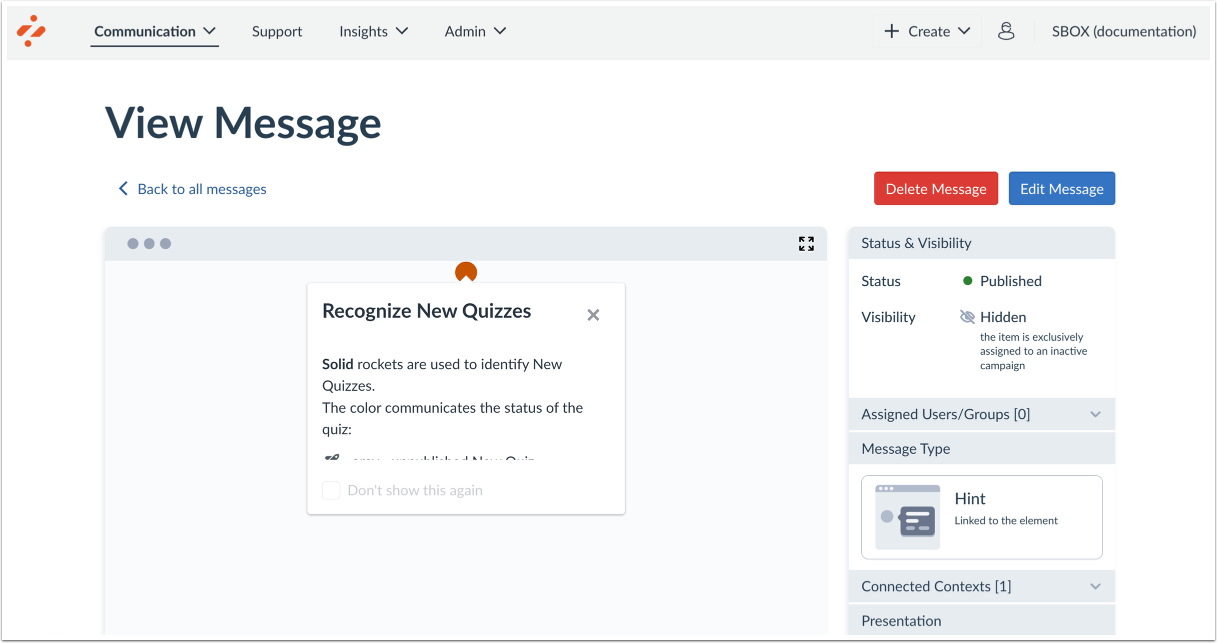
You are then directed immediately to your search selection.