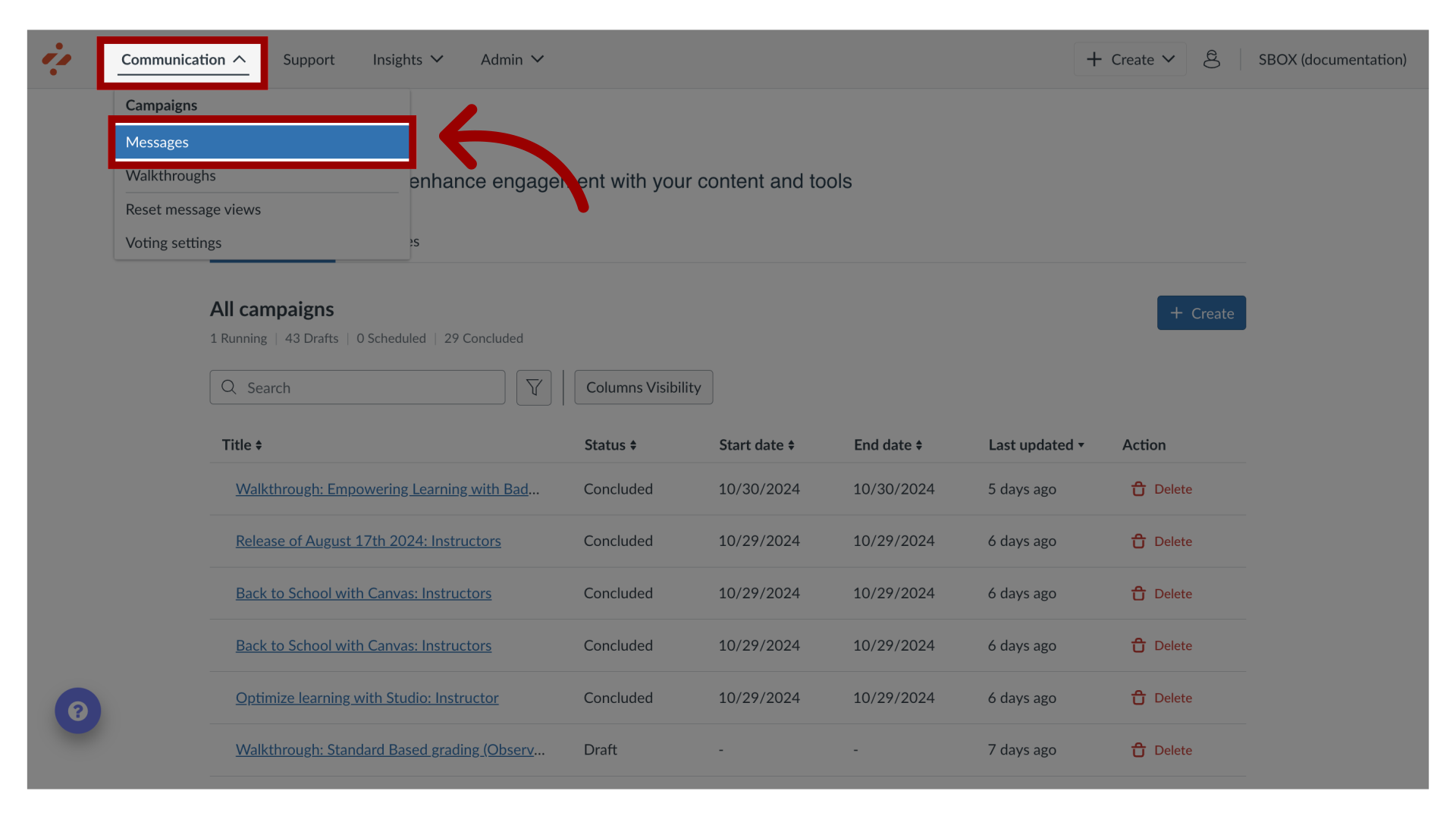
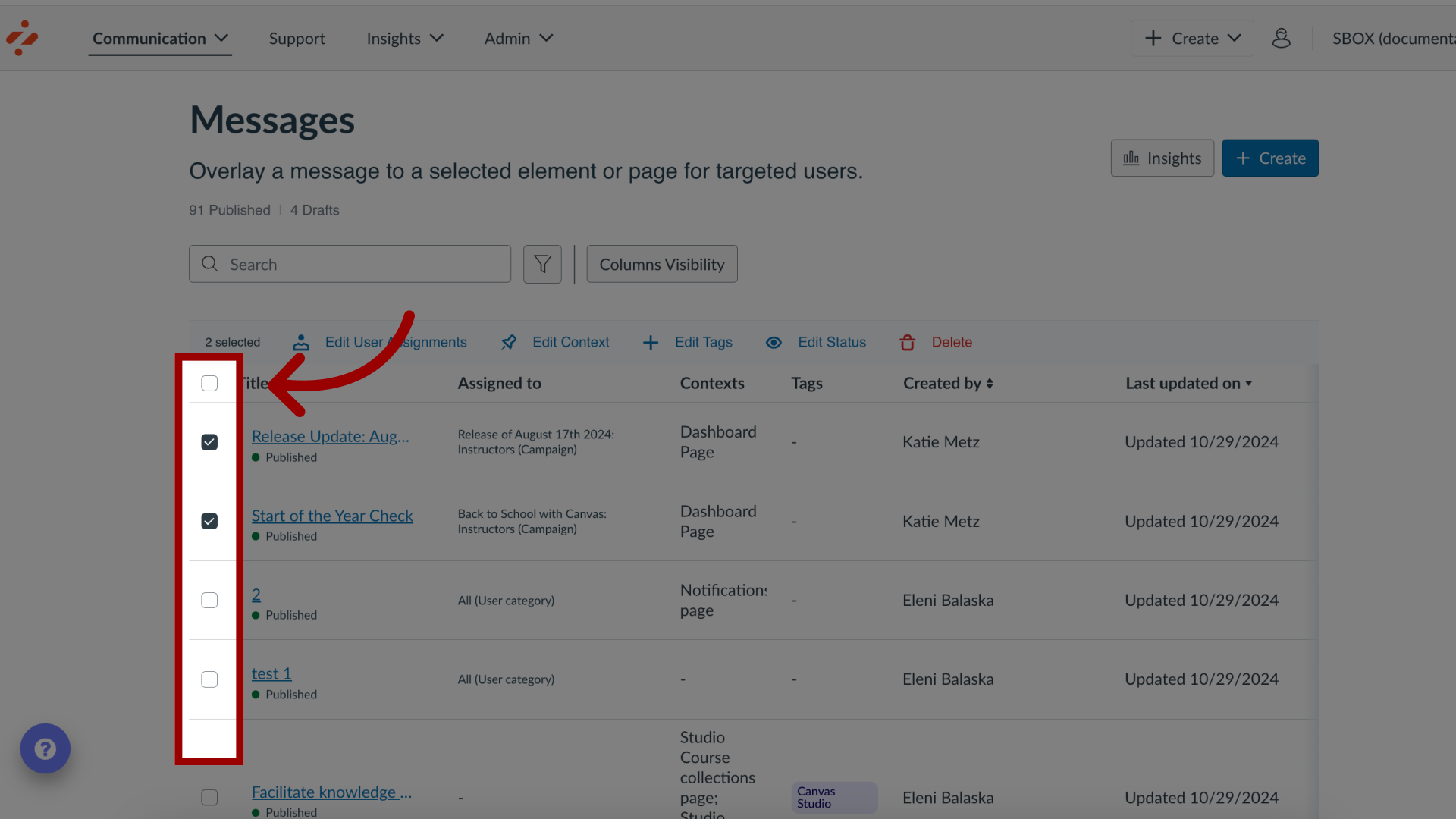
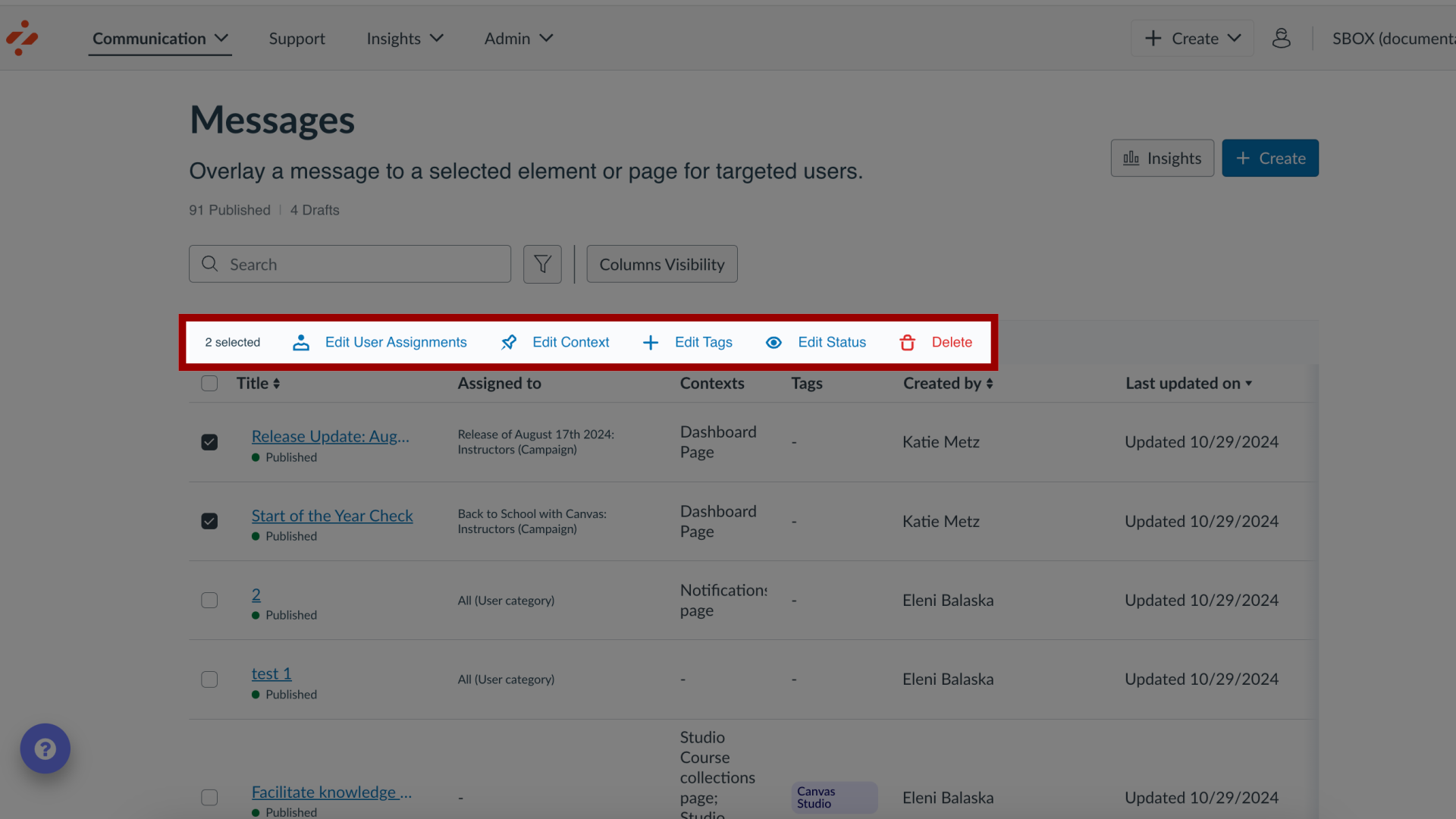
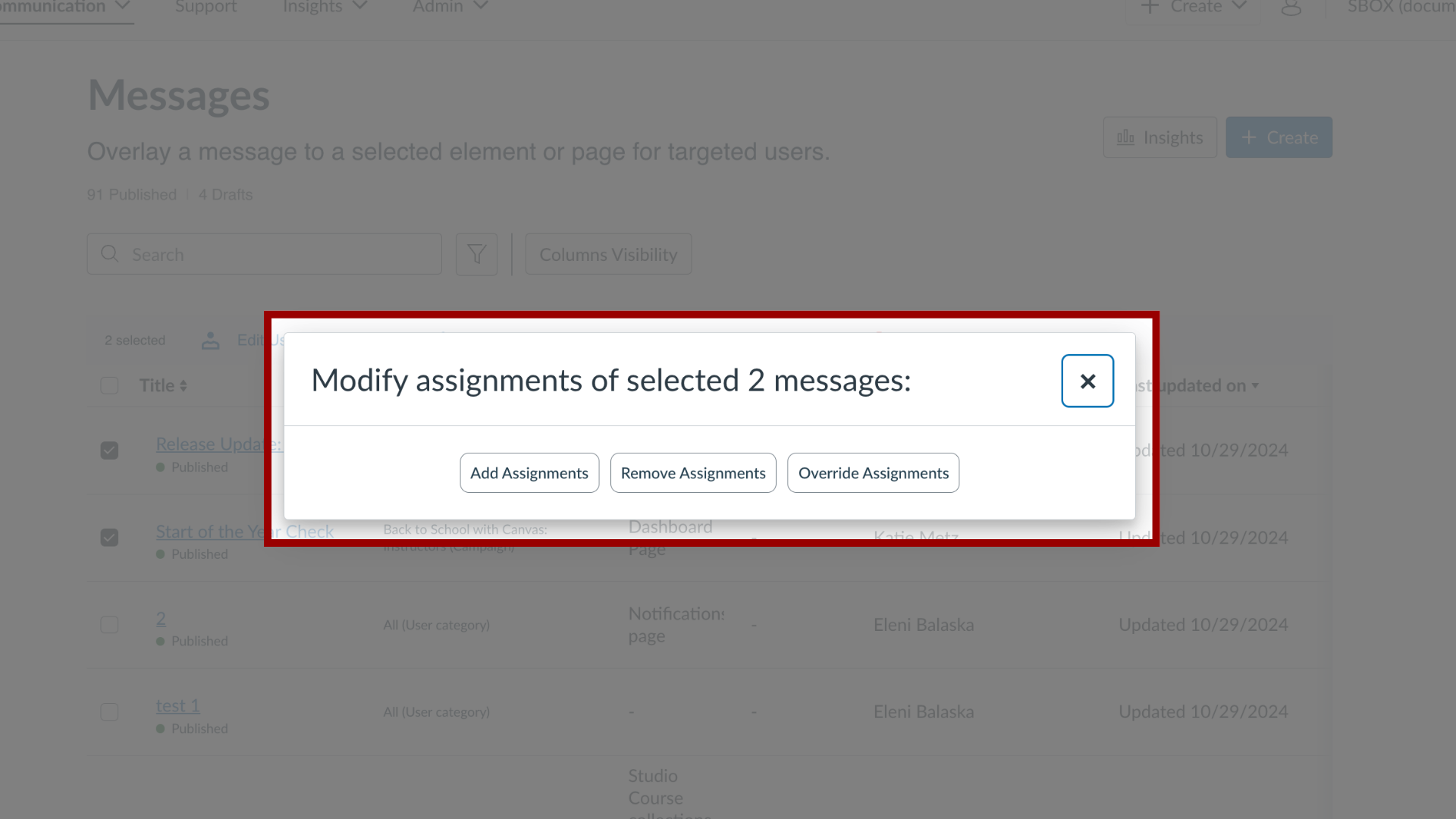
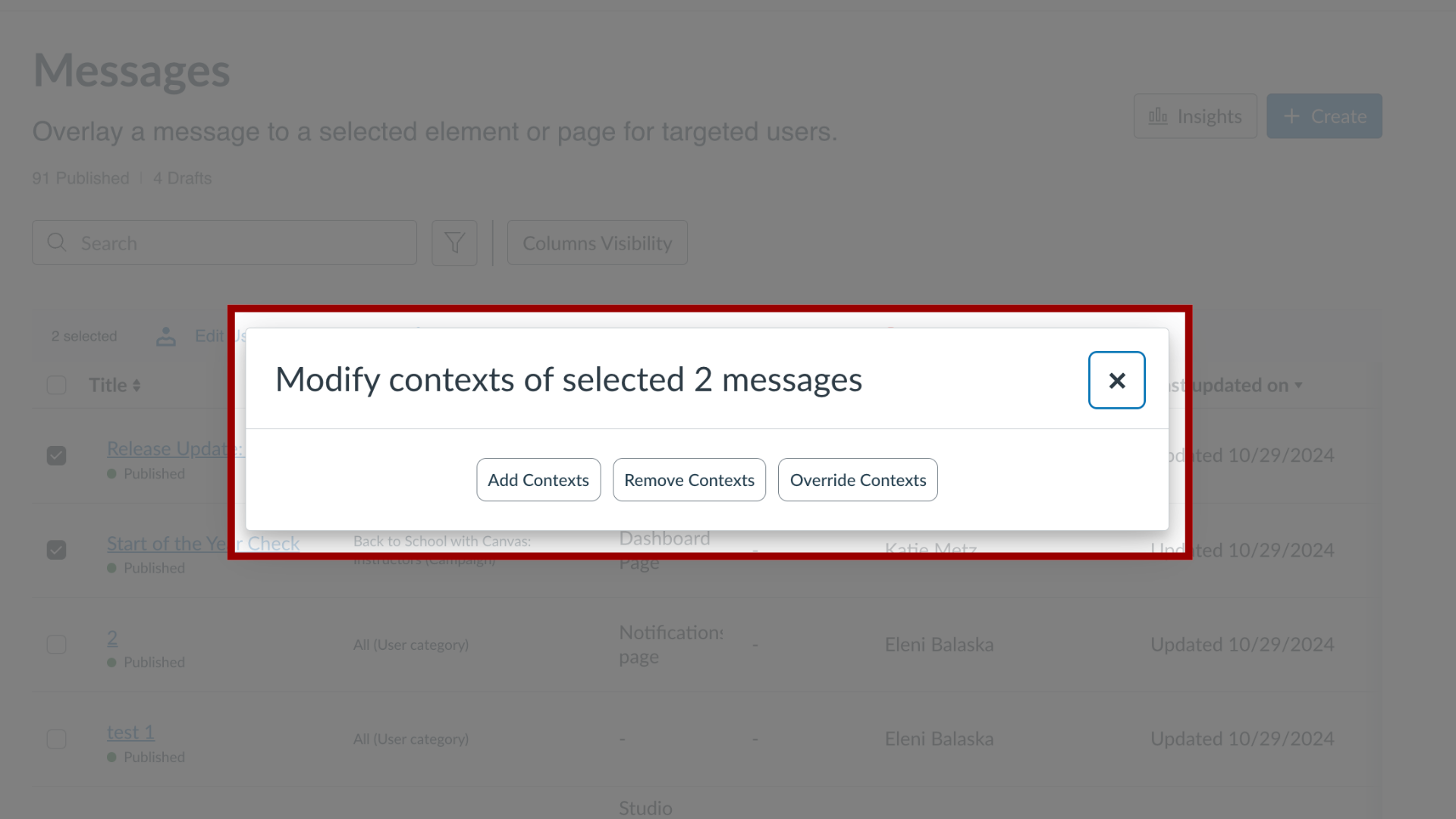
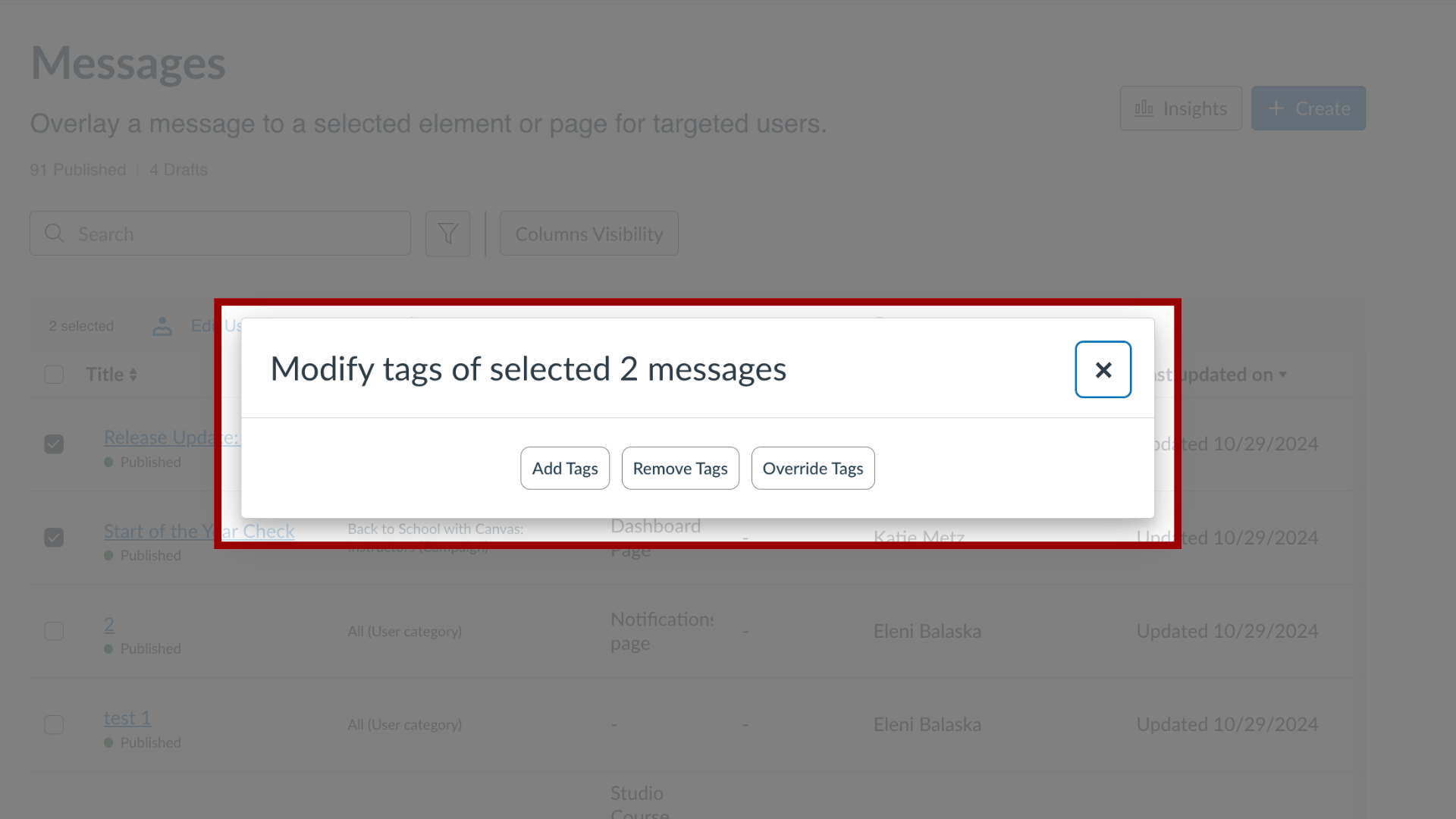
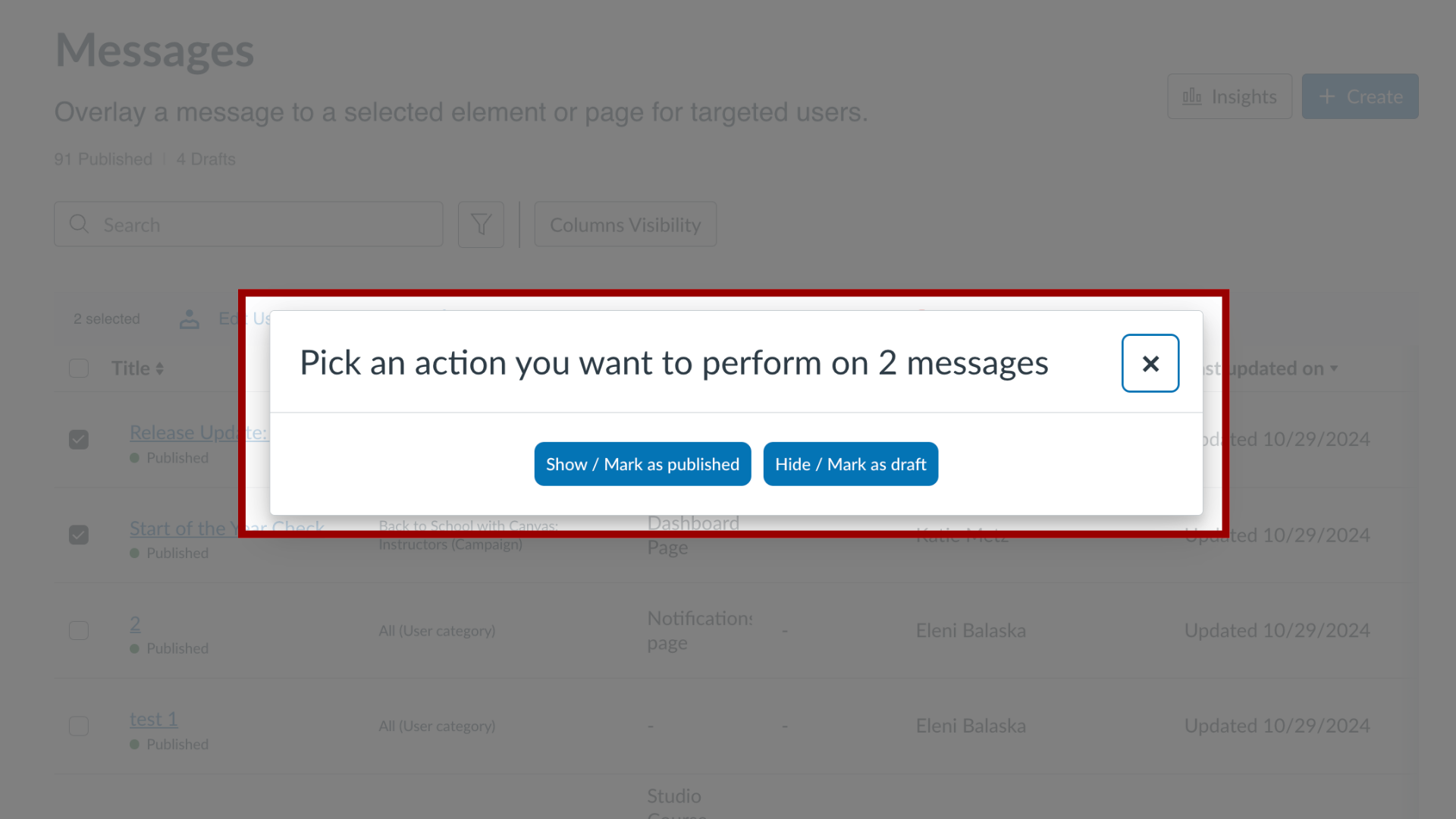
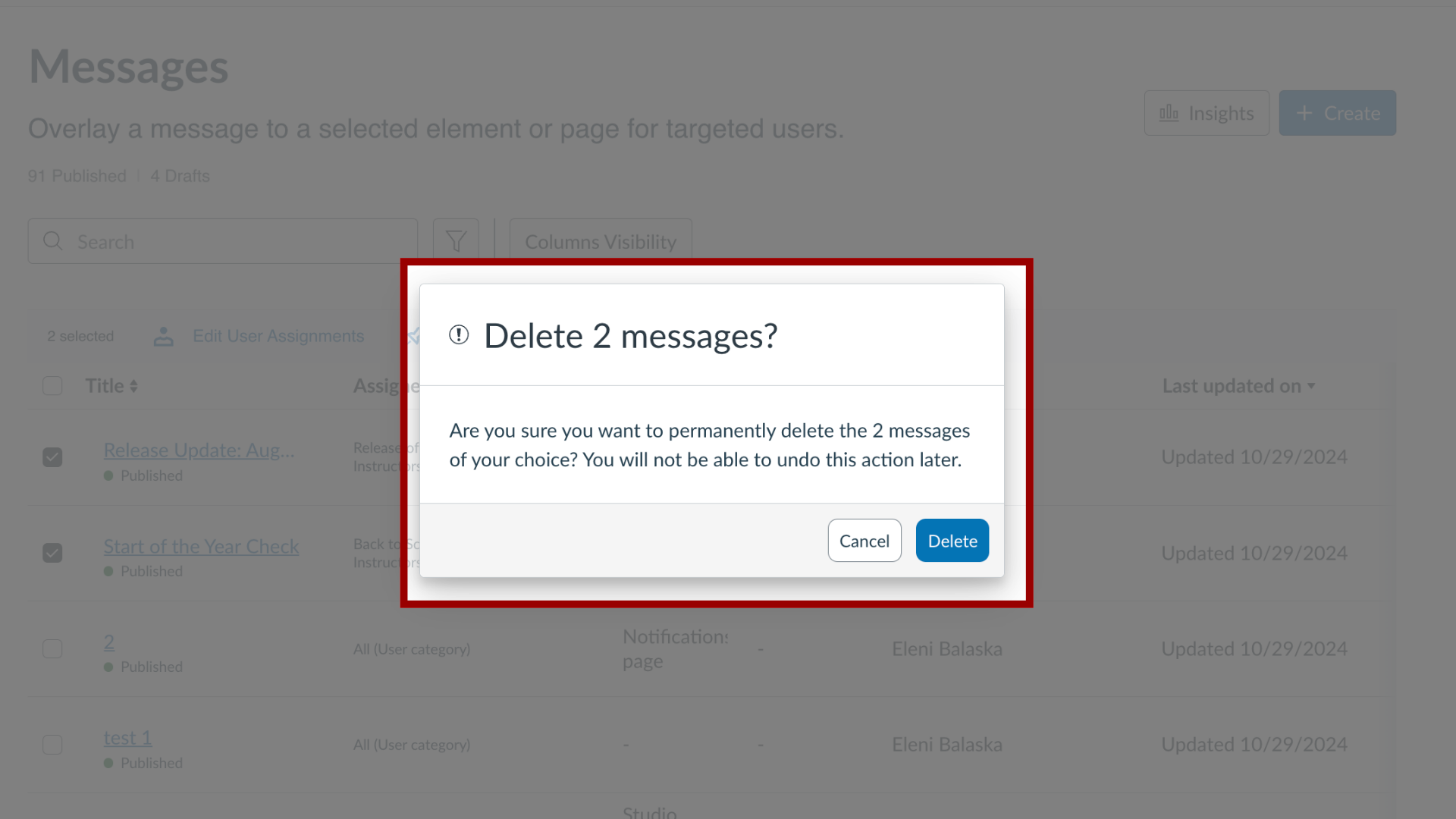
You can edit multiple messages using bulk editing actions in the Impact Dashboard. How do I edit multiple messages at the same time in the Impact Dashboard?1. Open MessagesIn Global Navigation, click the Communication dropdown menu. Then click the Messages link.2. Select Messages Click the checkboxes next to the messages you want to bulk edit.3. Edit Options You can bulk edit Edit User Assignments, Edit Context, Edit Tags, Edit Status, or Delete messages.4. Edit User AssignmentsFor User Assignments you have the following options to messages:AddRemoveOverride5. Edit ContextFor Contexts you have the following options to messages:AddRemoveOverride6. Edit TagsFor Tags you have the following options to messages: AddRemoveOverride7. Edit StatusFor Status, you have the following options:PublishHide (mark as a draft) 8. Delete MessagesTo delete, confirm that you want to delete the selected messages.