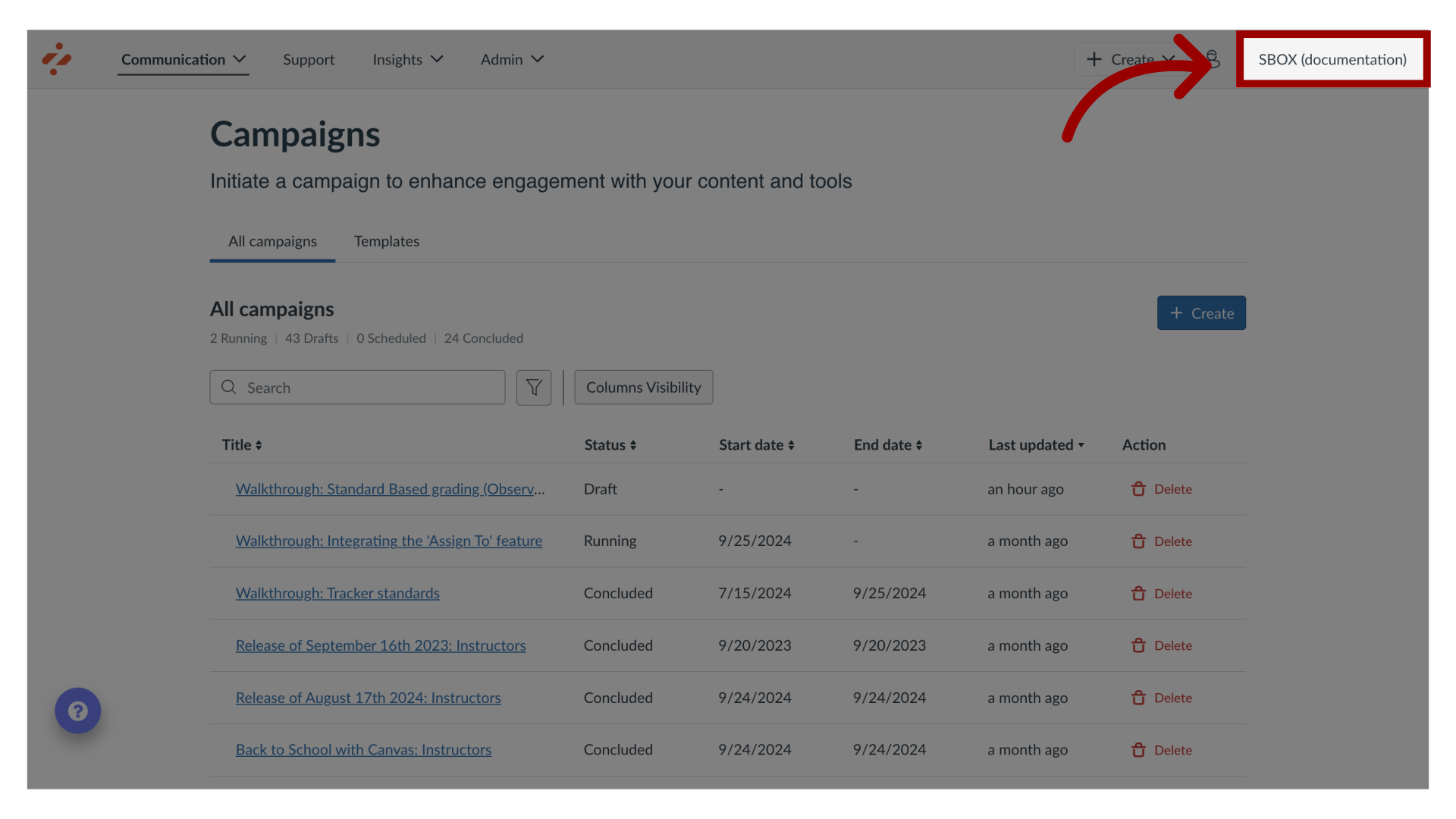
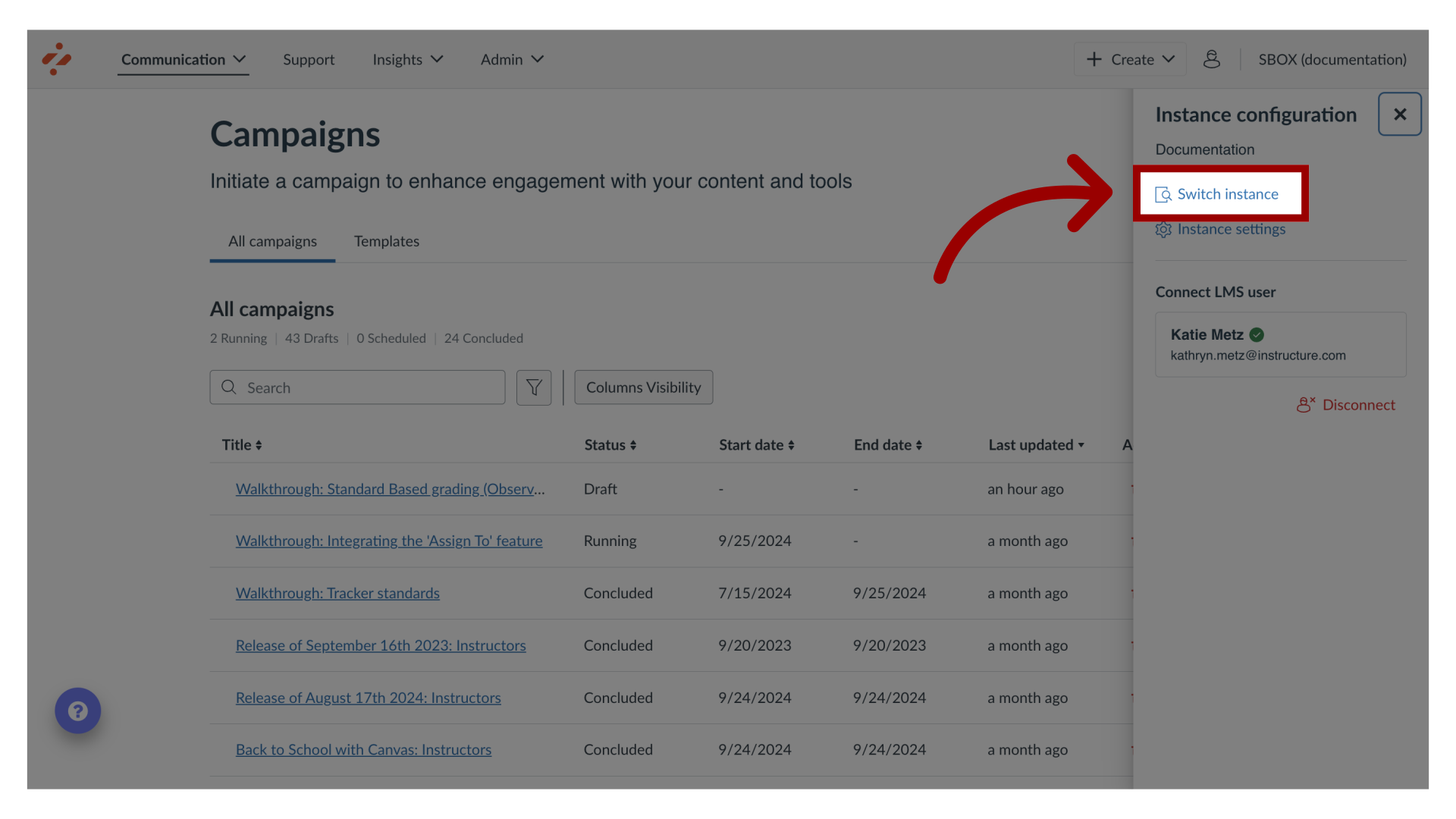
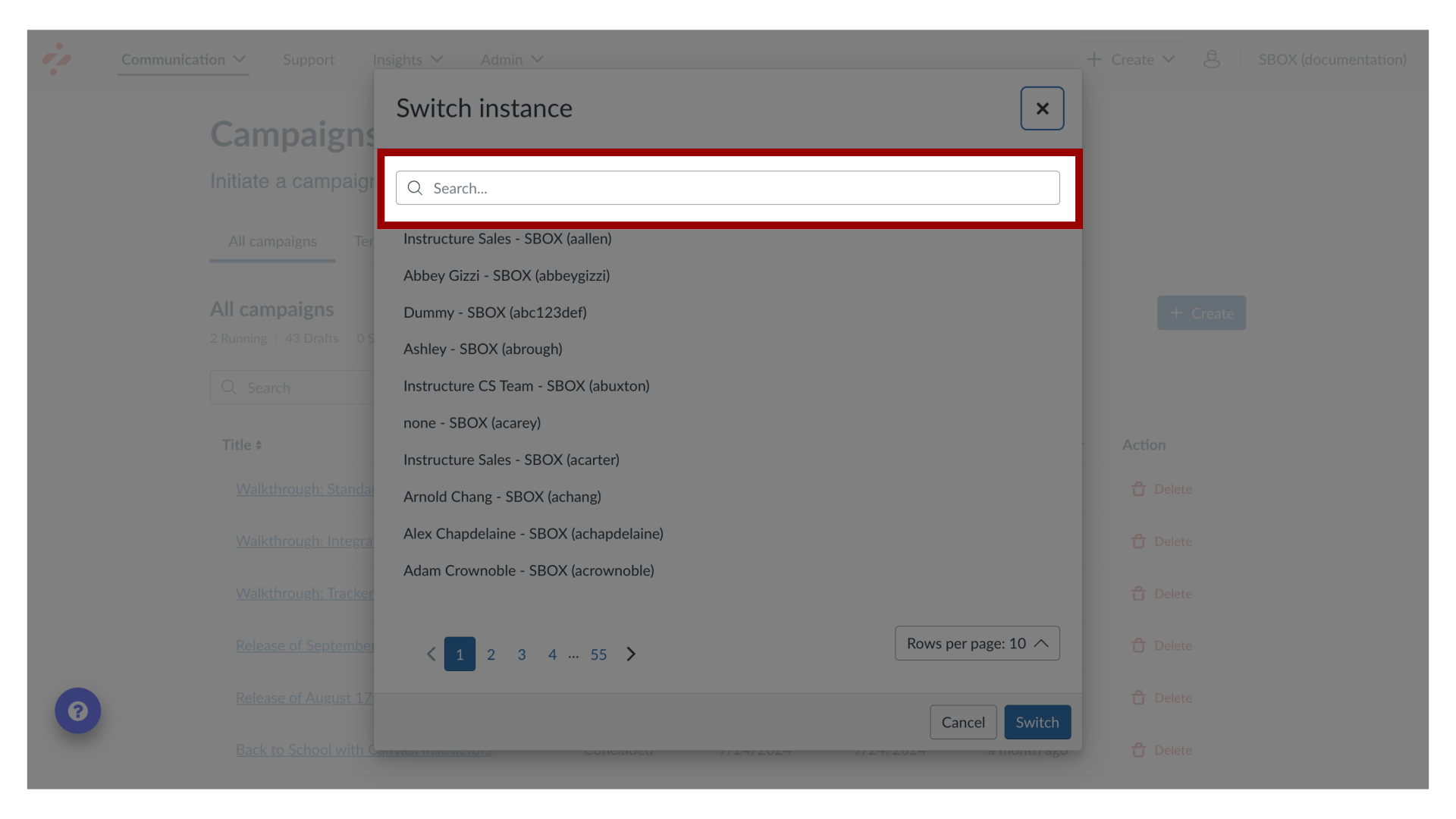
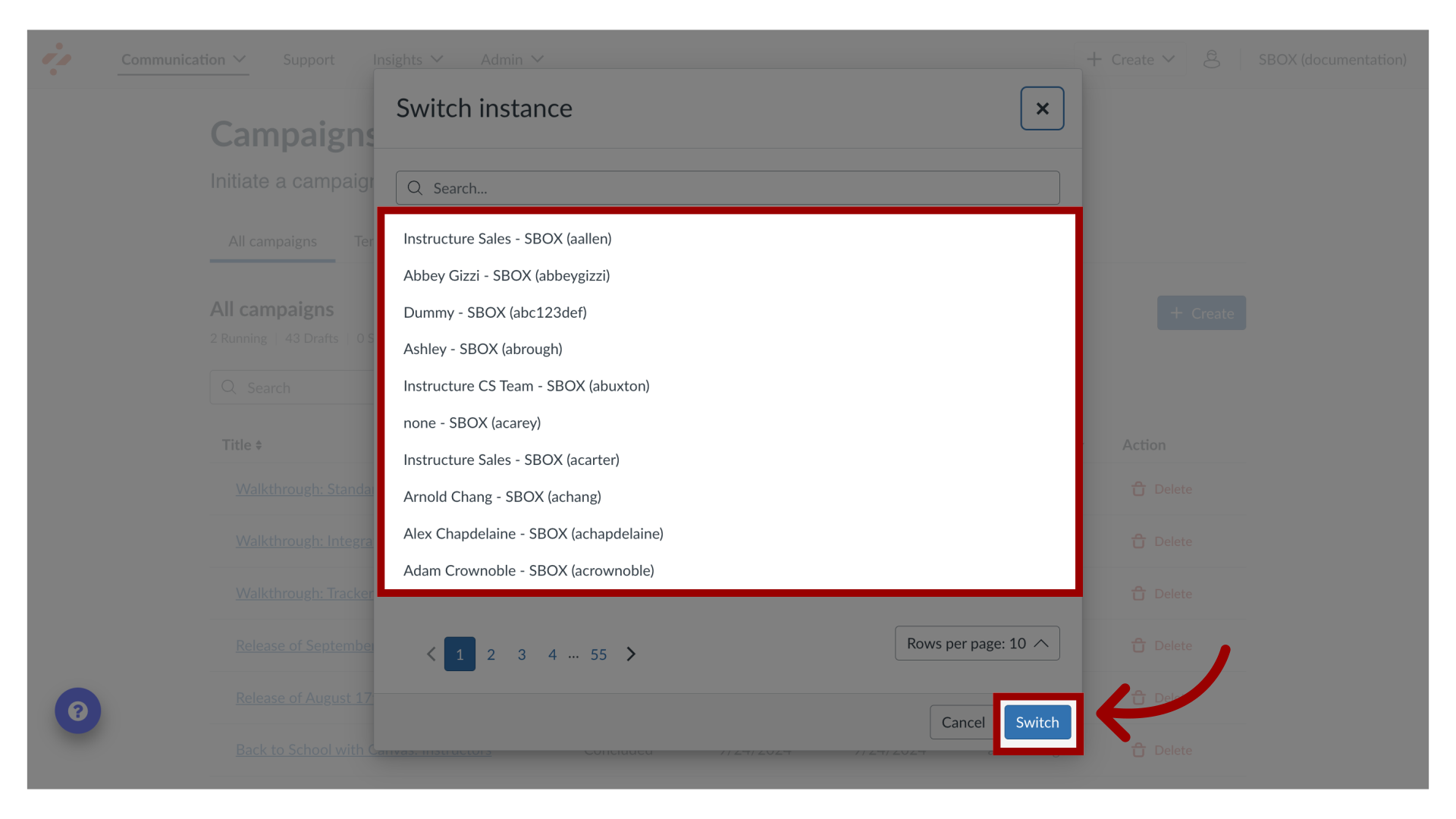
You can switch to a different instance in the Impact Dashboard.How do I switch between instances in the Impact Dashboard?1. Open Instance Configuration MenuIn Global Navigation, click the Instance Configuration menu.2. Open Instance OptionsClick the Switch Instance link.3. Search InstancesYou can search for Impact instances using the Search instances field.4. Select InstanceOr locate the name of the instance. Then click the Switch button. This guide covered how to switch between instances in the Impact Dashboard.