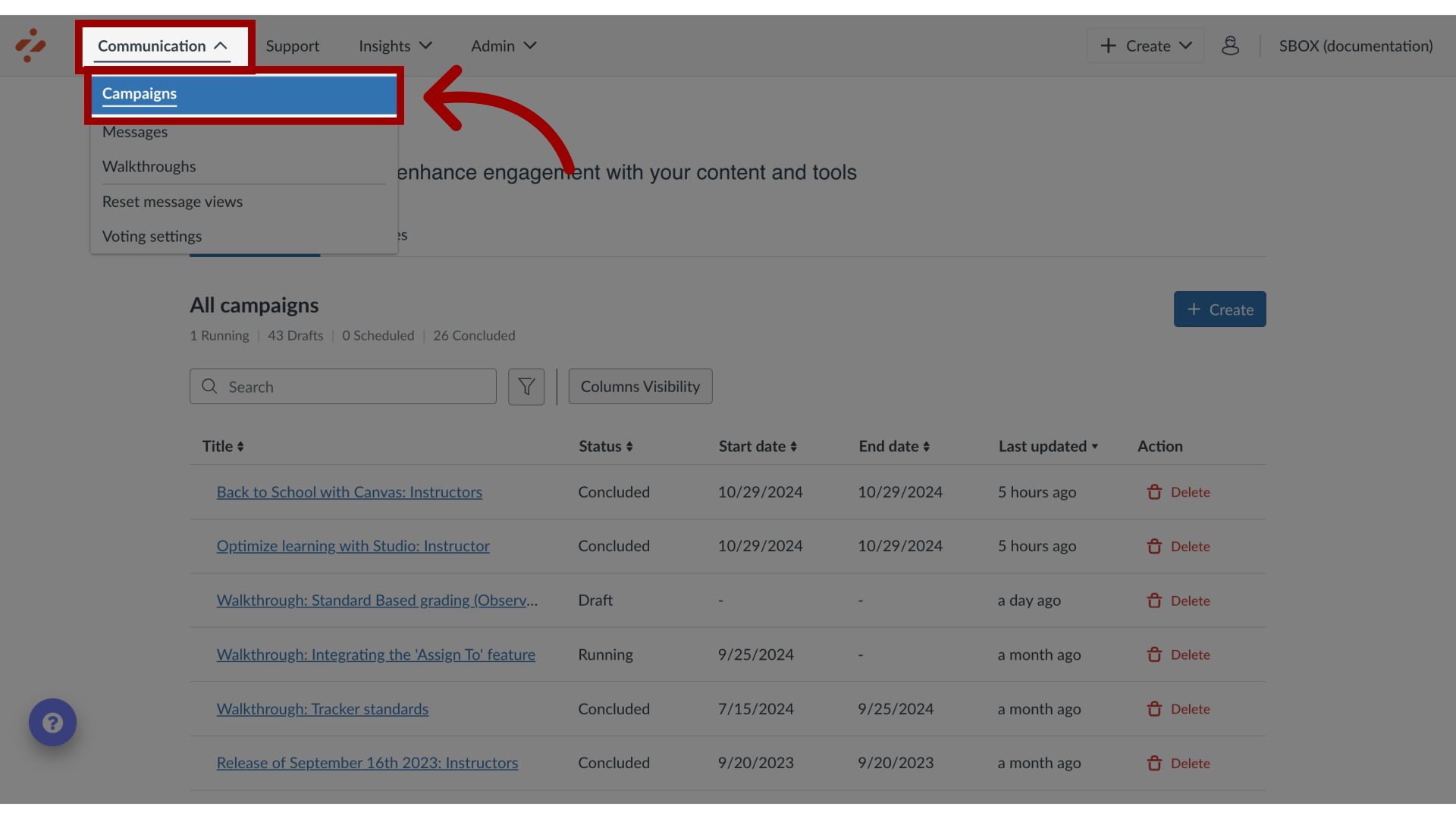
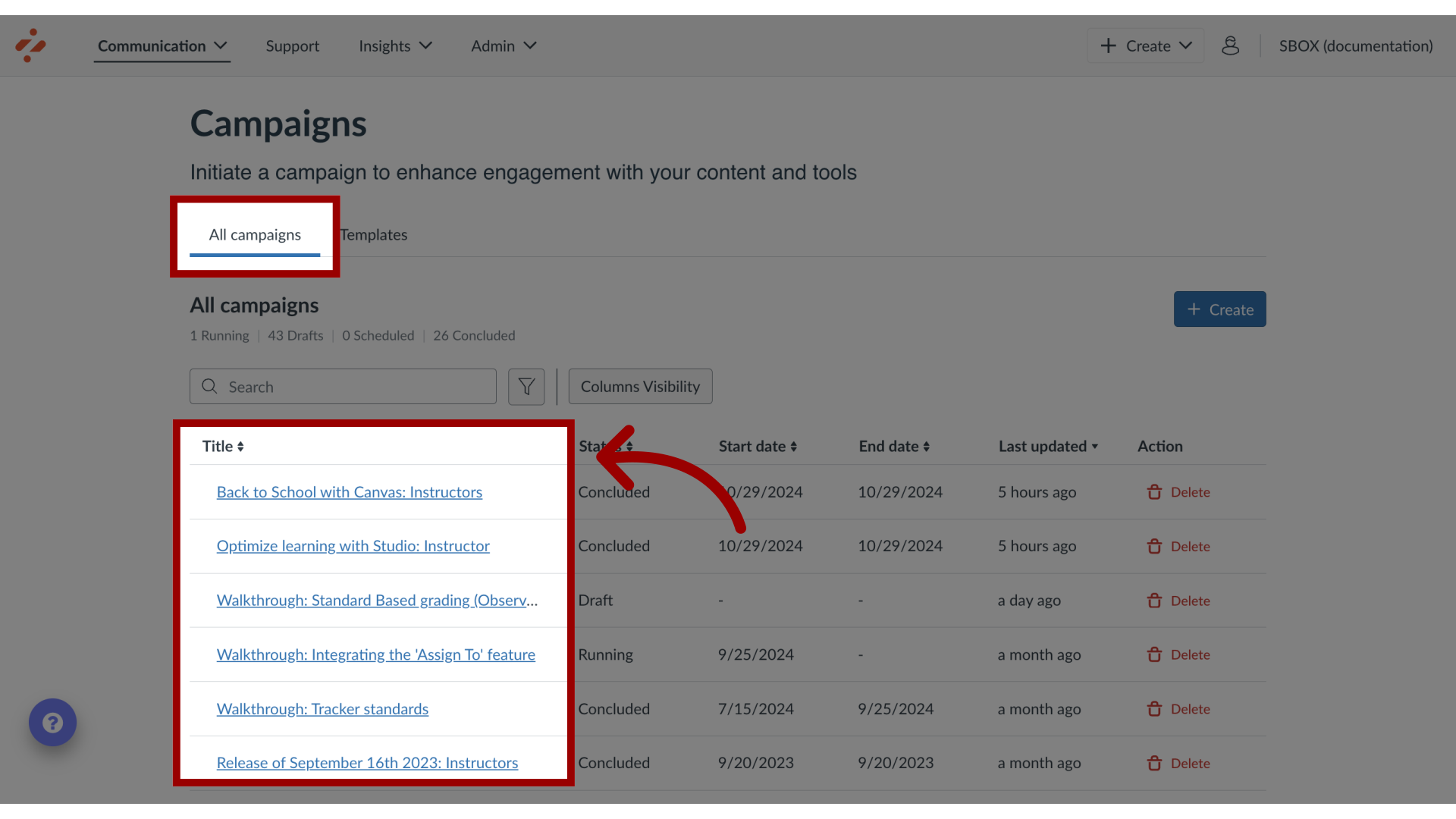
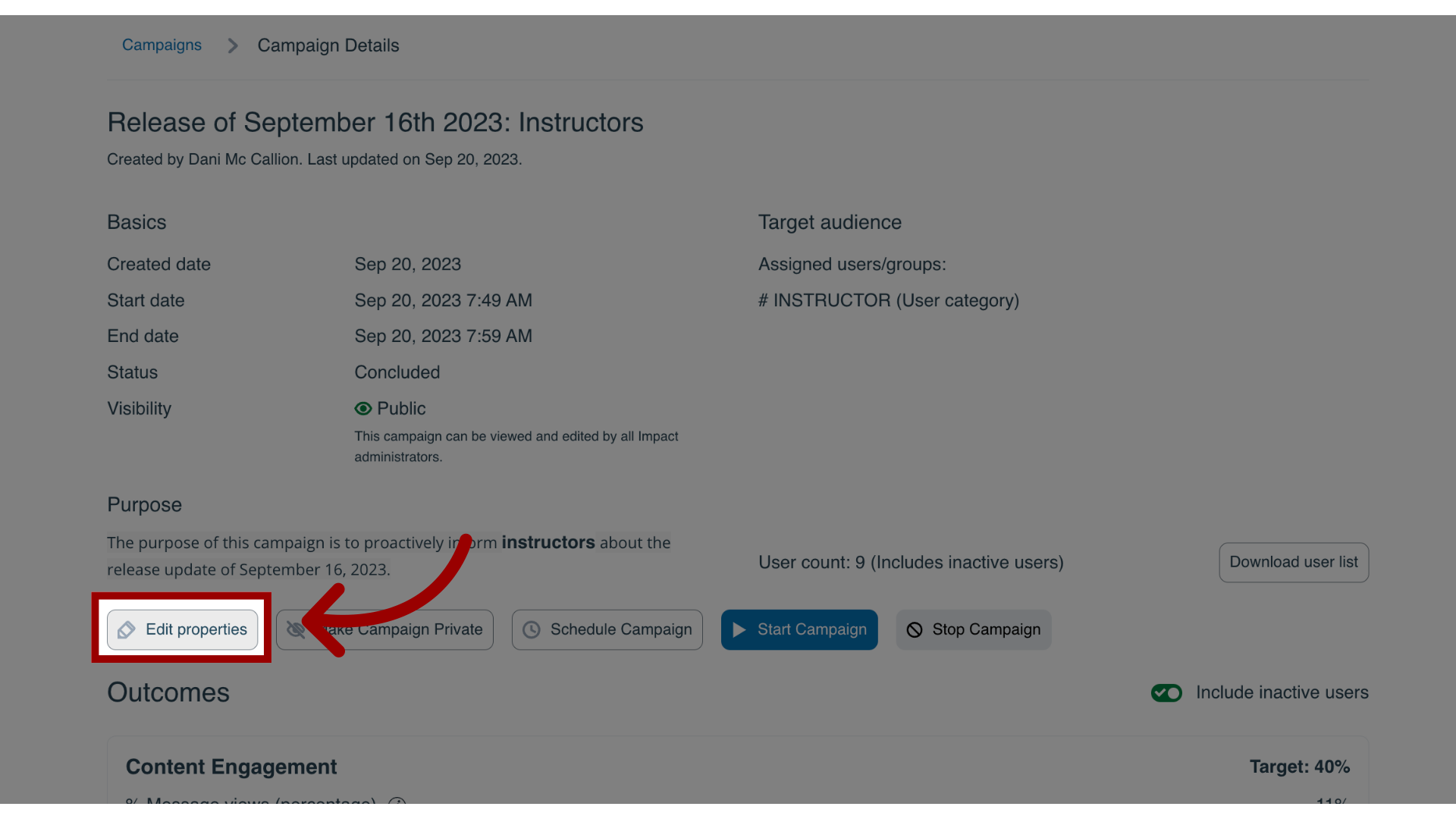
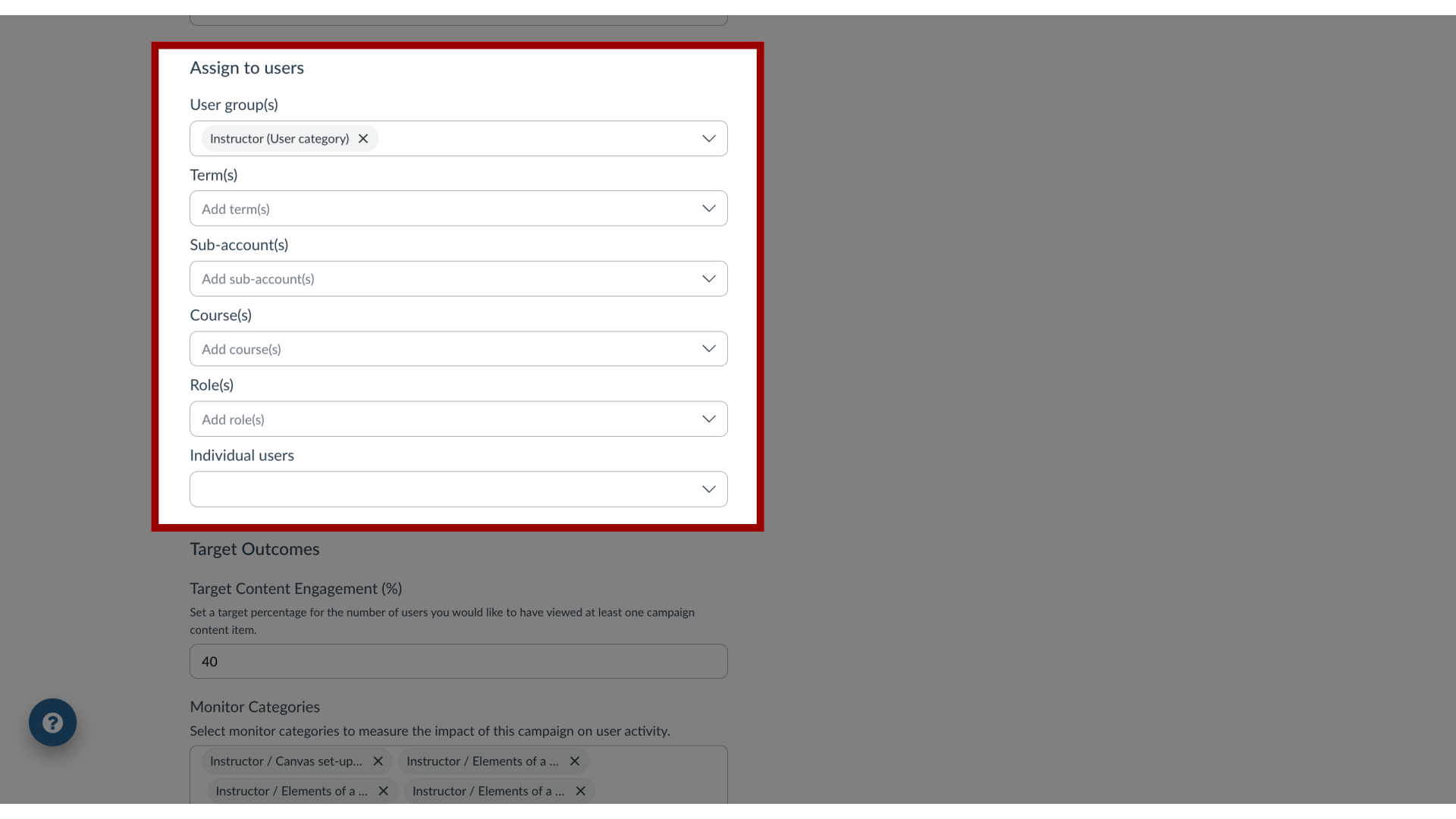
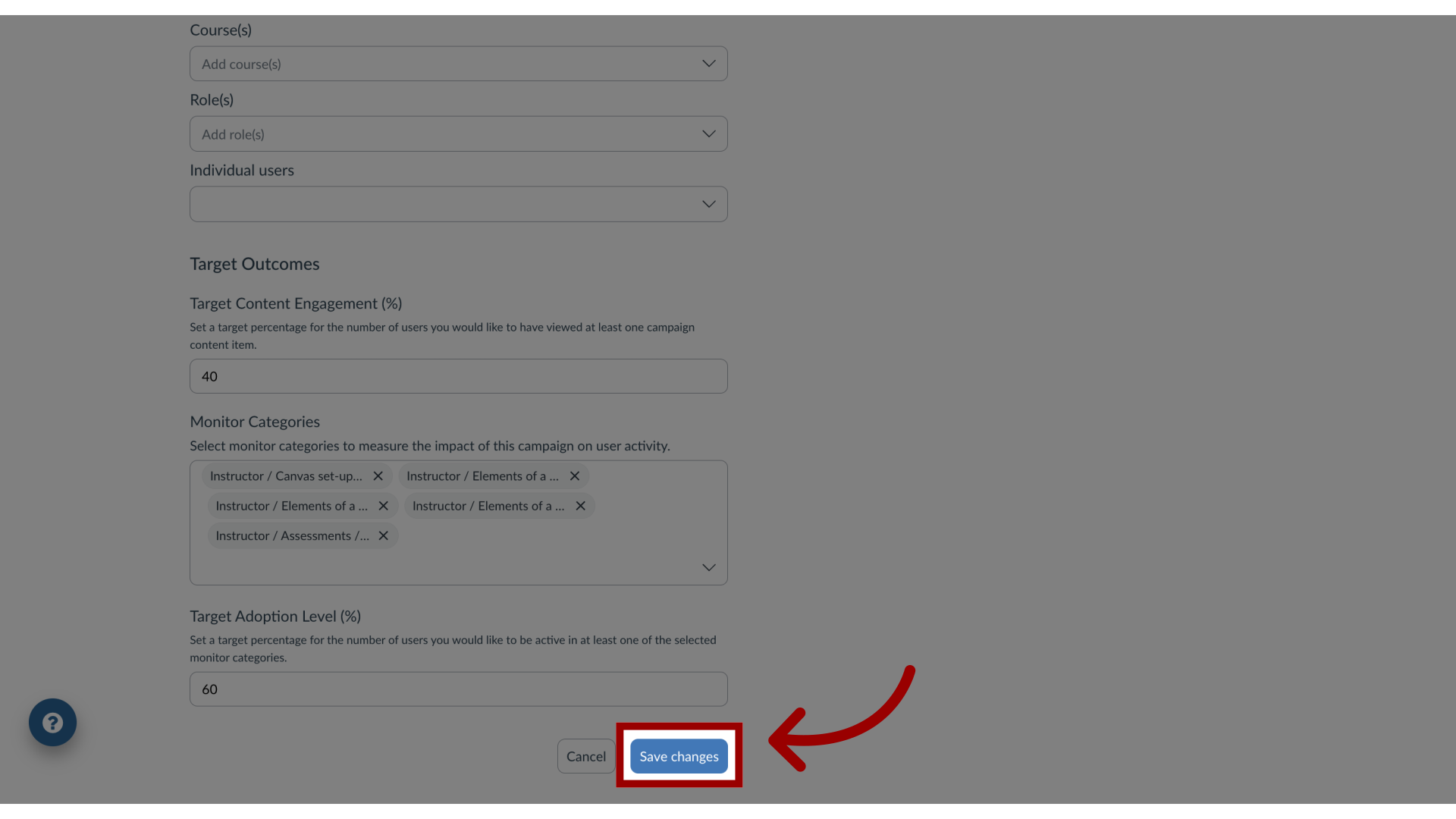
You can access the campaign and edit the target audience assigned to it.How do I edit the target audience of a campaign in the Impact Dashboard?1. Open CampaignsIn Global Navigation, click the Communication dropdown menu. Then click the Campaigns link.2. Open Campaign From the All Campaigns tab, click the campaign to which you wish to add a target audience.3. Edit PropertiesOn the Campaign Details page, click the EditProperties button.4. Edit Target Audience You can change the audience by picking any combination of roles or individual users.5. Save CampaignOnce you have selected all target audiences, click the Save changes button.