In order for Impact to have full access to all usage data collected by Ally and give you the most accurate reports, you need to enable Ally data integration into Impact. This article shows you how to enable the advanced Ally integration to activate Impact's expanded capabilities.
Open Blackboard
In order to enable advanced Ally integration, you need to be within an admin account on Blackboard.
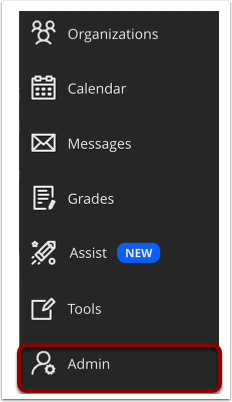
Within Blackboard, navigate to and click the Admin link.
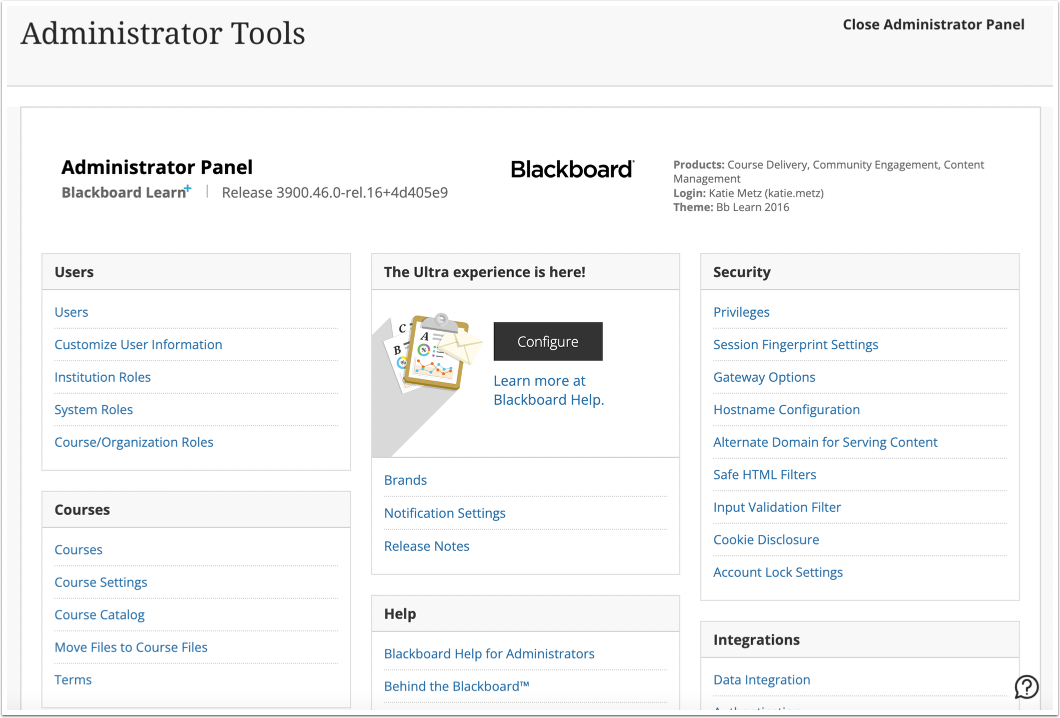
View the Administrator Tools page
Open Ally Configuration
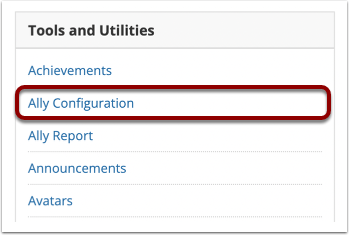
Scroll and navigate to Tools and Utilities.
Click the Ally Configuration link.
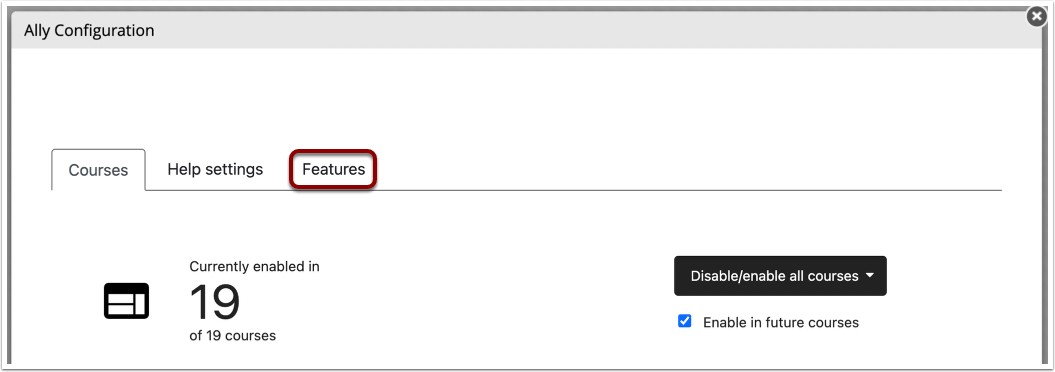
Open Features
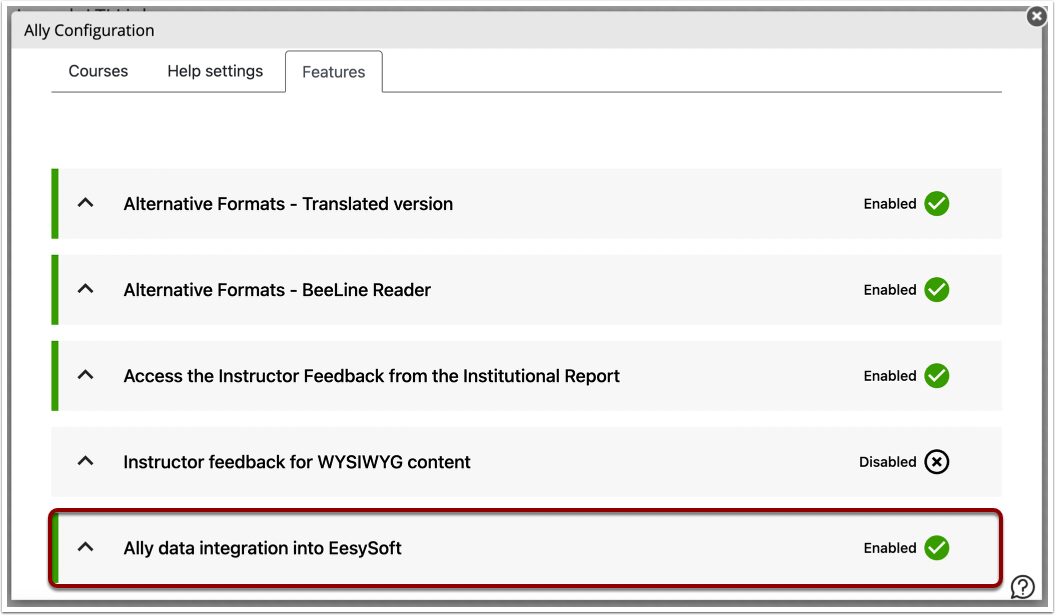
Click the Features tab.
Open Ally Data Integration into Impact
Navigate to and click the Ally data integration into Impact section.
Enable Data Integration
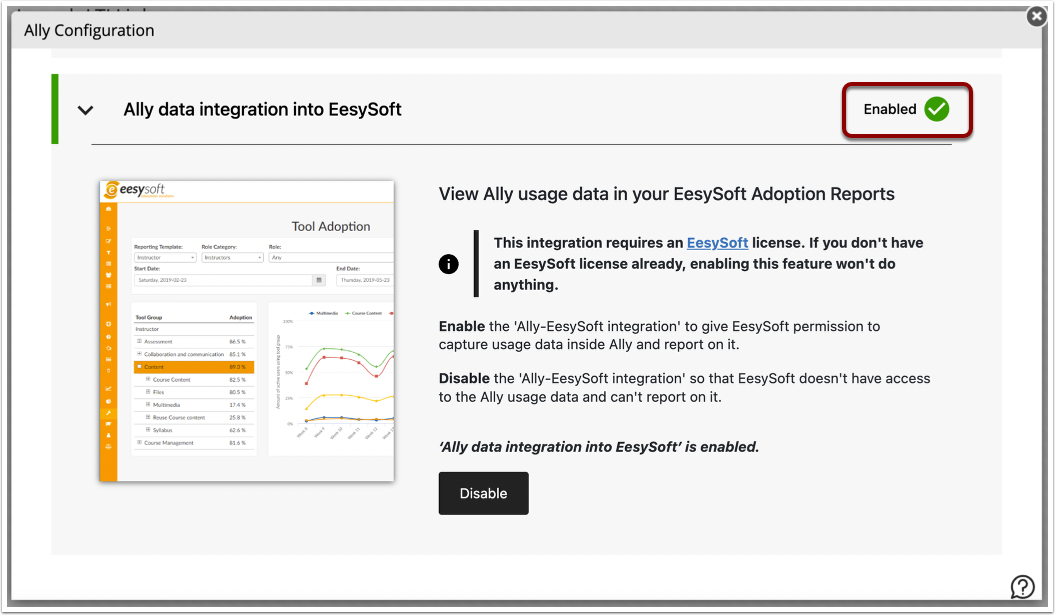
Make sure that this configuration is enabled. If it is not, click Enable.
By enabling this data integration, you give Impact permission to capture usage data inside Ally and report on it.