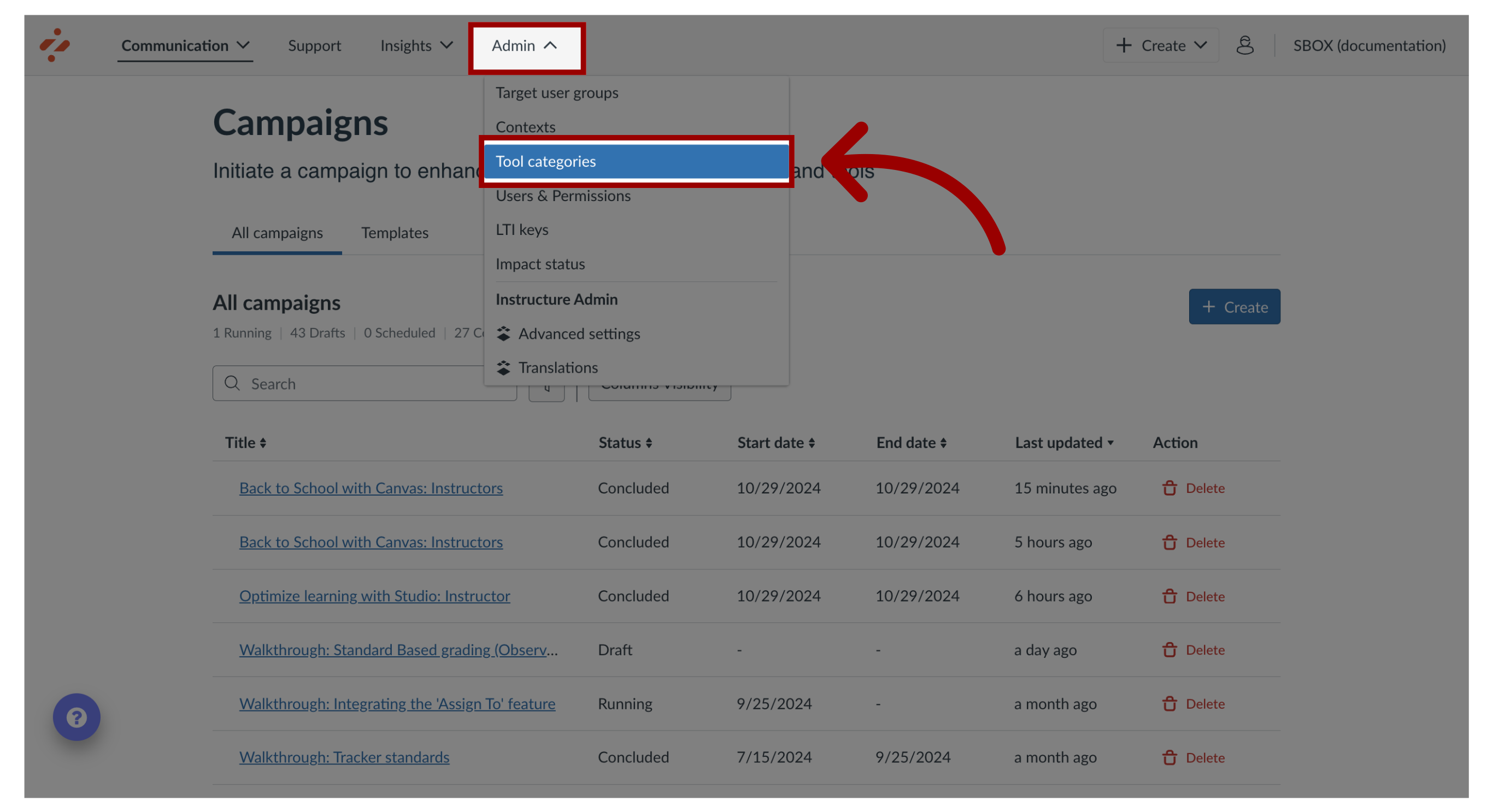
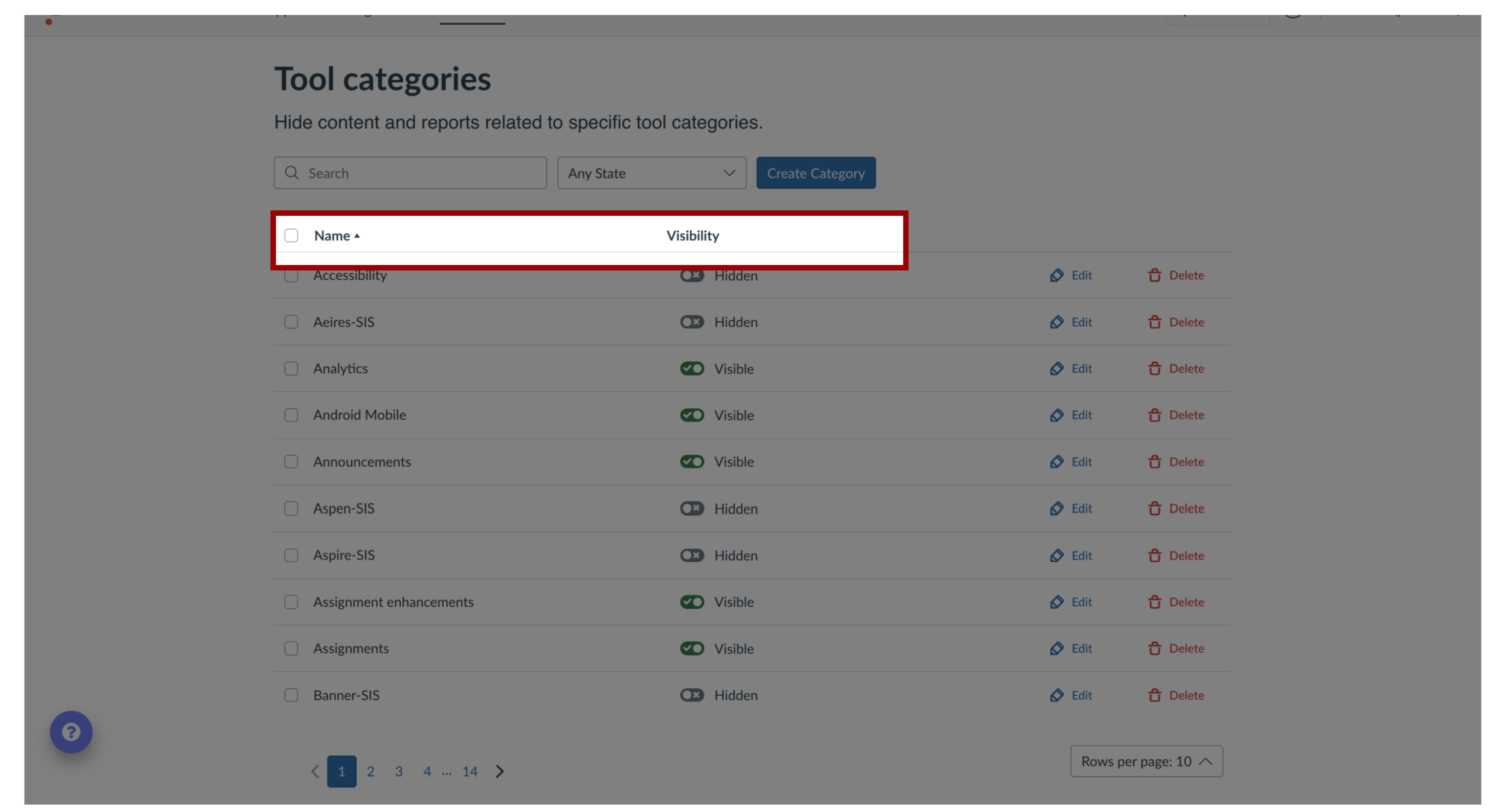
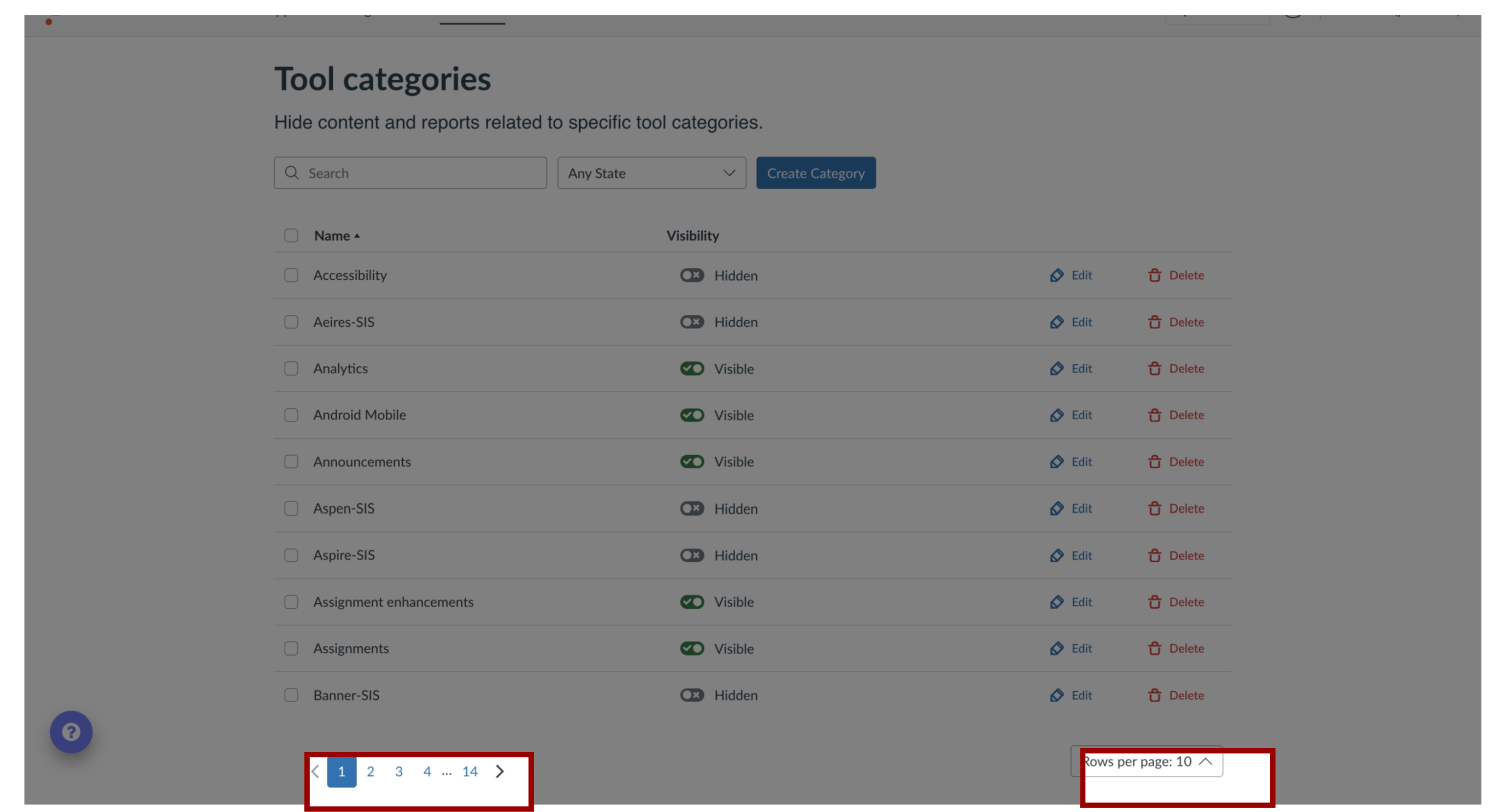
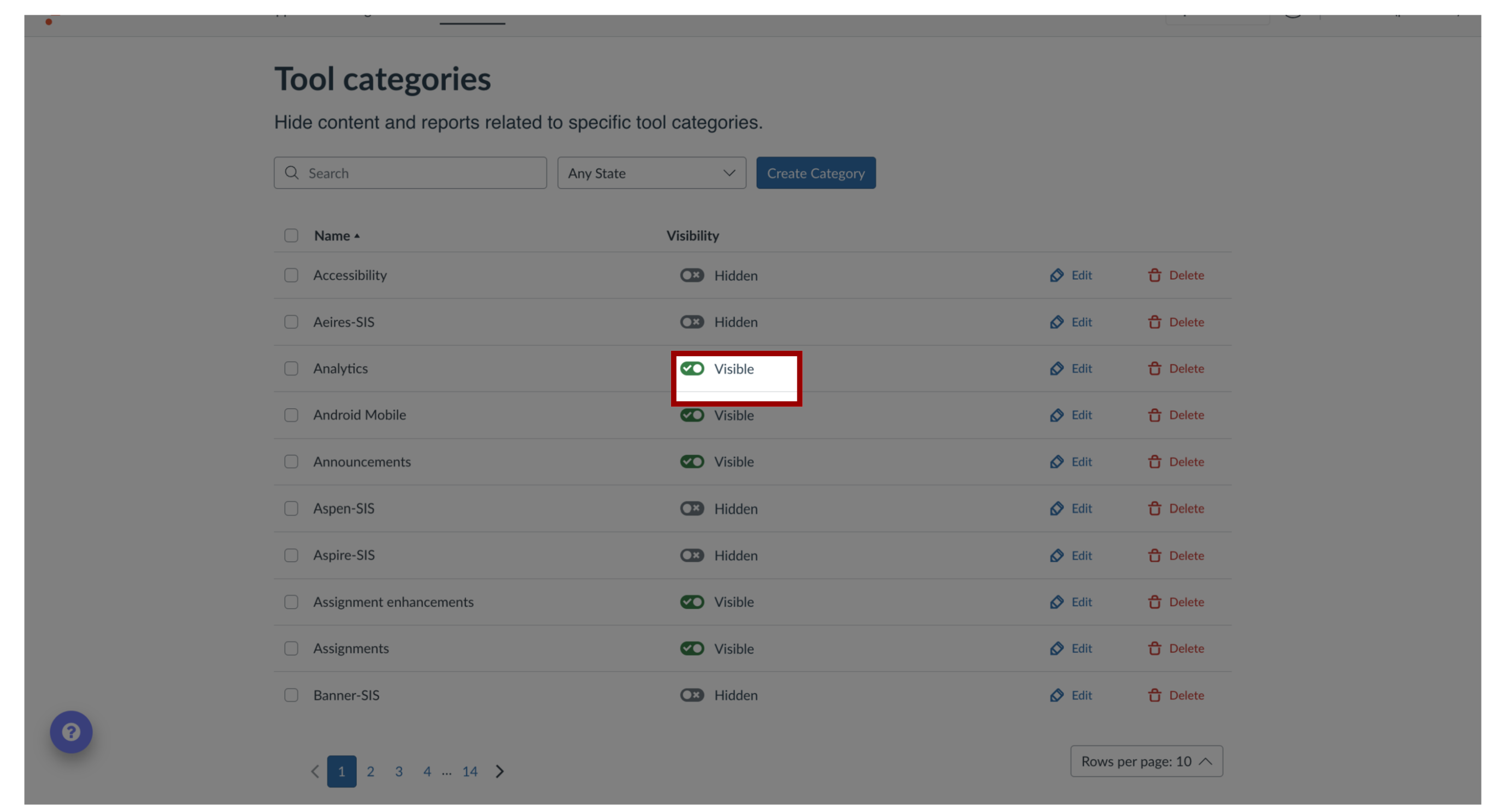
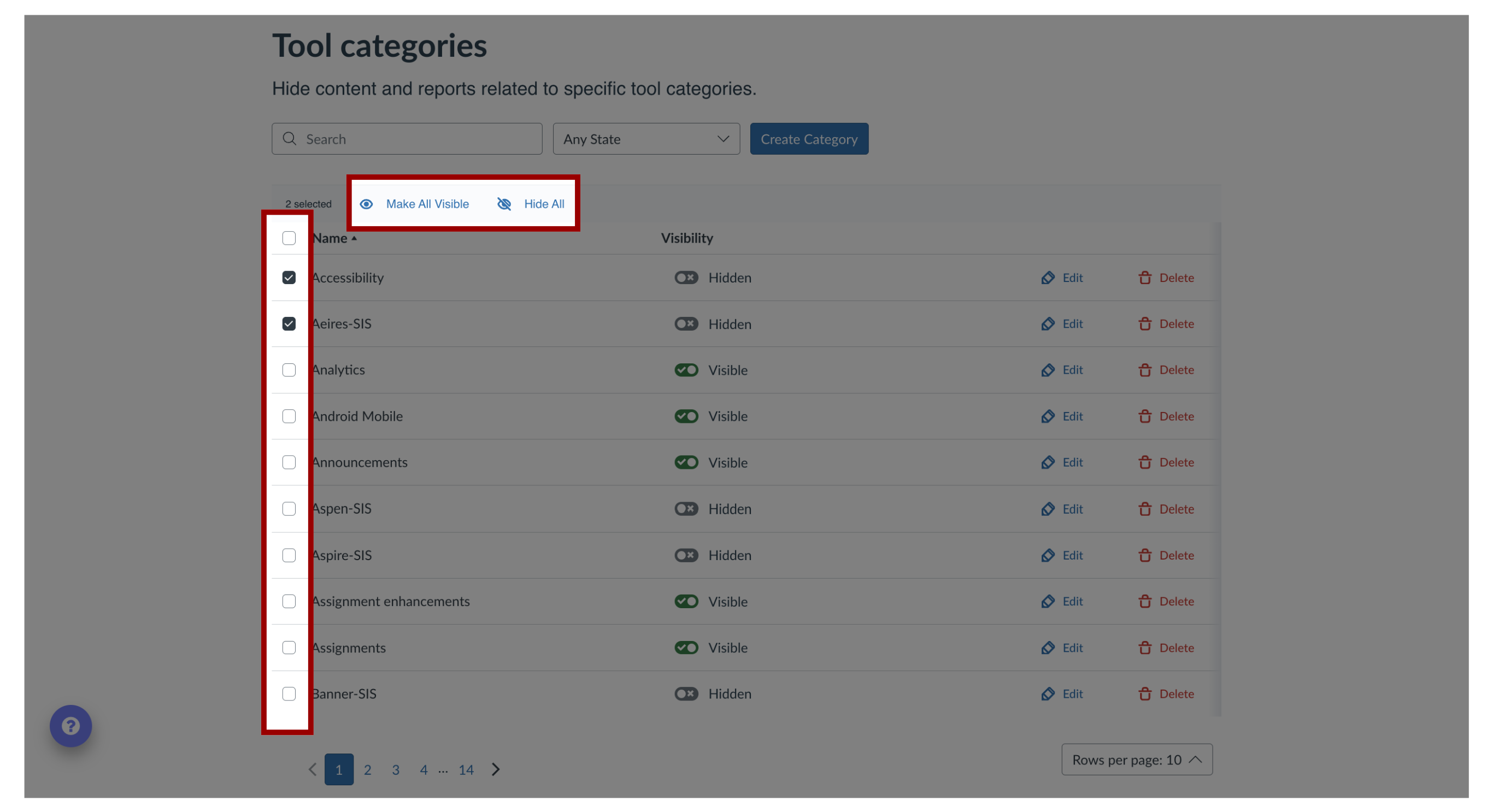
You can use Tool Categories to toggle the visibility of tool-specific content and reports.How do I show or hide content and reports related to a specific tool category in the Impact Dashboard?1. Open Tool CategoriesIn Global Navigation, click the Admin dropdown menu. Then click the Tool Categories link.2. View Tool Categories The Tool Category Visibility list displays all tool categories that have out-of-the-box content or reports. You can also view the category visibility status.3. View Additional CategoriesTo view additional categories, use the page navigation icons. To manage the number of categories that are displayed on the page, click the Rows per page drop-down menu.4. View Tool Categories VisibilityTool Categories can be searched and filtered by visibility status. To show or hide content and reports related to an individual tool category, click the Visibility toggle.5. Manage Category VisbilityTo manage the content and reports for multiple tool categories, select the checkbox next to multiple category names. To make all content and reports visible, click the Make All Visible link. To hide all content and reports, click the Hide All link.