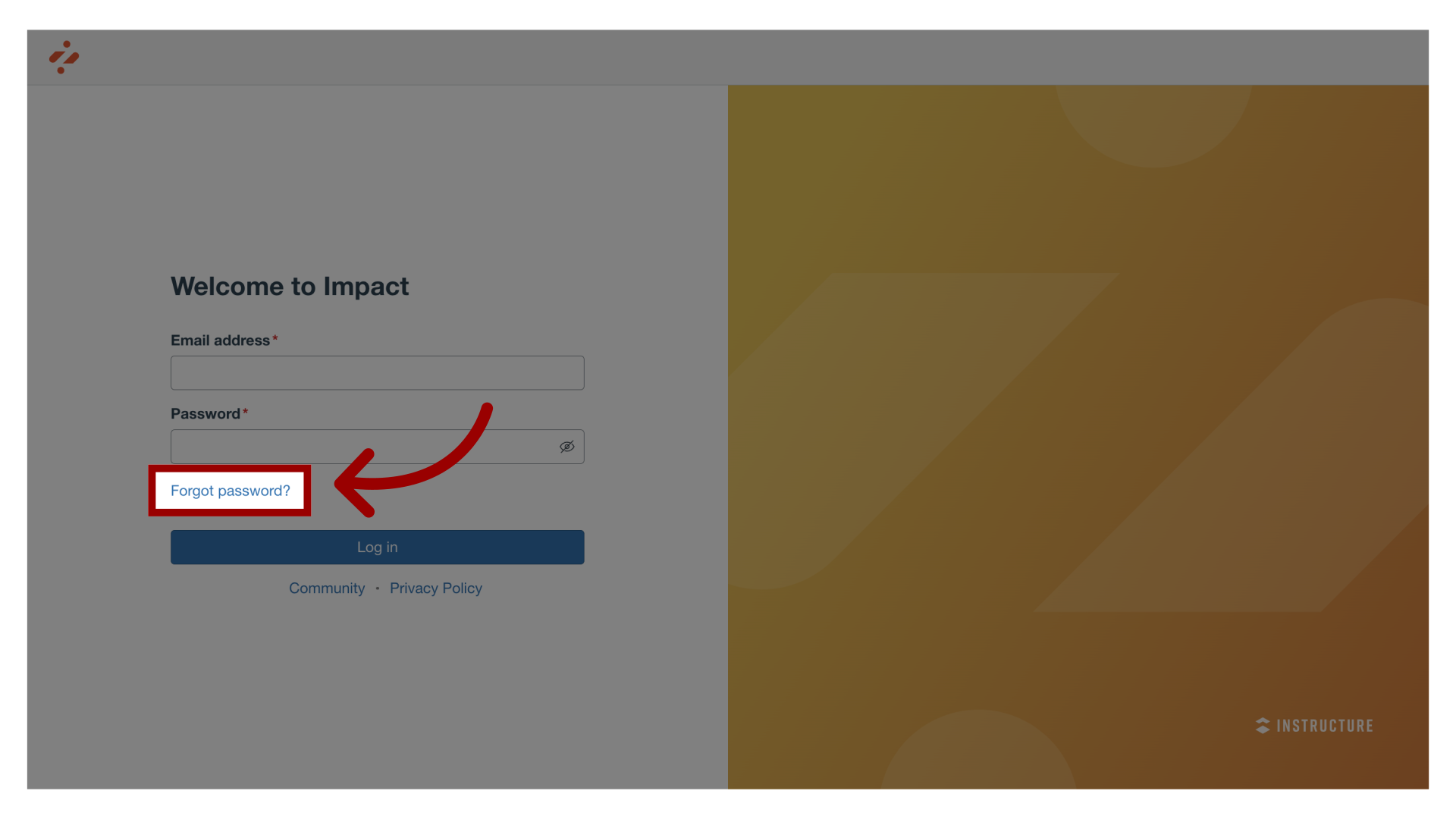
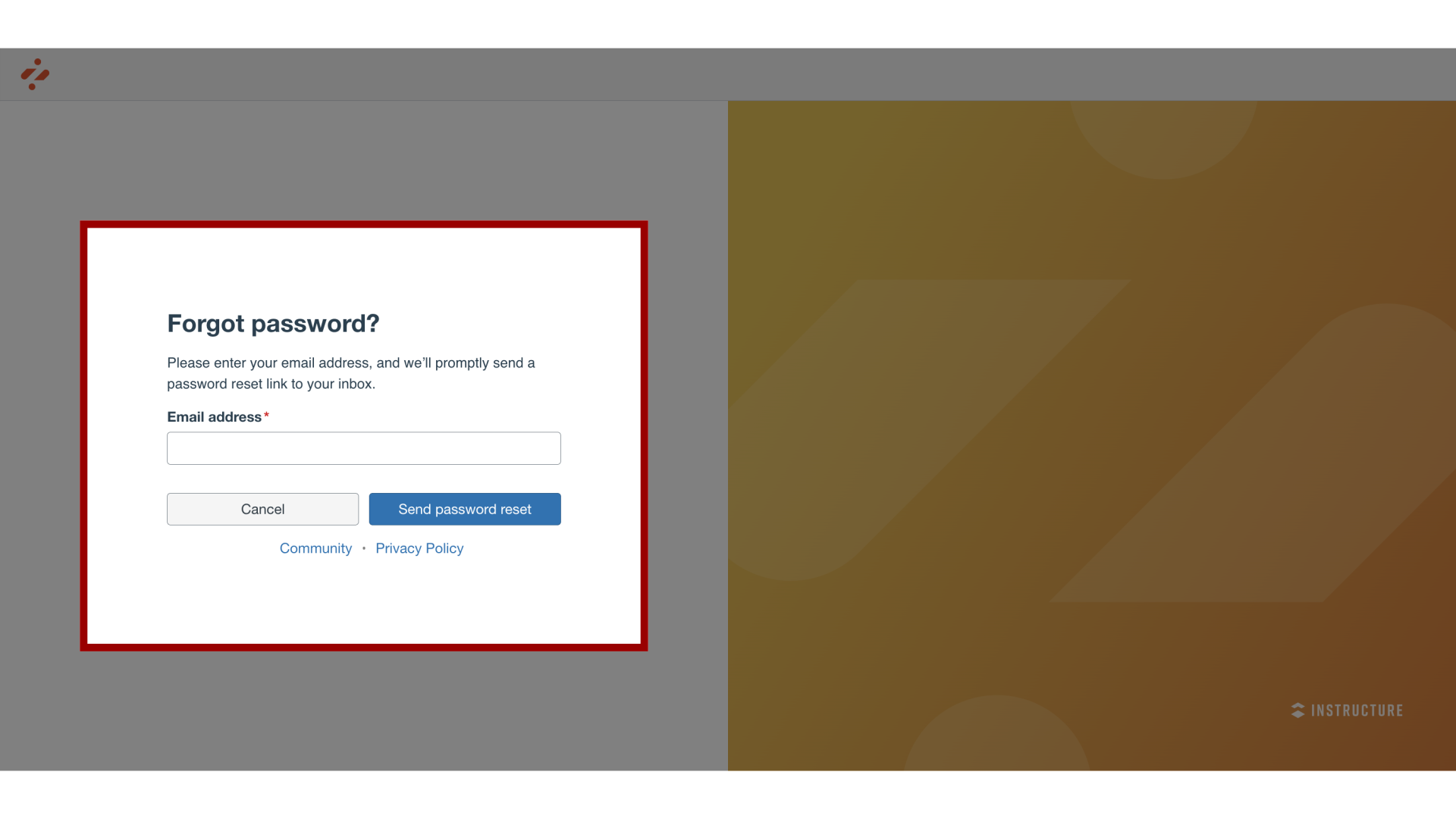
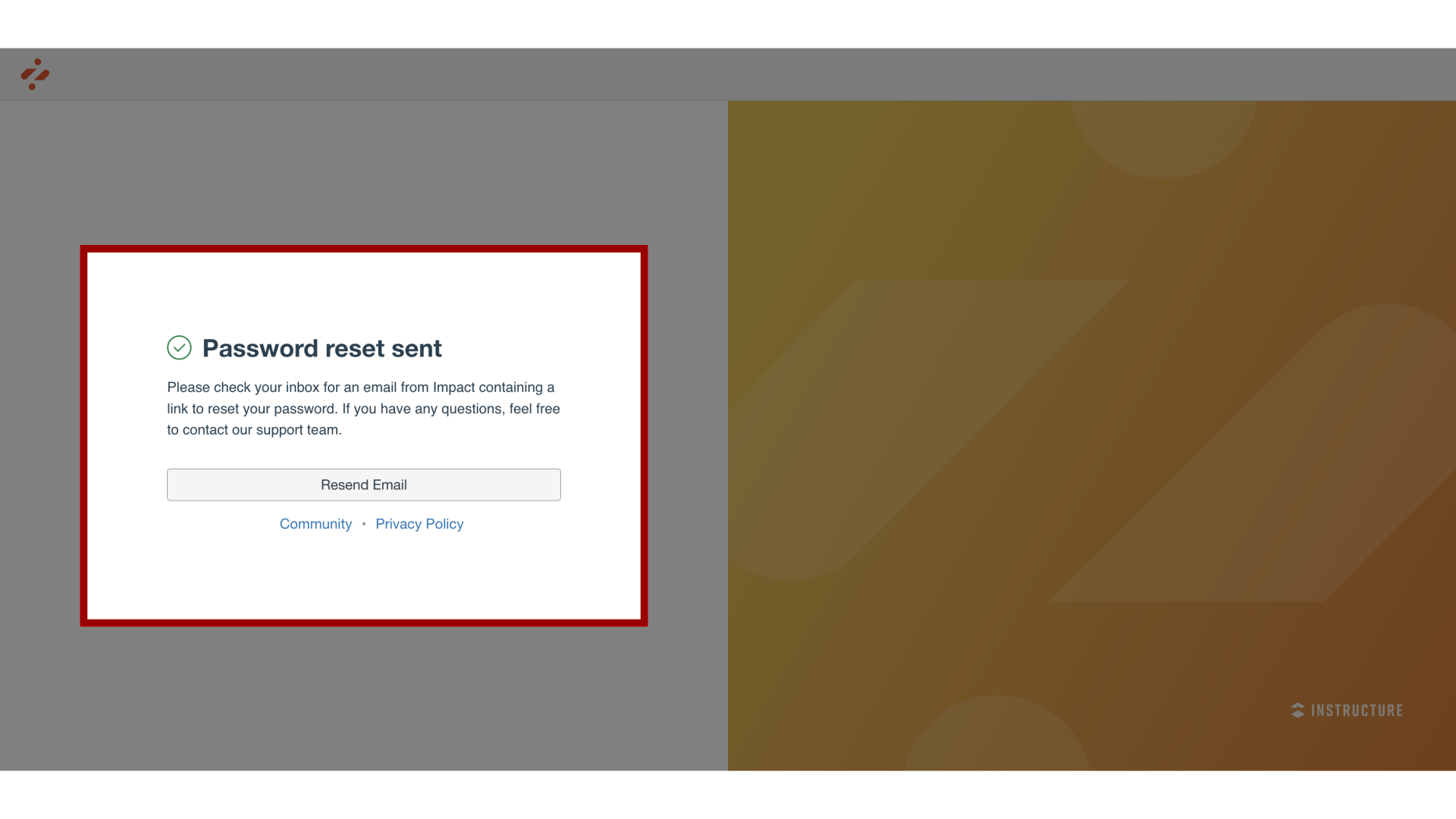
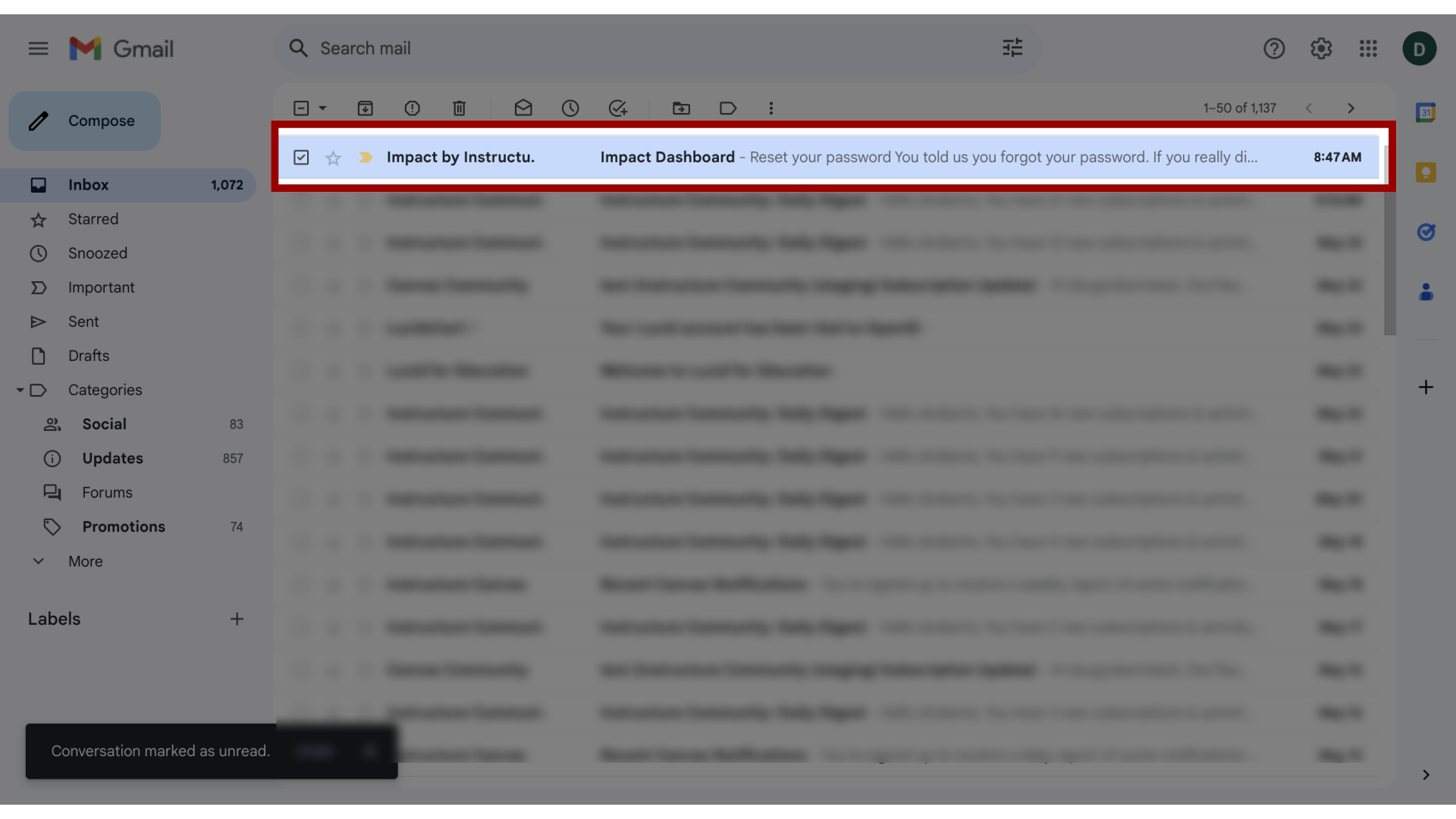
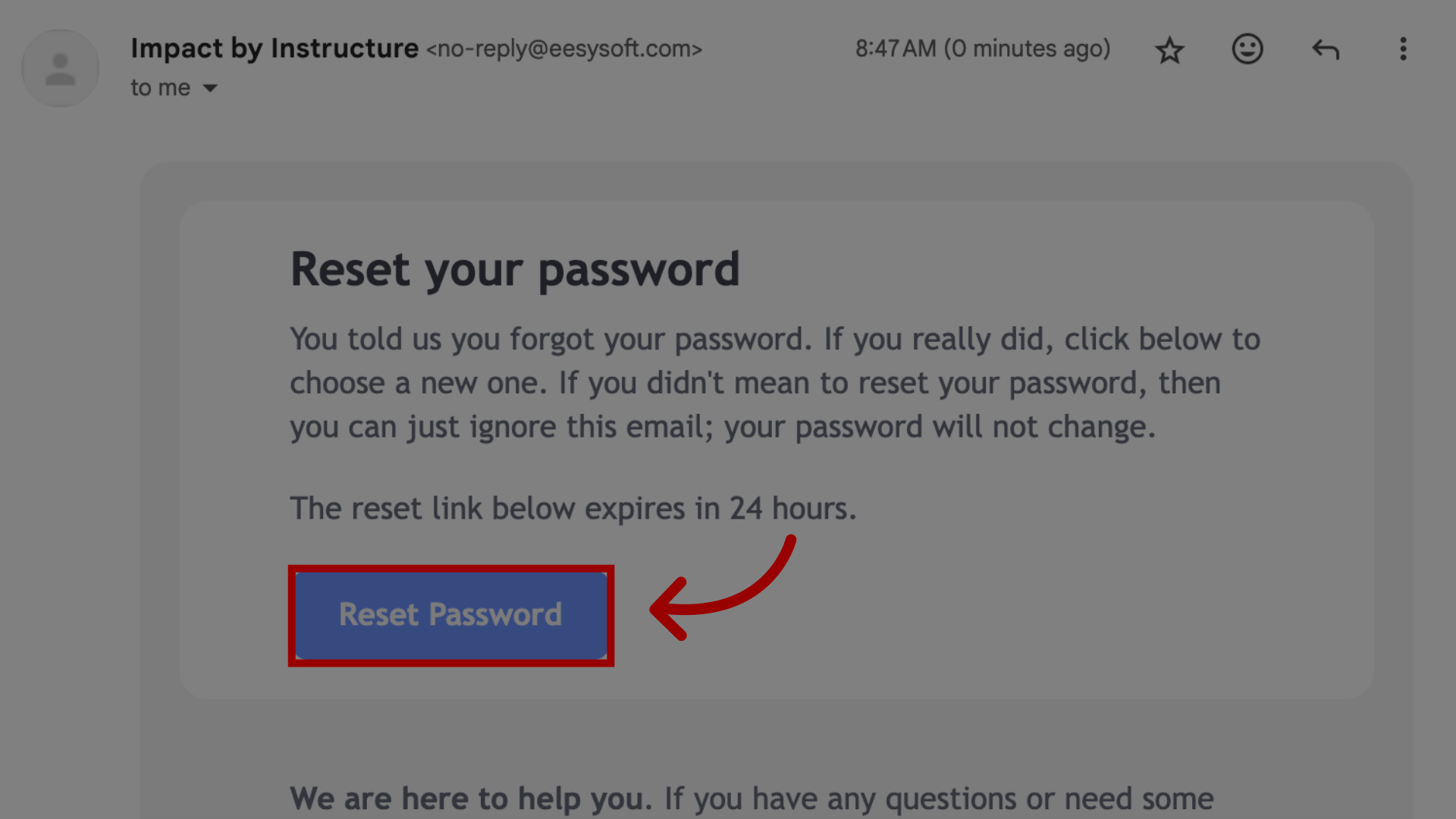
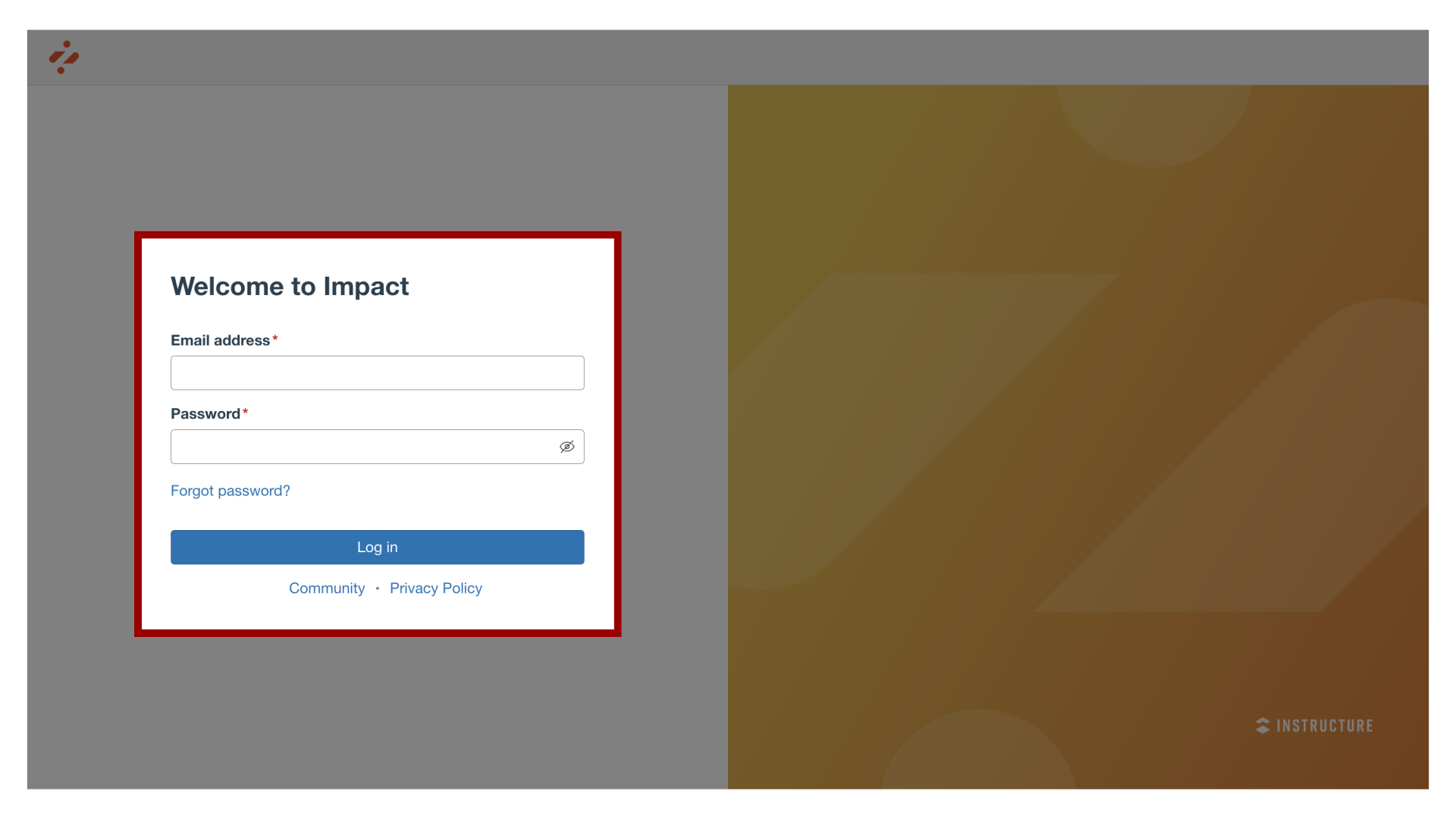
You can reset your Impact password.How do I reset my Impact Dashboard password?1. Forgot PasswordOpen your Impact login page. Click the Forgot Password link.2. Reset PasswordEnter the login information associated with your Impact account and click the Reset Password button.3. View Password Recovery NotificationA notification displays stating that Impact sent password recovery instructions to your email.4. Check EmailReturn to your email account and sign in. Open the Impact Dashboard email. Note: If the email is not in your Inbox, check your Spam folder.5. Open Reset PasswordClick the Reset Password button.6. Set New PasswordEnter a new password. Confirm that password by entering it again. Click the Reset Password button.7. Log into Impact With your email address and new password, log in to Impact.This guide covered how to reset your Impact Dashboard password.