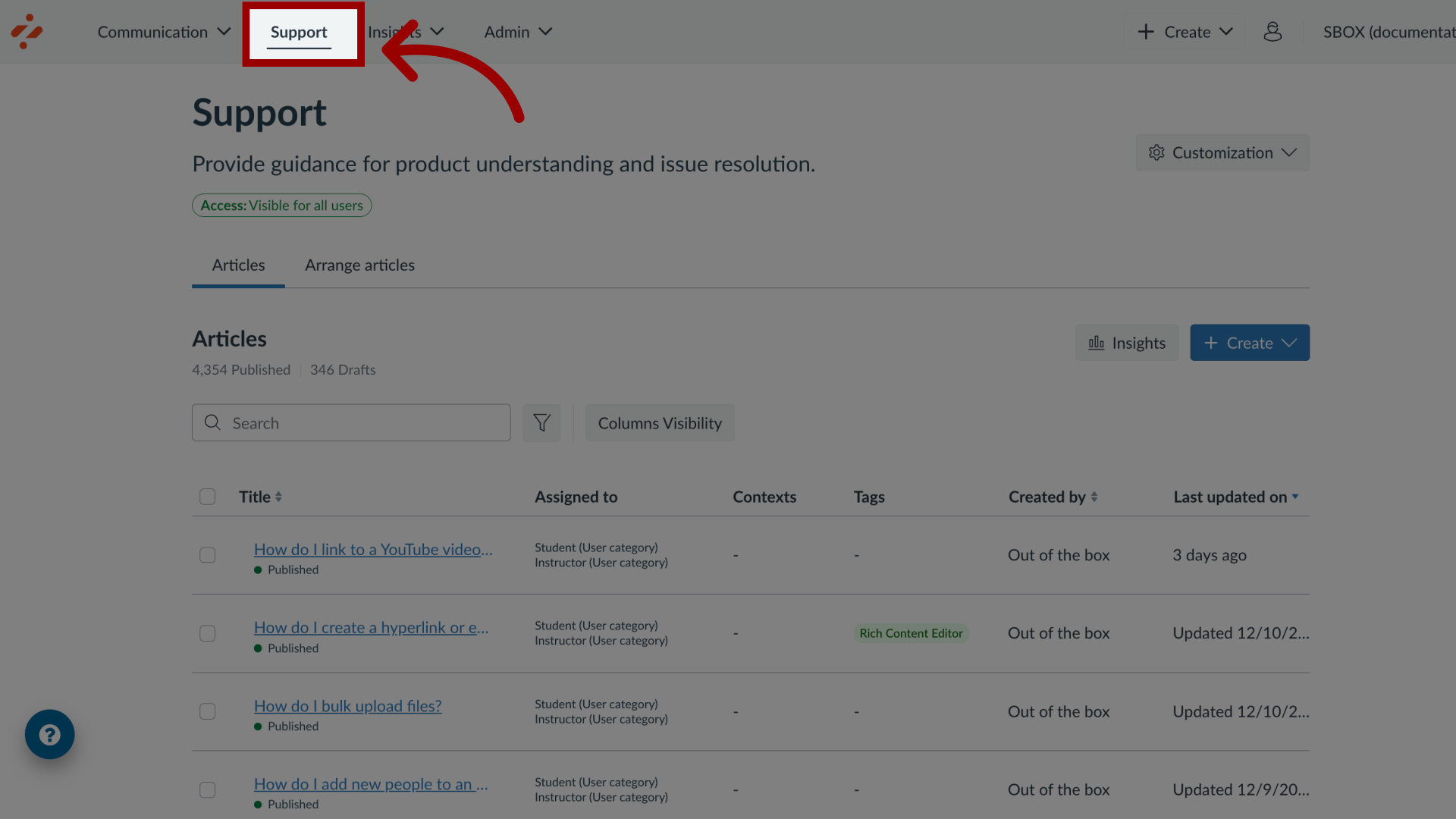
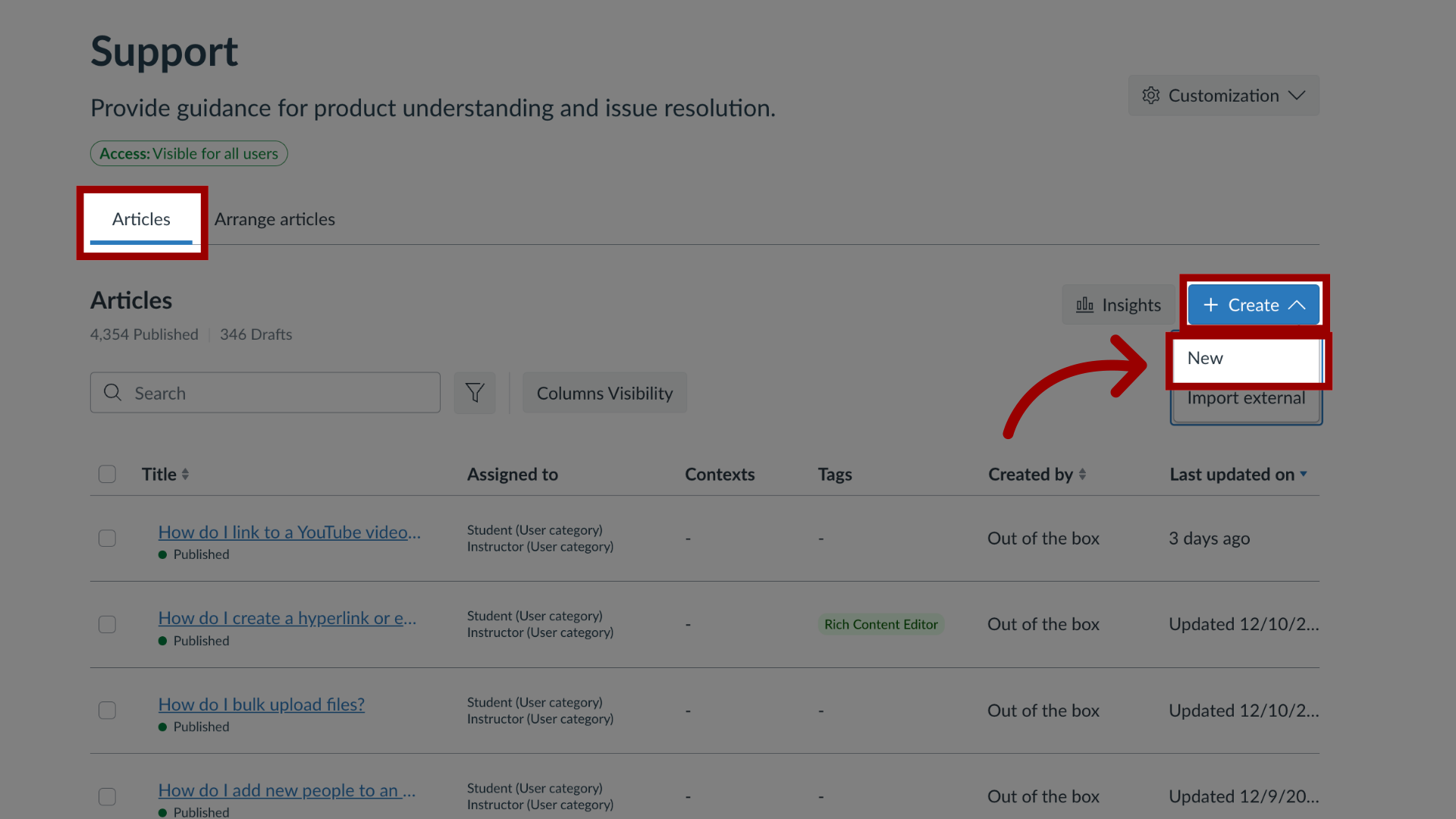
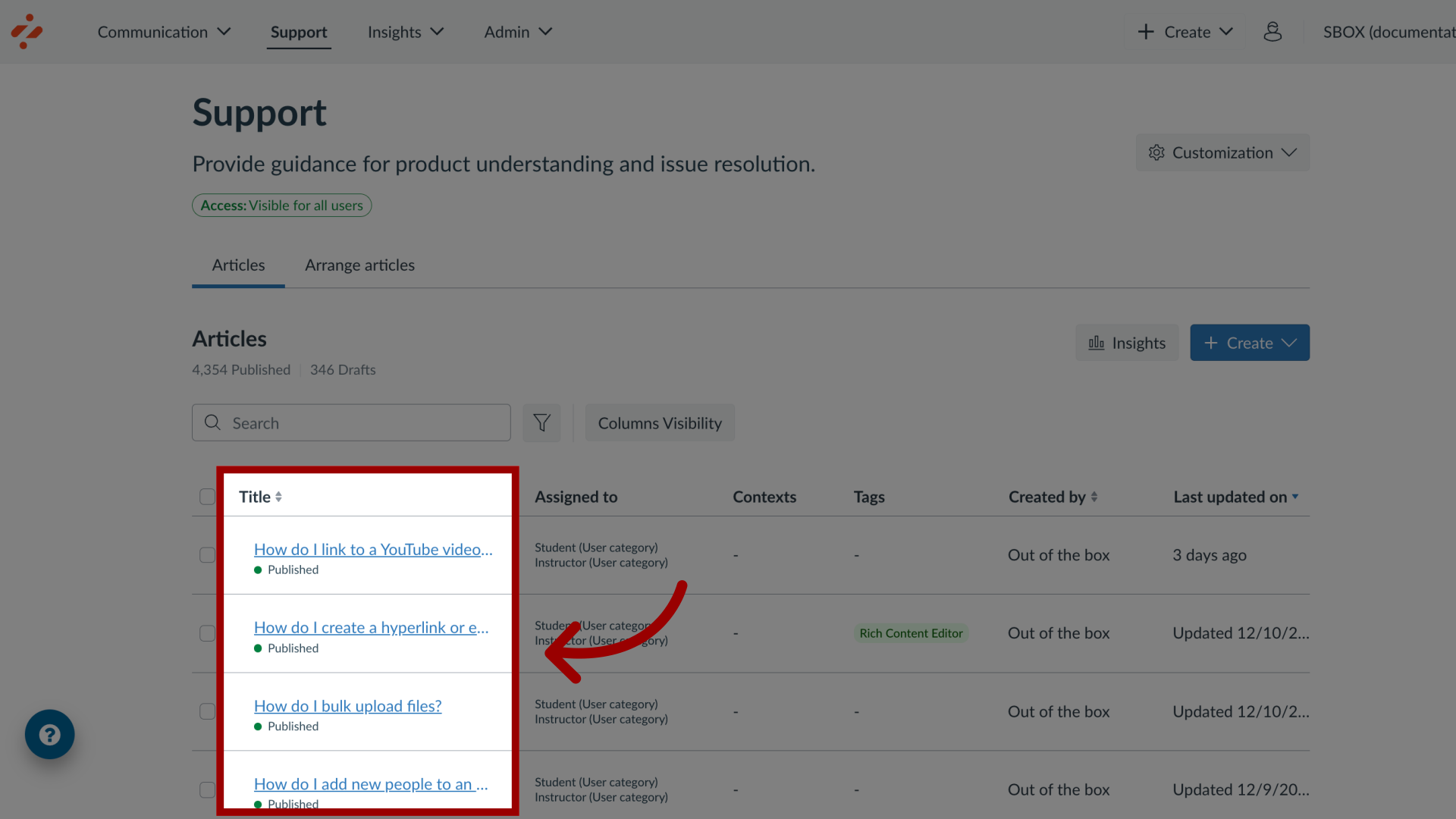
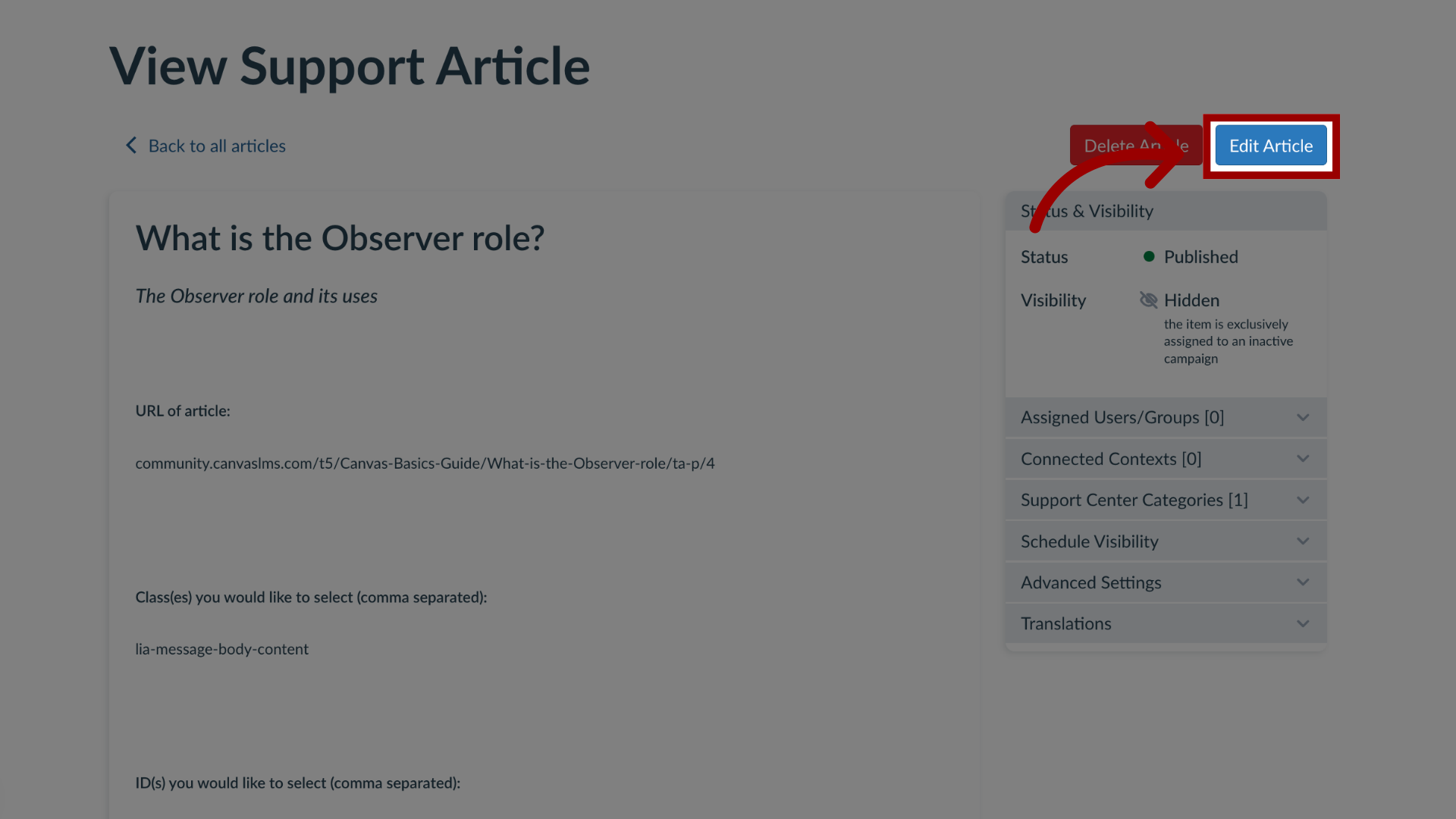
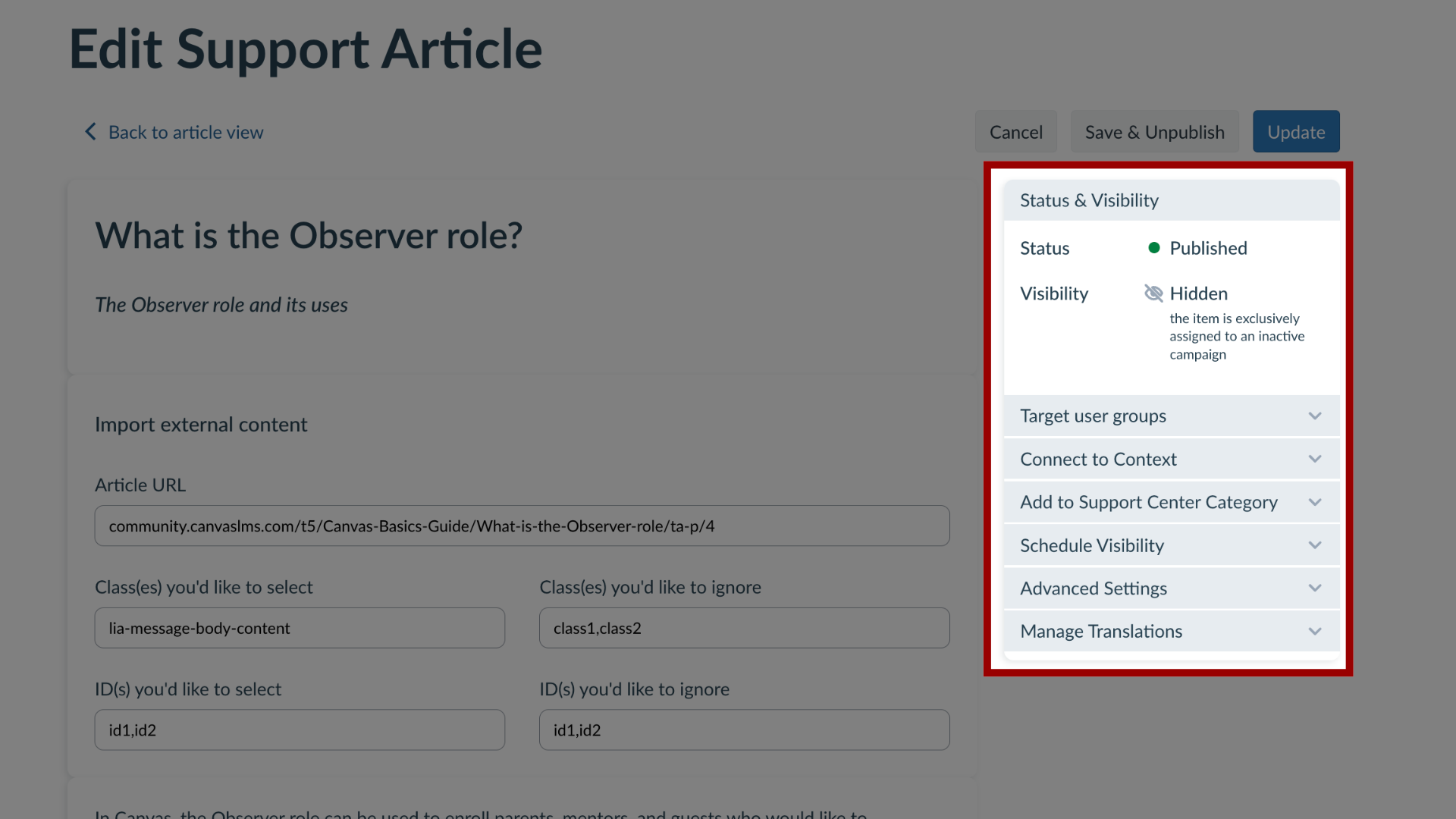
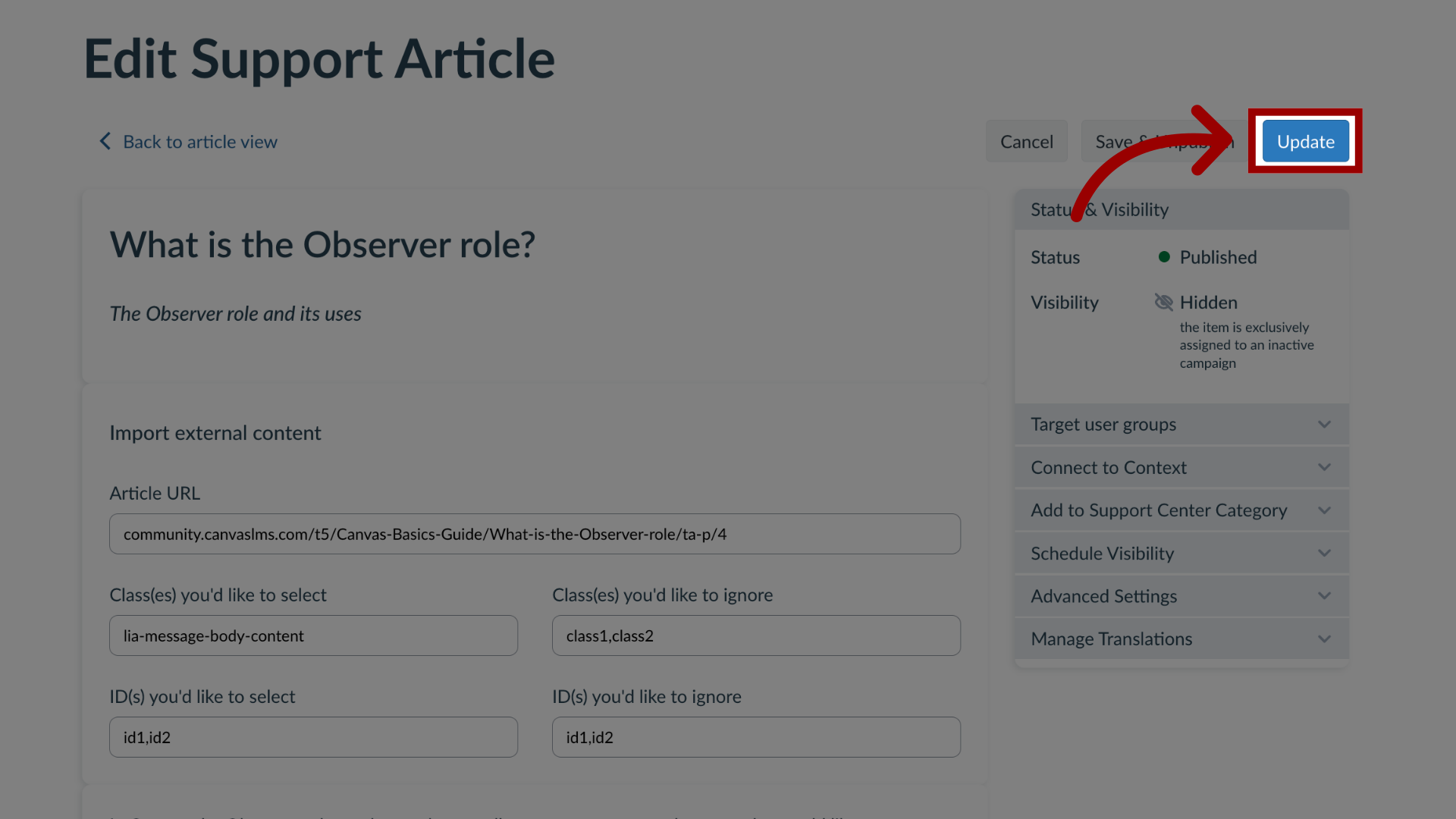
Impact allows you to assign a support article to an existing campaign to apply the user targeting rules (as defined for the campaign) to your support article. Note: Out of the box articles will display the Publish or Unpublish button rather than Edit Article. How do I add a support article to an existing campaign in the Impact Dashboard?1. Open SupportIn Global Navigation, click the Support link.2. Create New Support ArticleIn the Articles tab, to create a new article, click the Create drop-down button and click the New link.3. Manage Existing Article To add a support article to an existing campaign, locate and click the support article name.4. Edit Support ArticleIn the View Support Article page, click the Edit Article button.5. Edit Support Article Details Edit your support article details.6. Target User GroupsIn the sidebar, click the Target User Groups drop-down menu.7. Open CampaignsThen click the Campaign(s) drop-down menu.8. Assign to CampaignEnter the terms in the Filter field or select the name of the relevant campaign. You can select multiple campaigns and users that are added to the Target User Groups section.9. Update ArticleOnce you have selected the relevant campaign, you can continue to edit the existing support article and click the Update button. If you create a new support article, you will click the Publish button.For more information on the following referenced topics:Create a new article: Visit How do I create support articles in the Impact Dashboard?