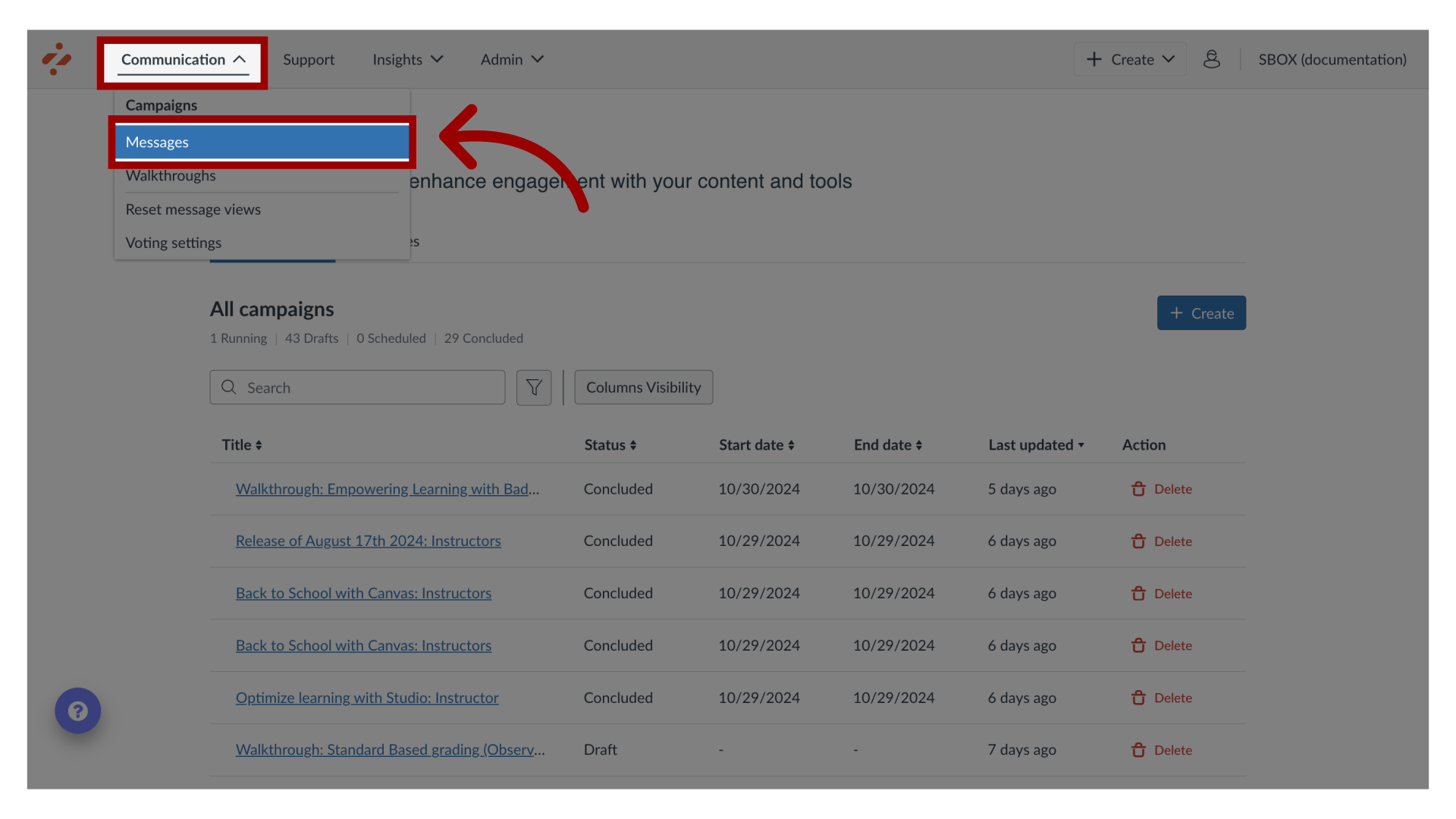
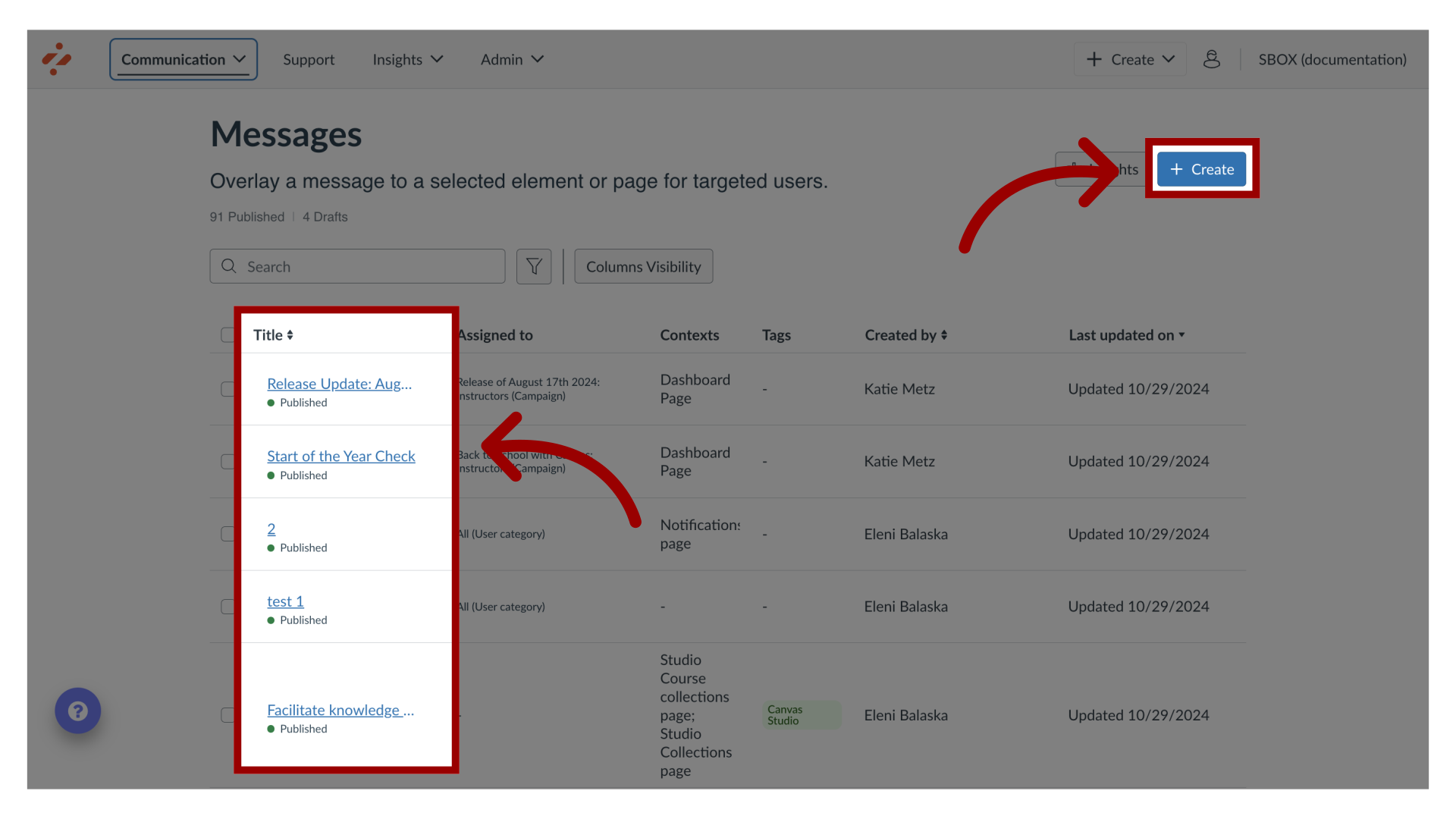
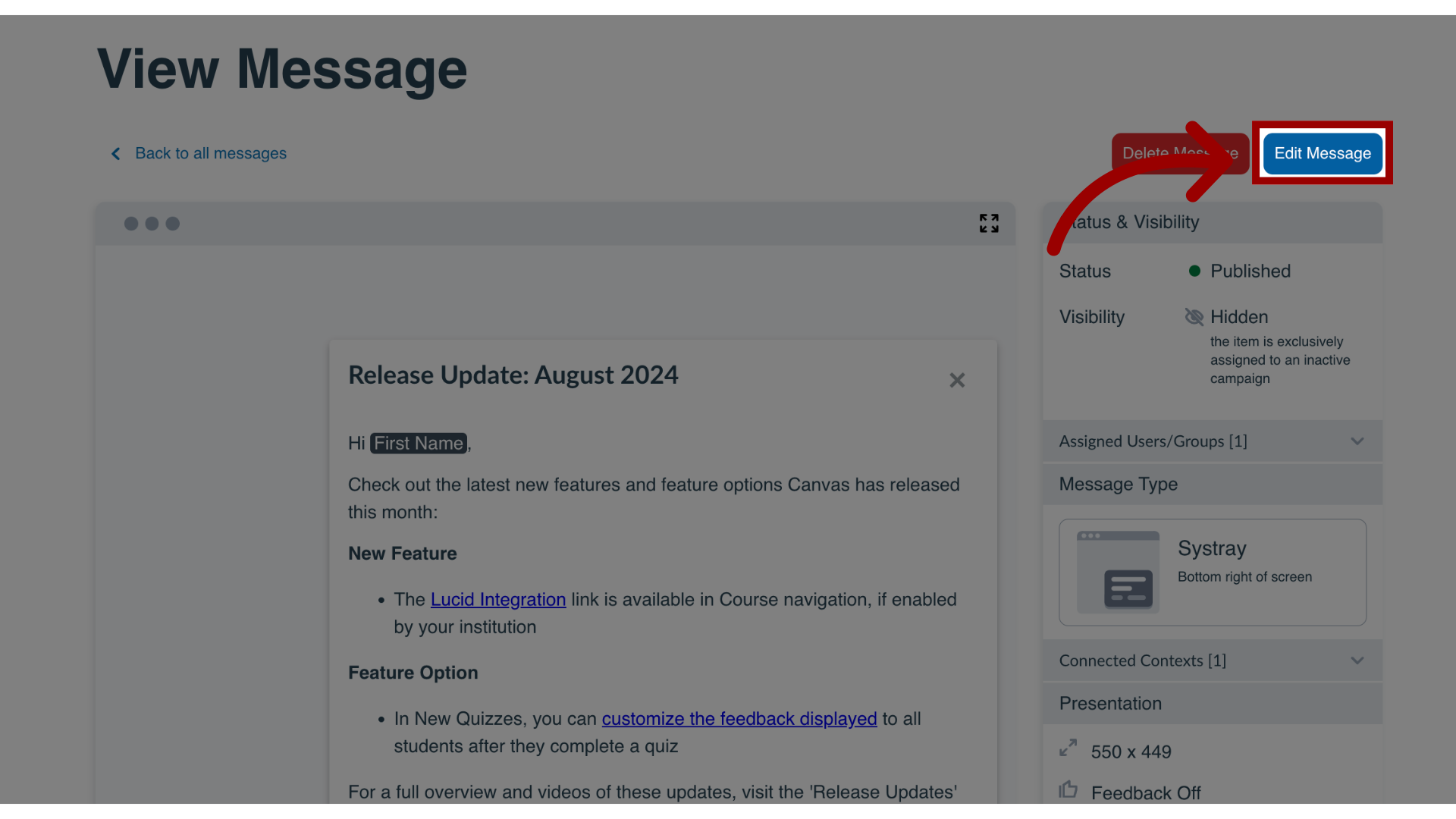
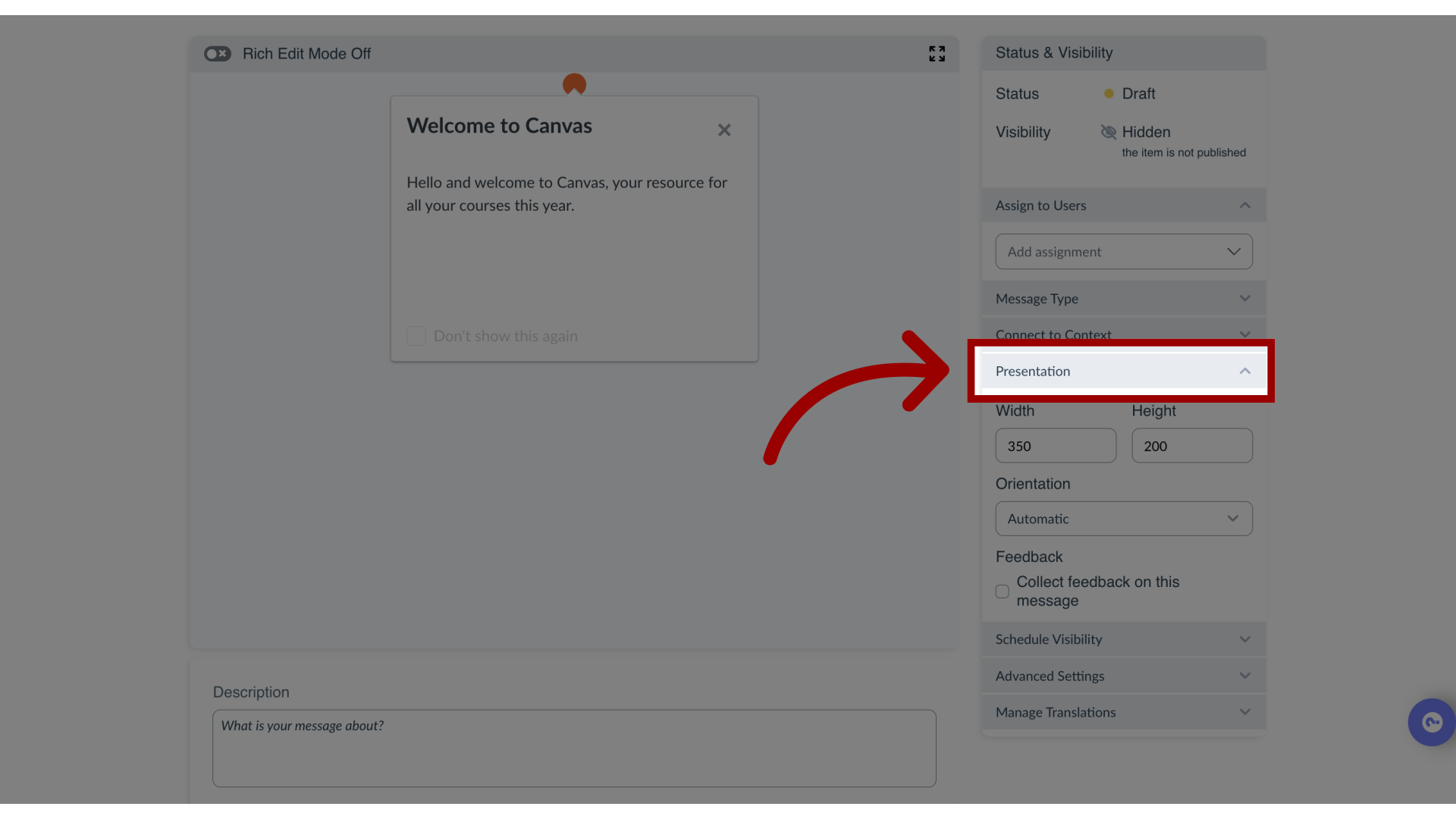
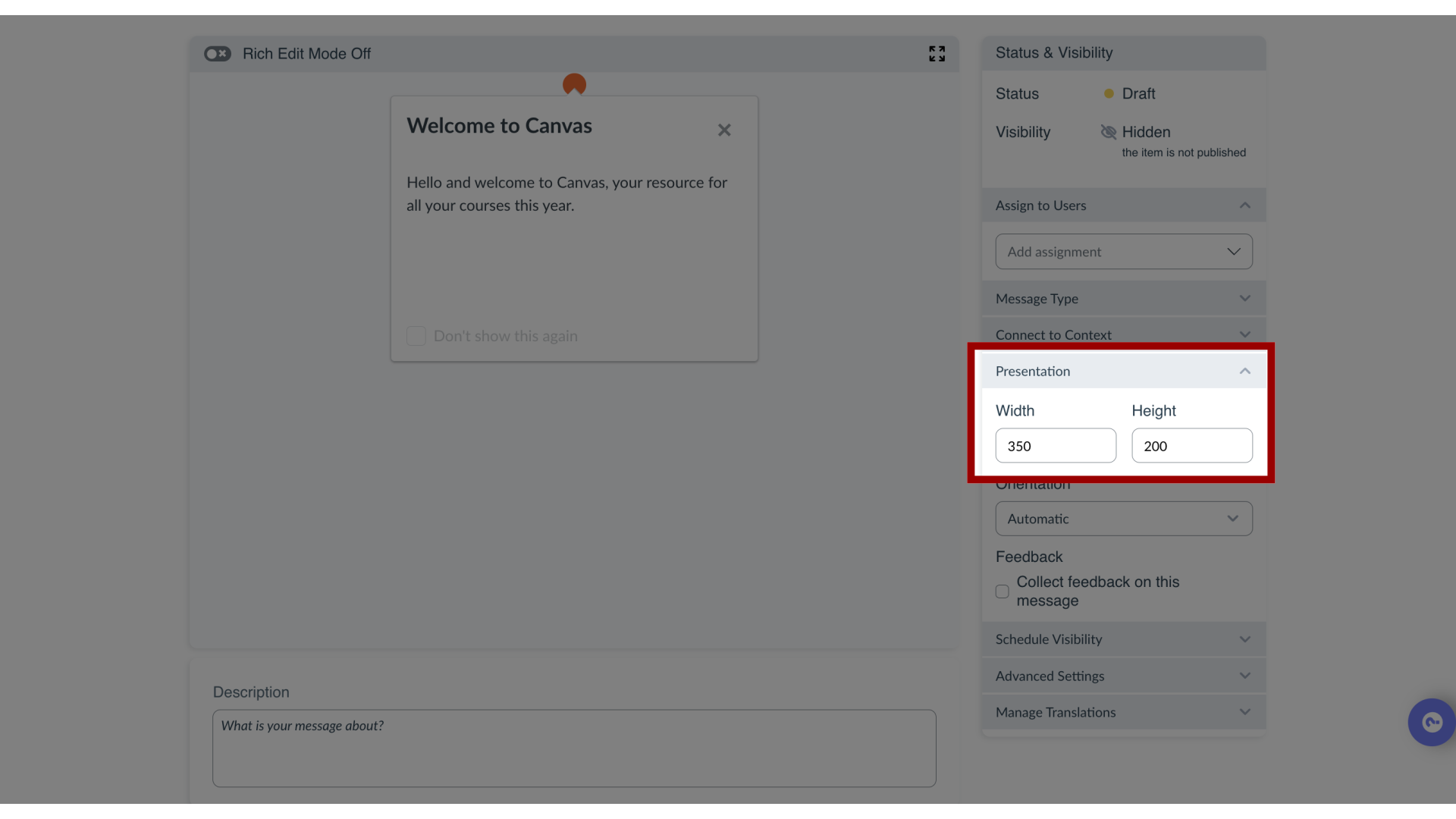
Impact allows you to customize the height and width in pixels for any message type.How do I change the size of my message in the Impact Dashboard?1. Open MessagesIn Global Navigation, click the Communication dropdown menu. Then click the Messages link.2. Manage MessagesTo edit an existing message, click the name of the message. To create a new item, click the Create button.3. Edit MessageIn the View Message page, click the Edit Message button. If you are creating a new message, the Edit Message button does not display.4. Open Presentation SettingsIn the sidebar, locate and open the Presentation section.5. Change Width and HeightAdjust the Height and Width fields.6. Preview Size ChangePreview the size changes in the message content area.