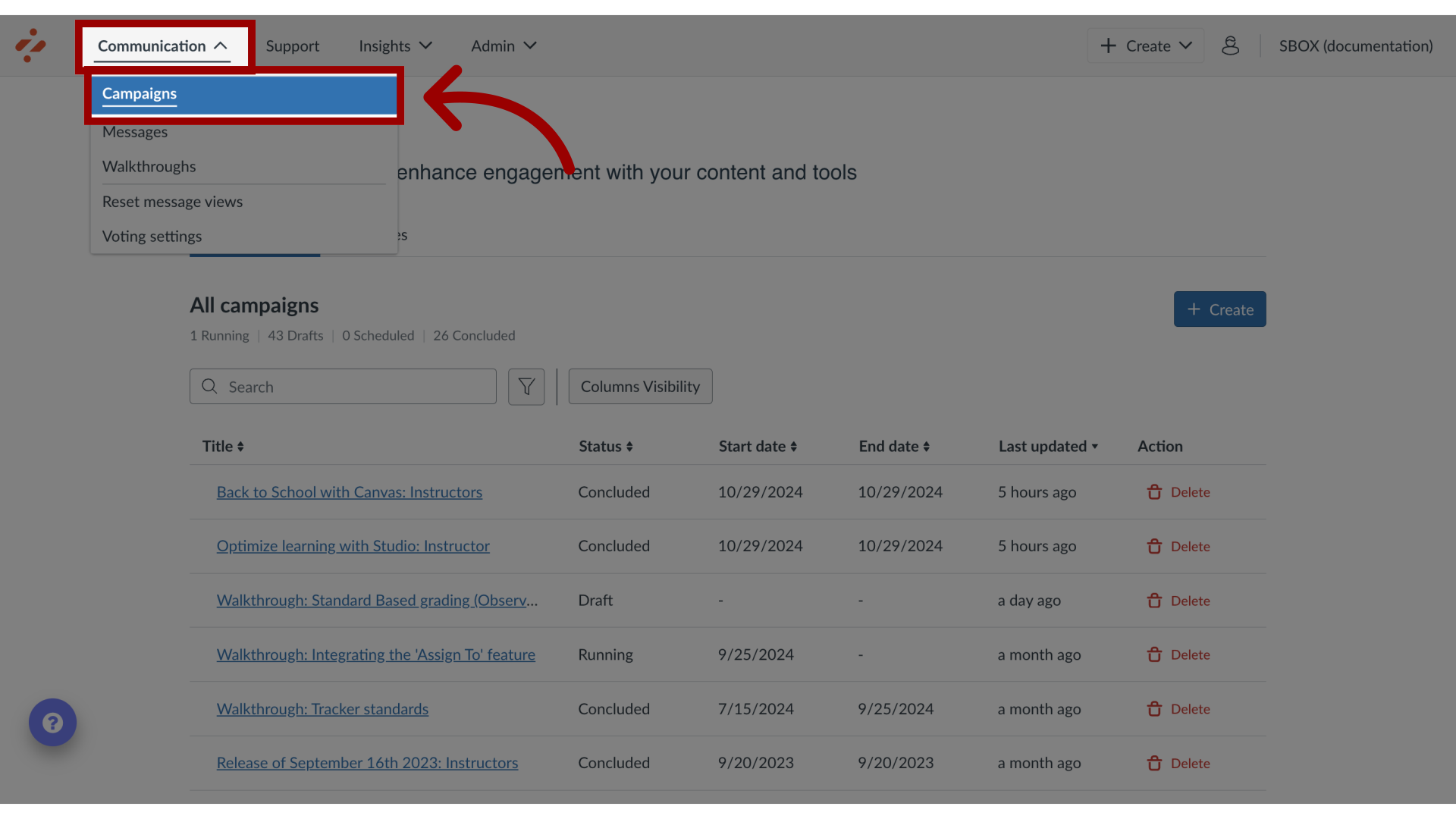
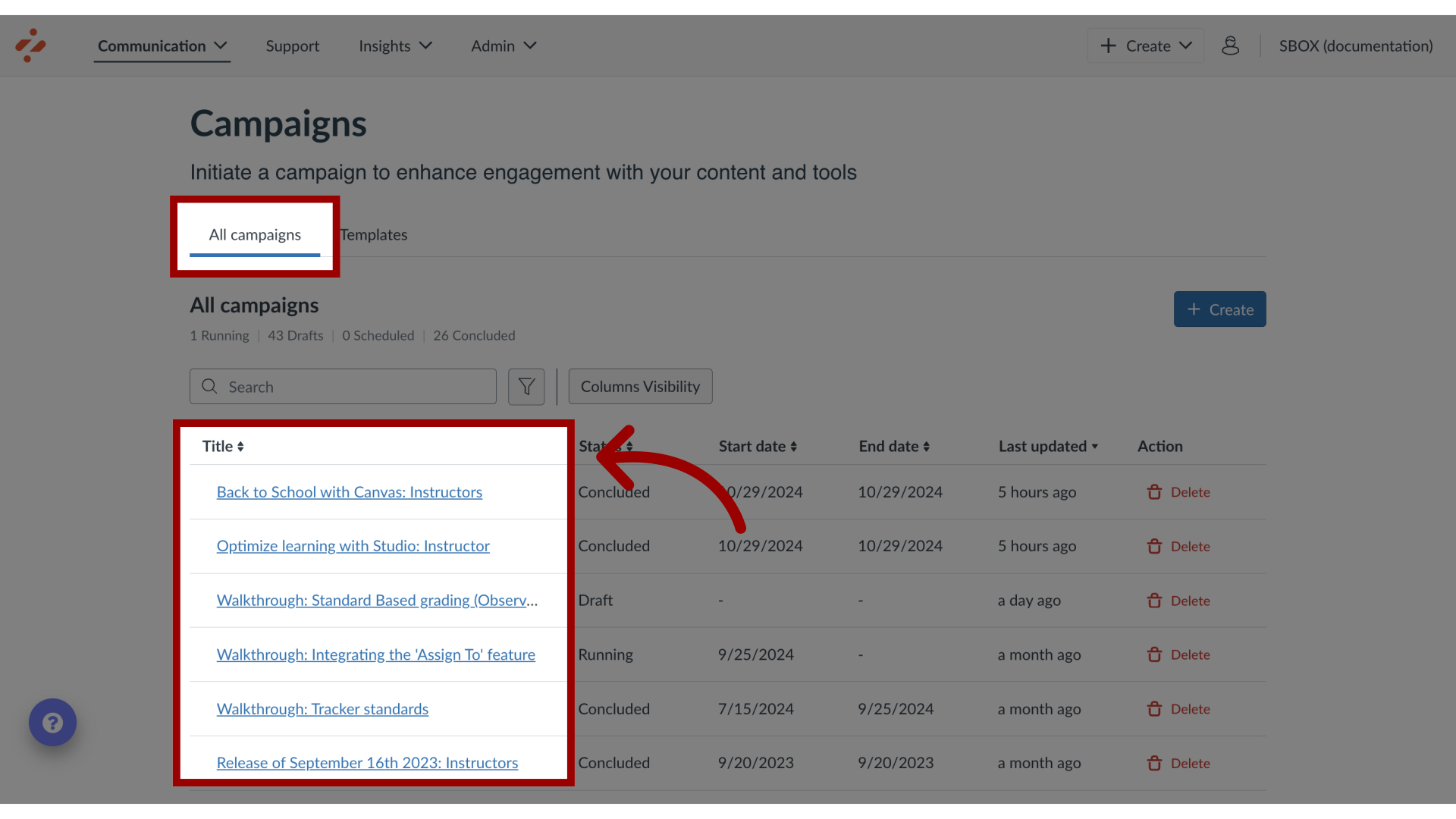
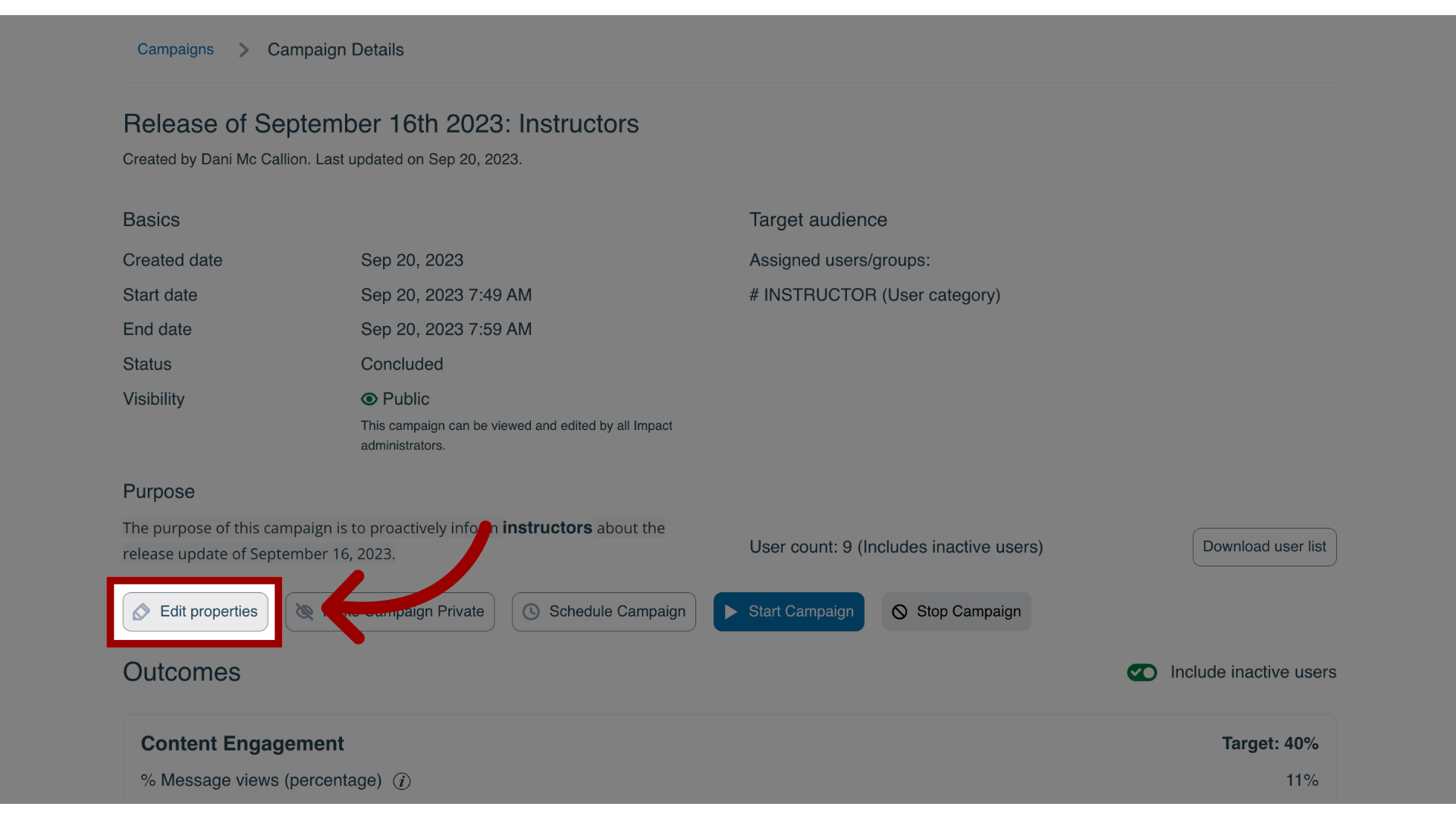
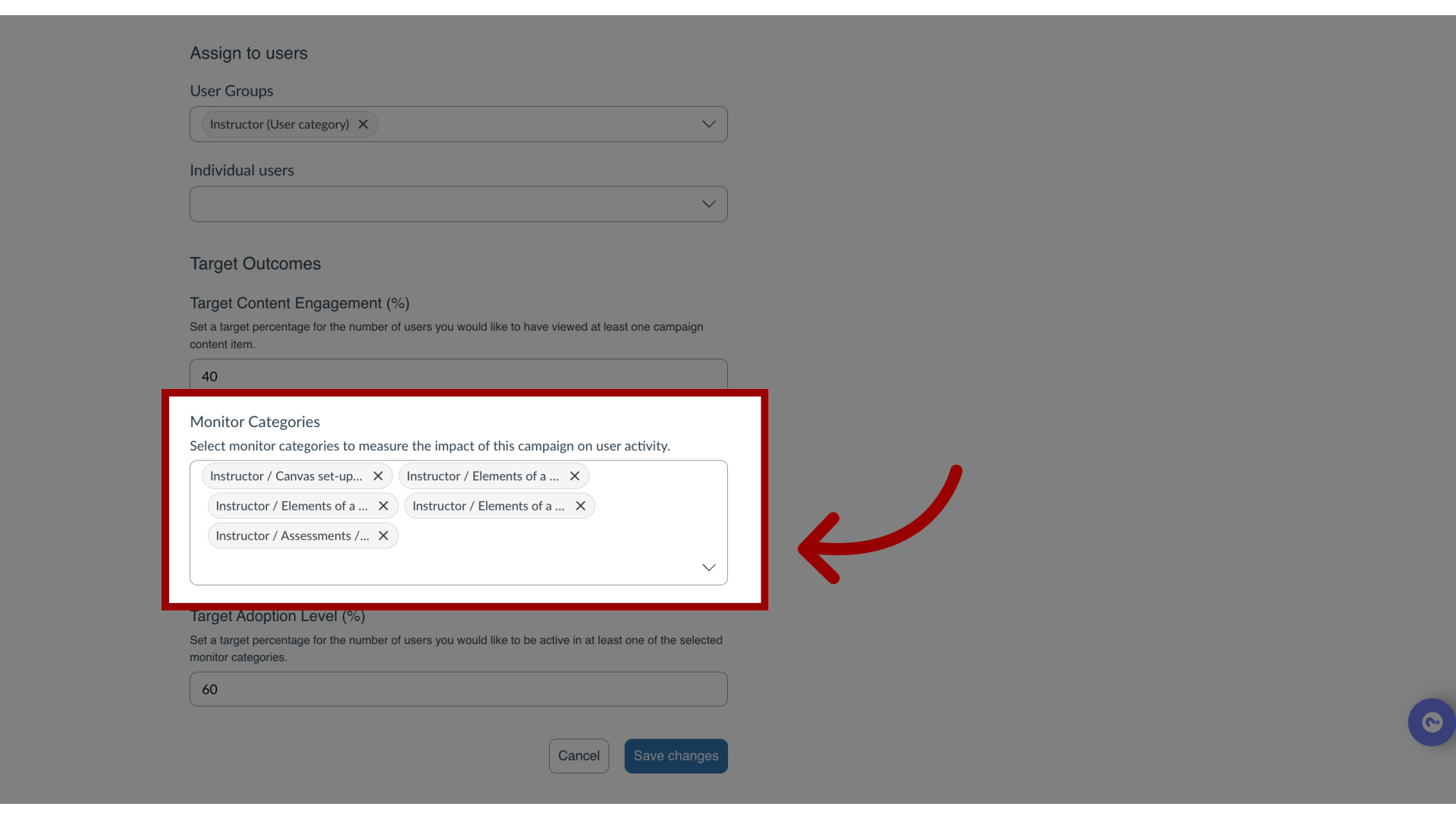
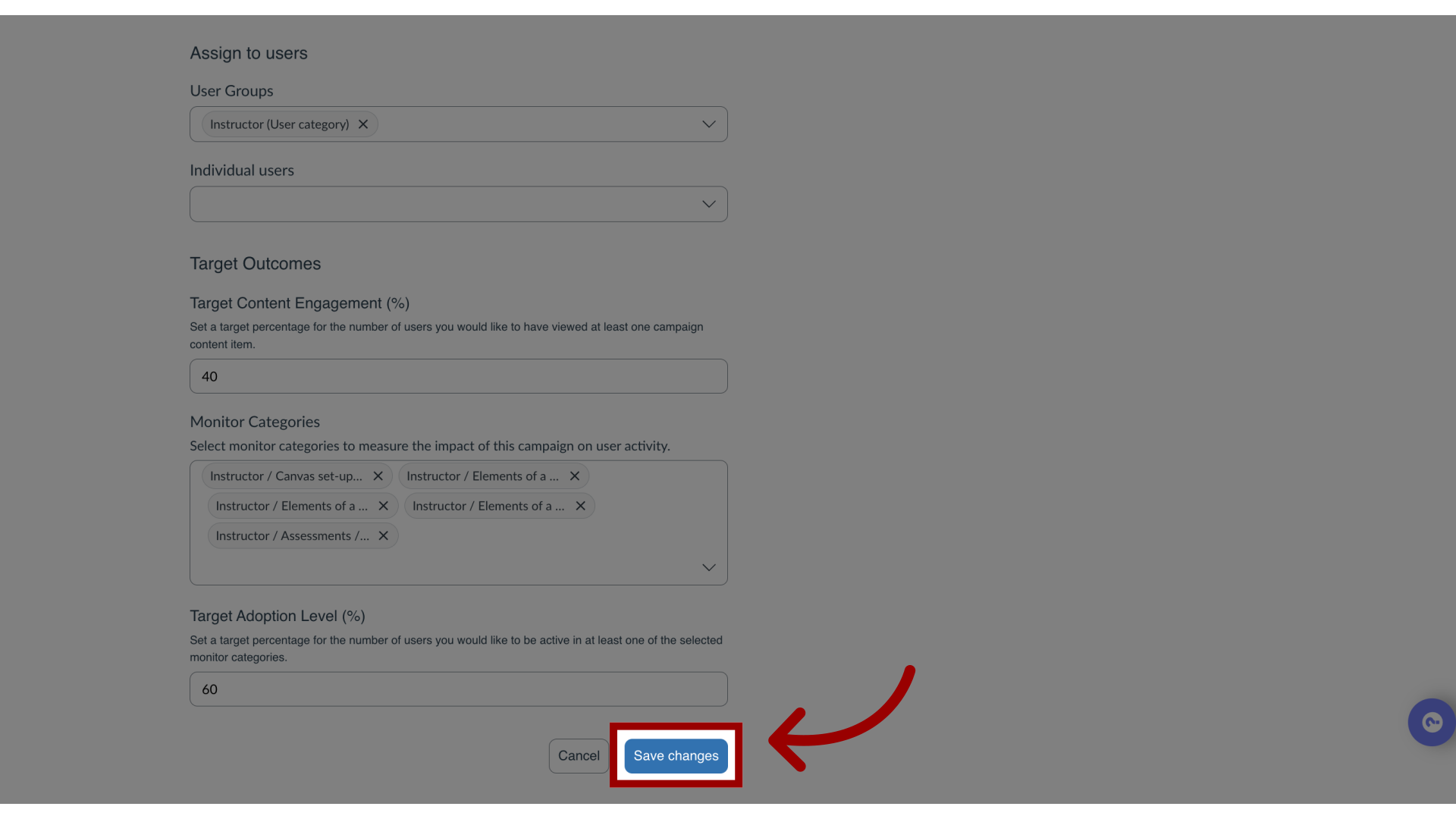
You can add monitor categories from a Reporting Template to a campaign to track tool adoption.How do I add tool adoption statistics to a campaign in the Impact Dashboard?1. Open CampaignsIn Global Navigation, click the Communication dropdown menu. Then click the Campaigns link.2. Open CampaignFrom the All Campaigns tab, click the campaign to which you wish to add tool adoption data.3. Edit PropertiesOn the Campaign Details page, click the Edit Properties button.4. Add Monitor CategoriesClick the Monitor Categories drop-down menu and add the desired monitor categories from any of the available Reporting Templates.5. Save CampaignOnce you have selected all monitor categories you wish to add, click the Save changes button.For more information on the following referenced topics:Reporting Templates: Visit What are Reporting Templates in the Impact Dashboard?