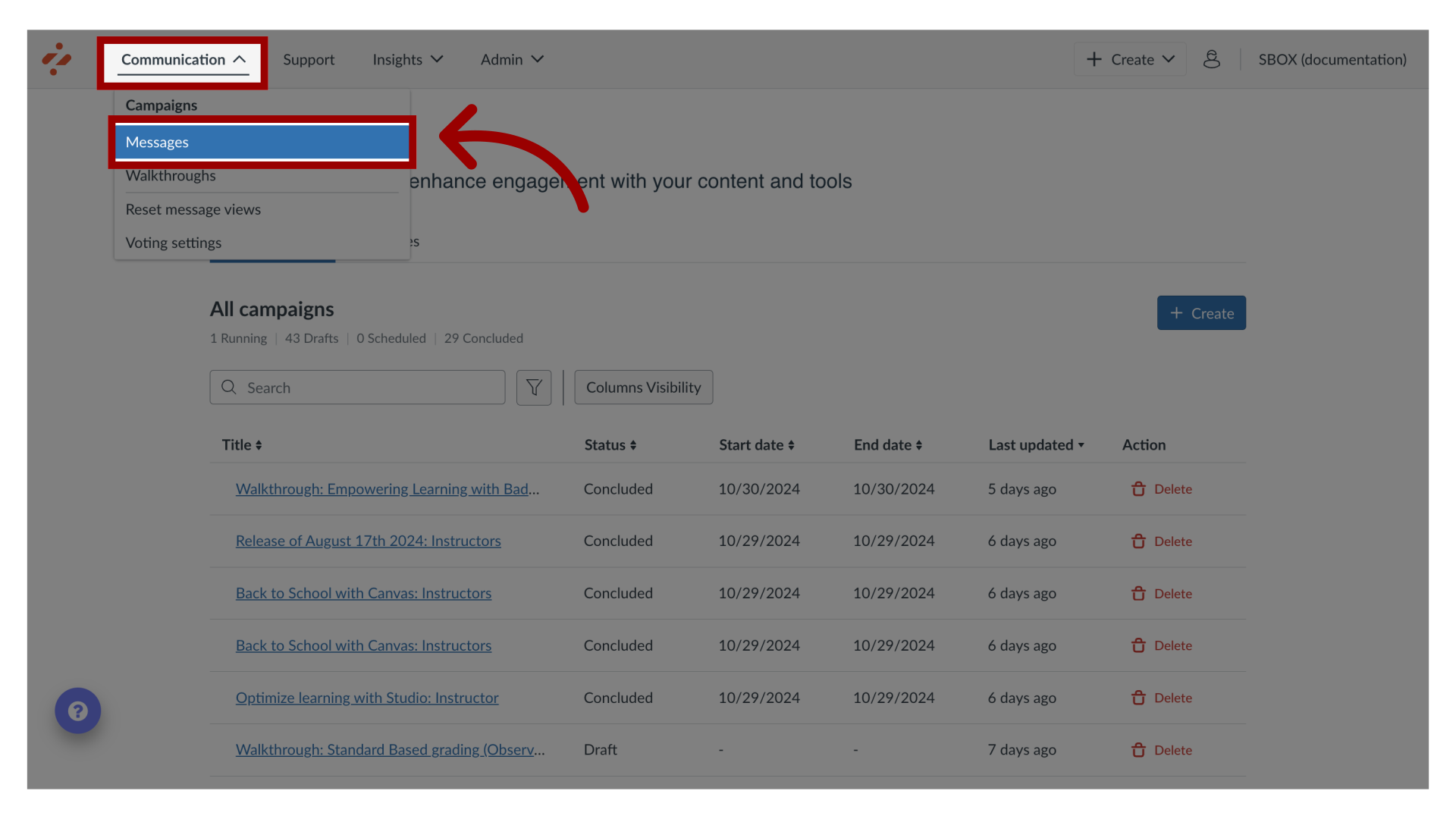
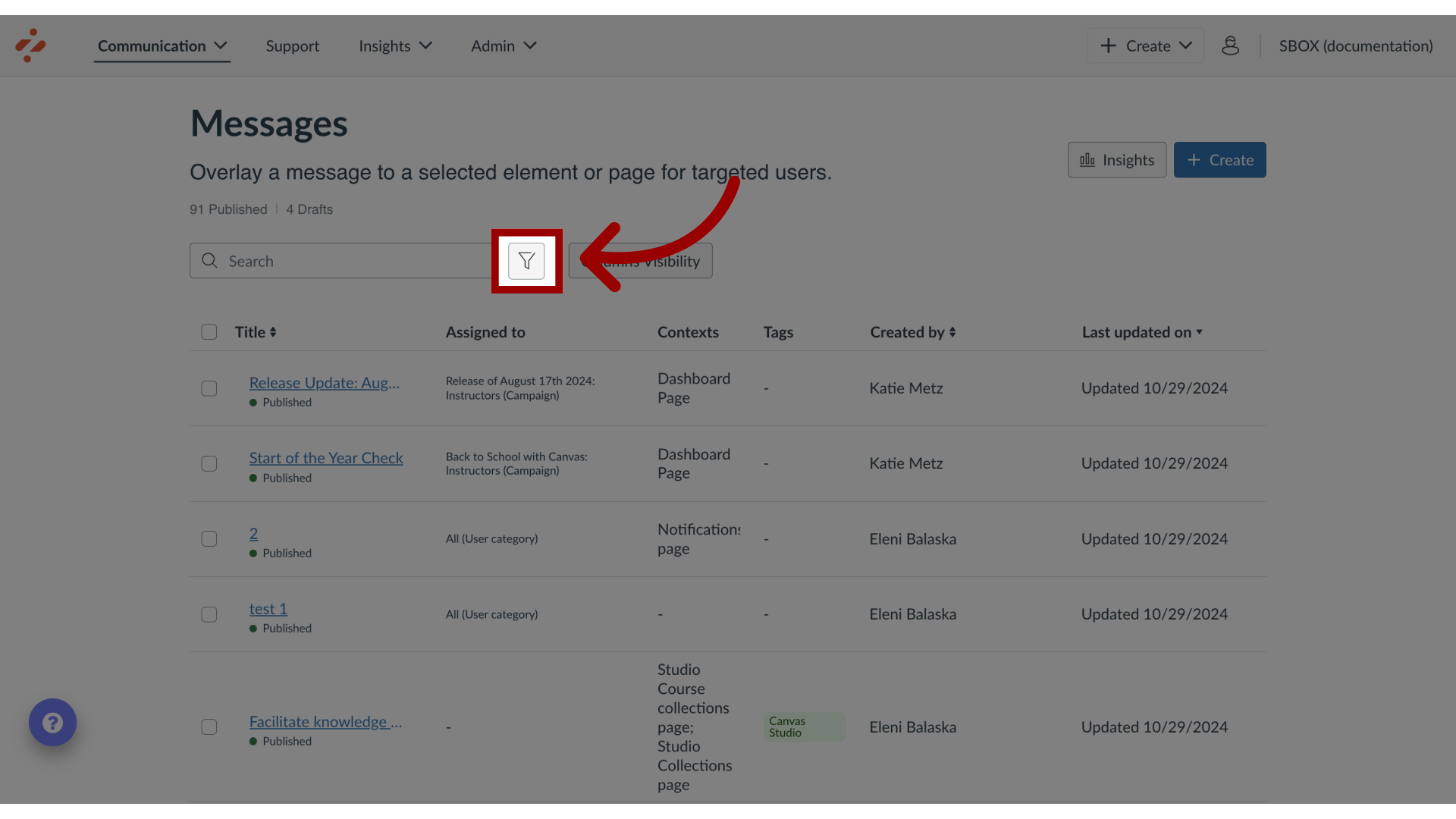
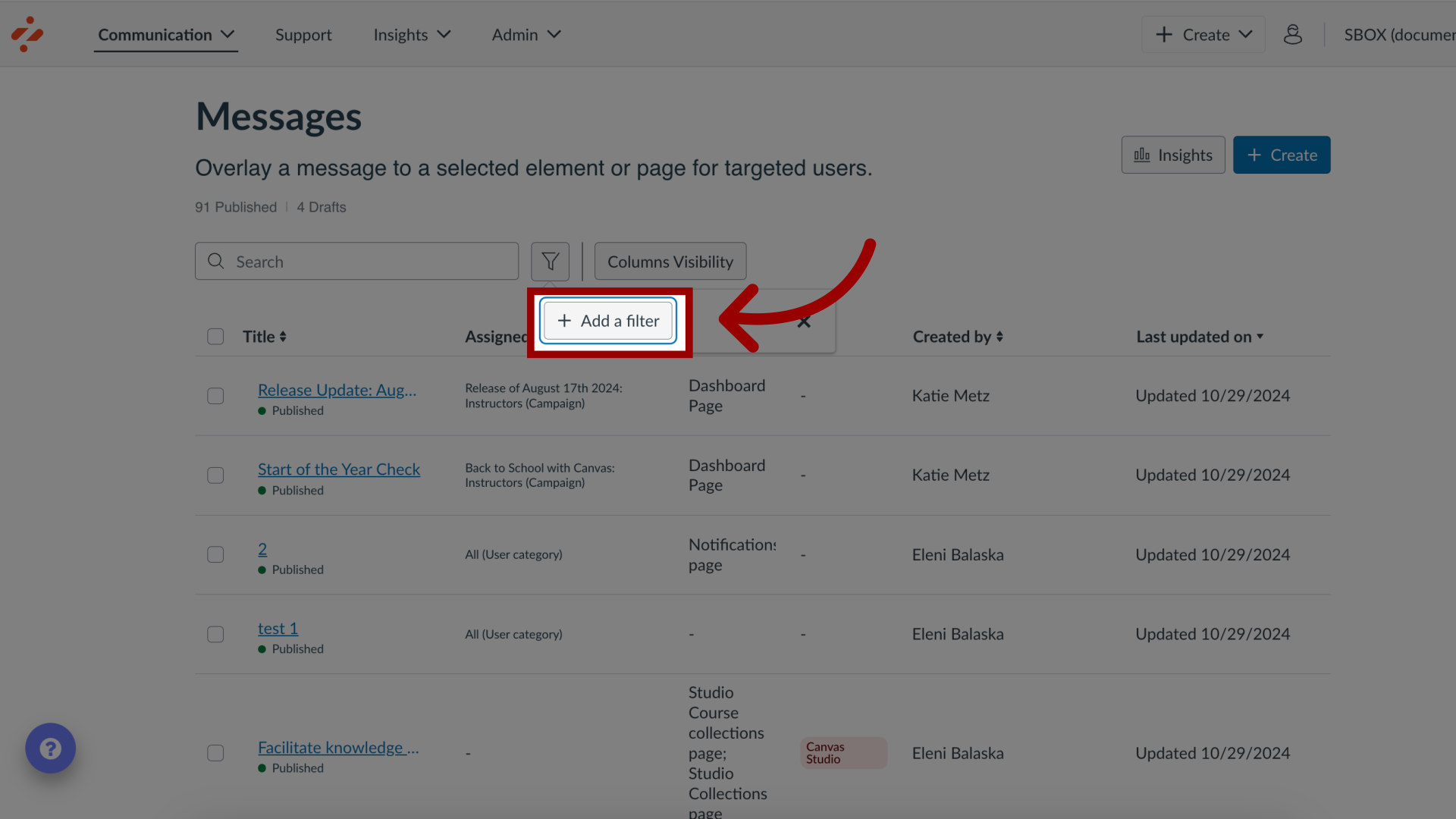
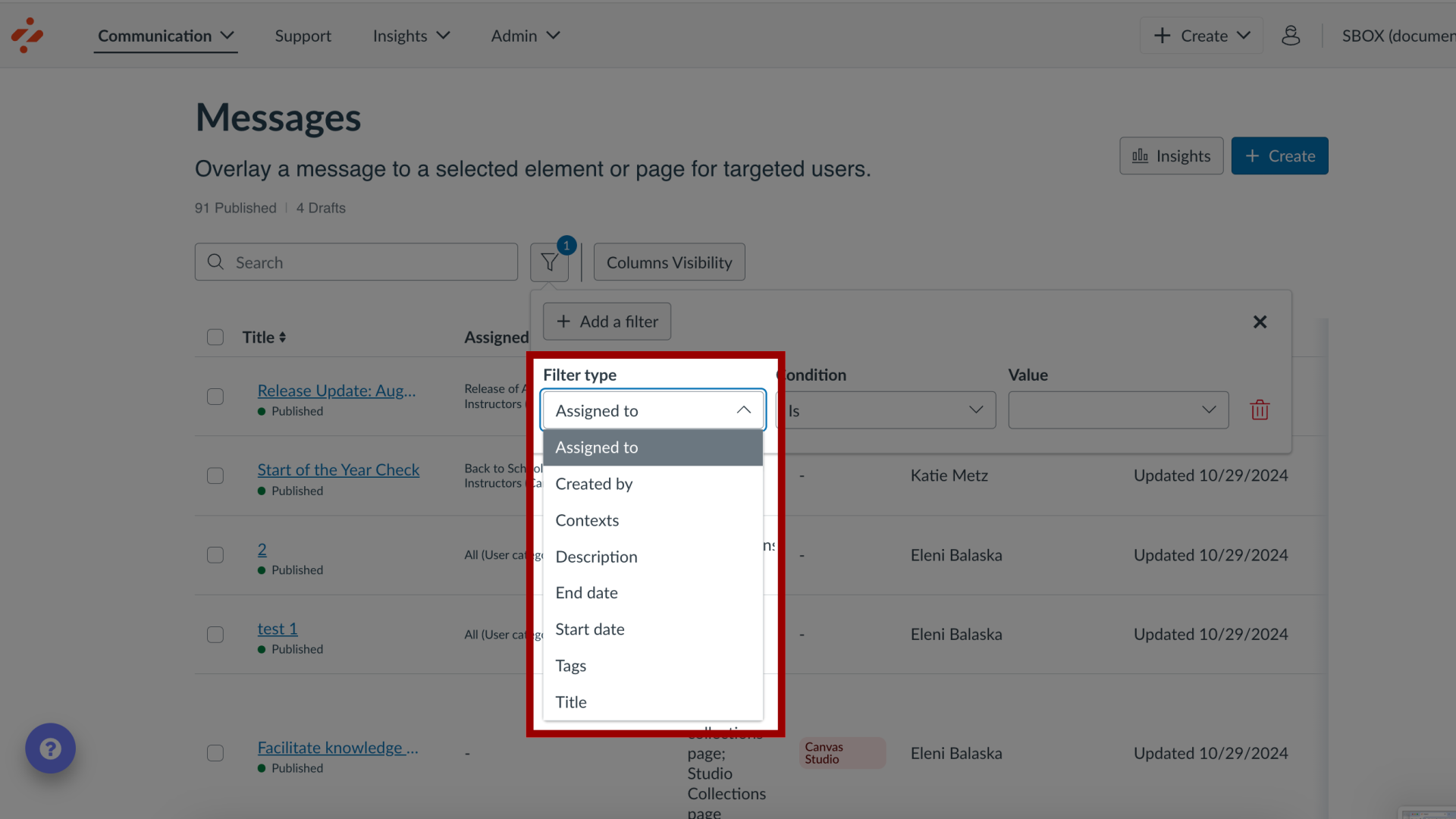
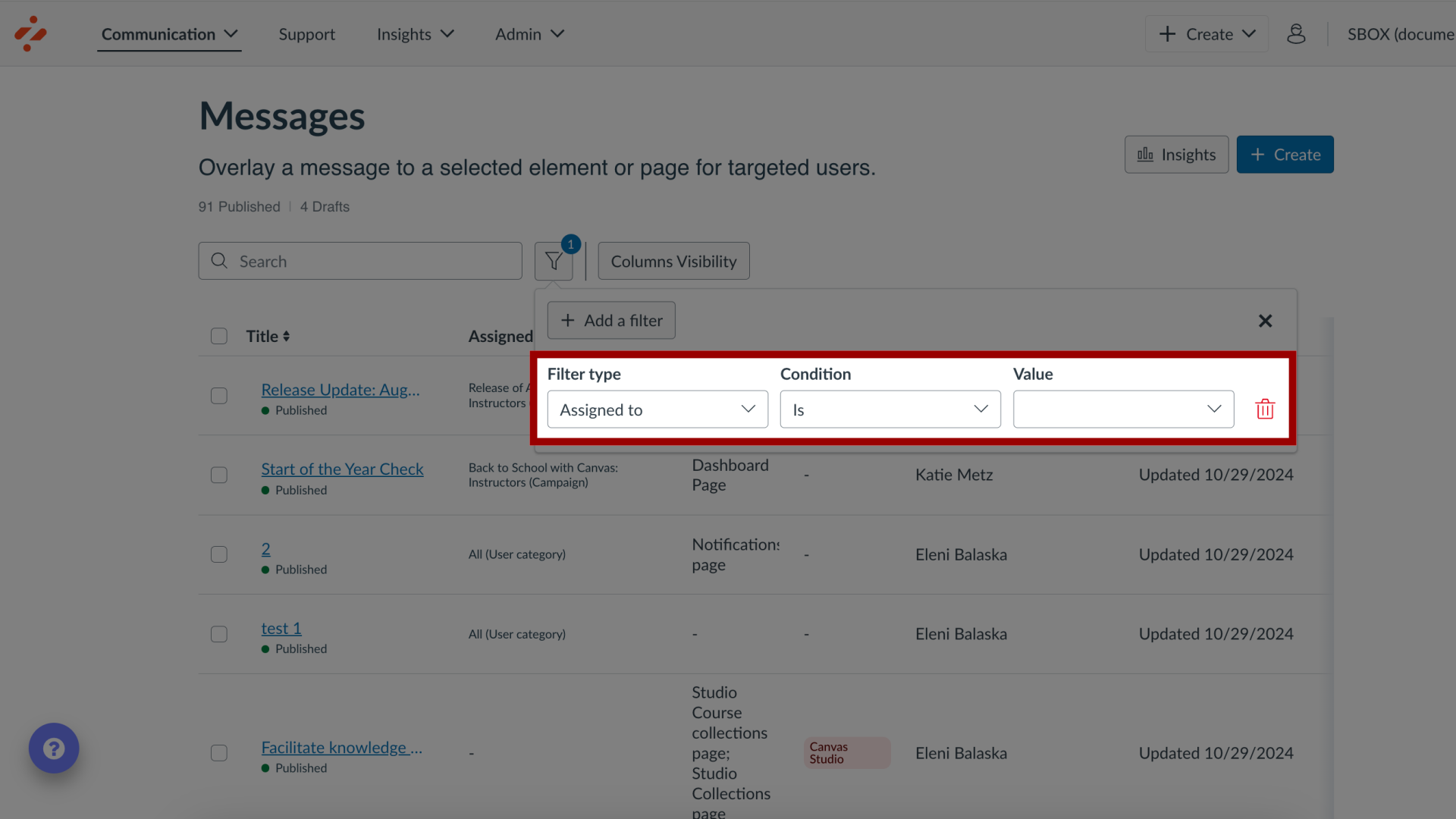
You can view and filter messages in the Impact Dashboard.How do I view and filter messages in the Impact Dashboard?1. Open MessagesIn Global Navigation, click the Communication dropdown menu. Then click the Messages link.2. View Messages View your messages on the Messages page.3. Open FiltersClick the Filters icon.4. Add a FilterClick the Add a Filter button.5. Select FilterYou can filter this list based on the following options:Assigned toCreated byContextsDescriptionStart DateEnd DateTagsTitleTool CategoryTranslationsLast Updated onVisibility6. Add Filter Details Add filter visibility details.