With Impact, you can associate existing support articles and assign them to categories to structure your support center.
You can also add a support article to a support center category when creating a new article or editing an existing one.
Open Support
In Global Navigation, click the Support link.
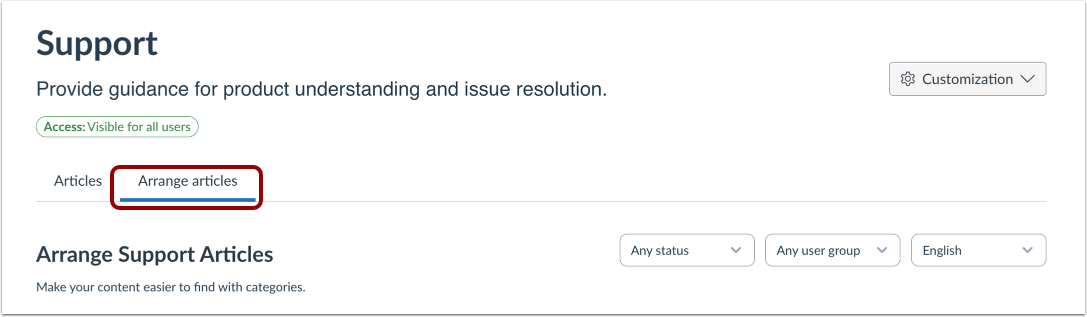
Open Arrange Articles
Then click the Arrange Articles tab.
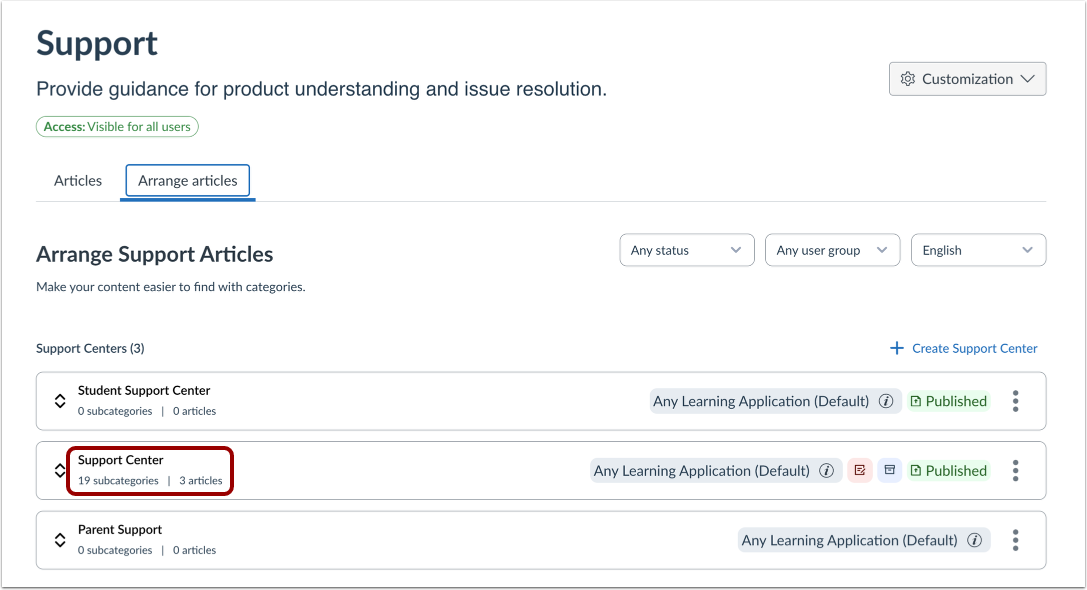
Open Support Center
Click the support center name link.
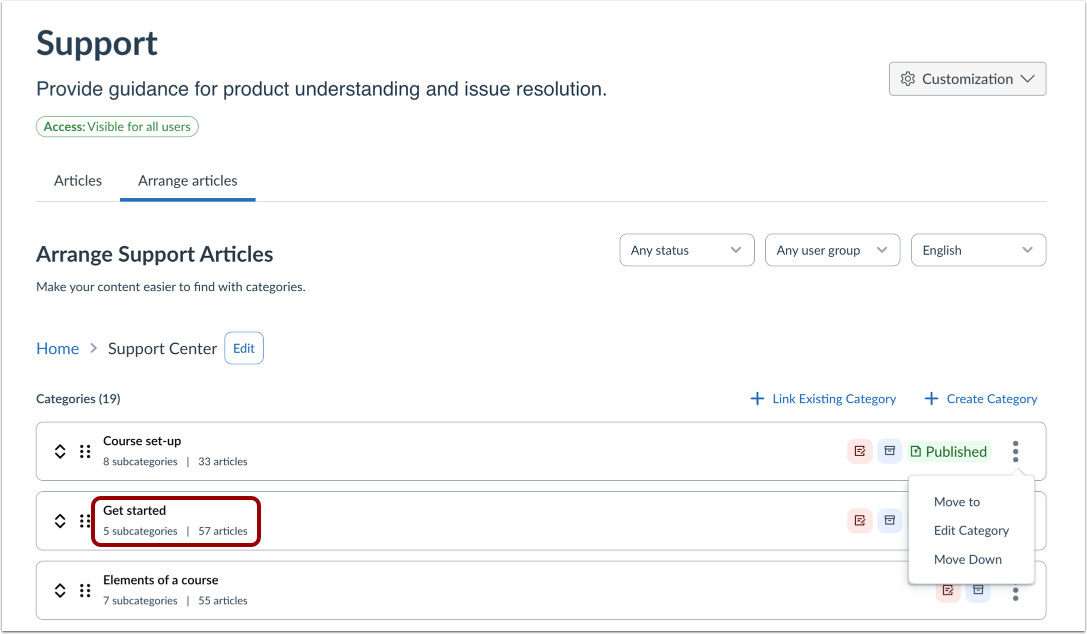
Open Support Center Category
Click the category name link.
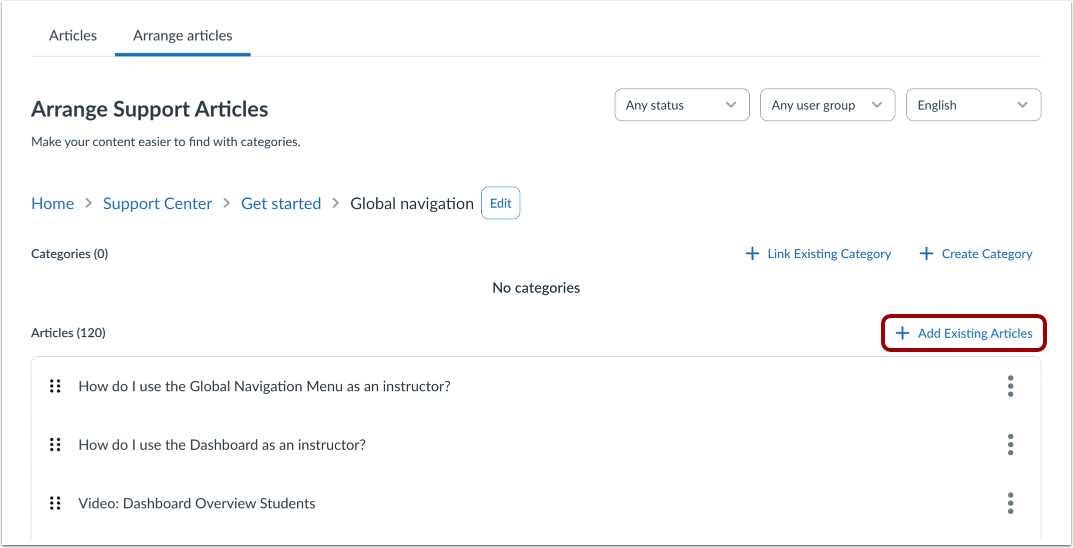
Add Existing Support Center Articles
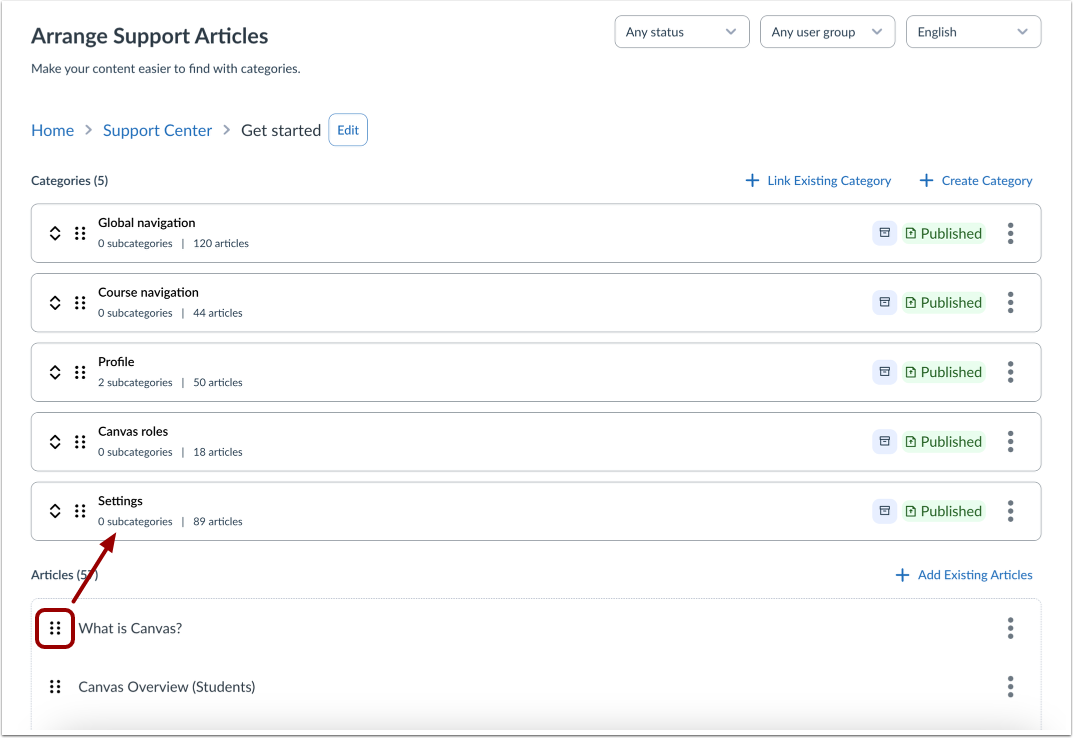
Click the Add Existing Articles link.
Add Existing Articles
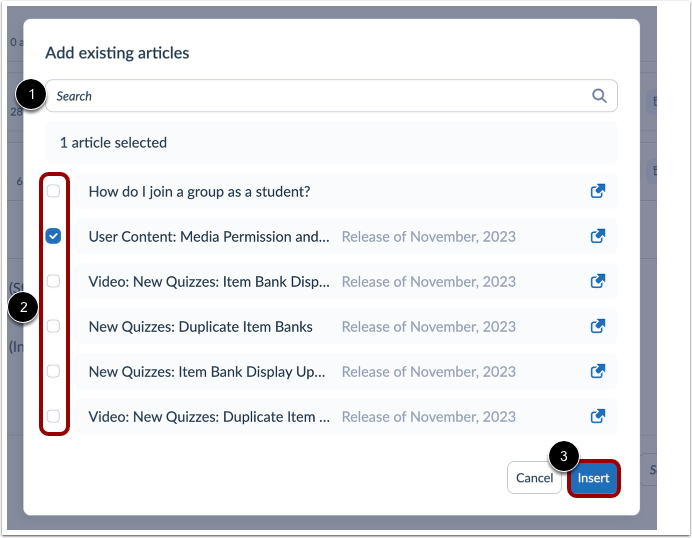
To search for specific articles to add to the support center, enter the article name in the Search field [1].
Alternatively, locate the article or articles in the Existing Articles list and click the article checkbox [2].
Click the Insert button [3].
Drag and Drop Existing Articles
You can also use the drag and drop option to move a category or article in your Support Center. Click and drag the category drag handle to the desired location.