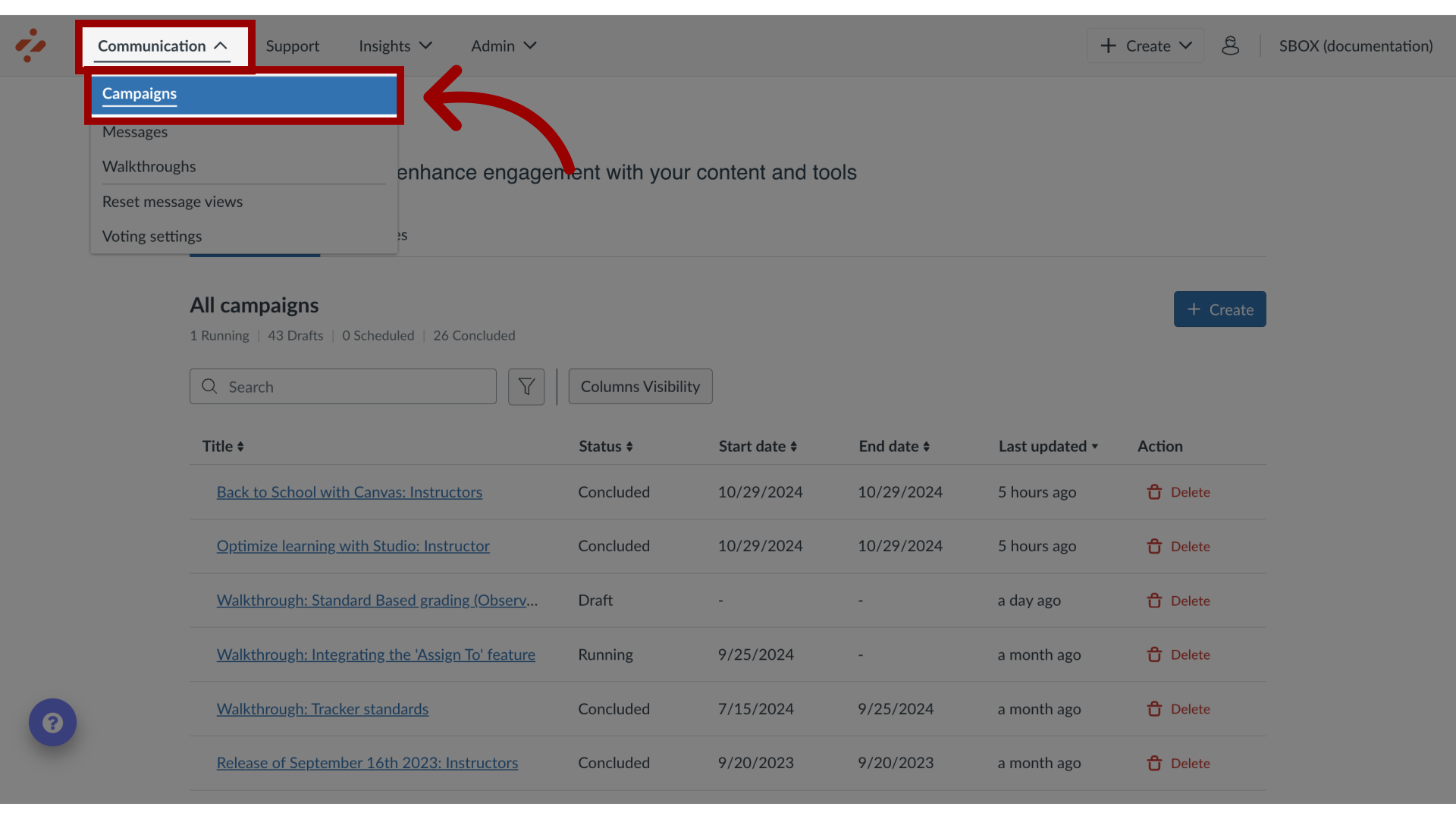
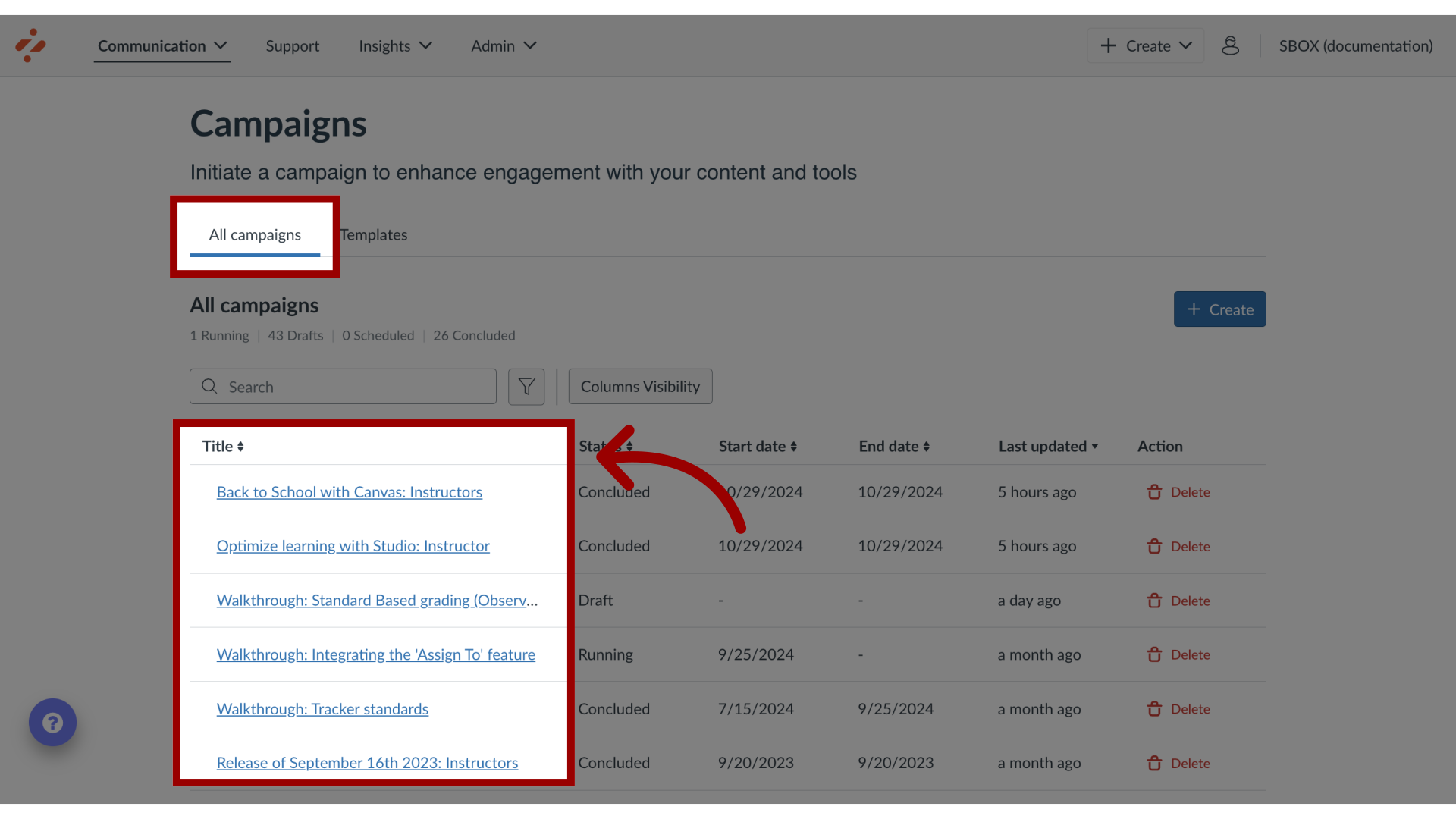
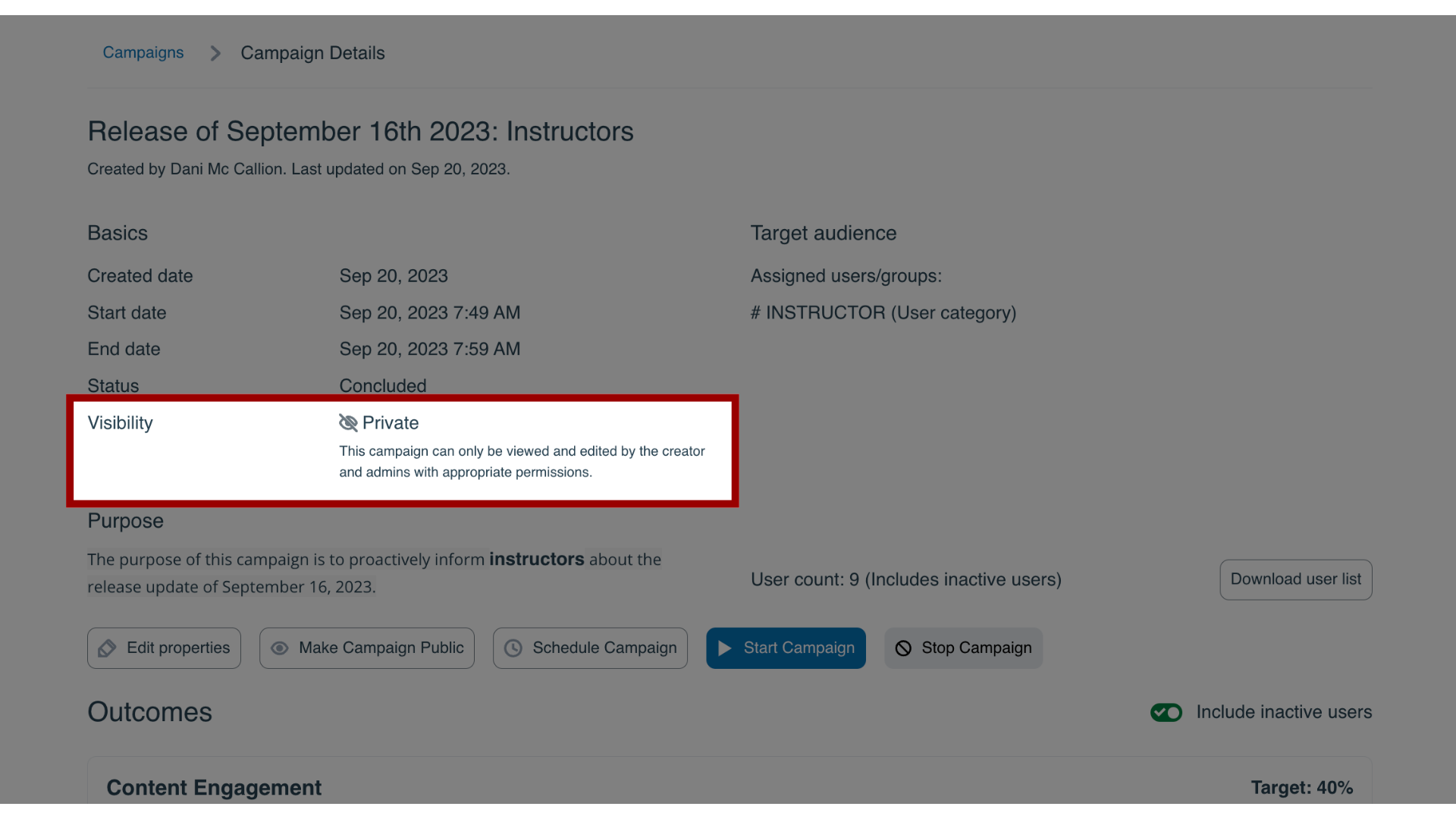
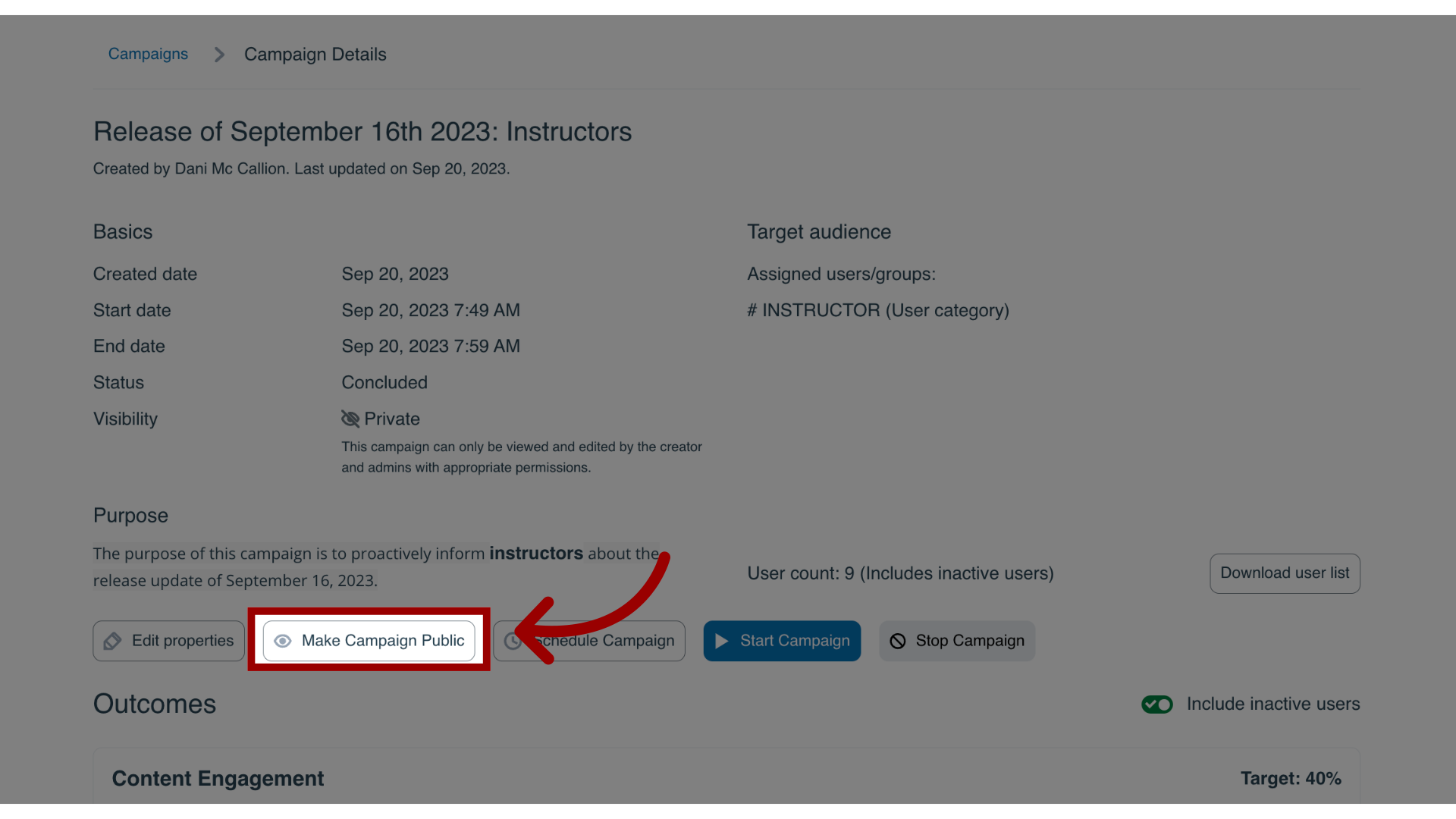
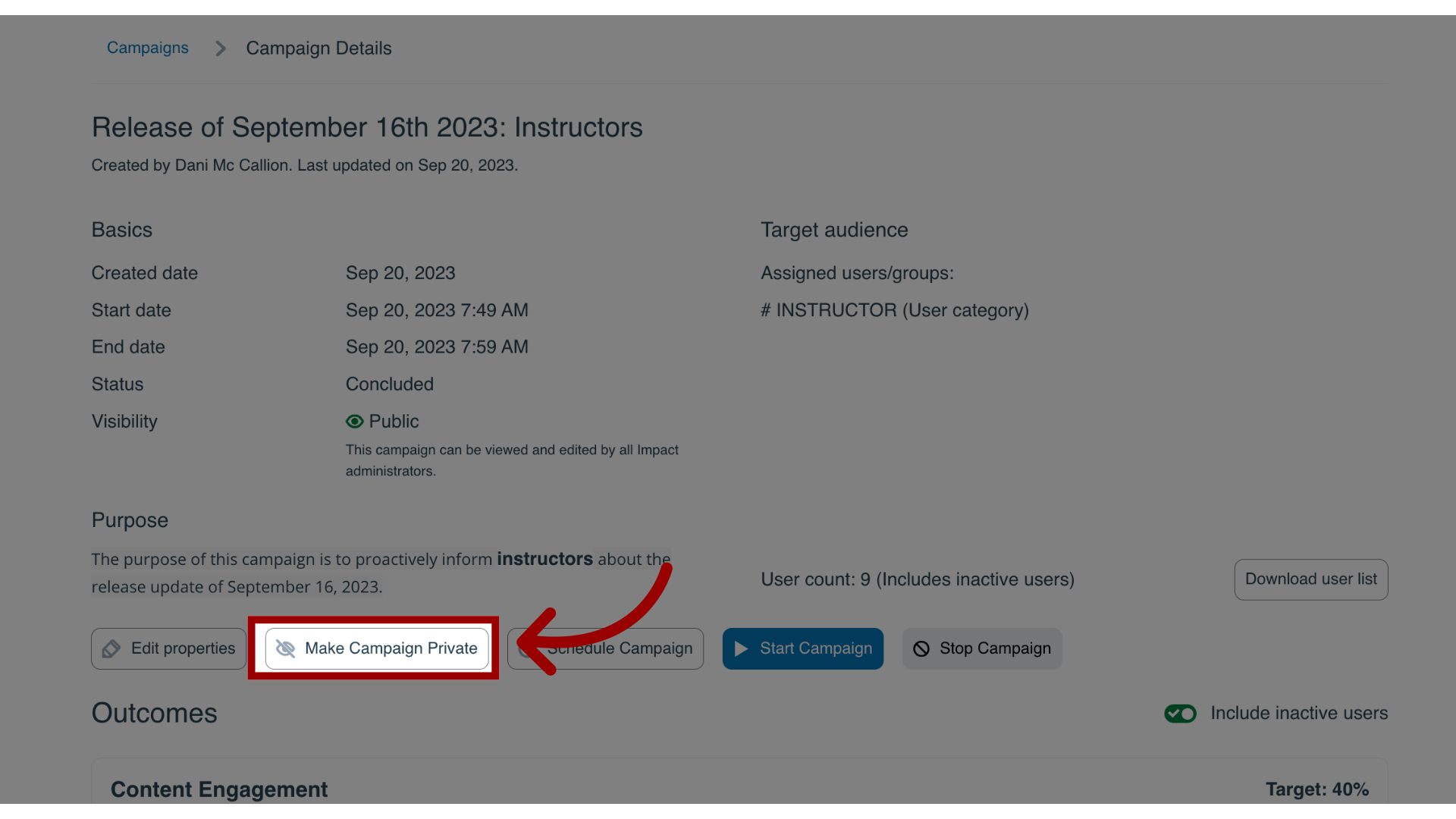
You can share an existing campaign with other users to view and edit in your Impact environment.How do I share a campaign with my team in the Impact Dashboard?1. Open CampaignsIn Global Navigation, click the Communication dropdown menu. Then click the Campaigns link.2. Open CampaignFrom the All Campaigns tab, click the campaign name.3. View Campaign Visibility The current campaign visibility status is listed in the campaign details.4. Sharing CampaignOn the Campaign Details page, click the Make Campaign Public button to share your campaign.5. Make Campaign PrivateIf you wish to make a public campaign private again, click the Make Campaign Private button.