Use Canvas Data 2 API Resources
Notes:
- The Postman reference solutions are examplesand were created to demonstrate and make it easier to quick start and try out the API flow. We are not committing to maintain it for this community. You can use any API client of your choice.
- If you are using Postman client then it is good to know that if you download the OpenAPI spec, it can be directly imported into Postman (and most probably other API clients have similar features).
Generate Client ID and Secret
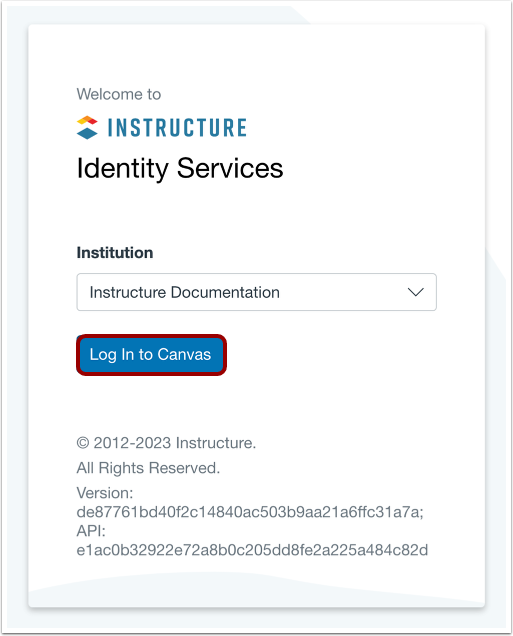
Before using Postman, you need to generate a Client ID and Secret for Canvas Data 2.
Import Collection File
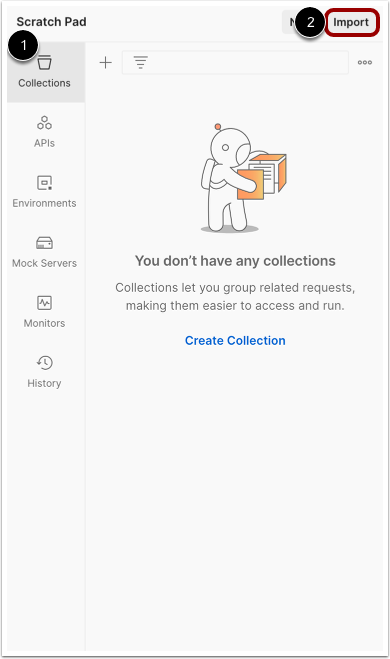
In Postman, click the Collections link [1] and then click the Import button [2].
Download and import the Postman Collection file.
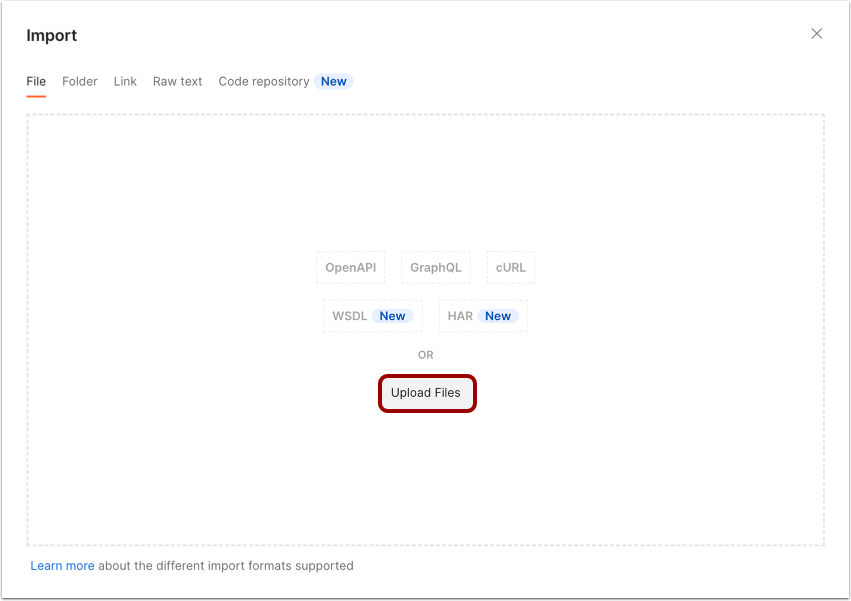
Upload Collection File
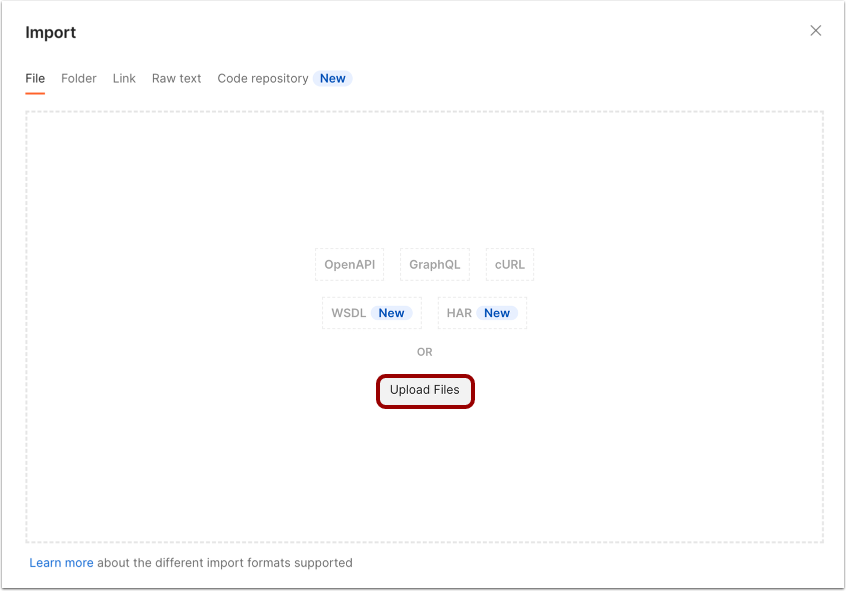
Click the Upload Files button.
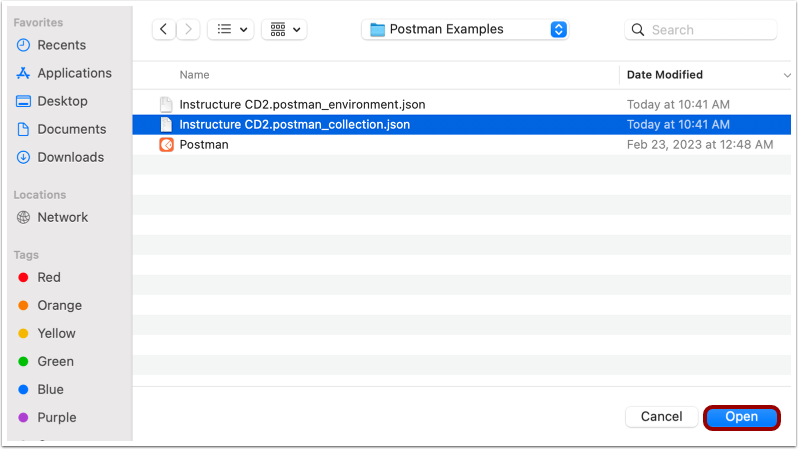
Locate the collection file and click the Open button.
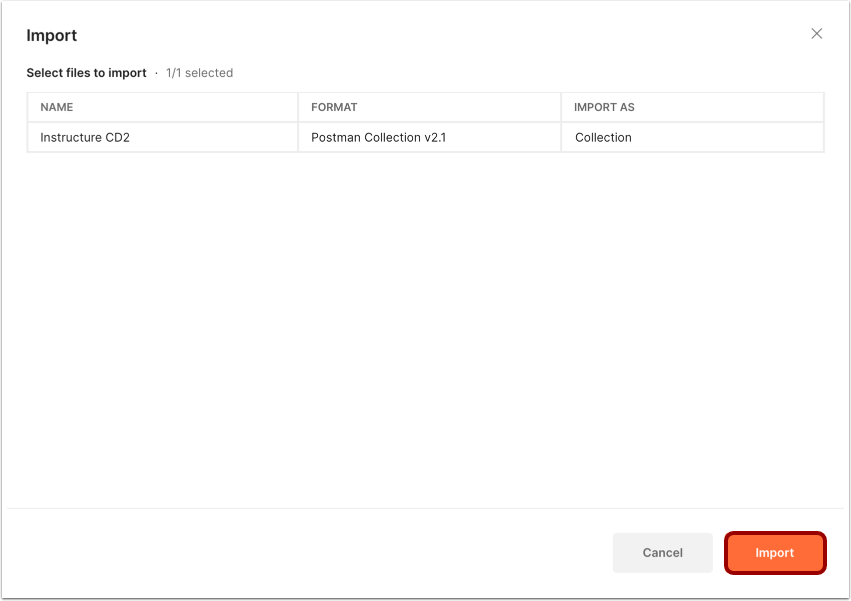
Import Postman Collection File
Click the Import button.
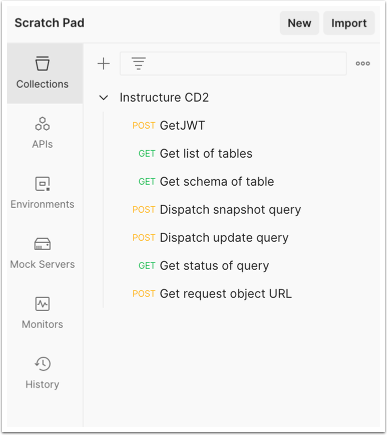
View Collection
View the collection file.
Import Environment File
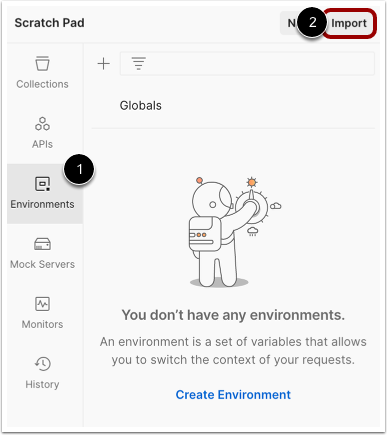
In Postman, click the Environments link [1] and then click the Import button [2].
Download and import the Postman Environment file.
Upload Files
Click the Upload Files button.
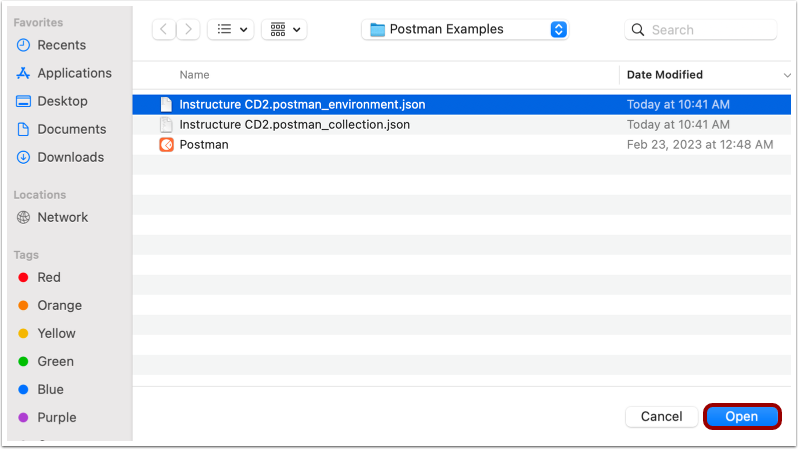
Locate the collection file and click the Open button.
Import Postman Environment File
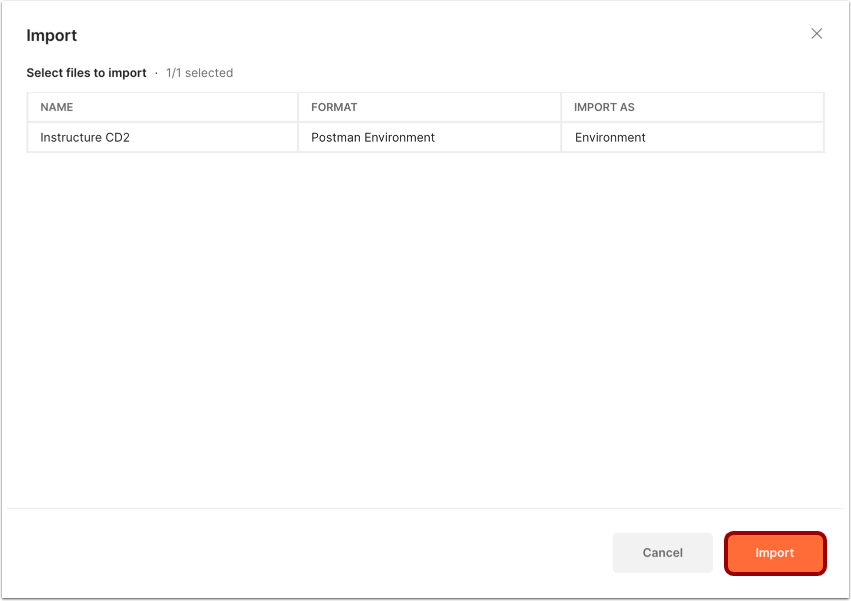
Click the Import button.
View Environment
View the environment.
In the CLIENT_ID field [1] and CLIENT_SECRET field [2], add the Client ID and Secret generated in Identity Services.
To save the collection, click the Save icon [3].
View Additional Resources