You can view a user in your account and send a message to the user.
The message link connects to your Inbox, which you can also use to message a user directly.
Open Account
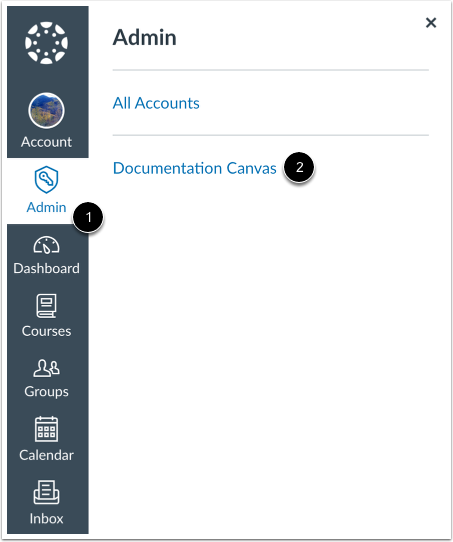
In Global Navigation, click the Admin link [1], then click the name of the account [2].
Open People
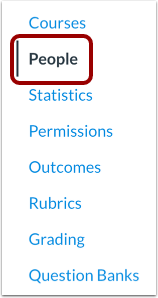
In Account Navigation, click the People link.
Find User
Use the filter and search options to find the user in the account.
Open User Profile
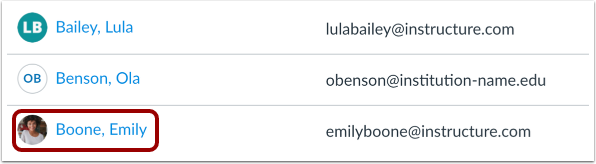
In the search results, click the user's name.
Message User
Click the Message [User Name] button.
Send Message
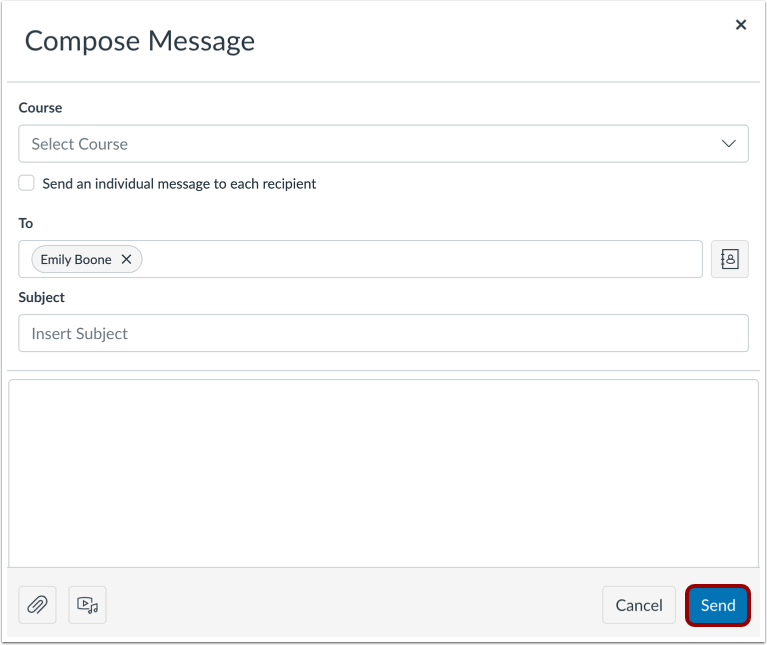
Canvas redirects you to the Inbox, where you can compose your message to the student.
When you are finished, click the Send button.