As an admin, you can duplicate grading schemes for all accounts associated with your account.
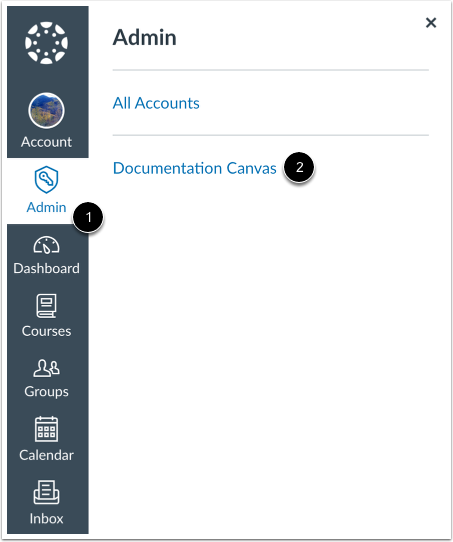
Open Account
Click the Admin link [1], then click the name of the account [2].
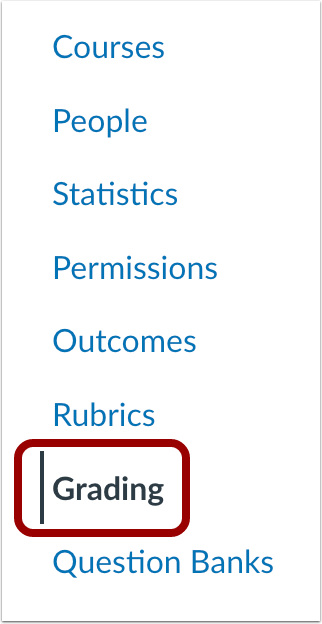
Open Grading
In Account Navigation, click the Grading link.
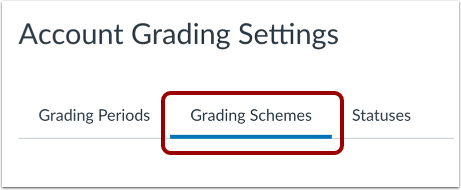
Open Grading Schemes
Click the Grading Schemes tab.
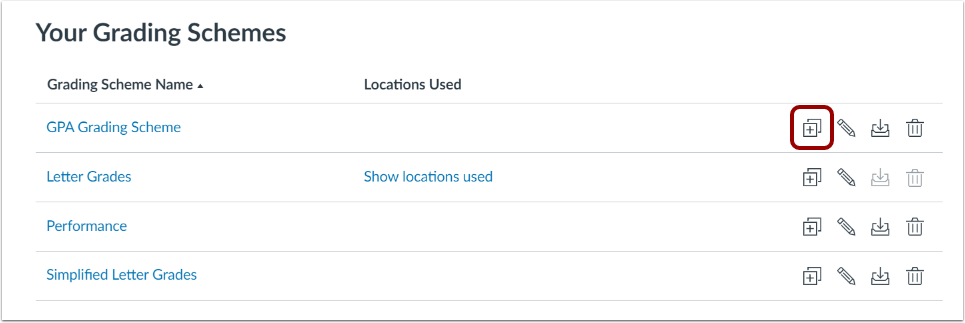
Duplicate Grading Scheme
Clicking the Duplicate icon.
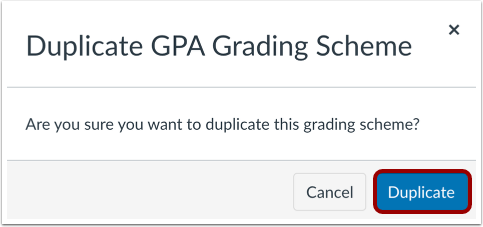
Confirm Duplication
To confirm the duplication of the grading scheme, click the Duplicate button.
View Grading Scheme Copy
View the grading scheme copy. You can edit and modify the grading scheme.