You can align any outcome in your account to a rubric. Rubrics are used to help students understand expectations for an assignment and how their submissions will be graded. Outcomes can be aligned with a rubric for additional assessment and measurable performance.
To align an outcome, the outcome must already exist for your account. Learn how to create account outcomes.
Notes:
- Outcomes can be added to rubrics, but rubrics cannot be added to outcomes.
- Rubrics cannot be edited once they have been added to more than one assignment in a course.
- If the steps in this lesson do not match what is displayed in your account, learn how to align an outcome with a rubric in the Enhanced Rubrics interface.
Open Account
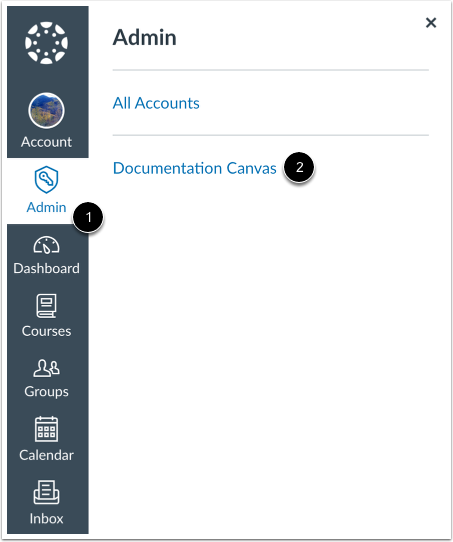
In Global Navigation, click the Admin link [1], then click the name of the account [2].
Open Rubrics
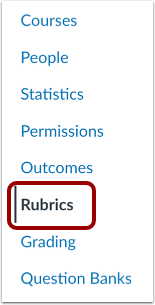
In Account Navigation, click the Rubrics link.
Open Rubric
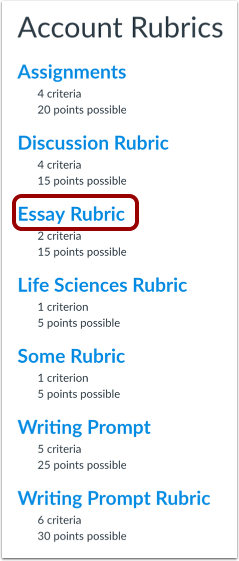
Click the name of a rubric.
Create Rubric
To create a new rubric, click the Add Rubric button.
Edit Rubric
Click the Edit Rubric button.
Find Outcome
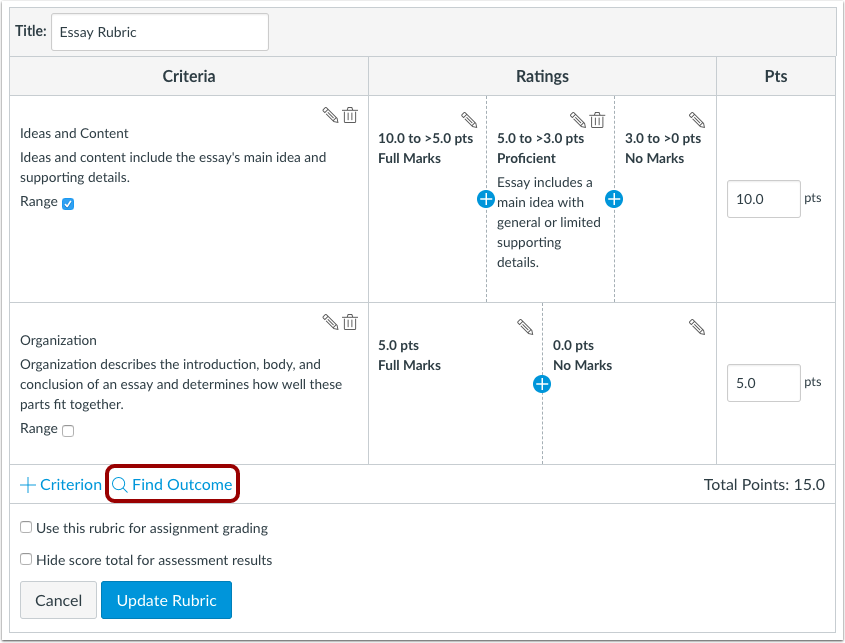
Click the Find Outcome link.
Import Outcome
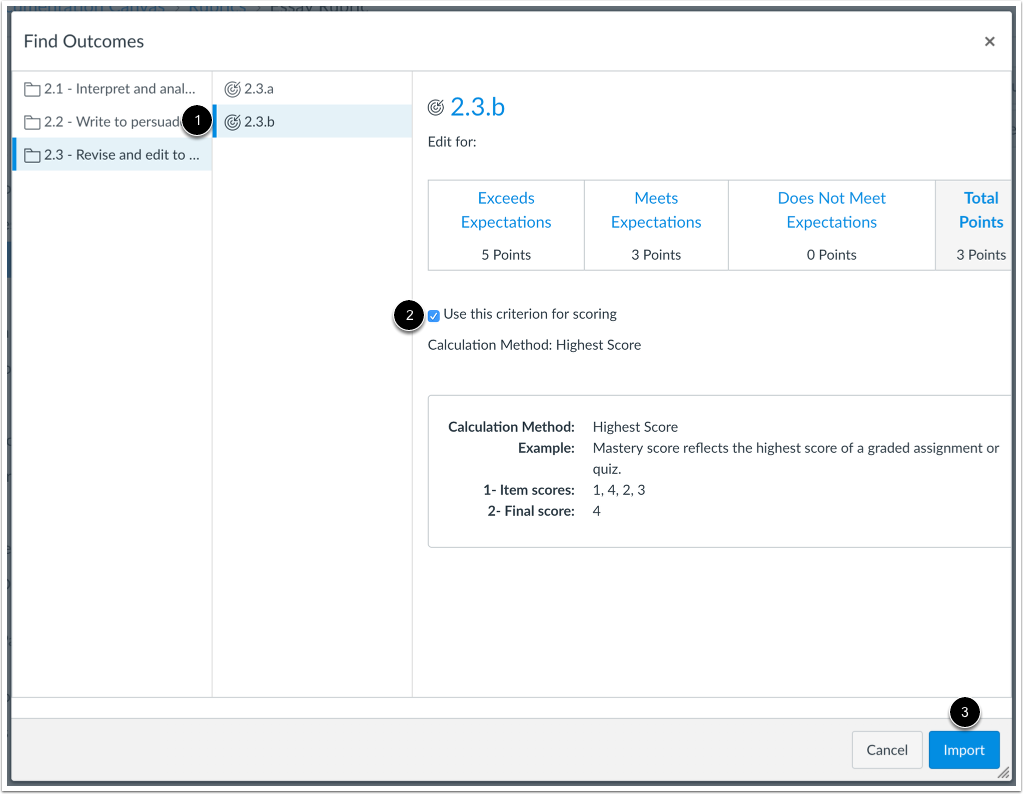
Locate and select the outcome you want to align [1]. If you want to use the criterion for scoring, click the Use this criterion for scoring checkbox [2]. Click the Import button [3].
Note: Available outcomes may vary by institution.
Confirm Import
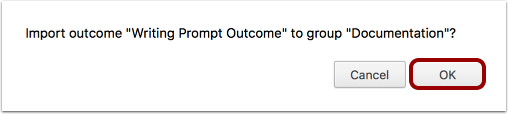
Click the OK button.
Update Rubric
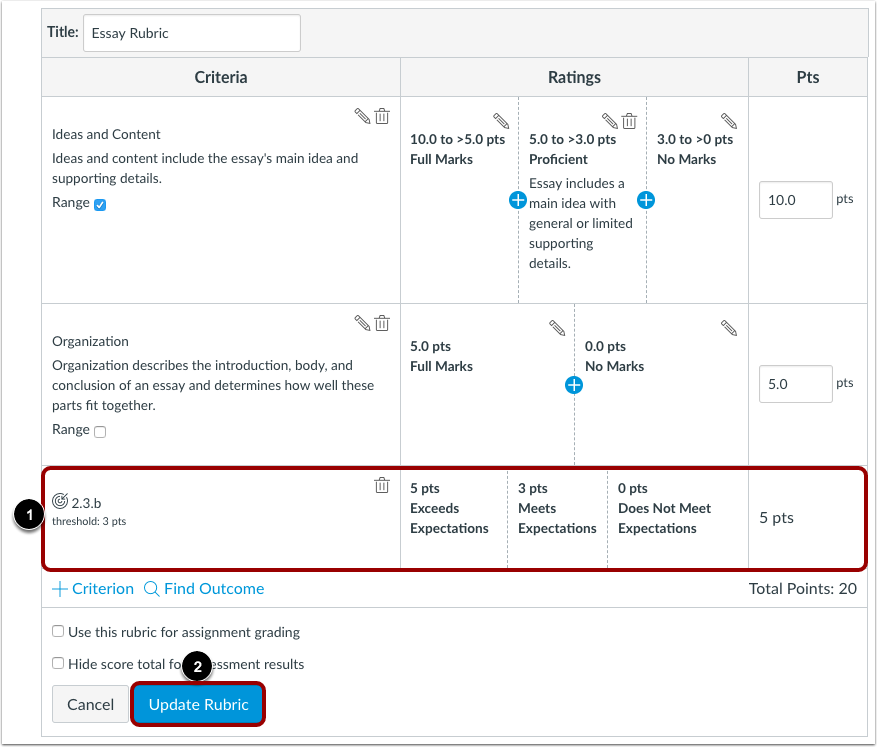
View the aligned outcome [1]. Click the Update Rubric button [2].