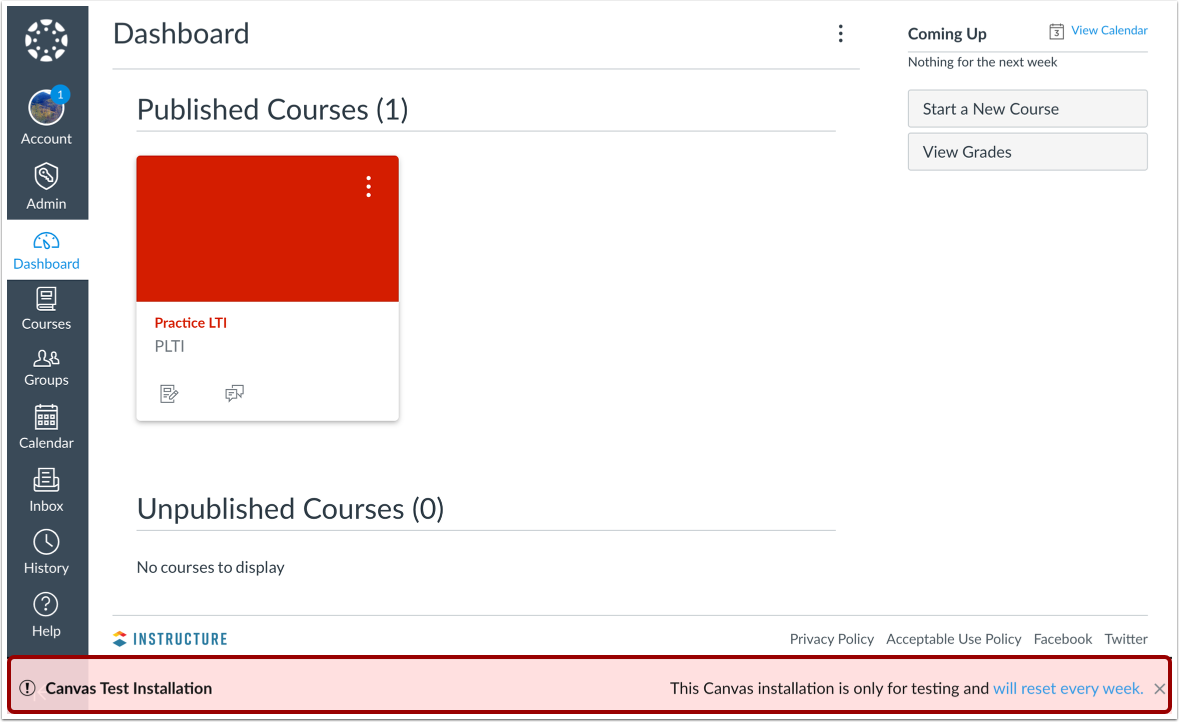
The test environment may not be available at your institution. If you cannot access the test environment at your institution, consider using the beta environment for testing purposes.
In the test environment, you can test using your real data without messing up your live production environment. Here you can add users, change the CSS, and/or troubleshoot issues without ruining the experience for your users. The test environment inherits new and updated features added to the production environment on Monday after the production release. You can configure your test environment with production-ready features, such as access to your institution's login authentication system.
If you want to keep up on the latest production features in Canvas, visit the Release Notes page in the Canvas Community.
The test environment is separate from the beta environment, which is overwritten with data from the production environment every week. The beta environment allows you to explore new features before they reach production. Learn more about the different Canvas environments.
Notes about the Test Environment:
- All users can access the Canvas test environment, but students cannot access course content beyond the Dashboard; if you are an admin and want to allow students to view all course content, please contact your Customer Success Manager.
- Notifications, including course invitations and report downloads, cannot be sent in the test environment.
- New Quizzes is not supported in the Canvas test environment.
- Any changes you want to keep in the test environment must be made directly within the production environment in order to affect live data.
- LTI tools (External Apps) are typically not available in the outside the production environment. LTI tools may display in the test environment, but often they are only configured for the production environment. Using production-configured LTI tools in the beta environment will affect live data. If you have permission to edit LTI tools, you can confirm the configuration for a specific LTI tool in your course or account. Please contact your Customer Success Manager for specific questions.
- Account-level user page views always reflect activity from the production environment.
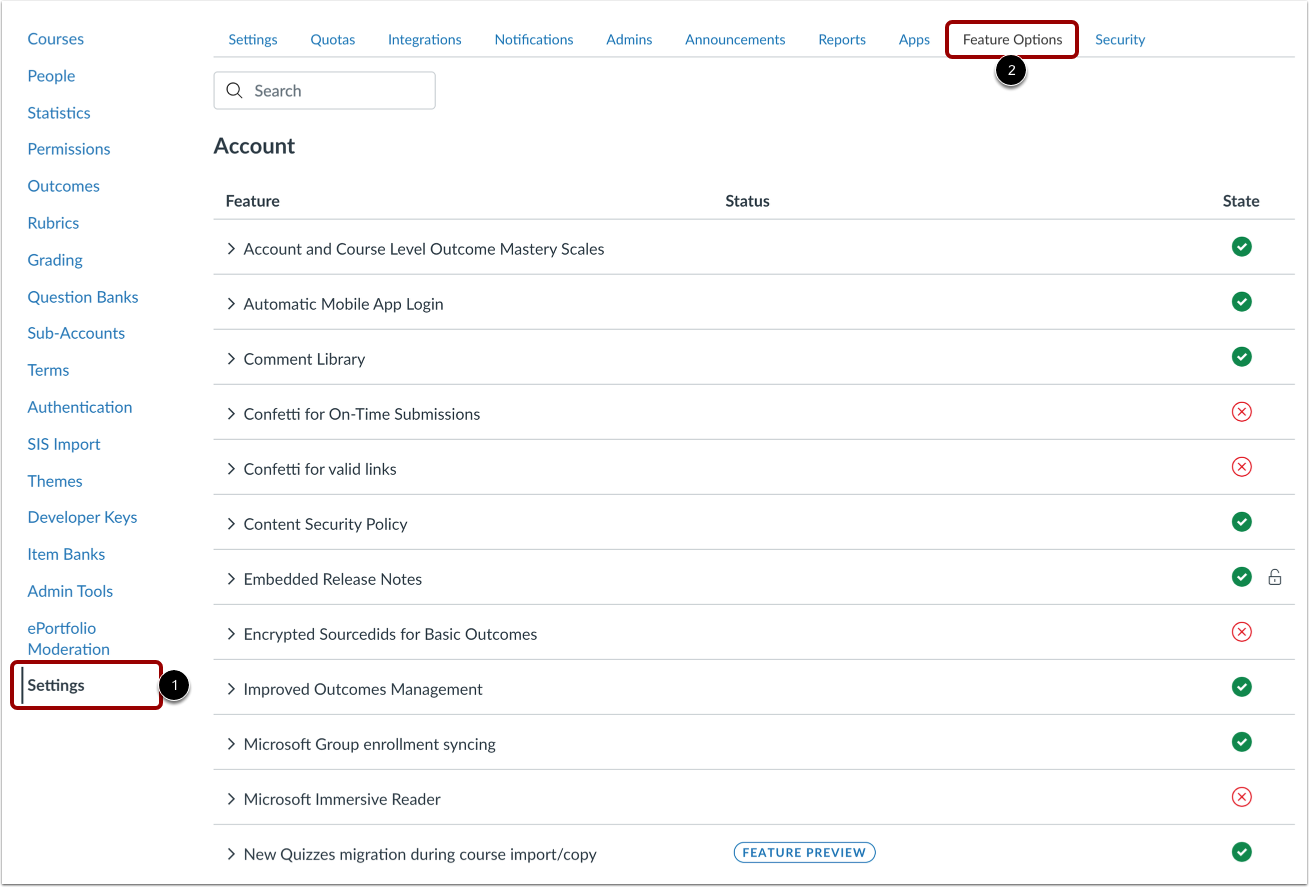
- Feature option settings are never copied from production and always retain their default settings. Feature options must be managed individually in the test environment.
- Viewing your recent Canvas course page view history is not supported in the Canvas test environment.