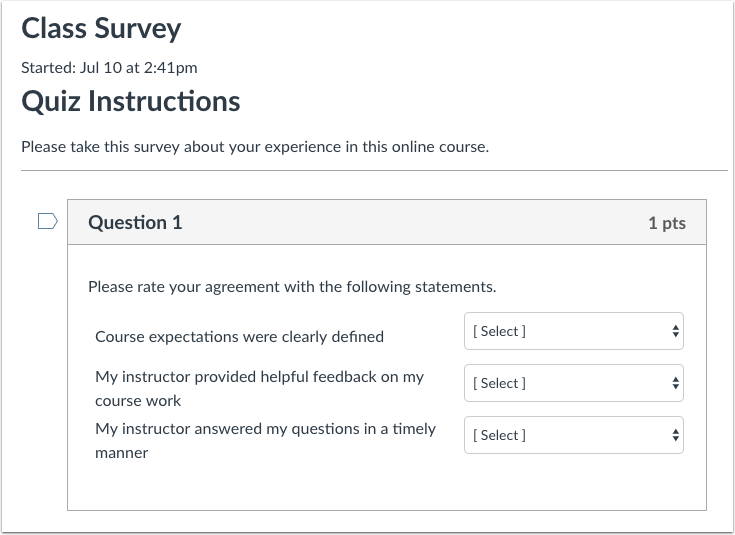
Surveys can be graded or non-graded quizzes that may be used to gather your opinion on a topic in your course.
Note: Surveys are supported in New Quizzes.
View the video transcript
00:07: How do I submit a survey?
00:09: In course, navigation. Click the quizzes link.
00:13: Click the survey title to open the survey.
00:16: Click the take the survey button.
00:19: Answer the questions available.
00:21: Click the submit quiz button.
00:24: This guide covered. How to submit a survey.
Open Quizzes
In Course Navigation, click the Quizzes link.
Open Survey
Click the survey title.
Take Survey
Click the Take the Survey button.
Complete Survey
Answer the questions available.
Submit Survey
Click the Submit Quiz button.