As a student, you can edit an announcement you created within a group.
View the video transcript
00:07: How do I edit an announcement in a group?
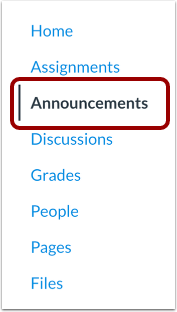
00:10: Open a group in which you are a member then in group navigation, click
00:14: the announcements link.
00:17: Click the name of the announcement.
00:20: Click the options icon then click the edit link.
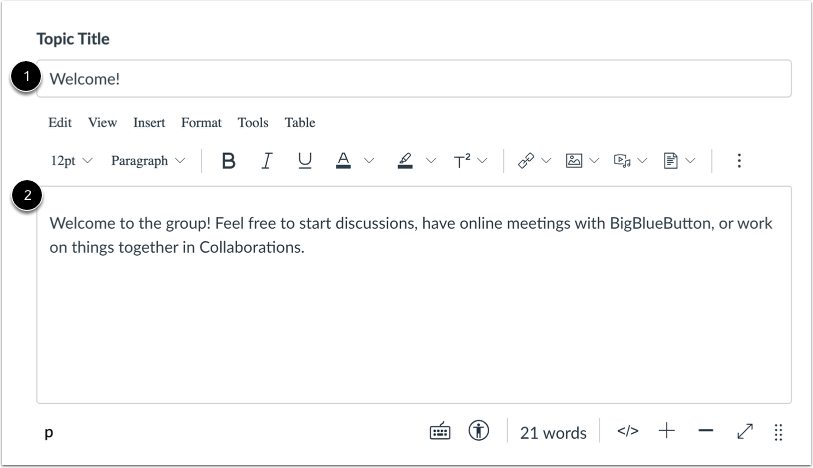
00:24: Edit the announcement title or content.
00:27: Click the save button.
00:30: If you want to notify users that your announcement has been edited click the send button.
00:34: Or click the save and don't send button.
00:38: This guide covered how to edit an announcement in a group.
Open Announcements
Open a group in which you are a member. Then, in Group Navigation, click the Announcements link.
Open Announcement
Click the name of the announcement.
Note: You can only edit announcements that you created. Learn how to create an announcement.
Edit Announcement
Click the Options icon [1], then click the Edit link [2].
Edit Title or Content
Edit the announcement title [1] or content [2].
Save Announcement
Click the Save button.