As an organizational admin, you can manage badge visibility for issuers enabled in a group.
Note:Main issuers for a group are managed through the Admin tab.
Open Setup
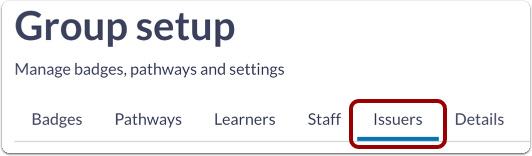
In Parchment Digital Badges Navigation, click the Setup link.
Open Issuer
To view available issuers, click the Issuers link.
Manage Issuer Badge Visibility
To enable an issuer, click the status toggle to available [1] or unavailable [2].
The main issuer is the primary issuer for a group. You cannot change the main issuer's status [3].