Revoking a badge removes the assertion from the badge, and anyone who attempts to verify the badge will find it is not valid. You can revoke or remove a badge from individual earners, or you can bulk revoke badges.
Open Badge
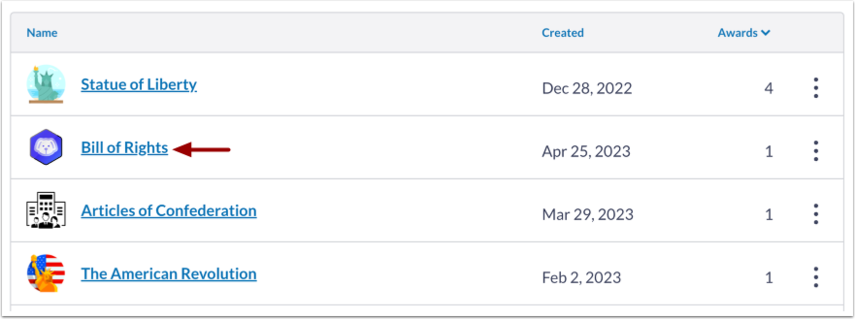
Select a badge to award by clicking on the name of the badge.
Select Student
To revoke an award, go to the Awards tab [1], click the Option icon [2] and select the Revoke option [3].
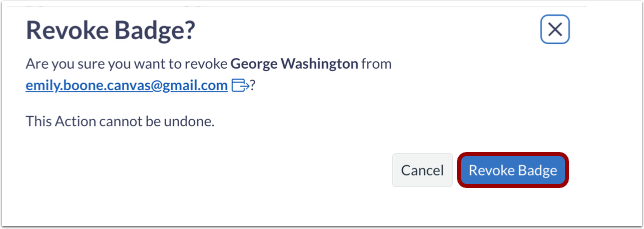
Confirm Badge Revoke
To confirm a badge revoke, click the Revoke Badge button.
View Revoked Badges
To view revoked badges from learners, select the Include Revoked Badges checkbox from the Awards tab.