Open Issuer
In Parchment Digital Badges Navigation, click the Issuers link.
Open Issuer
To search for an issuer by a keyword, enter the keyword in the Search Issuers field [1].
By default 25 issuers display per page. To change the number of issuers that display per page, click the Results Per Page drop-down menu [2].
To navigate to other results pages, click use the page navigation arrows [3].
Once you have located the issuer, you can view issuer details by clicking the View Issuer button [4].
Open Badge
To edit a badge, click the Options icon [1] and then click the Edit badge link [2].
Edit Badge
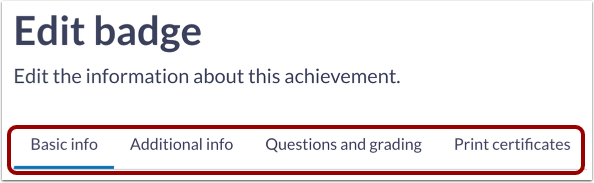
You can edit badge details listed in any of the available tabs.
Save Changes
To save changes, click the Save changes button.