Sign into Blackboard
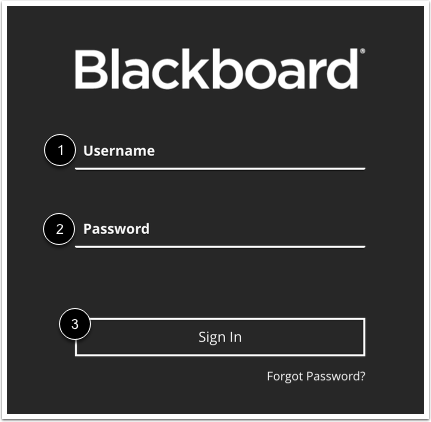
To sign into Blackboard, enter your username [1] and password [2]. Click the Sign In button [3].
Open Course
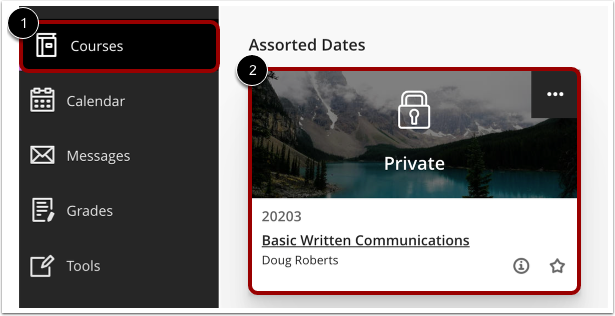
In Global Navigation, click the Courses link [1], then click the name of the course [2].
Open Credentials
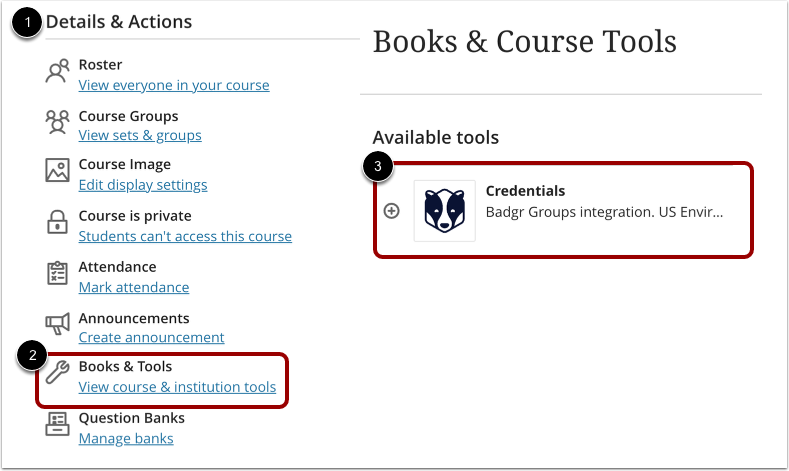
In the Details & Actions navigation [1], click the Book & Tools link [2] and then select the Credentials link [3] under available tools.
View Credentials
In the Canvas Credentials LTI you can view badges and learner progress.