You can create collections in your Parchment Digital Badges Backpack. Creating a collection allows you to organize your badges and share specific collections with other users.
Sign into Parchment Digital Badges
Sign into your Parchment Digital Badges account.
Open Collections
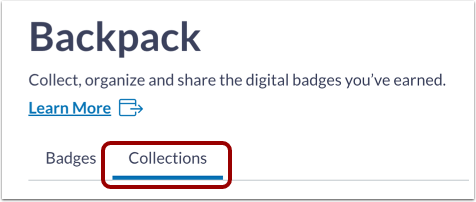
To create or manage collections, click the Collections tab.
Create Collection
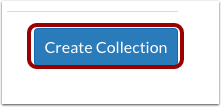
To create a collection, click the Create Collection button.
Create Collection
To name your collection, enter the collection name in the Collection Name field [1].
To add a description, enter the description in the Description field [2].
To save your collection, click the Create Collection button [3].
Manage Collection
To make you collection shareable, click the Public toggle on[1].
To edit or delete the collection, click the options icon [2].
To share your collection, click the Share Collection button [3].
To add badges to your collection, click the Add Badges button [4].
To remove a badge from a collection, click the Remove link [5].
Note: You can add a new badge through the Badges tab.