Badge recipients who are members of a Parchment Digital Badges organization are now able to see and control backpack connection status as well as edit the organizations they've trusted. This allows the recipient to control what data is shared.
When a badge recipient chooses to share their backpack with an organization, the organization gains visibility to all badges in the recipient's backpack. This is important if the recipient has badges in their backpack that have been awarded through multiple emails.
Accessing all privacy and security settings
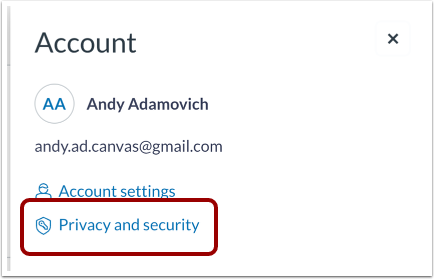
From the Profile icon drop menu select Privacy and security.
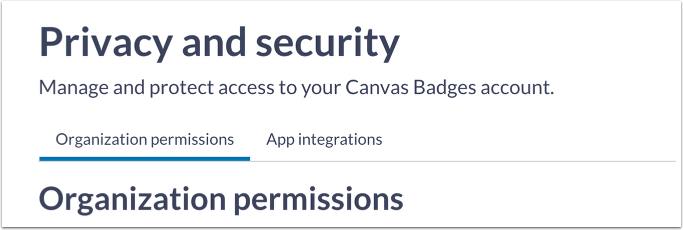
From here a user will see a list of all organizations that they have been subscribed to and the current share settings. By changing the toggle, users are able to share their backpack with the various organizations for which they are subscribed.
Accessing individual organization privacy and security settings
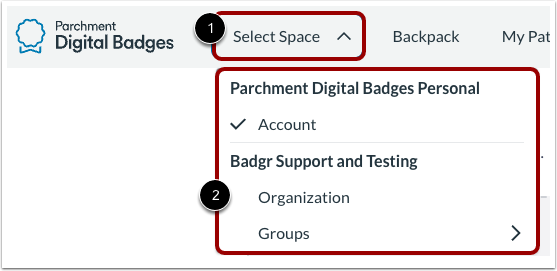
To access your organization-specific settings, click the Select Space link [1], and select a specific organization space from the org switcher [2].
Adjust your organization-specific settings in the Privacy and security page.