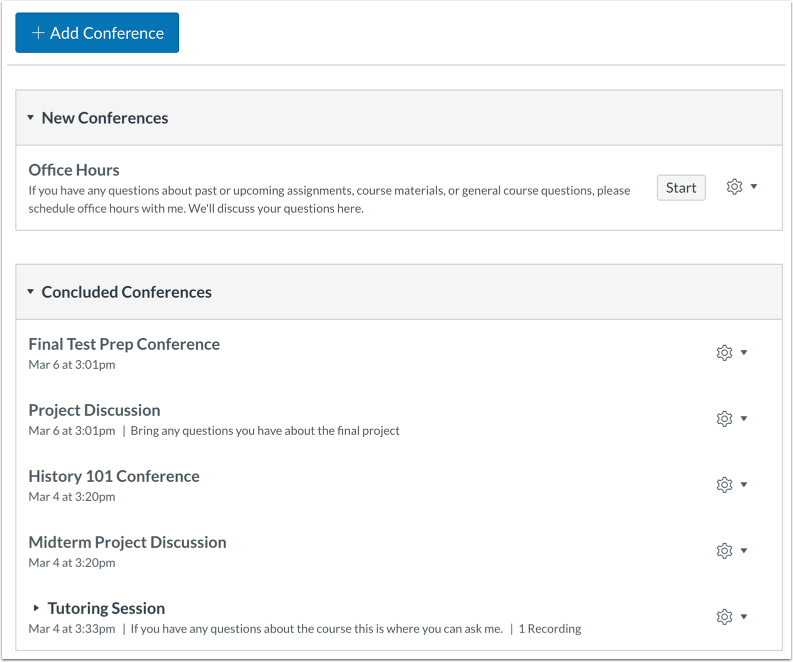
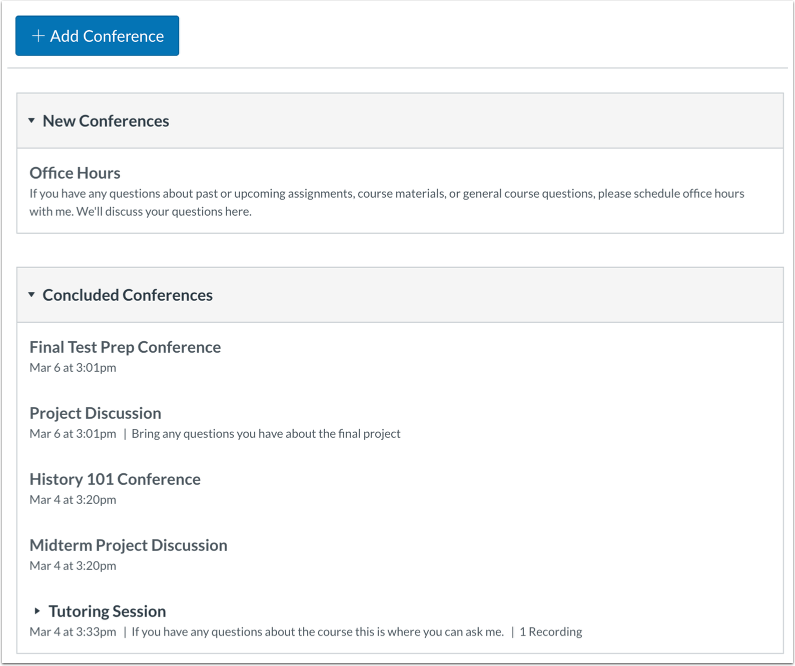
Conferences are primarily used for virtual lectures, virtual office hours, and student groups. They can also be used to demonstrate technologies or troubleshoot technology issues online. For best performance, Conferences should be limited to 25 users or fewer. By default, Canvas integrates with the conferencing tool BigBlueButton.
Notes:
- Creating a conference is a course permission. If you cannot create a conference, your institution has restricted this feature.
- If you use BigBlueButton Premium Tier, you can allow Canvas user profile pictures to display as user avatars in BigBlueButton. To enable this feature, contact your Customer Success Manager.
- For more information on web conferencing options in Canvas, view Web Conferencing Resources.
View the video transcript
00:07: What are conferences?
00:09: Conferences makes it easy to conduct synchronous lectures, for all users in
00:13: a course. Conferences allows users to broadcast real-time audio
00:17: and video demo applications, share presentation, slides
00:21: or demo online resources. As an instructor, use
00:25: conferences to Connect with your students for online office hours
00:30: or study sessions, designed to help them prepare for a test connect with
00:34: your colleagues for professional development webinars, practice presenting
00:38: online students can set up, practice presentations in their student groups.
00:42: Invite special guests to your classroom by adding them as a student, or
00:46: Observer to your course, broadcast a live event, or lecture to the students
00:50: that can't be on site record your conferences, so students can
00:54: view them at a later date. Recordings are automatically deleted 7
00:59: days after the conference ends.
01:01: Students can create conferences to talk, about course, assignments, host
01:05: study groups and collaborate on projects.
01:09: As a student, use conferences to Connect with your instructor
01:13: for online, office hours, or study sessions.
01:16: Connect with fellow students for guest speakers or professional development webinars,
01:20: practice, presenting, online, and student groups or with your instructor.
01:24: In a class conference, collaborate in student groups for group projects
01:28: or other coursework.
01:31: This guide covered conferences.
Instructor View
Conferences makes it easy to conduct synchronous (real-time) lectures for all users in a course. Conferences allows users to broadcast real-time audio and video, demo applications, share presentation slides, or demo online resources.
When would I use Conferences as an instructor?
Use Conferences to:
- Connect with your students for online office hours or study sessions designed to help them prepare for a test.
- Connect with your colleagues for professional development webinars.
- Practice presenting online. Students can set up practice presentations in their student Groups.
- Invite special guests to your classroom by adding them as a student or observer to your course.
- Broadcast a live event or lecture to the students that can't be onsite.
- Record your conferences so students can view them at a later date. Recordings are automatically deleted 7 days after the conference ends.
Learn more about conferences as an instructor.
Student View
Students can create conferences to talk about course assignments, host study groups, and collaborate on projects.
When would I use Conferences as a student?
Use Conferences to:
- Connect with your instructor for online office hours or study sessions
- Connect with fellow students for guest speakers or professional development webinars
- Practice presenting online in student groups or with your instructor in a class conference
- Collaborate in student groups for group projects or other coursework
Learn more about using conferences as a student.