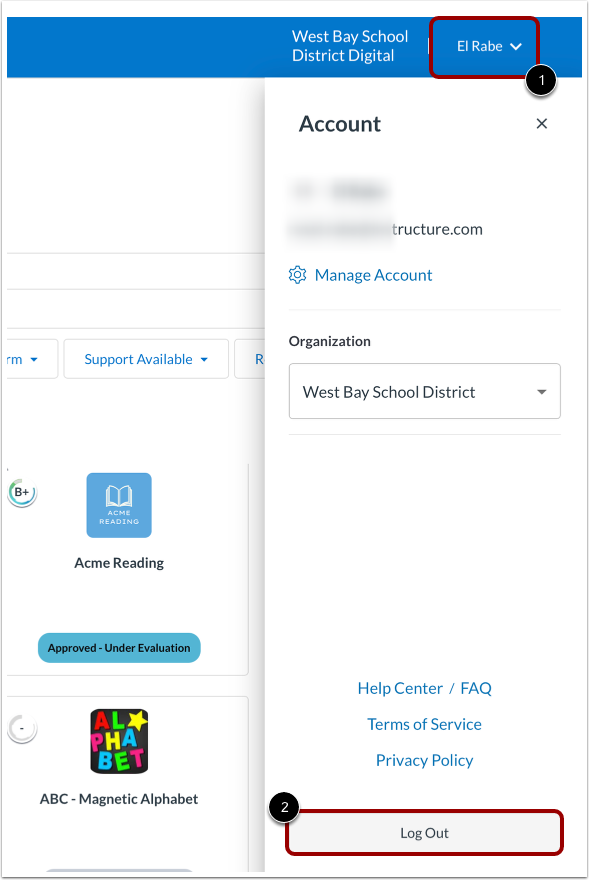
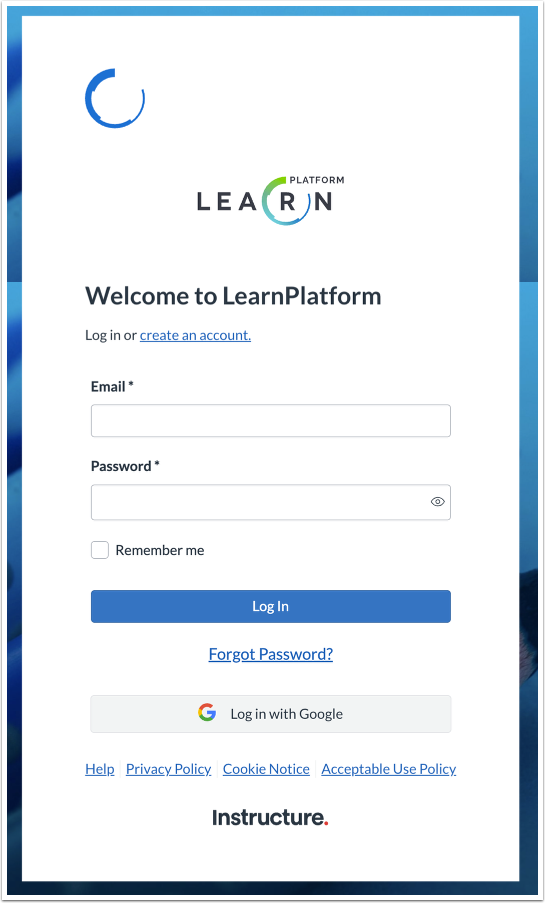
You can log out of LearnPlatform from your user Account page. Log out when you no longer need to access LearnPlatform. Note: You are automatically logged out of LearnPlatform after being logged in and inactive for a select amount of time.Open Manage AccountClick your User Account drop-down menu [1] and then click the Log Out button [2].View Login PageAfter you log out, you will see the login page.