Many districts are required to share privacy information or other details with students and parents about the products used in their organization, including a list of data collected by each edtech product. To share this information in your with students and parents, you can copy the data from the Privacy page and paste it into the comments field that displays in your Public Product Library.
Open Products Management
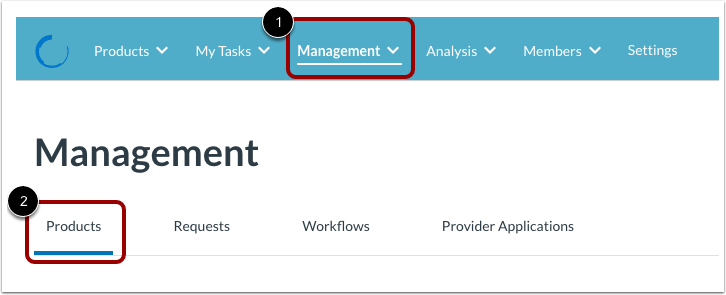
Click the Management menu [1]. Then, click the Products tab [2].
Open Product Details
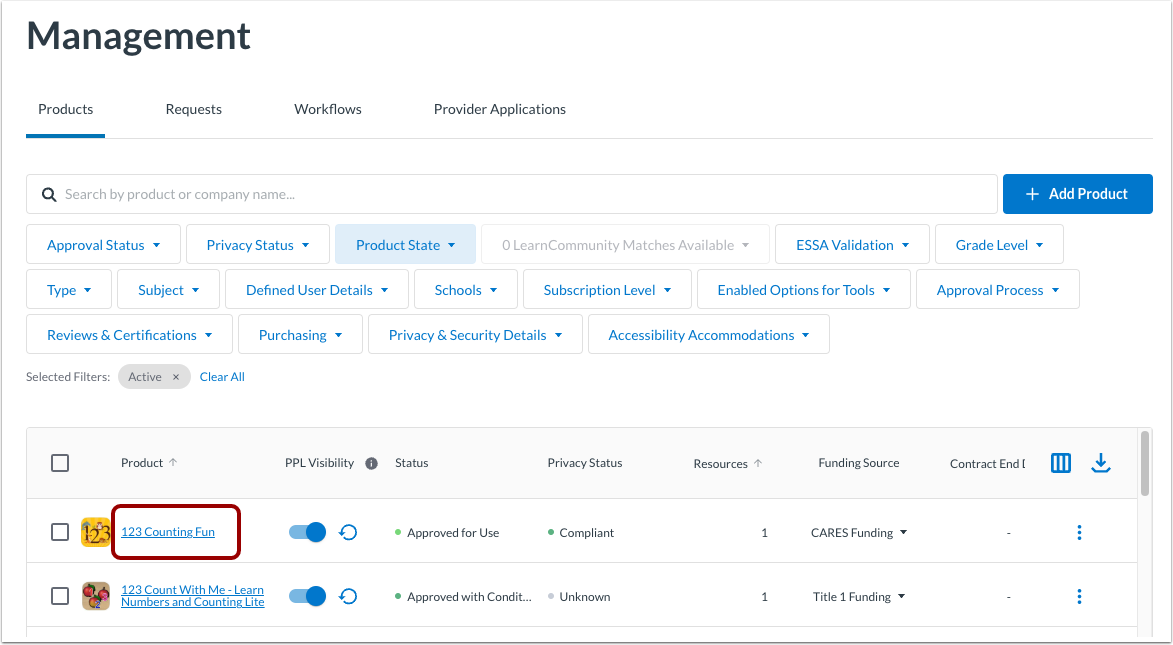
Click a product name link.
Open Privacy
Click the Privacy tab.
Select State
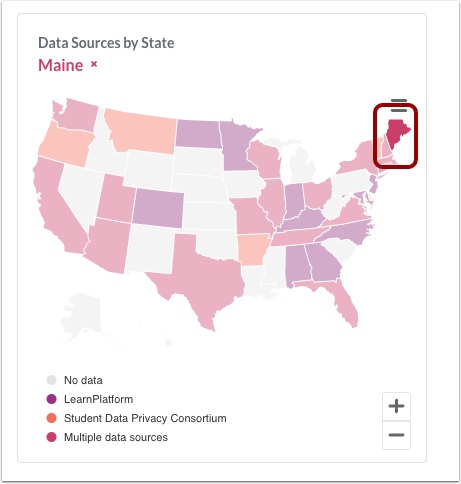
Click a state on the map.
Open Data Elements
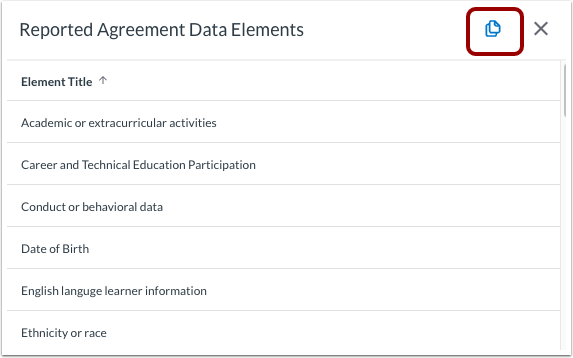
To view all the reported agreement data elements, click the Data Elements link.
Copy Data Elements
To copy all the data elements information, click the Copy icon.
Open Product Settings
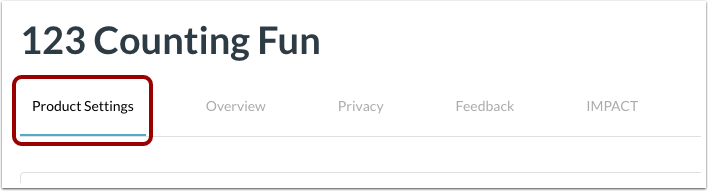
Click the Product Settings tab.
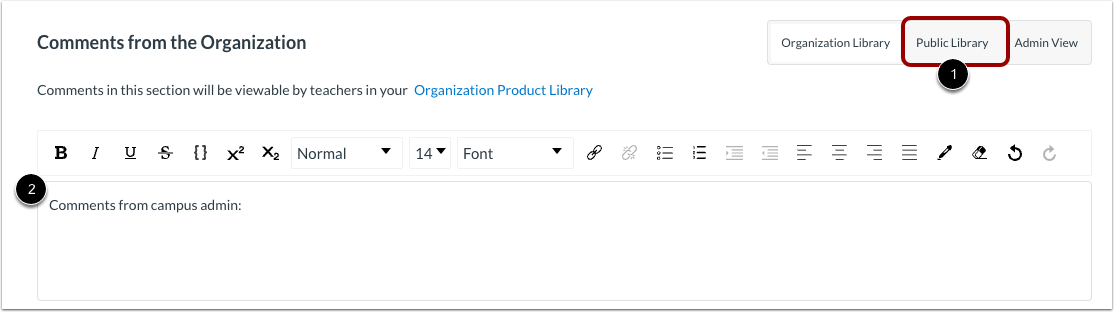
In the Comments from the Organization section, click the Public Library button [1].
To paste the clipboard contents, click in the comments field [2]. Then, press the Ctrl+V (PC) keys or Command+V keys (Mac).